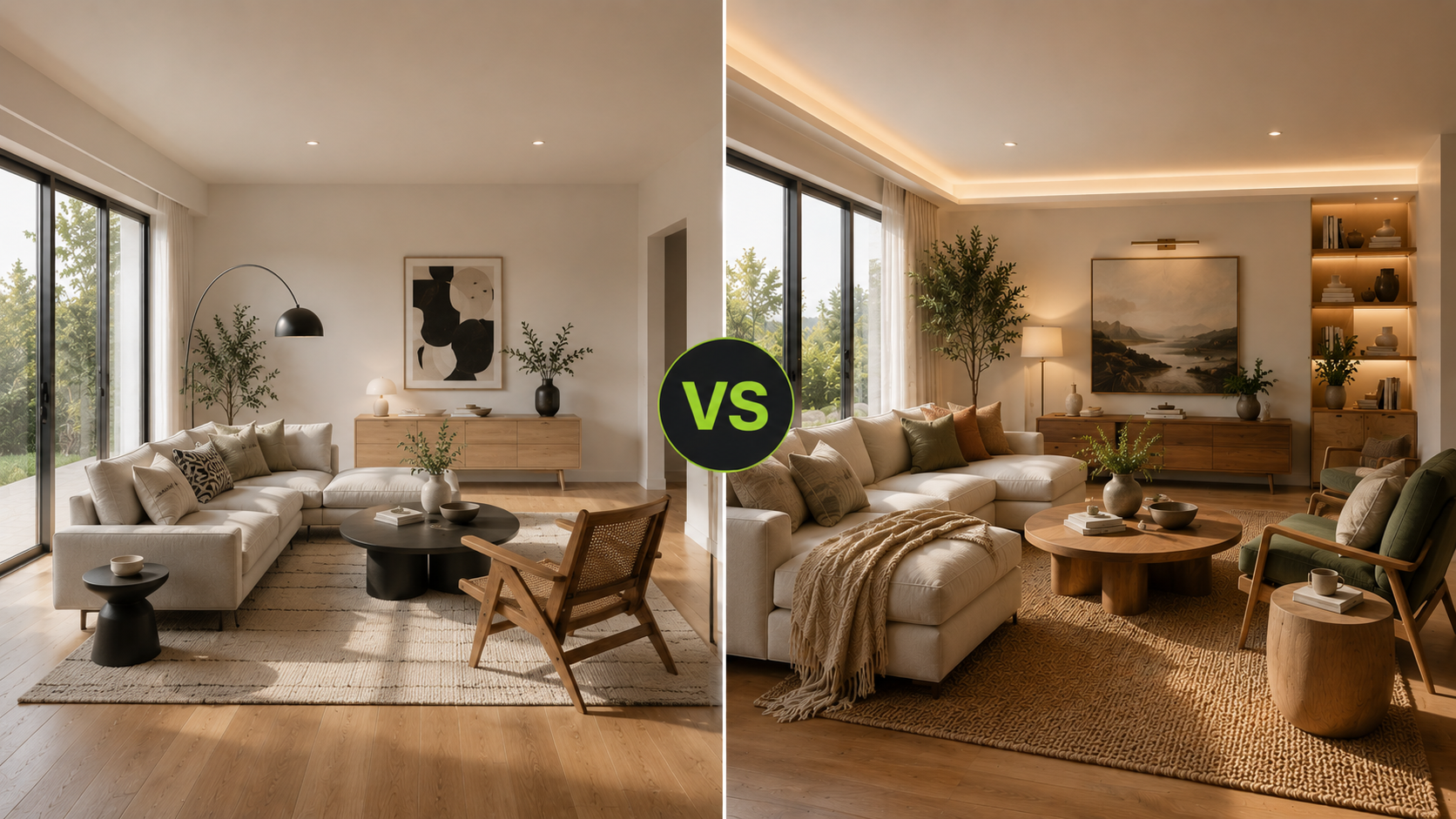
What this article says in 30 seconds
- DesignSense AI may suit users focused on virtual staging room redesign renovation visualization and image finishing from real photos
- Collov AI publicly presents a broader collection of property-media editing tools
- Teams should test representative listing images and verify current plans before choosing
Use DesignSense for this workflow when you need to:
- Agents comparing property visual tools
- Listing teams choosing between focused staging and broader media editing
- Marketers reviewing AI staging and enhancement workflows
DesignSense AI and Collov AI both help real estate and design teams create AI property visuals, but they describe different workflows. DesignSense AI may suit users focused on virtual staging, room redesign, renovation visualization, and image finishing from real photos. Collov AI publicly presents a broader collection of property-media editing tools.
The right choice depends on what your team actually needs. If the job is to stage a vacant room, review realism, and move the image into a listing workflow, test that exact workflow. If the job includes staging plus declutter, twilight, lawn, pool, weather, and material edits, verify whether those edit categories are appropriate for your publishing process.
Disclosure: This comparison is published by DesignSense AI, one of the products discussed. It is based on publicly available vendor information and DesignSense AI product documentation. We did not conduct a controlled head-to-head benchmark of the competing product. Features, pricing, licensing, plan availability, and terms may change, so readers should verify current information directly with each vendor.
For the general vendor-selection checklist, start with how to evaluate AI virtual staging tools.
The short answer
DesignSense AI may be relevant when users need:
- Virtual staging from real room photos
- Room redesign and renovation visualization
- Concept review before publishing or presenting
- Image enhancement and upscale after approval
- A workflow for agents, homeowners, interior designers, and property teams
Consider Collov AI if you need:
- A broader real estate photo editing suite
- Adding furniture and furniture removal workflows
- Room declutter and photo enhancement where currently supported
- Material, twilight, weather, lawn, or pool visual edits where currently supported
- Multiple property-media editing paths in one platform
Test both with your own listing photos before deciding.
How this comparison was prepared
This comparison uses public product information available in July 2026 and DesignSense AI product documentation. DesignSense AI did not conduct a controlled benchmark of Collov AI, and this article does not prove superior image quality, realism, speed, reliability, or usability for either product.
The article compares publicly described workflows and possible use cases. Workflow-fit statements are editorial guidance, not measured performance conclusions. Readers should test both products with representative images from their own workflow and verify current features, plans, licensing, export terms, and pricing immediately before purchase.
DesignSense AI workflow
DesignSense AI is designed around workflows that begin with a real room or property photo and move toward a staging, redesign, renovation, or image-enhancement concept.
Public DesignSense AI product information lists capabilities such as quick staging, AI editing, styles, HD renders, 4K renders, cinematic walkthrough videos, priority render queue, AI upscale, unlimited SD drafts on the base subscription, and TouchUp Studio for targeted edits. Availability may vary by plan.
Relevant DesignSense AI workflow categories include:
- Virtual staging a vacant listing room
- Testing a room redesign direction
- Visualizing a renovation concept
- Preparing Airbnb or rental listing visuals
- Creating concept images for client review
- Upscaling or enhancing the approved image
A human-review process can look like this:
- Upload the real room photo.
- Choose the staging or redesign goal.
- Generate one or more concepts.
- Compare each result with the original image.
- Reject outputs that alter material property facts.
- Apply enhancement only to an approved result.
- Review disclosure and publishing requirements separately.
This workflow may suit users who want generated images to remain connected to a specific room, listing, renovation discussion, or client presentation.
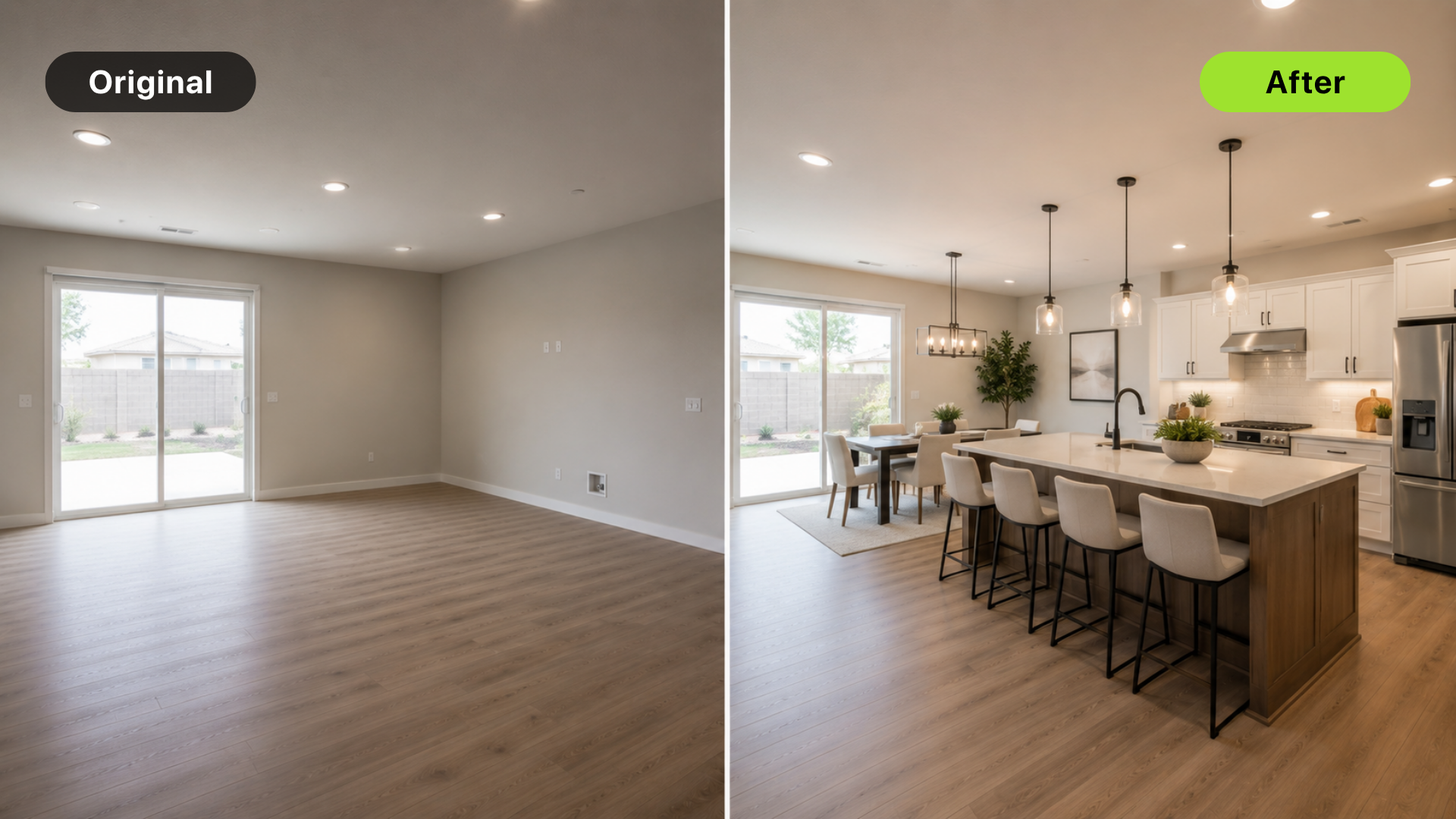
Illustrative DesignSense AI workflow image; not a head-to-head comparison result.
Collov AI workflow
According to Collov AI public product pages, Collov AI positions the product around real estate visual editing and virtual staging. Publicly listed feature categories include adding furniture, furniture eraser, room declutter, photo enhancement, material overlay, natural twilight, virtual twilight or day-to-dusk editing, weather changes, seasonal changes, pool-water editing, lawn replacement, and wall or floor customization.
Feature descriptions reflect publicly available vendor information. Availability may vary by plan. Collov AI may suit teams when:
- You want a wide property-photo editing toolkit.
- Exterior edits matter alongside interiors.
- You need twilight, lawn, pool, or weather workflows where currently supported.
- Your team manages many kinds of listing-media improvement.
- You prefer to compare one platform for several visual-editing tasks.
A broader toolset also introduces more edit categories for teams to configure, review, and approve before publication.
Real estate staging workflow
For staging, the core workflow is similar in concept: start with a room photo and create a better visual presentation. The practical differences show up after generation:
- How does the output perform with representative listing photos?
- What review steps are available before publication?
- Does the result preserve material property facts?
- Does the workflow help preserve the original photo?
- Can the final output move cleanly into your disclosure process?
DesignSense AI may suit teams whose primary workflows include virtual staging, room redesign, renovation visualization, interior concepting, and image enhancement after a direction has been selected. Collov AI may suit teams that want virtual staging alongside a wider selection of property-photo editing tools.
For realism review, use how to get realistic AI virtual staging results.
Adjacent editing tools
Turn one room photo into a clearer next step.
Upload one room photo, test a few directions quickly, and keep the option that is easiest to present or ship.
Collov AI's public positioning emphasizes many adjacent real estate editing tools. Those categories may be relevant if your team often needs:
- Decluttering
- Furniture removal
- Photo enhancement
- Day-to-dusk or twilight edits
- Lawn and pool improvement
- Material changes
- Weather or season changes
DesignSense AI may suit teams whose primary workflows include:
- Virtual staging
- Room redesign
- Renovation visualization
- Interior concepting
- Image enhancement after a direction is selected
Verify whether each edit category is included in the intended plan and appropriate under your team's publishing policies.
Disclosure and buyer trust
Regardless of the platform used, agents and brokerages should review edited property images before publication. Requirements vary by MLS, brokerage, platform, and jurisdiction. Software does not replace professional or legal review.
Be careful with any edit that changes:
- Permanent property features
- Room size
- Windows or doors
- Views
- Landscaping condition
- Pools
- Flooring or wall condition
- Damage or maintenance concerns
This section provides general workflow information and is not legal advice. For disclosure workflow, read MLS rules and disclosure for virtual staging.
Pricing and plan fit
Compare pricing by workflow, not sticker impression. Ask:
- How many listing photos will we edit each month?
- Do we need only room staging or broader property-media edits?
- Do we need image upscale or presentation-ready finishing?
- How much time will review take?
- Will broader tools reduce vendor sprawl or introduce edit categories that need additional review?
- Does the plan fit occasional agents, volume teams, or agencies?
For budget framing, read virtual staging ROI for real estate listings.
Common mistakes
Avoid these mistakes:
- Choosing by feature count alone
- Ignoring original-photo preservation
- Using exterior or material edits without disclosure review
- Treating twilight, lawn, pool, or weather edits as harmless by default
- Comparing demo images instead of your own listing photos
- Publishing generated images without human approval
The appropriate workflow is the one your team can review, approve, and publish responsibly.
FAQ
Is DesignSense the same as Collov AI?
No. Both support AI property visuals, but DesignSense AI is designed around staging, room redesign, renovation visualization, and image finishing workflows. Collov AI is positioned around a broader real estate visual editing suite.
Which is better for real estate agents?
DesignSense AI may suit agents whose primary need is virtual staging, room redesign, renovation visualization, and image enhancement from real property photos. Collov AI may suit agents or teams that want virtual staging alongside more property-photo editing categories. Test both with actual listing photos before deciding.
Should listing teams use every AI editing feature available?
No. Listing teams should use only the edits that improve buyer understanding without misrepresenting the property.
Can either tool handle MLS disclosure for me?
Do not assume that. Agents and brokerages still need to confirm local MLS, platform, and legal requirements before publishing altered images.
This is general workflow information and not legal advice.
Sources and update policy
Product information in this article was reviewed using publicly available vendor pages. Features, pricing, licensing, plan availability, and terms may change after publication. Readers should verify current information directly with each vendor before making a purchase decision.
DesignSense AI may periodically review and update this article when material public product information changes.
Final recommendation
Based on the publicly described workflows, DesignSense AI may suit users prioritizing virtual staging, room redesign, renovation visualization, and final-image enhancement from real photos. Collov AI may suit teams looking for a wider collection of property-media editing tools. Test both platforms with representative listing photos and verify current plan details before deciding.
To evaluate the DesignSense AI workflow specifically, try a listing photo in DesignSense AI and compare the output against the original image and your publishing standards.
Turn one room photo into a clearer next step.
Use DesignSense to move from room photo to a clearer concept without waiting on a slower manual workflow.