What this article says in 30 seconds
- Realistic AI virtual staging starts with a clear real room photo
- The best outputs match room scale listing price point and buyer expectations
- DesignSense should be used as a fast review loop rather than an automatic publish button
Use DesignSense for this workflow when you need to:
- Agents who want believable AI-staged listing photos
- Listing teams reviewing staging quality before MLS upload
- Marketers building a repeatable virtual staging QA process
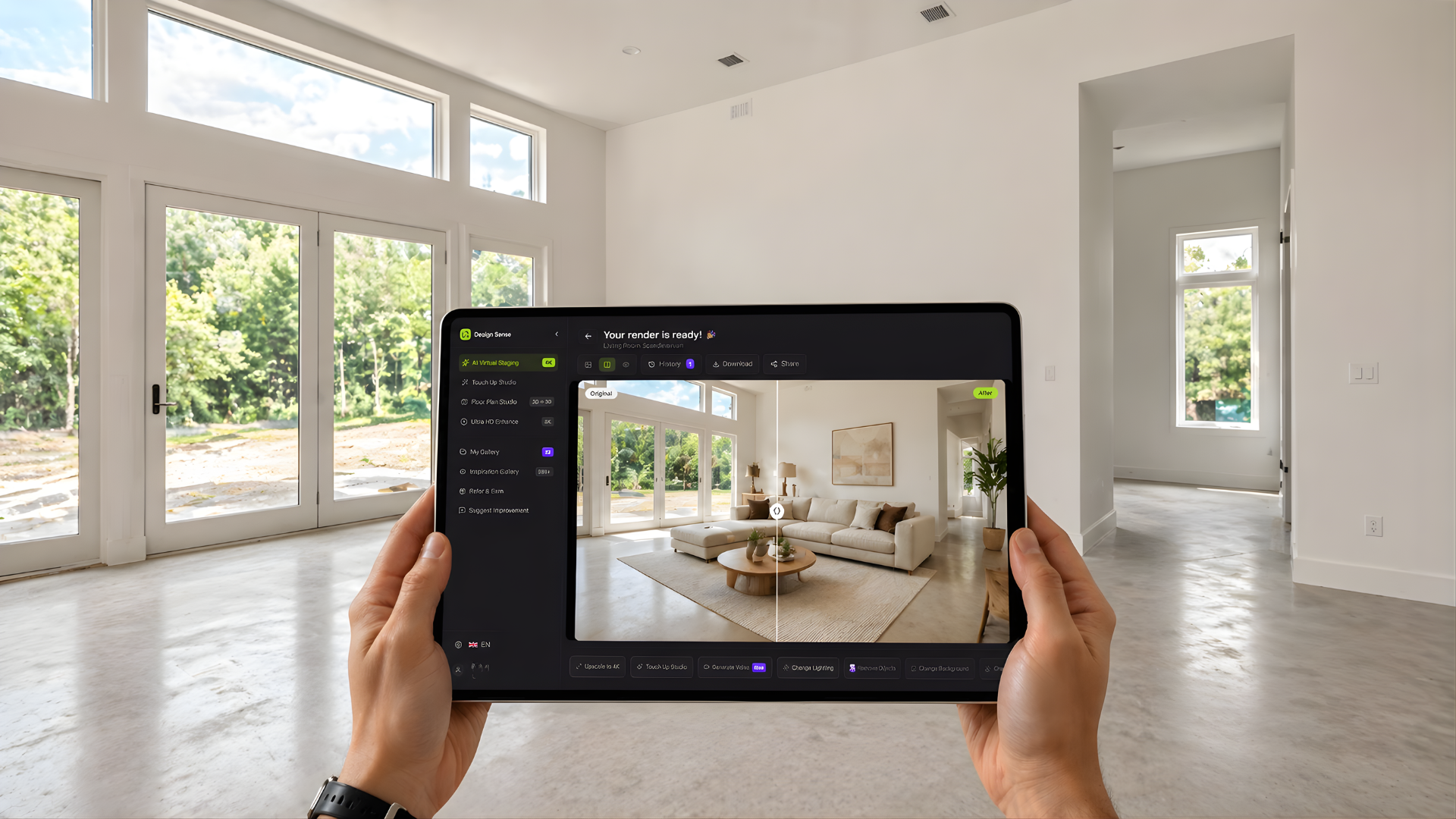
To get realistic AI virtual staging results, start with a clear real room photo, choose a believable style for the property, and reject any output that changes the room scale, layout, fixtures, finishes, or buyer expectations.
The strongest staged image should feel like a natural version of the room, not a dramatic redesign. Buyers should understand the space faster without feeling misled when they see the property in person. If your source photos are not ready yet, start with how to prepare listing photos for AI virtual staging.
The short answer
Realistic AI staging depends on five things:
- A strong source photo
- Furniture that fits the room scale
- A style that matches the listing
- Lighting and shadows that feel natural
- Human review before publication
Do not publish the first generated version just because it looks polished. Compare it against the original room and ask whether a buyer would believe the same room exists during a showing.
Use the best real room photo
A realistic output starts with a realistic input. Choose photos that show:
- Floor space
- Wall lines
- Windows
- Doorways
- Room corners
- The full layout
- Natural light when possible
Avoid blurry, dark, crooked, or heavily filtered images. If the AI cannot read the room, it may invent furniture placement that looks attractive but wrong. This is why photo prep matters. A clean source photo gives DesignSense a better foundation and gives the listing team an easier review process.
Match furniture scale to the room
Scale is the quickest realism test. Look for:
- Sofas that fit the wall length
- Rugs that anchor furniture naturally
- Beds that leave believable walking space
- Dining tables that do not block circulation
- Chairs that align with floor perspective
If the furniture makes the room look larger than it is, reject the image. If the furniture feels too small, the room can look artificial. The best version should make the room easier to understand without changing the perceived size. For more on review issues, see most common virtual staging mistakes.
Choose a style that fits the listing
Realistic staging is not just about pixels. It is about market fit. A room can look technically clean and still feel wrong if the style does not match:
- Property type
- Price point
- Architecture
- Likely buyer
- Neighborhood expectation
- Existing finishes
For example, a modest rental does not need luxury showroom styling. A premium listing should not feel like generic stock furniture. A traditional home may not need an ultra-modern concept. The right style makes the room feel more understandable. The wrong style makes buyers question the image.
Keep edits close to the actual property
Do not use AI staging to change the property. Avoid edits that alter:
- Flooring
- Cabinets
- Windows
- Doors
- Lighting fixtures
- Built-ins
- Views
- Landscaping
- Room layout
Those changes can create trust and compliance risk. They also make the image harder to defend if a buyer, seller, broker, or MLS reviewer asks what changed. If the image has been staged or materially altered, review the disclosure workflow in MLS rules and disclosure for virtual staging.
Review lighting, shadows, and surfaces
Realistic AI staging should look like the furniture belongs in the same room as the original photo. Check:
Turn one room photo into a clearer next step.
Upload a room photo, test one or two believable directions, and get to a publishable listing visual faster.
- Whether shadows fall in a believable direction
- Whether furniture sits on the floor
- Whether reflections look natural
- Whether windows and bright areas remain consistent
- Whether furniture edges look too sharp or too soft
- Whether the image still looks like a listing photo rather than an illustration
Small visual issues can be acceptable during concepting. They are less acceptable in a published listing image.
A DesignSense realism workflow
Use this workflow before publishing:
- Upload the clearest source photo.
- Generate a few restrained staging directions.
- Compare each output against the original room.
- Reject anything that changes scale, layout, finishes, or condition.
- Choose the version that makes the listing easiest to understand.
- Save the original image beside the staged output.
- Add disclosure according to MLS and brokerage rules.
- Upscale only the approved final if it needs sharper listing quality.
DesignSense helps you get to the right visual direction faster. The human review step is what keeps the output credible.
What realistic staging is not
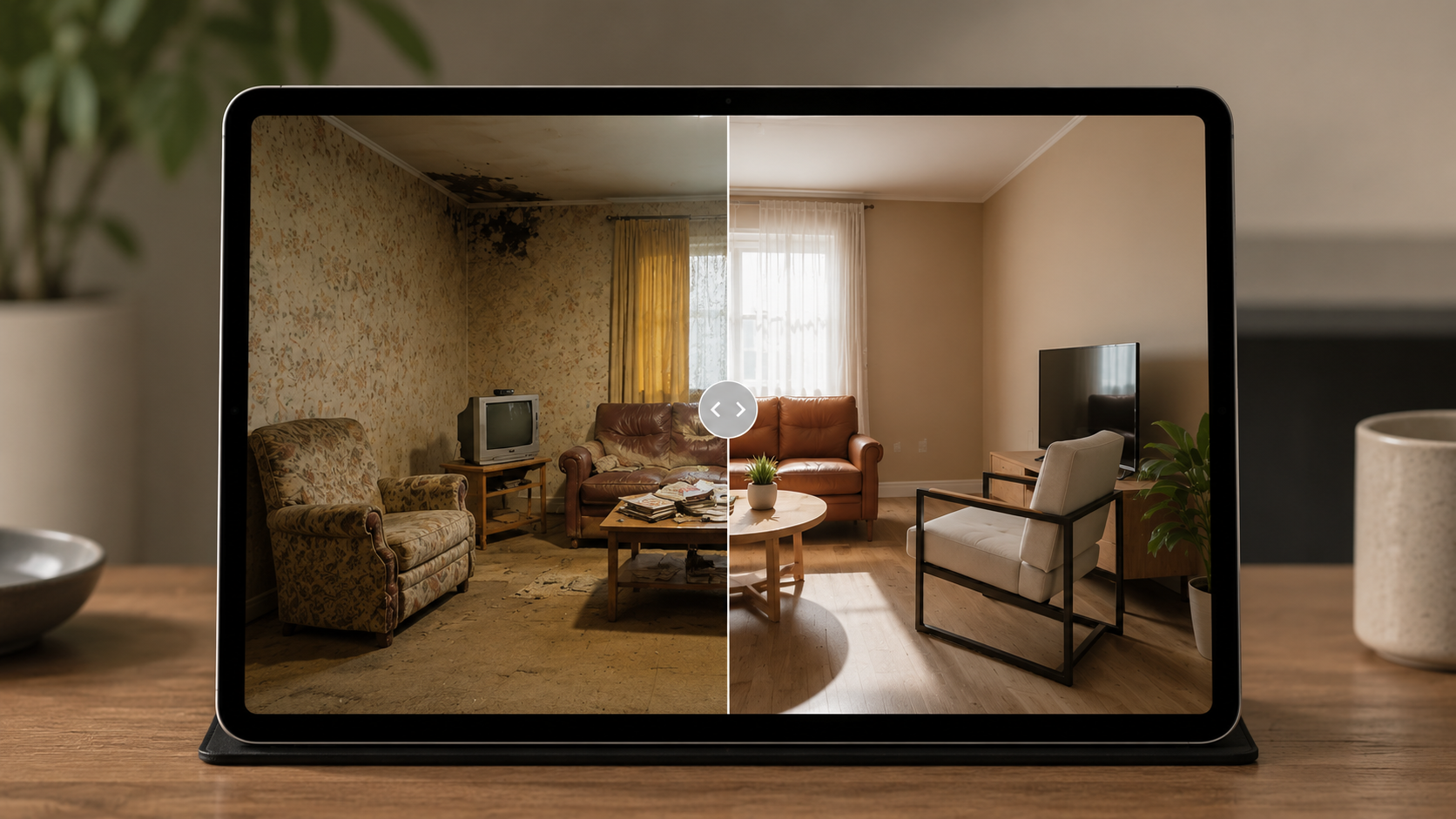
Realistic AI staging is not:
- A renovation mockup
- A way to hide defects
- A substitute for disclosure
- A promise that furniture is included
- A guarantee that the room will feel identical in person
It is a marketing visualization that helps buyers understand room function. The more clearly your team treats it that way, the stronger and safer the workflow becomes.
FAQ
Why do some AI-staged rooms look fake?
They usually start from weak photos, use furniture with the wrong scale, change too much about the room, or skip human review before publication.
Should AI virtual staging look perfect?
It should look credible, not perfect. A believable listing image that clarifies the room is stronger than a dramatic image buyers do not trust.
Can I use AI staging for luxury listings?
Yes, but review standards should be higher. Luxury buyers may compare online and in-person presentation more closely, so style, scale, and disclosure matter more.
How many versions should I generate?
Generate a few realistic directions, then choose the clearest one. Too many variations can slow the workflow and make the team chase style instead of listing clarity.
What should I do if the best staged image is slightly soft?
Choose the staging direction first, then use the AI upscaler on the final approved image. Do not polish every draft.
Final recommendation
Realistic AI virtual staging comes from restraint. Start with a strong real photo, choose a style that fits the listing, reject exaggerated outputs, and publish only the version that buyers can believe.
When you are ready to test a room, create realistic staging in DesignSense and review the result against the original before it goes live.
Turn one room photo into a clearer next step.
Use the free trial to turn one room photo into a staging direction that is easier to review, approve, and publish.