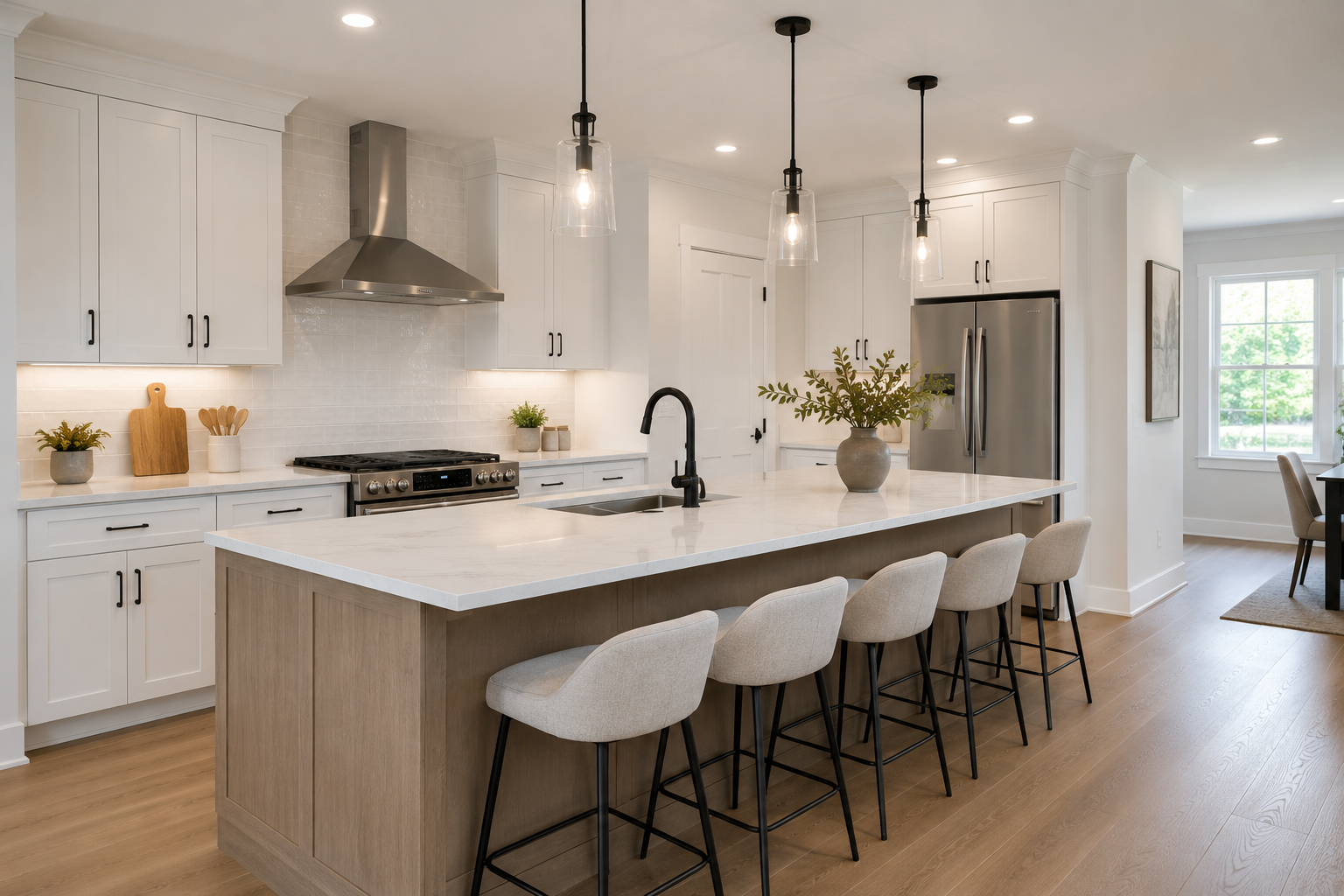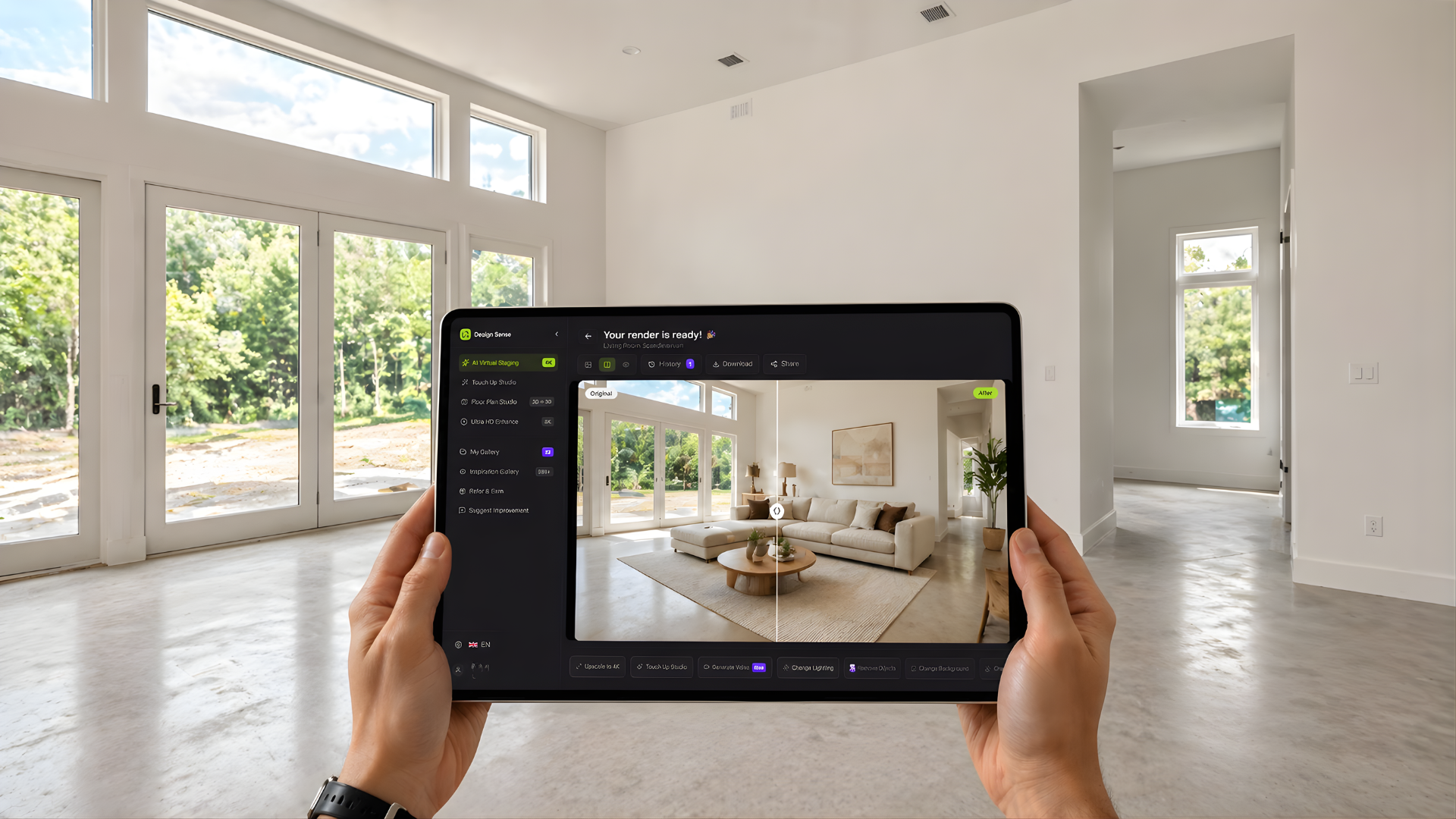
What this article says in 30 seconds
- AI virtual staging starts from a real room photo and adds a realistic furnished direction for marketing
- It is strongest for vacant or outdated listings that need faster visual clarity
- DesignSense fits best when teams need a fast staging decision rather than a technical renovation plan
Use DesignSense for this workflow when you need to:
- Real estate teams marketing vacant or outdated listings
- Agents who need a faster path from room photo to listing-ready visual
- Marketers comparing a few credible staging directions before production spend
AI virtual staging is the process of taking a real property photo and generating a furnished, styled, or visually clearer version that helps buyers understand the room faster. In practice, it is a marketing workflow for listings, not a construction workflow and not a replacement for disclosure rules.
That distinction matters. Most agents look into AI virtual staging when a room is empty, dated, or hard to read in photos, and the listing needs stronger visuals without the time and cost of traditional staging. If that is the problem you are solving, you can start with a real room photo in DesignSense instead of building a concept from scratch.
How AI virtual staging works
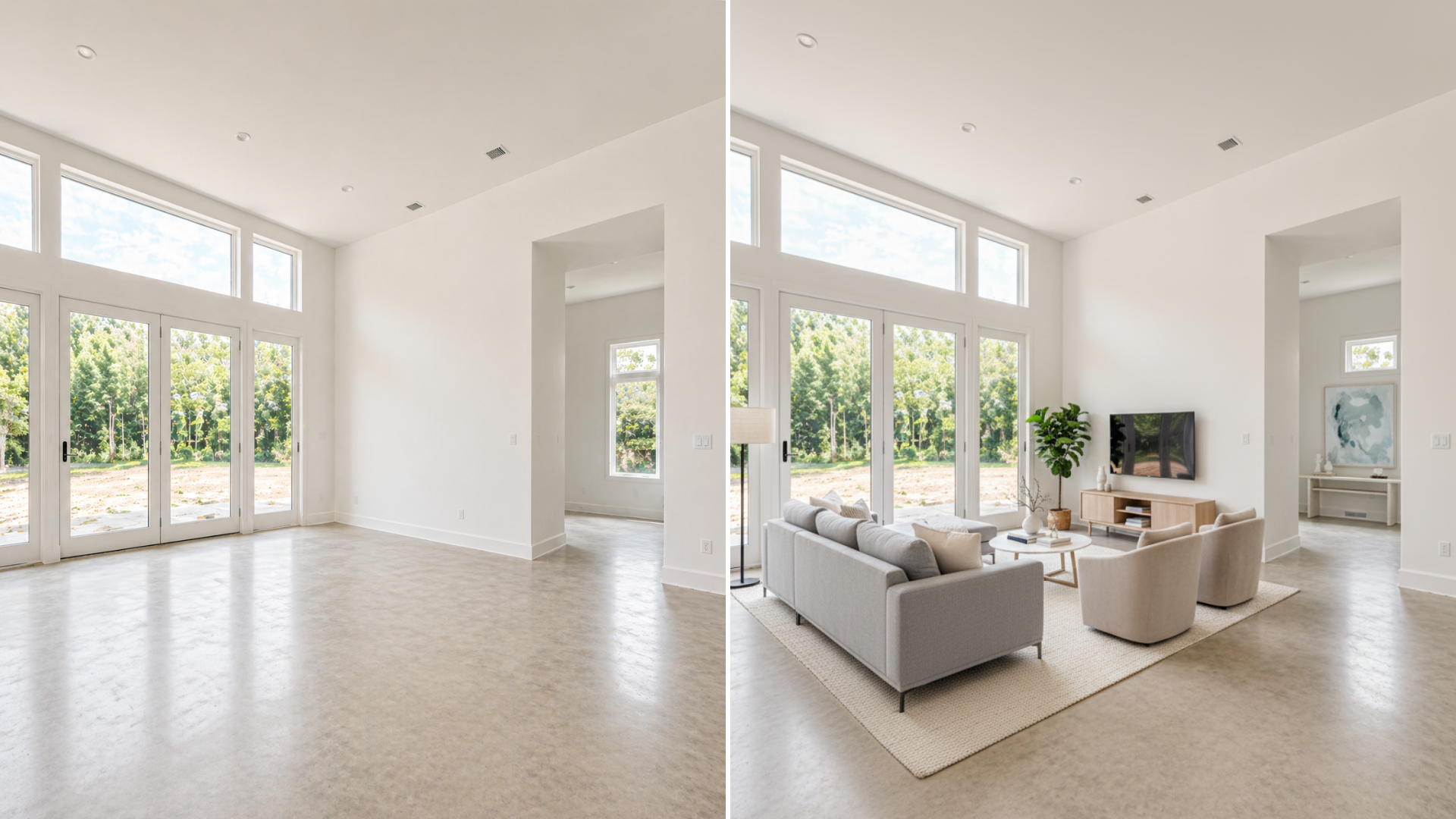
The input is usually simple: a real room image from the listing photo set. The software then generates one or more room directions by adding furniture, decor, and styling choices that fit the layout of the existing space. The output is useful when it stays close to the room that actually exists.
In a practical listing workflow, AI virtual staging is not about fantasy redesigns. It is about helping a buyer answer basic questions quickly:
- What is this room for?
- How could furniture fit here?
- Does the space feel bright, useful, and market-ready?
Why real estate teams use it
Buyers make fast judgments from listing photos. When a room is vacant or visually confusing, the buyer has to do too much interpretive work on their own.
AI virtual staging reduces that friction. It gives the room a clearer story before the team spends time coordinating physical staging, additional editing, or a second round of marketing assets.
That is especially useful when:
- The property is vacant
- The room purpose is unclear
- The decor feels out of date
- The listing needs to launch quickly
- Multiple rooms need a more consistent presentation
For a more detailed use-case view from the listing side, see virtual staging for real estate with AI.
Where DesignSense fits in the workflow
DesignSense is strongest when the team already has a room photo and needs a faster decision loop around staging direction. That usually means:
- Upload the original room photo
- Test a few realistic staging directions
- Keep the version that makes the room easiest to understand
- Polish only the approved asset for publication
If the source photo is soft, compressed, or not sharp enough for listing use, run the final version through the AI upscaler after the staging choice is locked in.
This is also why AI virtual staging sits inside a broader listing-production process. The value is not just the image itself. The value is reaching a clear marketing decision faster.
What AI virtual staging is best for
AI virtual staging is usually a strong fit when the goal is presentation clarity. Good examples include:
- Empty living rooms that need a clear function
- Primary bedrooms that look cold or undersized without furniture
- Open-plan areas where buyers need help understanding layout
- Premium listings that need a cleaner, more intentional first impression
The strongest outputs are usually the ones that feel believable. A room does not need to look dramatic to perform better. It needs to feel understandable and trustworthy.
Turn one room photo into a clearer next step.
Upload a room photo, test one or two believable directions, and get to a publishable listing visual faster.
What AI virtual staging is not
AI virtual staging is not the same as:
- Interior architecture planning
- Permit-grade renovation design
- Exact furniture specification
- Compliance advice for your brokerage or MLS
It should also not be used to misrepresent the property. If the generated room no longer reflects what a buyer will actually see, the image stops being helpful and starts creating risk.
That is why realistic room logic matters more than visual novelty. A credible staged image should support the listing, not overpromise on the product.
How to get credible results
The fastest way to get low-quality output is to ask the tool to do too much. A more reliable process is:
- Start with the clearest original room image you have
- Choose one or two broad directions that fit the property price point
- Review whether the furniture scale and room purpose still make sense
- Reject anything that changes the layout in a misleading way
- Publish only the version that clarifies the listing honestly
This is where many teams confuse "AI-generated" with "finished." The generated image still needs human judgment.
FAQ
Is AI virtual staging the same as traditional virtual staging?
Not exactly. Traditional virtual staging often involves manual editing or design-service workflows. AI virtual staging speeds up that process by generating room directions from the original photo faster, which is useful when teams need quicker iteration.
Is AI virtual staging worth it for vacant listings?
Often yes, because vacant listings are harder for buyers to read in photos. The value comes from helping buyers understand the room faster, not from making the room look unrealistically luxurious.
Can AI virtual staging replace physical staging?
Sometimes it can replace it for marketing purposes, but not in every situation. Luxury listings, unusual spaces, or properties where in-person presentation is critical may still benefit from physical staging or a hybrid approach.
Should agents disclose AI virtual staging?
They often should, but the exact rule depends on the MLS, brokerage, and market. Treat DesignSense as a marketing-production tool and confirm disclosure requirements before publishing.
Final thought
AI virtual staging is best understood as a faster listing-visualization workflow. It takes a real room photo, makes the room easier to read, and helps teams decide on a market-ready presentation without waiting on a slower production cycle.
When used that way, it becomes practical very quickly. It is not about creating fantasy interiors. It is about making the next listing decision clearer, faster, and easier to ship.
Turn one room photo into a clearer next step.
Use the free trial to turn one room photo into a staging direction that is easier to review, approve, and publish.