What this article says in 30 seconds
- AI virtual staging is strongest when teams need listing-ready visuals quickly
- DesignSense is useful for testing multiple room directions before production spend
- Realistic staging improves buyer understanding more than dramatic styling
Use DesignSense for this workflow when you need to:
- Vacant or outdated listings that need faster market-ready visuals
- Real estate teams comparing multiple visual directions before a shoot
- Agents who need a clearer room story without physical staging
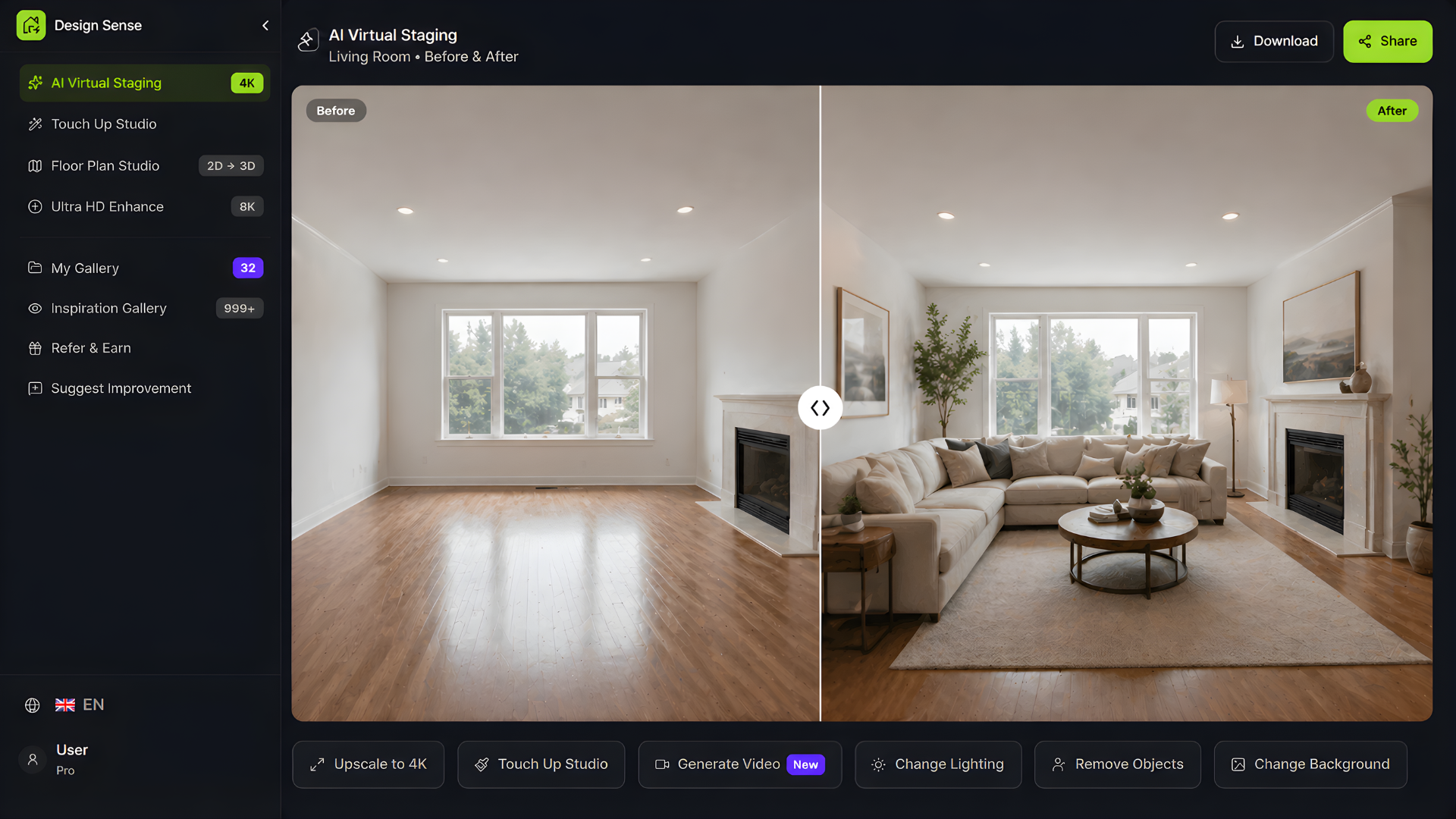
An empty room is hard for buyers to read. Even when the property has strong fundamentals, blank spaces often feel smaller, colder, or less memorable in photos.
That is why virtual staging matters. It helps buyers understand how a space can work, and it helps agents present a stronger first impression without waiting for a physical setup. If you want to test that workflow with your own listing photos, the fastest next step is to start a free DesignSense trial from the real room image rather than from a blank prompt.
Why AI staging changes the workflow
Traditional staging can be expensive, slow, and difficult to coordinate across multiple listings. AI virtual staging creates a faster decision loop. It is especially useful when the team already has workable photography and needs a faster visual layer on top, not when the room still needs basic cleanup or sharper source files.
Instead of arranging furniture deliveries or reshooting after every adjustment, teams can test different looks in minutes.
Best use cases for AI virtual staging
AI staging is especially useful when:
- The home is vacant
- The decor is outdated
- The space needs clearer purpose
- The listing needs to go live quickly
- Multiple rooms need visual consistency
For agents and marketing teams, that makes it easier to prepare stronger listing packages under deadline.
With DesignSense specifically, the useful pattern is simple: upload the real room photo, test a few staging directions, keep the version that best clarifies the room, and move that approved visual into the listing workflow. If the source image is soft or compressed, use the AI image upscaler before publishing the final listing asset.
What buyers need to see
The goal is not just to make a room look nice. The goal is to make the value of the room obvious.
A good staged image should help buyers understand:
- How the room can be used
- How furniture can fit the layout
- How the space could feel when furnished
That clarity can improve the quality of clicks and make in-person visits feel more aligned with buyer expectations, although the exact result still depends on pricing, photography quality, and local demand.
Choosing the right staging style
The best staging style depends on the listing.
- Clean contemporary styling works well for broad appeal
- Softer neutral looks can help luxury listings feel calm and premium
- Warm modern directions often help family homes feel inviting
- Minimal staging can keep attention on architecture in premium properties
The point is not to oversell. It is to reduce uncertainty. That same principle matters in adjacent hospitality use cases too, which is why the workflow overlaps with AI interior design for Airbnb listings.
A simple listing workflow
With DesignSense, real estate teams can:
Turn one room photo into a clearer next step.
Upload a room photo, test one or two believable directions, and get to a publishable listing visual faster.
- Upload an empty or outdated room photo
- Test a few presentation-ready directions
- Choose the clearest visual story for the listing
- Use the selected look across other marketing materials
That workflow is fast enough for active listing cycles and flexible enough for portfolio-wide use.
It is most valuable when the question is not "Can we make this room look dramatic?" but "Which visual direction makes this listing easier to understand and easier to market?" Teams that need a room redesign workflow instead of pure staging can also compare this against the broader AI room rendering flow.
AI helps teams move with confidence
One advantage of AI staging is that it supports decision-making before heavier production work begins.
For example, teams can decide:
- Whether a room should be shown as a bedroom, office, or flex space
- Whether a brighter palette improves the listing
- Whether a more upscale furnishing direction fits the price point
Those choices shape how the property is perceived.
Keep it credible
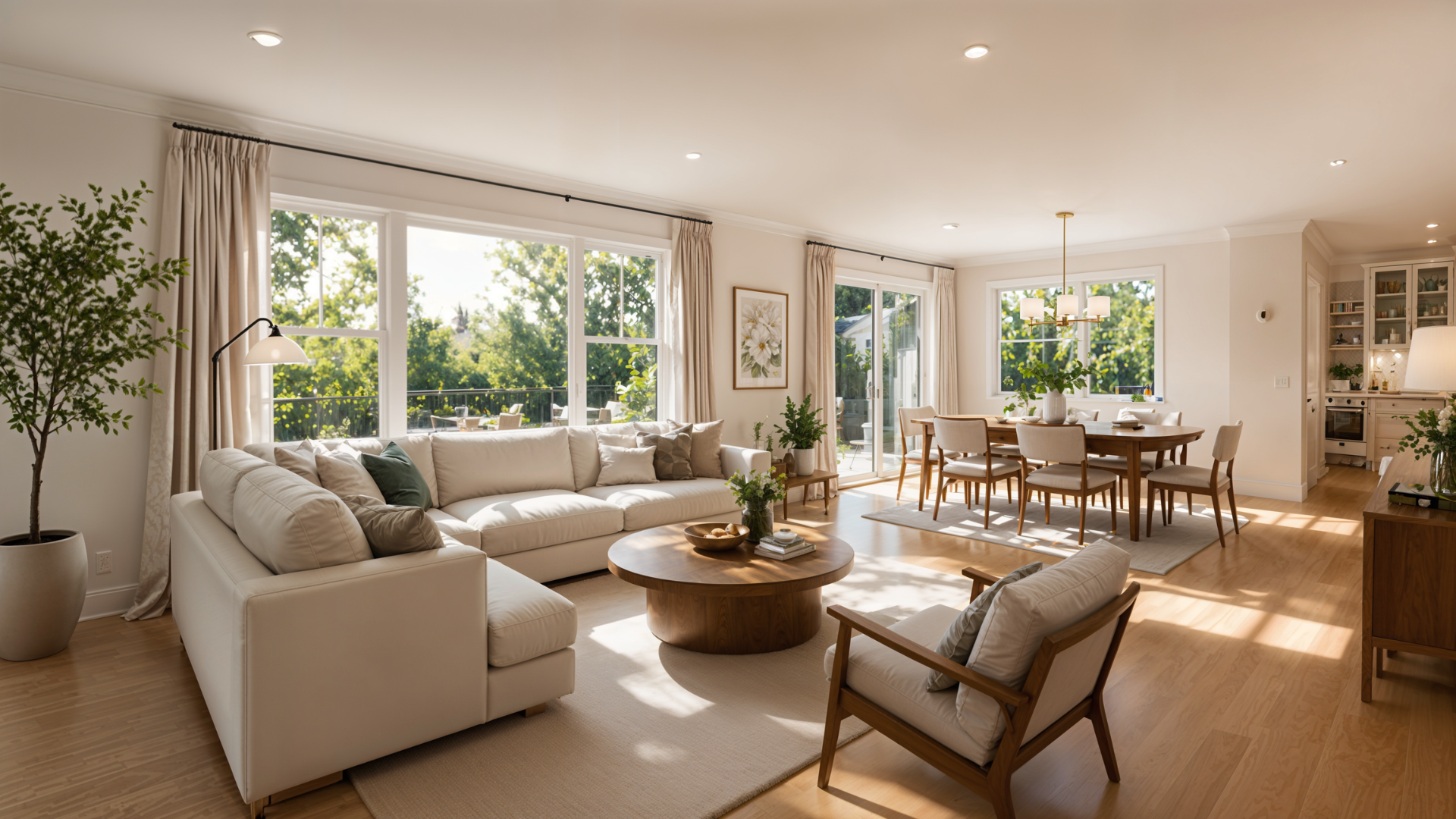
Strong staging improves trust when it stays realistic. Avoid overdesigning the room or using furniture layouts that would not actually fit the space.
Use AI staging to clarify the opportunity of the property, not to create misleading expectations. If disclosure rules apply in your market or MLS, treat the generated image as marketing support rather than a replacement for compliance review.
FAQ
Is AI virtual staging allowed for real estate listings?
Usually yes, but the important question is disclosure. Brokerages, MLSs, and local markets can have different rules, so treat DesignSense output as marketing support and confirm disclosure requirements before publishing.
Which rooms should agents virtually stage first?
Start with the hero rooms that shape the click decision: the living room, primary bedroom, and main open-plan space. If one of those photos is weak, upgrade that image first and leave secondary rooms for later.
When should I upscale a staged image?
Upscale after the layout and styling direction are approved, not before. That keeps the team from polishing the wrong version and makes the finishing step part of the final packaging workflow.
Final thought
AI virtual staging is valuable because it compresses a slow visual marketing workflow into something fast, testable, and scalable.
For real estate teams, that means a faster path from raw room photo to a market-ready presentation. The strongest outcome usually comes from pairing realistic staging with good source photography, clear disclosure, and a production decision process the team can repeat.
Turn one room photo into a clearer next step.
Use the free trial to turn one room photo into a staging direction that is easier to review, approve, and publish.