What this article says in 30 seconds
- Airbnb listing photos improve when hosts test room directions before renovating
- DesignSense is most useful for validating visual upgrades from a real room photo
- The best concept is usually the clearest and most trustworthy one rather than the most dramatic one
Use DesignSense for this workflow when you need to:
- Hosts improving click-through on listing photos
- Operators managing multiple units with limited design bandwidth
- Teams testing a room refresh before furniture or paint spend
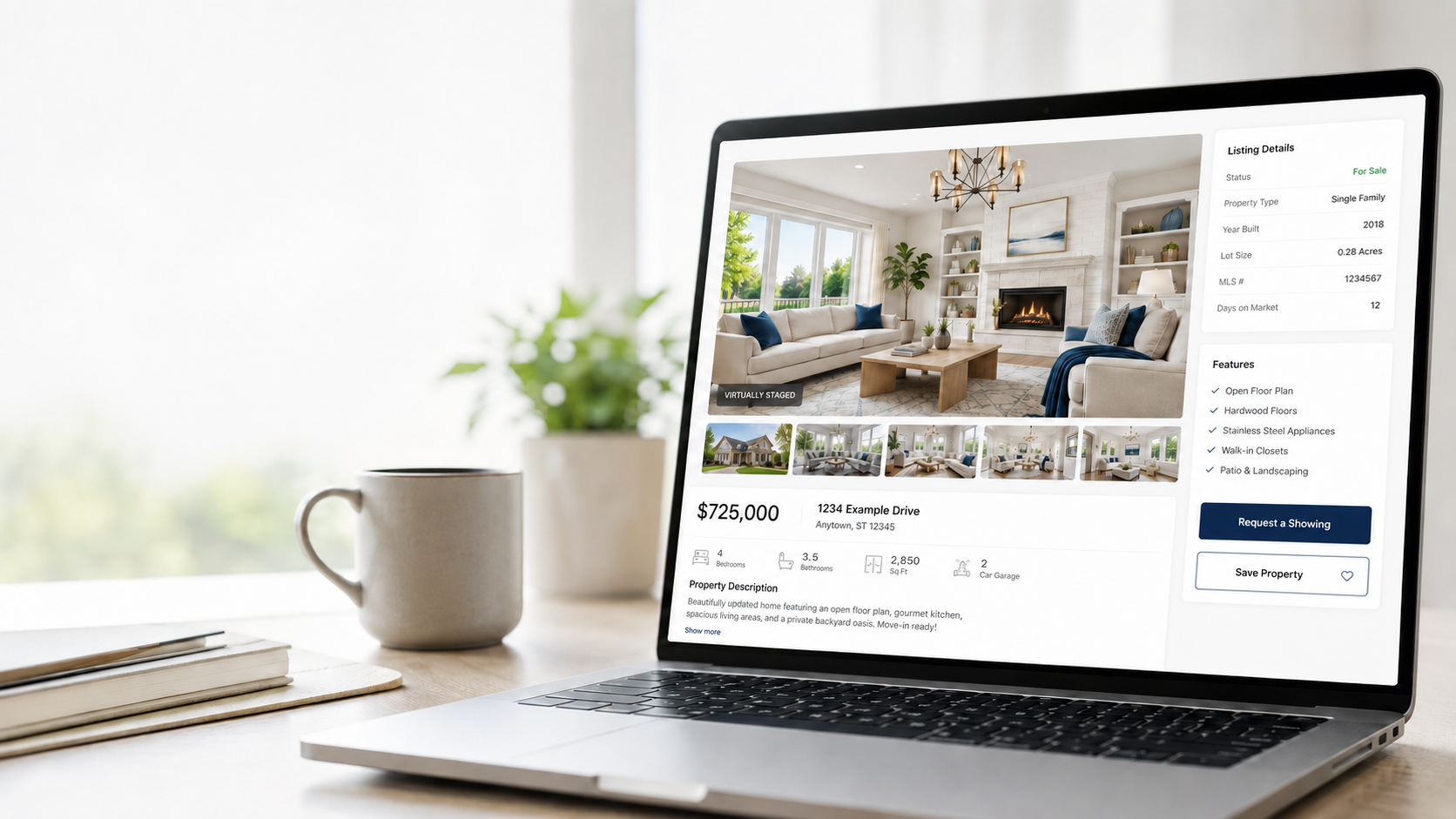
Running a successful Airbnb is not just about location. Guests make a decision in seconds, and your photos do most of the selling long before they read the description or compare amenities.
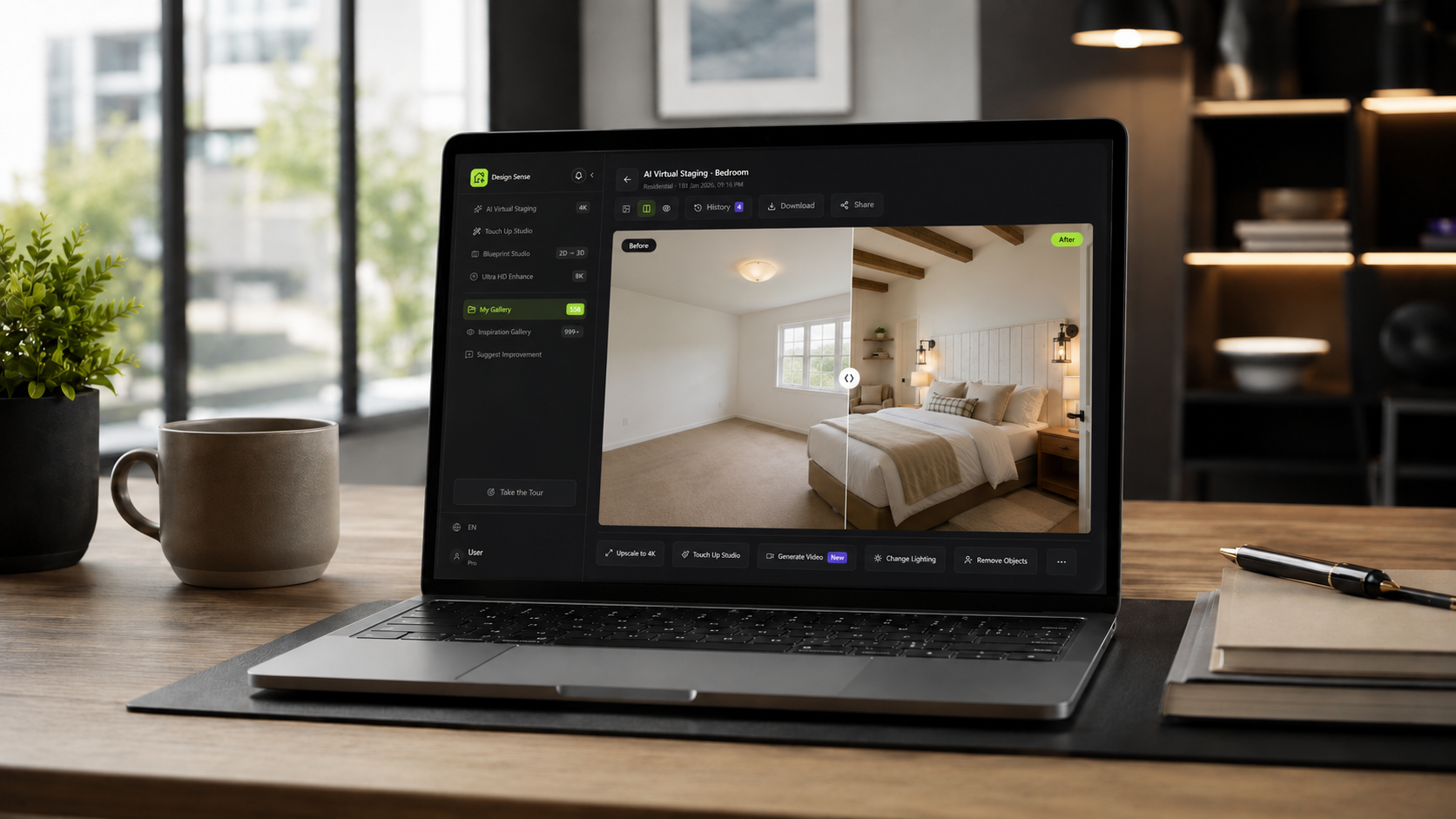
That creates a common problem for hosts: you know a room could look better, but full staging, furniture swaps, and test shoots take time and money. AI interior design closes that gap by letting you preview new looks before you commit. If your property photos already exist, the fastest route is to start from the current room image in DesignSense and test the strongest guest-facing direction first.
Why listing photos matter so much
Guests are scanning fast. They usually decide whether to click based on three things:
- Whether the room feels clean and current
- Whether the space looks larger and brighter
- Whether the design matches the kind of stay they want
If your bedroom feels dated, your living room looks flat, or your patio does not photograph well, your listing can lose attention even if the property itself is strong.
Where AI helps Airbnb hosts most
With DesignSense, hosts can upload an existing room photo and test multiple directions without waiting on a designer or a new shoot.
- Try different furniture layouts before buying anything
- Refresh a dated room into a more modern or hospitality-friendly style
- Explore brighter palettes for dark interiors
- Create more cohesive looks across bedrooms, living rooms, and outdoor areas
- Generate quick concepts for seasonal updates or premium listing upgrades
In DesignSense, that usually starts with the current room photo rather than an abstract prompt. That matters because the best listing decisions come from testing realistic upgrades against the actual space guests will book. If the room needs a more structural redesign rather than just styling direction, the broader room rendering workflow is the closer fit.
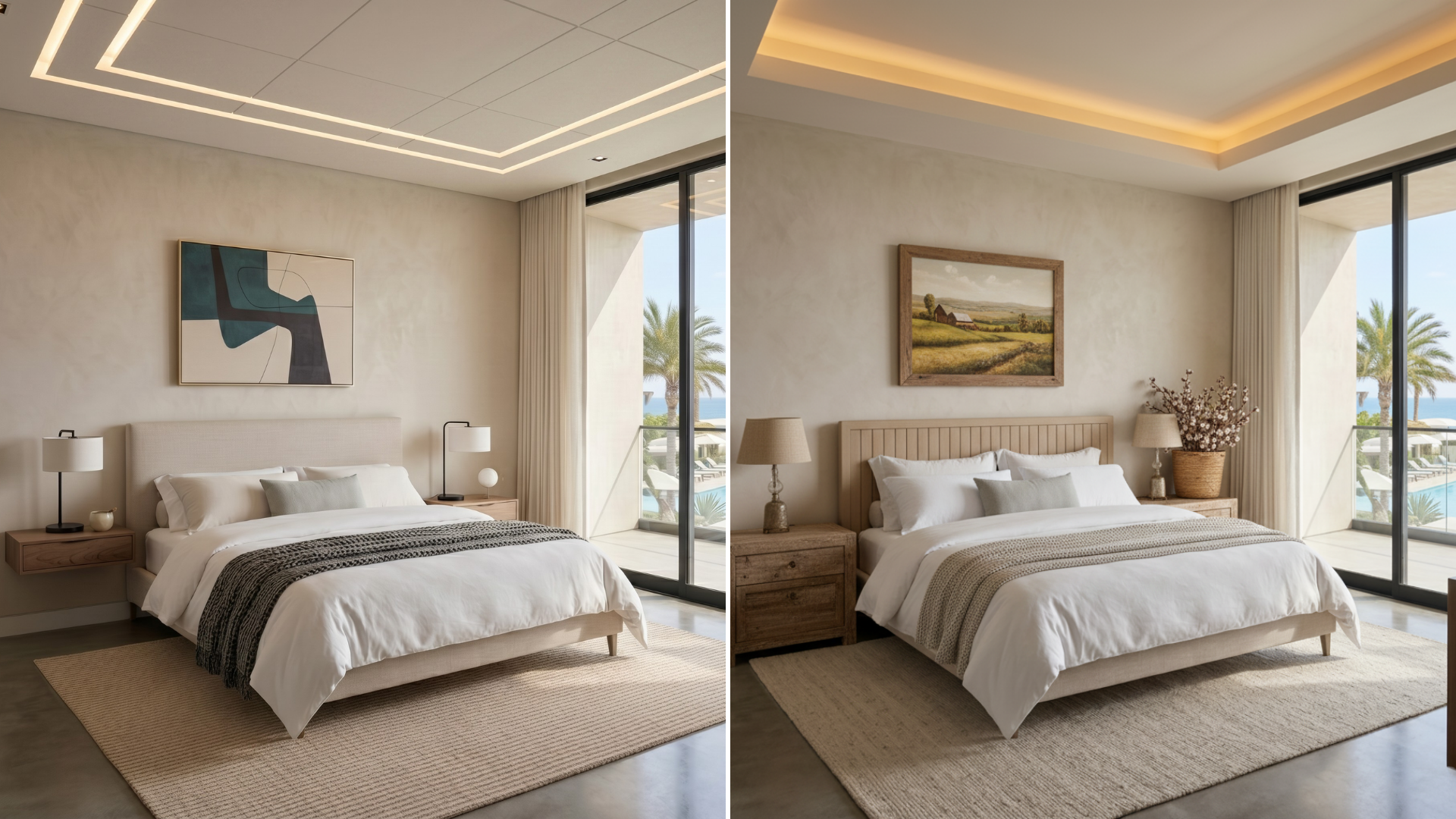
A practical workflow for hosts
Most hosts do not need endless options. They need a fast way to answer one question: which direction will make this room photograph better and book better?
Use a workflow like this:
- Start with your current room photo
- Generate a few distinct styles that fit your guest profile
- Compare what feels most premium, calm, and bookable
- Make only the changes that clearly improve the room
- Update listing photos once the direction is proven
This keeps the process lean. Instead of redesigning from scratch, you validate the strongest idea first.
That is a better fit for short-term rental operations than endless ideation. Hosts usually need one strong direction they can act on, not twenty speculative variations. For operators comparing hospitality and resale use cases, the overlap with AI virtual staging for real estate is often in the decision workflow rather than in the styling itself.
Styles that tend to work well for short-term rentals
Not every design style performs equally well in listing photography. In many cases, hosts get the best results from styles that feel clean, bright, and broadly appealing.
- Warm minimalism for modern urban stays
- Soft Scandinavian looks for smaller apartments
- Contemporary resort-inspired styling for vacation rentals
- Fresh modern farmhouse for family-focused listings
Turn one room photo into a clearer next step.
Test a cleaner room direction before you commit budget to a full refresh, new furniture, or another reshoot.
The right choice depends on your audience. A beach rental and a downtown business apartment should not look the same.
AI is useful even before you renovate
One of the biggest advantages is speed. You can test a concept before:
- Buying furniture
- Repainting walls
- Replacing decor
- Hiring a photographer for a full refresh
That reduces wasted effort and makes upgrade decisions easier to defend, especially if you manage multiple units.
It also makes it easier to decide whether the next move should be a quick styling refresh, a stronger photo cleanup pass, or a larger redesign. Once the room direction is approved, sharpen the final assets instead of polishing every early concept.
What to optimize for
When reviewing generated concepts, avoid choosing the most dramatic image just because it looks impressive. Pick the version that would help a guest trust the space quickly. Look for:
- Better light balance
- Cleaner focal points
- Less visual clutter
- A stronger sense of comfort
- A more premium first impression
FAQ
Can Airbnb hosts use AI images directly in listings?
That depends on platform rules, local regulations, and how faithfully the image represents the real space. Use AI concepts to guide upgrades and refreshes, and avoid publishing images that materially misrepresent the unit.
Which Airbnb rooms should hosts improve first?
Start with the first image in the listing flow, then the main bedroom and living area. Those are usually the rooms doing most of the click and trust work during browsing.
Should hosts redesign first or improve image quality first?
Choose the room direction first. After the design direction is approved, sharpen the final selected assets rather than every draft so the process stays lean and cost-aware.
Final thought
For Airbnb hosts, AI interior design is less about novelty and more about decision quality. It gives you a faster way to test what your property could become, improve listing photography, and focus your spending on updates that are easier to justify.
If you want to refresh a room before your next listing update, start with one strong photo and test the direction first. If the property is part of a larger portfolio and you need plan-level tradeoffs, review the current pricing options before rolling the workflow across every unit.
For most hosts, that is where DesignSense is most useful: clarifying the next room decision before money is committed.
Turn one room photo into a clearer next step.
Start with one room photo and see which direction makes the listing feel more intentional before you spend more.