What this article says in 30 seconds
- Virtual staging helps agents make vacant rooms easier for buyers to understand
- The strongest benefit is faster visual clarity for listing photos
- Agents should keep staged images realistic and follow brokerage MLS and platform disclosure rules
Use DesignSense for this workflow when you need to:
- Agents marketing vacant listings
- Listing teams preparing photos on a tight schedule
- Sellers who need a lower-friction alternative to physical staging
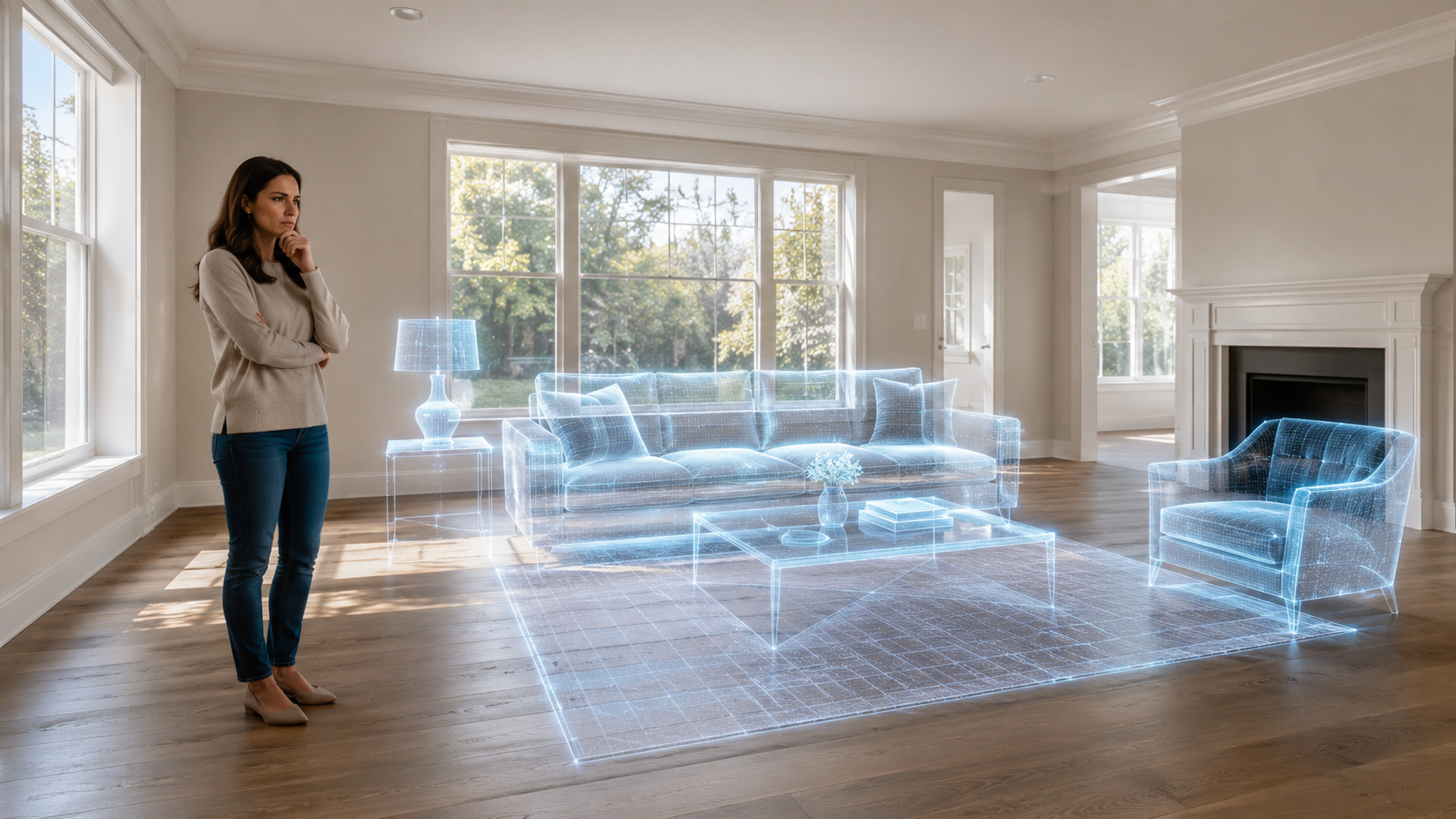
Virtual staging helps real estate agents turn empty or hard-to-read listing photos into images buyers can understand faster. Instead of asking buyers to imagine scale, layout, and room use from a vacant space, virtual staging adds furniture and decor that make the room feel more legible.
The benefit is not just making a room look nicer. The real value is reducing friction in the listing process. Agents can prepare stronger visuals, help sellers see the marketing plan, and move faster when physical staging is not practical. If you are new to the category, start with what is AI virtual staging.
The short answer
Virtual staging helps real estate agents by:
- Making vacant rooms easier to understand
- Showing scale and potential use
- Improving listing-photo presentation
- Reducing dependency on physical staging logistics
- Supporting faster seller conversations
- Giving agents a practical option for properties that cannot be fully staged
The best results stay realistic, preserve the actual property, and follow disclosure requirements.
It helps buyers understand empty rooms
Vacant rooms often look smaller, colder, or more confusing in photos than they do in person. Without furniture, buyers may struggle to understand how a room works. Virtual staging can help show:
- Where a sofa could fit
- How a bedroom can be arranged
- Whether a dining area is practical
- How an open-plan room might be used
- What scale the room can support
That visual clarity is useful because most buyers first experience the property through listing photos.
It gives agents more flexibility
Physical staging can be valuable, but it also requires scheduling, furniture availability, access, coordination, budget, and time. Virtual staging gives agents another option when a full staging plan is too slow or too heavy for the listing.
It can be especially useful when:
- The property is vacant
- The seller has already moved out
- The listing timeline is tight
- The budget does not support full physical staging
- Only a few rooms need help
- The agent wants a concept before committing to a larger plan
For prioritization, see best rooms to virtually stage first in a listing.
It can make seller conversations easier
Virtual staging is not only for buyers. It can also help agents explain listing strategy to sellers.
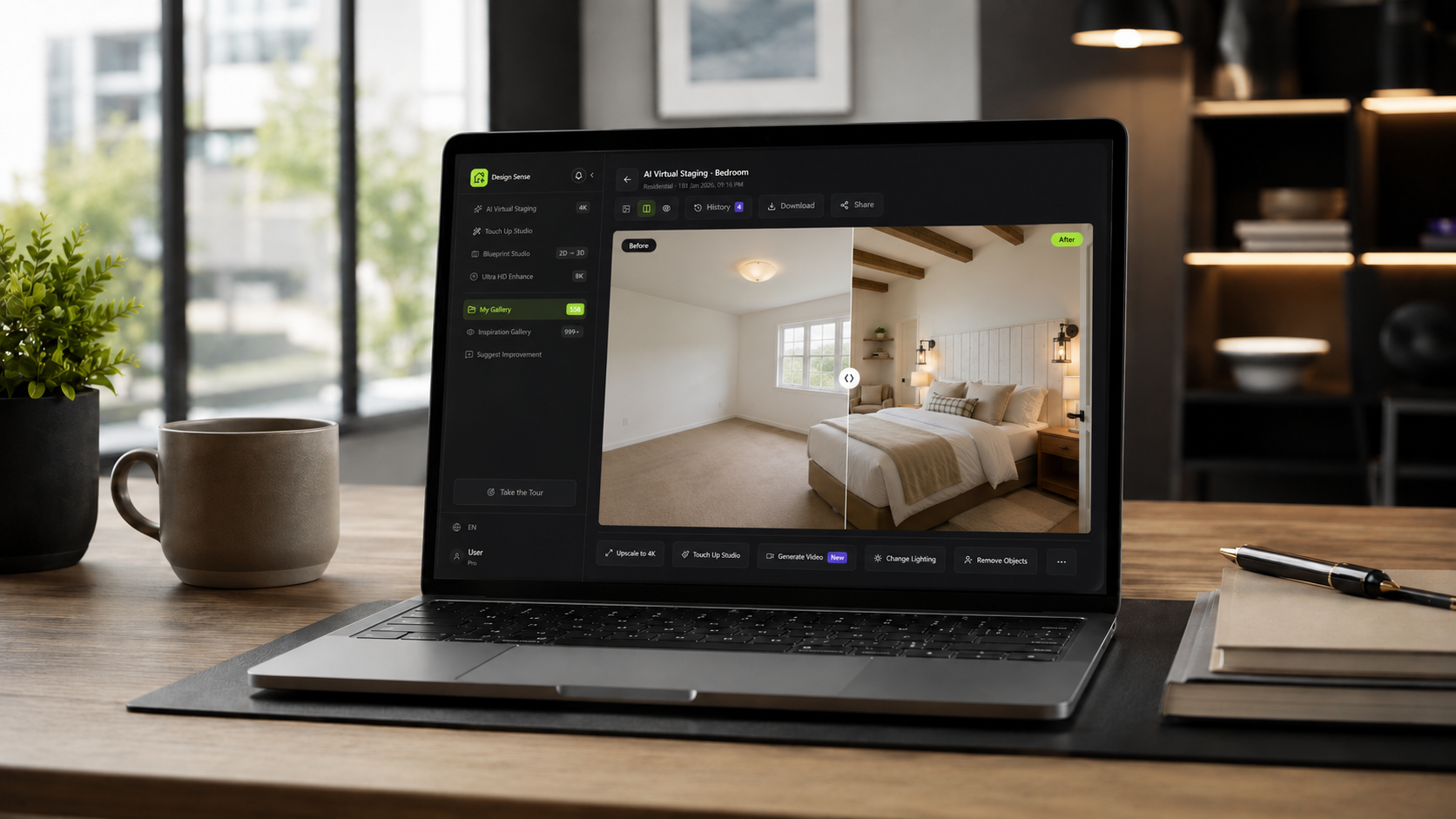
A seller may understand the need for better presentation more quickly when they can see a before-and-after direction. It is easier to say, "This vacant living room needs scale and warmth" when the seller can compare the original photo with a staged version.
That makes virtual staging useful for:
- Listing preparation meetings
- Seller education
- Marketing-plan approval
- Deciding which rooms need visual help
- Explaining why photo quality matters
The image becomes a planning tool as well as a marketing asset.
Where DesignSense fits
DesignSense is built for practical AI visual workflows that start from real room photos. A simple agent workflow looks like this:
- Choose the listing photos that need the most help.
- Prioritize the rooms that affect buyer understanding.
- Upload the photo into DesignSense.
- Generate a realistic furniture and decor direction.
- Review the image against the actual room.
- Use only images that preserve structure, layout, and property condition.
- Add disclosure where required by your brokerage, MLS, or platform.
If the final photo needs more clarity after staging, use the AI upscaler only after the staged direction is selected.

It supports better room-by-room strategy
Agents do not need to stage every image. The best approach is selective.
Turn one room photo into a clearer next step.
Upload a room photo, test one or two believable directions, and get to a publishable listing visual faster.
Start with rooms where furniture changes buyer understanding:
- Living room
- Primary bedroom
- Dining area
- Home office
- Flexible bonus room
- Awkward open-plan space
Skip rooms where virtual staging would add little value or could create confusion. A staged image should answer a buyer question, not decorate for the sake of decoration.
It can reduce avoidable marketing delays
Virtual staging can help when a listing is almost ready but the photos feel incomplete. Instead of waiting for furniture logistics, the agent can create staged options from the existing photos and keep the marketing timeline moving.
This is useful for:
- Vacant properties
- Relocations
- Investor-owned listings
- New construction
- Rentals
- Listings with limited staging budget
The faster workflow still needs review. Speed is only helpful when the final image is credible.
Disclosure and accuracy still matter
Virtual staging should not be used to hide problems or change real property conditions. Avoid changing:
- Walls
- Windows
- Doors
- Flooring condition
- Views
- Room size
- Fixtures
- Damage or deferred maintenance
Rules vary by MLS, brokerage, market, and platform. Before publishing, review MLS rules and disclosure for virtual staging.
Common mistakes
Avoid these mistakes:
- Staging every room without a strategy
- Choosing furniture that does not fit the property
- Making the room look larger than it is
- Hiding flaws instead of presenting the room honestly
- Publishing without disclosure review
- Using a staged image that does not match the actual listing experience
The strongest virtual staging looks believable because it respects the room.
FAQ
Is virtual staging useful for real estate agents?
Yes. It is useful when agents need to make vacant or difficult rooms easier for buyers to understand in listing photos.
Does virtual staging replace physical staging?
Not always. Physical staging can still be valuable for high-touch listings and in-person showings. Virtual staging is a faster visual option for listing photos.
Which rooms benefit most from virtual staging?
Living rooms, bedrooms, dining areas, offices, and flexible spaces usually benefit most because furniture helps buyers understand scale and use.
Do agents need to disclose virtual staging?
Often, yes. Requirements vary, so agents should confirm brokerage, MLS, and platform rules before publishing staged images.
Final recommendation
Virtual staging is most valuable when it helps buyers understand a property faster without misrepresenting the space. Use it selectively, review the output carefully, and keep the listing honest.
When you have a vacant listing photo ready, stage a listing faster in DesignSense and focus on the rooms that will make the biggest difference.
Turn one room photo into a clearer next step.
Use the free trial to turn one room photo into a staging direction that is easier to review, approve, and publish.