What this article says in 30 seconds
- Stage the rooms that shape the first click and buyer understanding
- Most listings need a few strong staged images rather than a fully staged gallery
- DesignSense is strongest when agents use real room photos and choose rooms before generating variations
Use DesignSense for this workflow when you need to:
- Agents deciding which vacant rooms to stage first
- Listing teams trying to control virtual staging scope
- Brokerages building room-priority guidelines for AI staging
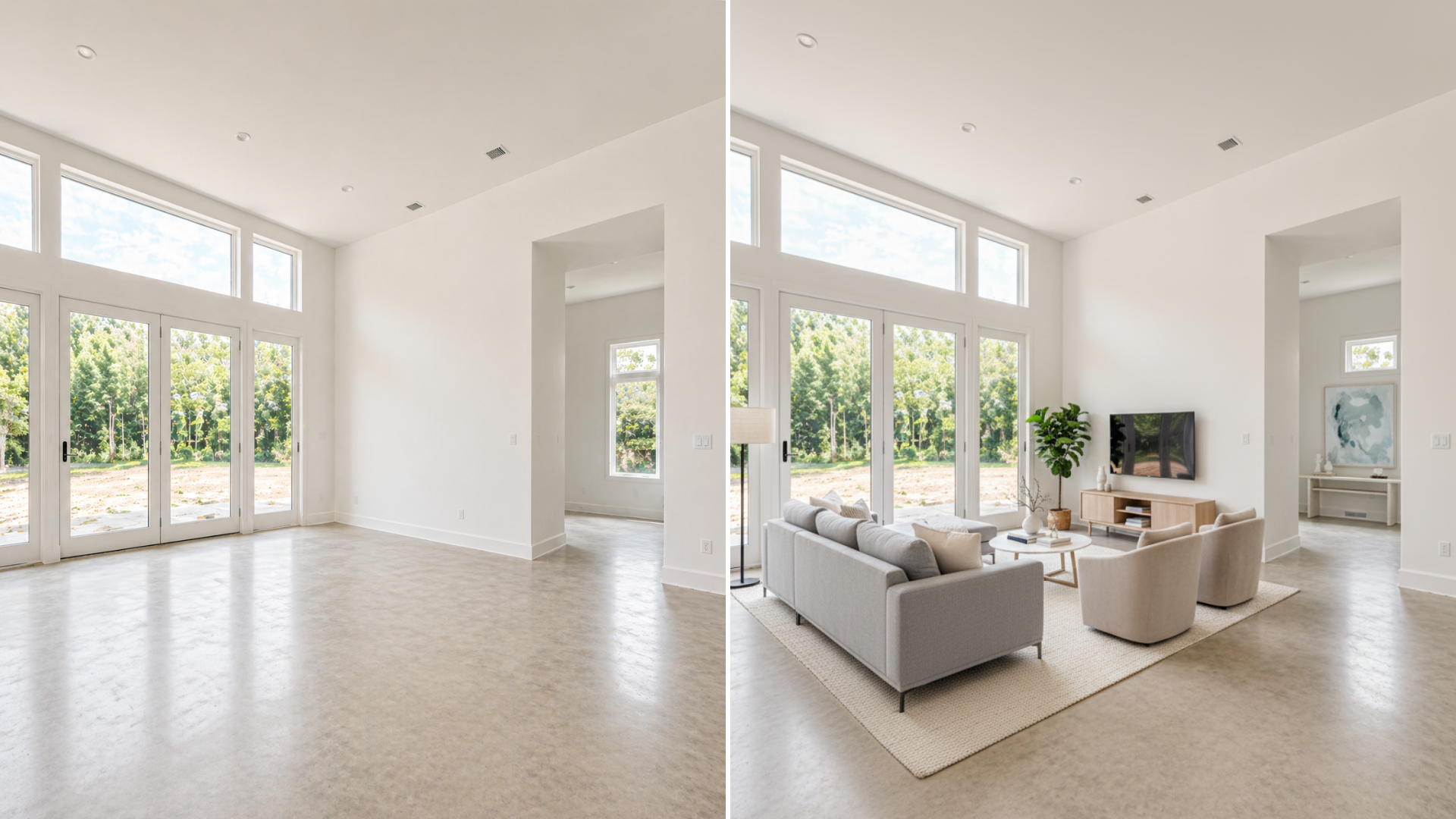
The best rooms to virtually stage first are the rooms that help buyers understand the listing fastest: the main living area, primary bedroom, dining or open-plan space, and any flex room that buyers may struggle to interpret.
That does not mean every room should be staged. In many listings, three to five staged images are enough to make the online gallery clearer without creating extra disclosure work or a mismatch during showings. If you are still deciding whether the listing is a good fit for AI staging, read how real estate agents use AI to stage listings faster first.
The short answer
Stage rooms in this order:
- Main living area
- Primary bedroom
- Dining area or open-plan space
- Flex room or bonus room
- Vacant secondary bedroom
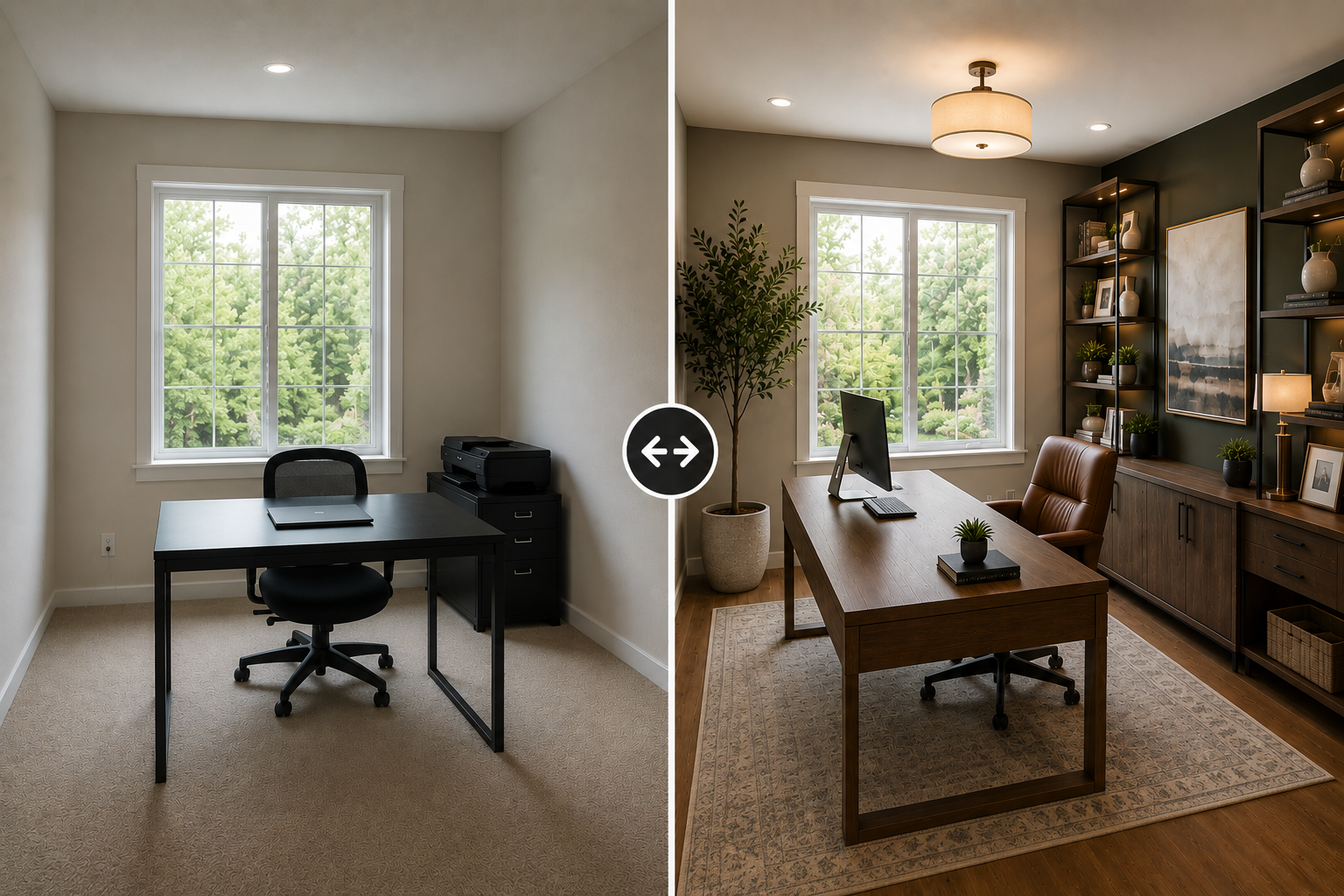
- Home office when the room purpose is unclear
Skip rooms that already photograph clearly, rooms where staging would hide a condition issue, and rooms where the buyer will care more about the actual finish than the furniture.
Start with the main living area
The living room usually carries the most online weight because it helps buyers understand the feel of the home. It is often the room that decides whether the listing gallery feels warm, usable, and worth opening.
Virtual staging helps when the living area is:
- Vacant
- Visually cold
- Awkwardly shaped
- Hard to size from the photo
- Missing a clear furniture plan
- Connected to an open kitchen or dining area
The goal is not to make the room look more expensive than it is. The goal is to make the buyer understand how the space can function.
Stage the primary bedroom when it feels empty or undersized
Vacant bedrooms can look smaller than they are because there is no scale reference. A bed, rug, nightstands, and simple lighting can help buyers read the room faster. The primary bedroom is usually a stronger staging candidate than secondary bedrooms because buyers use it to judge comfort and privacy.
Stage it when:
- The room is empty
- The proportions are hard to read
- The listing needs a warmer second or third hero image
- The room has good natural light but no furniture context
Avoid over-styling. A calm, believable bedroom usually performs better than an image that feels like a hotel concept.
Prioritize dining and open-plan spaces
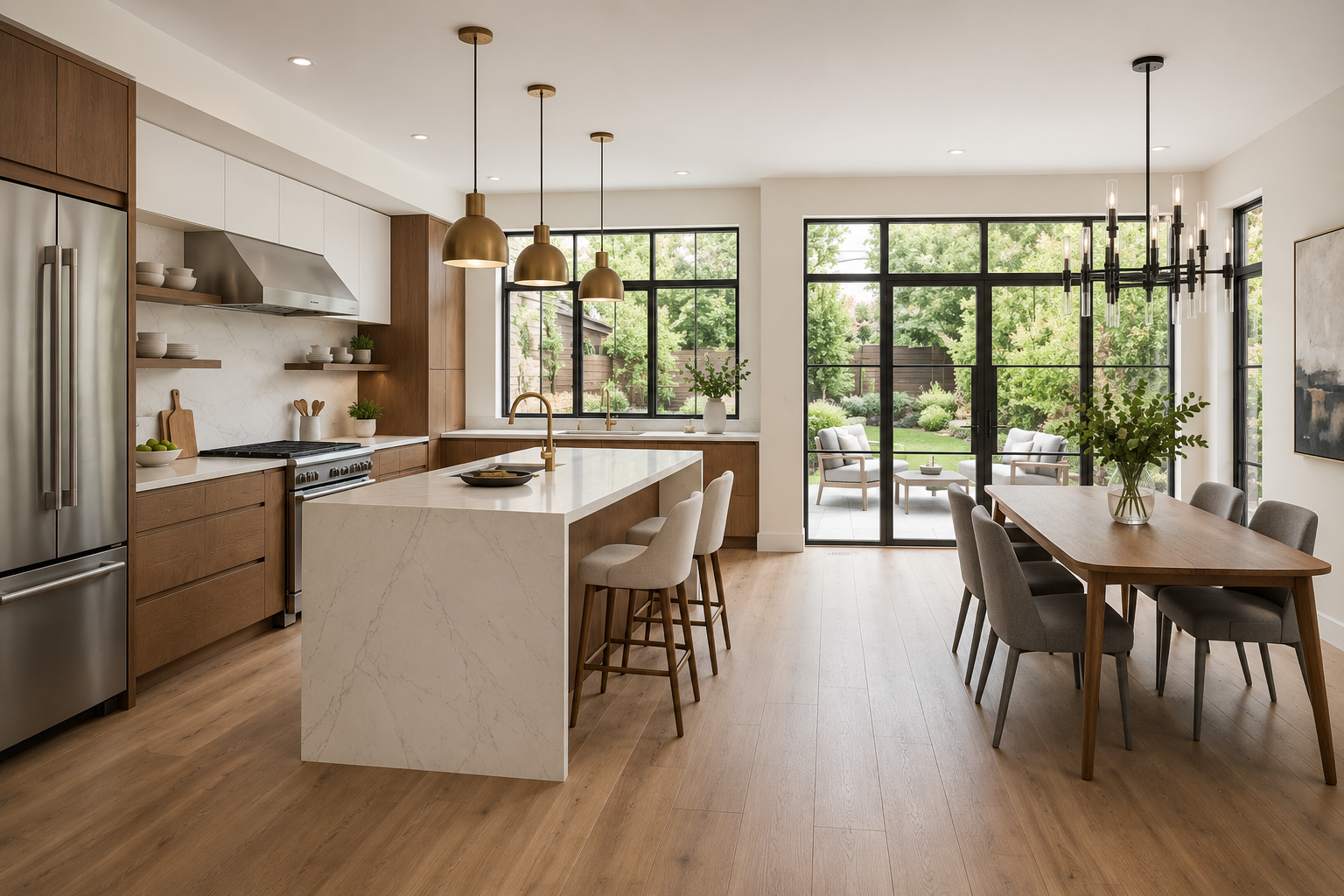
Open-plan rooms are common staging candidates because buyers may not know where the living area ends and the dining area begins. AI staging can help clarify:
- Dining placement
- Traffic flow
- Relationship between kitchen and living space
- Whether a room supports entertaining or daily use
This is also where furniture scale matters most. If the staged table blocks a natural walkway or the sofa floats oddly in the open plan, the result can make the layout feel less credible. Review the staged image against the original photo before publishing. If the furniture makes the room look larger than it is, reject that version.
Use staging to solve flex-room confusion
Flex rooms are one of the best uses for AI virtual staging because buyers often need help understanding the purpose of the space. Good examples include:
- Small bonus rooms
- Lofts
- Dens
- Basement rooms
- Awkward bedrooms
- Converted dining areas
- Rooms that could work as an office
The key is to stage one believable purpose, not every possible purpose. A flex room staged as an office, reading room, or guest room can help buyers understand the option without overpromising. If you show multiple versions of the same room, make sure the listing sequence does not confuse buyers or imply that all versions exist physically.
Turn one room photo into a clearer next step.
Upload a room photo, test one or two believable directions, and get to a publishable listing visual faster.
When to skip a room
Some rooms do not need virtual staging. Skip staging when:
- The room is already furnished well
- The room is mostly about finishes, not furniture
- The photo is too poor to use as a source image
- Staging would cover damage or a permanent condition
- The room is too small for a believable furniture plan
- The MLS or brokerage review would become more complex than the value gained
Bathrooms, kitchens, laundry rooms, and exterior shots usually need clean photography more than virtual furniture. Use AI staging where furniture helps explain the room.
A DesignSense room-priority workflow
Use this workflow before generating staged images:
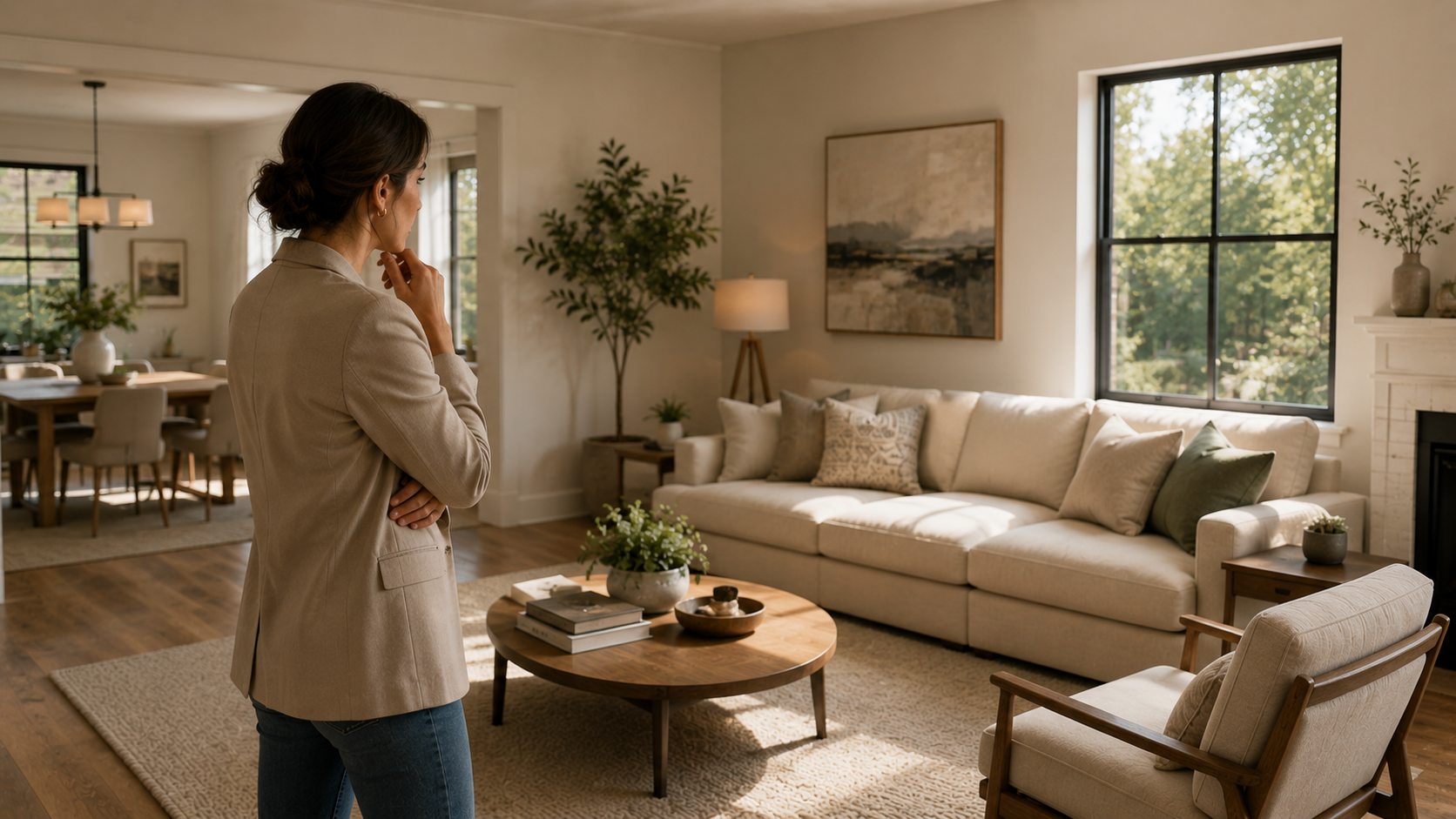
- Review the listing gallery as a buyer would.
- Mark the rooms that feel vacant, cold, confusing, or hard to size.
- Choose the top three to five rooms from that list.
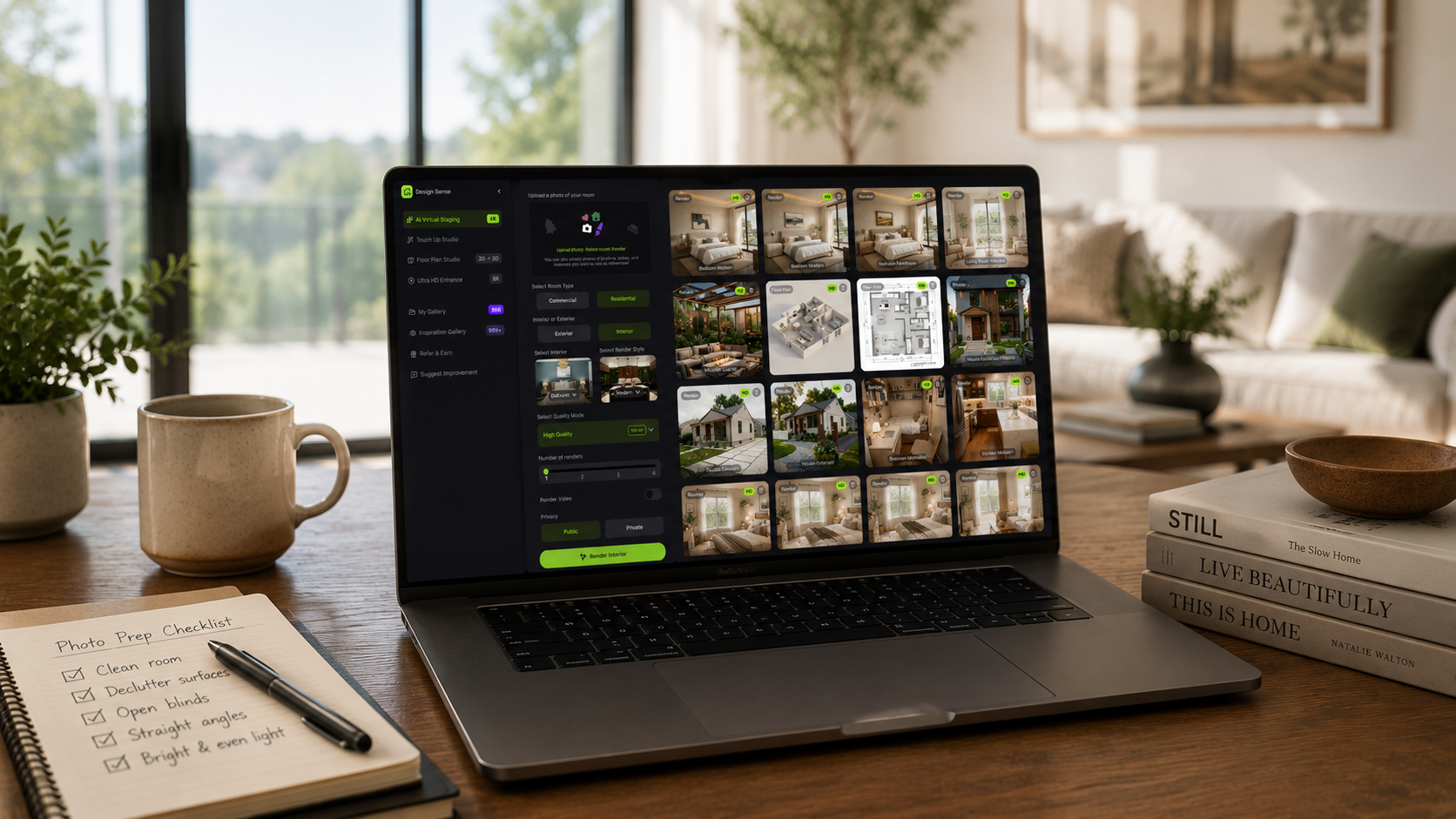
- Prepare clean source photos for those rooms.
- Generate realistic staging directions in DesignSense.
- Reject outputs that change scale, layout, fixtures, or permanent condition.
- Save the original image for each staged version.
- Add MLS disclosure based on your local rules.
This keeps the staging process focused on the listing photos that actually influence buyer understanding.
Common prioritization mistakes
The most common mistake is staging rooms because they are available, not because they matter. Other mistakes include:
- Staging every bedroom with the same look
- Staging rooms that already photograph well
- Skipping the main living room in favor of lower-impact spaces
- Staging a room with a poor source photo
- Choosing style before choosing room priority
- Forgetting that each staged image may need disclosure
Virtual staging should remove friction from the listing workflow. It should not create a larger review queue than the listing team can manage.
FAQ
How many rooms should I virtually stage first?
Start with three to five images. For many listings, that is enough to improve the gallery without over-producing the home.
Should I stage the kitchen?
Usually not with furniture. Kitchens are more about finishes, layout, light, and cleanliness. If the kitchen already photographs honestly, it may need photo polish rather than virtual staging.
Is the living room always the first room to stage?
Usually, but not always. If the living room already looks strong and the primary bedroom or flex room is confusing, stage the room that creates the biggest buyer friction.
Should I stage every vacant bedroom?
No. Stage the primary bedroom first. Add a secondary bedroom only if it is visually confusing or important to the listing story.
Final recommendation
Virtual staging works best when it is selective. Start with the rooms that shape buyer understanding, keep the style believable, and publish only the images that make the listing clearer.
When you have the priority rooms chosen, stage them in DesignSense and review the results against the original photos before MLS upload.
Turn one room photo into a clearer next step.
Use the free trial to turn one room photo into a staging direction that is easier to review, approve, and publish.