What this article says in 30 seconds
- Agents use AI staging to shorten listing prep rather than to replace every part of the marketing process
- The fastest workflow starts by staging only the rooms that shape buyer understanding
- DesignSense works best when teams need to test a few credible directions from the actual room photo
Use DesignSense for this workflow when you need to:
- Agents preparing vacant or visually dated listings on short timelines
- Listing teams who need faster room decisions before publishing
- Marketers who want a repeatable staging workflow across multiple properties
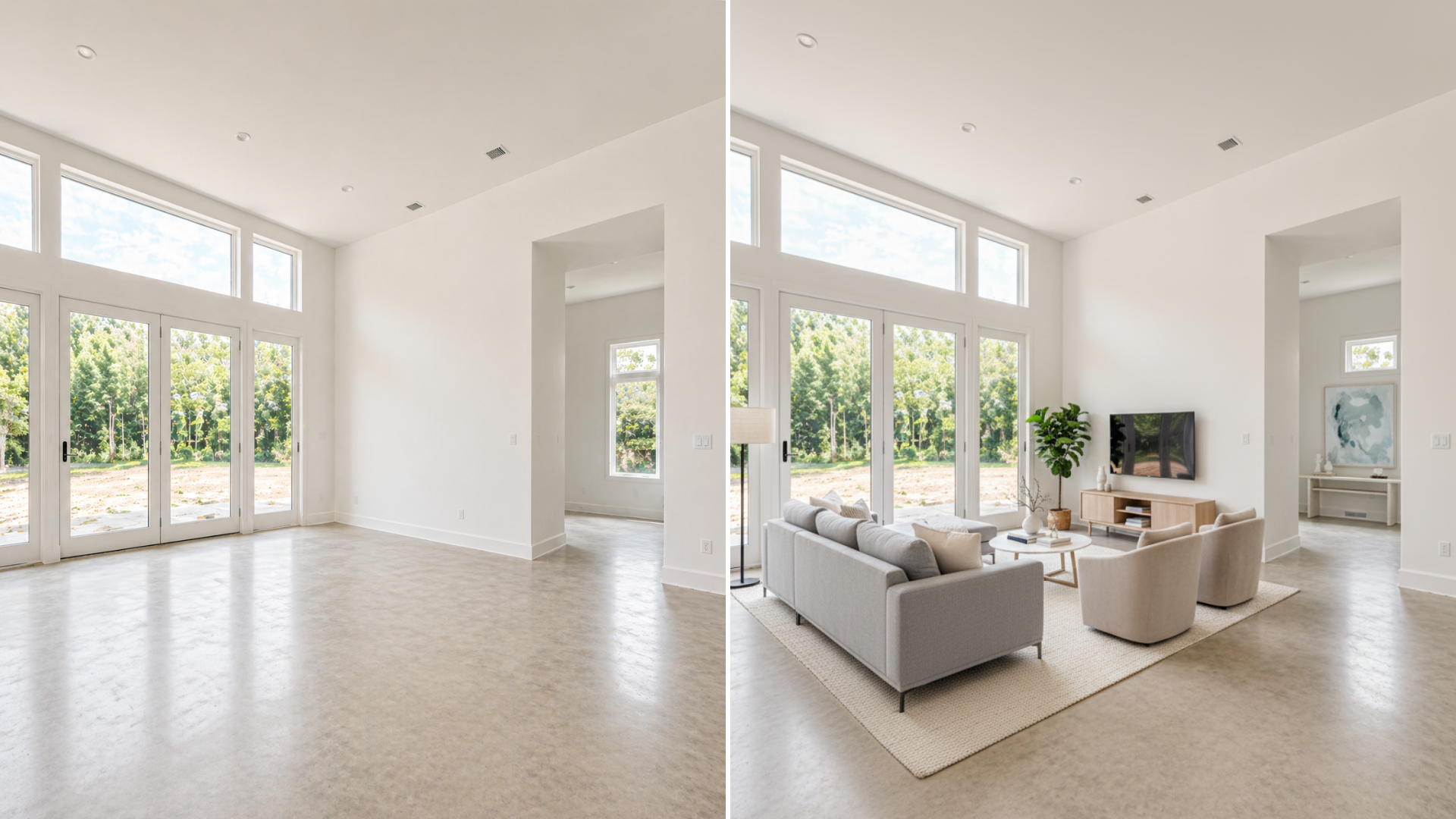
Real estate agents use AI staging to speed up listing prep, not to make the process magical. The practical use case is simple: take a real room photo, clarify the room visually, and get the listing live faster without waiting on a slower physical staging workflow.
That matters because agents are usually balancing photography, pricing, seller communication, copy, and launch timing all at once. A recent February 2, 2026 article from Realtor.com Pro made the same broader point about AI in agent workflows: the value is leverage, not autopilot. In the listing-photo part of that workflow, AI staging gives agents a faster way to make the room easier to understand before the property goes live.
Why agents reach for AI staging in the first place
Agents usually do not start with "We need AI." They start with one of these problems:
- The listing is vacant and feels cold in photos
- The room purpose is unclear
- The decor looks dated
- The launch window is tight
- The seller does not want to pay for full traditional staging
AI staging helps because it can solve the online presentation problem quickly, especially when the property already has usable photos. If you are still comparing the category itself, read what AI virtual staging is first.
The fastest agent workflow is narrower than people think
The mistake is trying to stage everything. The faster workflow is to stage only the rooms that influence the click decision most. For many listings, that means:
- The main living area
- The primary bedroom
- One flex or problem room that buyers may misread
That keeps the workflow lean. Agents do not need ten staged photos to improve a listing. They usually need three to five images that help buyers understand the home faster.
This is also where cost stays under control. If you budget room priority before production, the whole process becomes more predictable. For the pricing side of that decision, see virtual staging cost in 2026.
How agents actually use AI staging on a live listing
In practice, the workflow usually looks like this:
- Choose the strongest existing room photos
- Identify which rooms are hurting the listing most
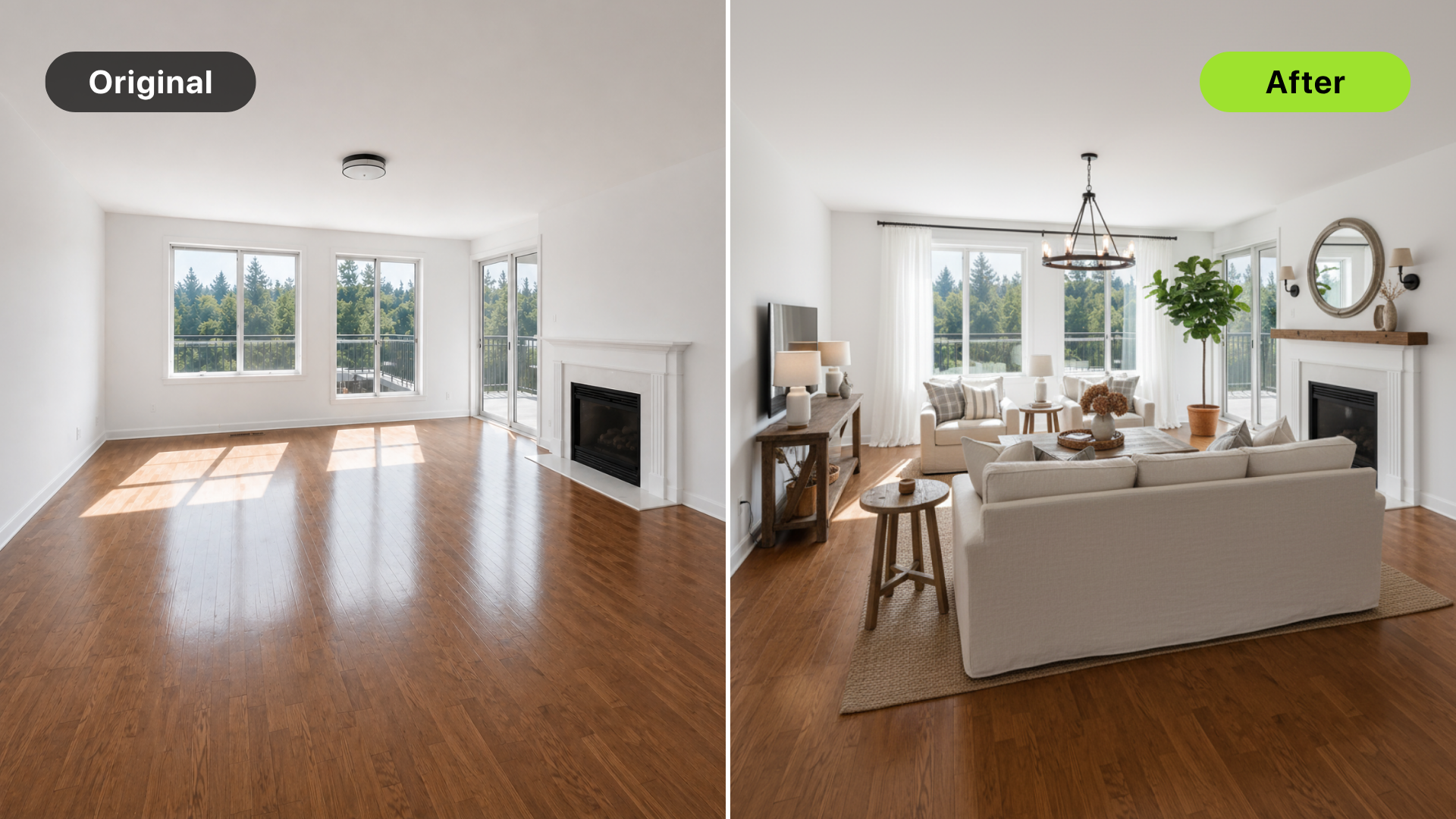
- Generate a few realistic staging directions
- Reject anything that feels misleading or off-market
- Publish only the version that clarifies the listing honestly
That sounds simple, but it saves time in two places:
- Fewer delays before the listing goes live
- Fewer revisions later because the team chose the room direction early
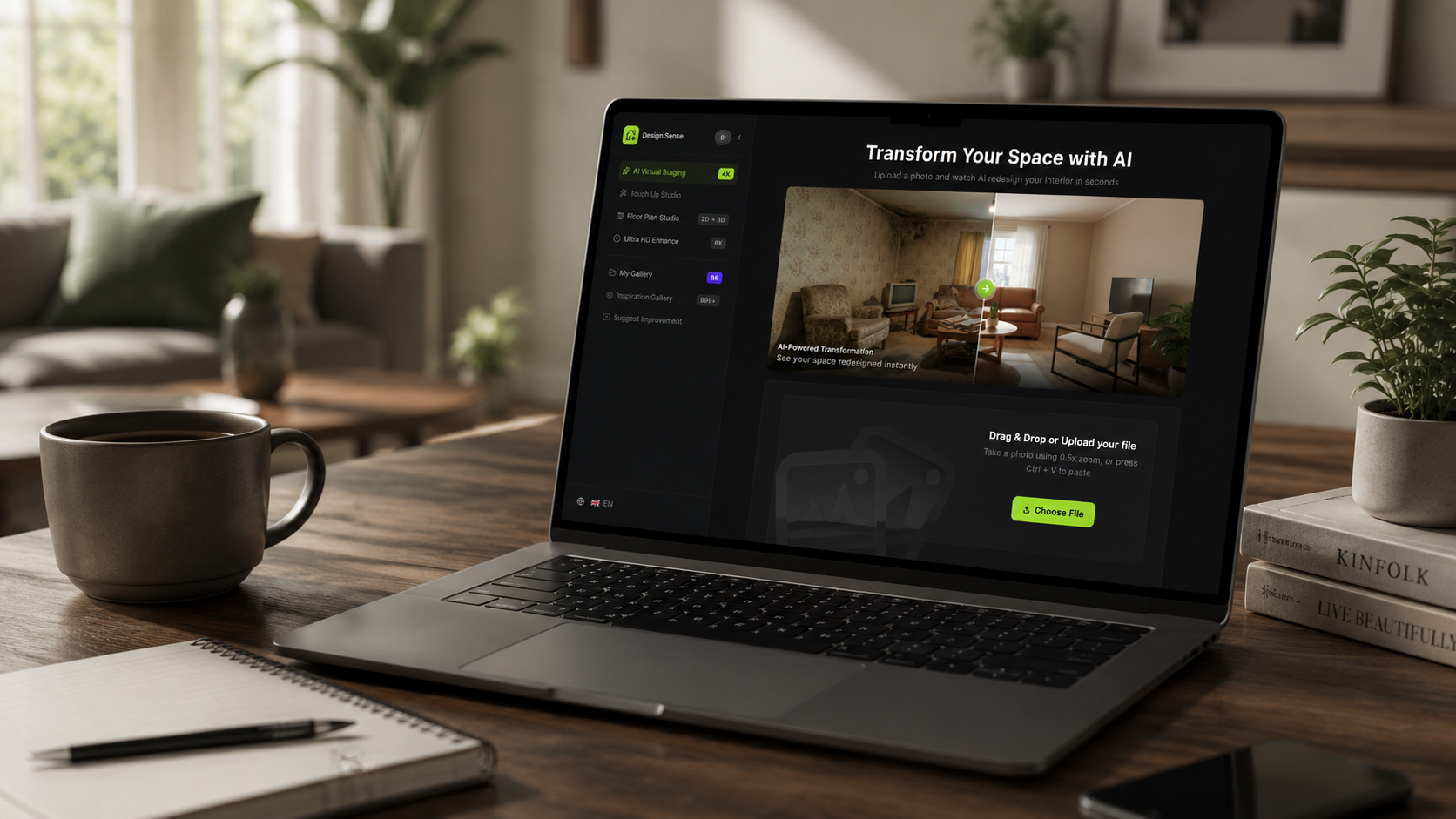
This is where DesignSense fits well. It is strongest when the agent or marketing team already has a real room image and needs a quick decision loop around staging direction, not a long design process.
Where DesignSense helps agents move faster
DesignSense is useful when the question is not "Can we create endless looks?" but "Which version helps this listing read clearly and credibly?" That usually means:
- Starting from the real room photo
- Testing just a few directions
- Choosing the one that fits the listing price point
- Sharpening only the final approved asset
If the source image is usable but a little soft, run the final selected output through the AI upscaler after the staging decision is made rather than polishing every draft.
What agents should not use AI staging for
AI staging is not a fix for every weak listing.
It does not solve:
Turn one room photo into a clearer next step.
Upload a room photo, test one or two believable directions, and get to a publishable listing visual faster.
- Incorrect pricing
- Poor composition in the original photo
- Disclosure requirements
- In-person presentation problems for every property type
It also should not be used to invent a room that does not exist in reality. If the furniture scale is wrong, the room function is unrealistic, or the output changes the feel of the property too much, the image stops helping and starts creating risk.
That is why realism matters more than visual drama.
When agents still choose traditional staging
Agents still lean toward traditional staging when the property needs to feel exceptional during tours, not just in listing feeds. That is more common when:
- The listing is high-end
- The home will rely heavily on open houses
- The seller is already investing in premium presentation
- The in-person experience needs to match the online photos exactly
For many everyday listings, though, the online click is the first hurdle. That is where AI staging tends to earn its keep.
If you are weighing those two options directly, read virtual staging vs traditional staging before choosing a workflow.
A practical rule for agents
Use AI staging when the listing needs to move faster and the visual problem is mainly online clarity. Use traditional staging when the showing experience is the real battleground.
Use a hybrid approach when one or two hero spaces matter enough in person, but the full home does not justify a full physical staging budget. That is usually a better way to think about the decision than treating one method as the universal winner.
FAQ
How many rooms should agents stage with AI?
Usually three to five images is enough. Start with the rooms that shape the first click and only add more if a secondary room is clearly hurting buyer understanding.
Can AI staging help agents list homes faster?
Usually yes, because it compresses the time between photography and listing-ready marketing assets. The speed benefit is strongest when the source photos are already usable and the team stays selective.
Should agents disclose AI-staged listing photos?
They often should, but the exact rule depends on the MLS, brokerage, and local market. Use AI staging as a marketing workflow and confirm disclosure requirements before publishing.
Is AI staging worth it for every listing?
No. It is most useful for vacant, outdated, or visually confusing spaces. Some homes need stronger pricing, better photography, or physical staging more than they need digital staging.
Final thought
Real estate agents use AI staging best when they use it to remove friction from listing prep. It helps the team get from room photo to market-ready visual faster, with less cost and less coordination than a full physical staging workflow.
The strongest results usually come from restraint: stage the rooms that matter, keep the output credible, and use the tool to make a clearer listing decision sooner.
Turn one room photo into a clearer next step.
Use the free trial to turn one room photo into a staging direction that is easier to review, approve, and publish.