What this article says in 30 seconds
- Virtual staging in 2026 is usually priced per image
- In bulk tiers
- Or through a subscription model
- The right cost benchmark is per decision-ready image rather than per listing in the abstract
- DesignSense is strongest when teams want to test a few listing-ready directions before spending more on manual production
Use DesignSense for this workflow when you need to:
- Real estate teams budgeting listing media for vacant or outdated homes
- Agents comparing pay-per-image versus subscription staging models
- Marketers who want to stage only the highest-impact rooms first
Virtual staging cost in 2026 usually falls into three buckets: pay-per-image pricing, bulk pricing, or subscription access. For most real estate teams, the real budgeting question is not "What does virtual staging cost?" but "How many images actually need staging to improve the listing?"
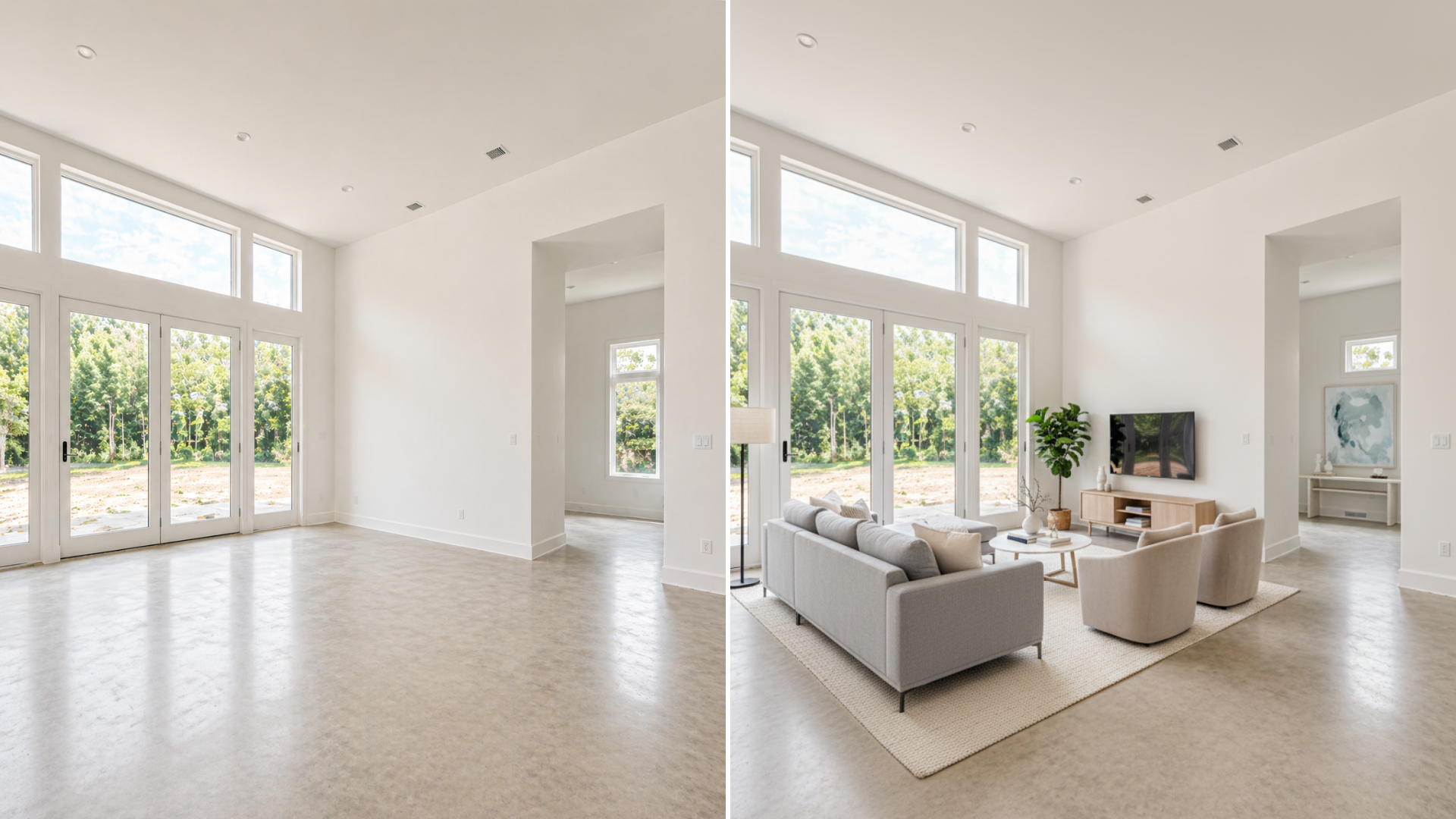
That matters because the cheapest offer is not always the lowest total cost. If you stage too many rooms, rush weak source photos into production, or keep revising images that will never become the hero shots, your budget disappears fast. If you need a baseline on what AI virtual staging actually is before pricing it, start with what AI virtual staging means in a real listing workflow.
What virtual staging costs in 2026
As of April 2026, published pricing on major providers shows a fairly clear range:
- Styldod lists virtual staging at $16 per image for bulk orders and $23 per image for standard orders
- BoxBrownie lists virtual staging at $24 per image with a pay-as-you-go model
- Interior AI includes virtual staging inside subscription tiers, with Premium shown at $99 per month or $49 per month on annual billing
That means the market does not use one single pricing model. Some teams buy staging like a service, image by image. Others use a subscription product and absorb staging into a broader rendering workflow.
If you compare those against physical staging, the gap is still large. Redfin cites home staging at an average of $1,800, with a range from $600 to $4,000, which is why digital staging keeps getting budget attention from listing teams.
The pricing models you are actually choosing between
The pricing conversation gets clearer once you separate the models.
Pay per image
This is the easiest model to understand. You pay for each staged image, usually for the highest-impact rooms only. This works well when:
- You have a small number of listings
- You only need 3 to 6 strong staged images
- You want predictable job-level spend
- Your team does not need a larger AI design workflow
Bulk pricing
Bulk pricing makes more sense when the team is staging multiple rooms or multiple listings every month. The headline price per image drops, but only if volume is real. If you are not consistently staging enough images, the discount does not matter much.
Subscription pricing
This model is different because you are not buying a single staged image. You are buying ongoing access to a tool. That can be cheaper if:
- Your team stages often
- You also use related features like redesign, editing, or upscale
- You want faster experimentation before choosing final listing images
It can be more expensive if you only need a few staged rooms per month.
What changes the cost most
Virtual staging prices move for practical reasons, not mysterious reasons. The biggest cost drivers are usually:
- How many images you stage
- Whether the source photos are clean and usable
- Whether you need rush turnaround
- How many revisions you ask for
- Whether the work is simple staging or closer to renovation visualization
For example, Styldod’s current public pricing adds extra fees for faster delivery on 24-hour and 12-hour turnaround. BoxBrownie positions its offer around a fixed per-image price, 48-hour turnaround, and included revisions. Those are different operating models, so the “better” price depends on how your team actually works.
What most listings should budget for
Most listings do not need every room staged. A practical budget usually starts with the rooms that influence the click decision most:
- The main living area
- The primary bedroom
- The most confusing empty flex space
That is why per-listing cost varies so much. A team that stages three key images has a very different cost profile from a team that stages ten images just because the software makes it easy.
In most cases, the smarter move is to spend on the few images that shape buyer perception, then leave secondary rooms alone unless they are actively hurting the listing. For a more detailed view of where staging creates value in the listing process, see virtual staging for real estate with AI.
Turn one room photo into a clearer next step.
Upload a room photo, test one or two believable directions, and get to a publishable listing visual faster.
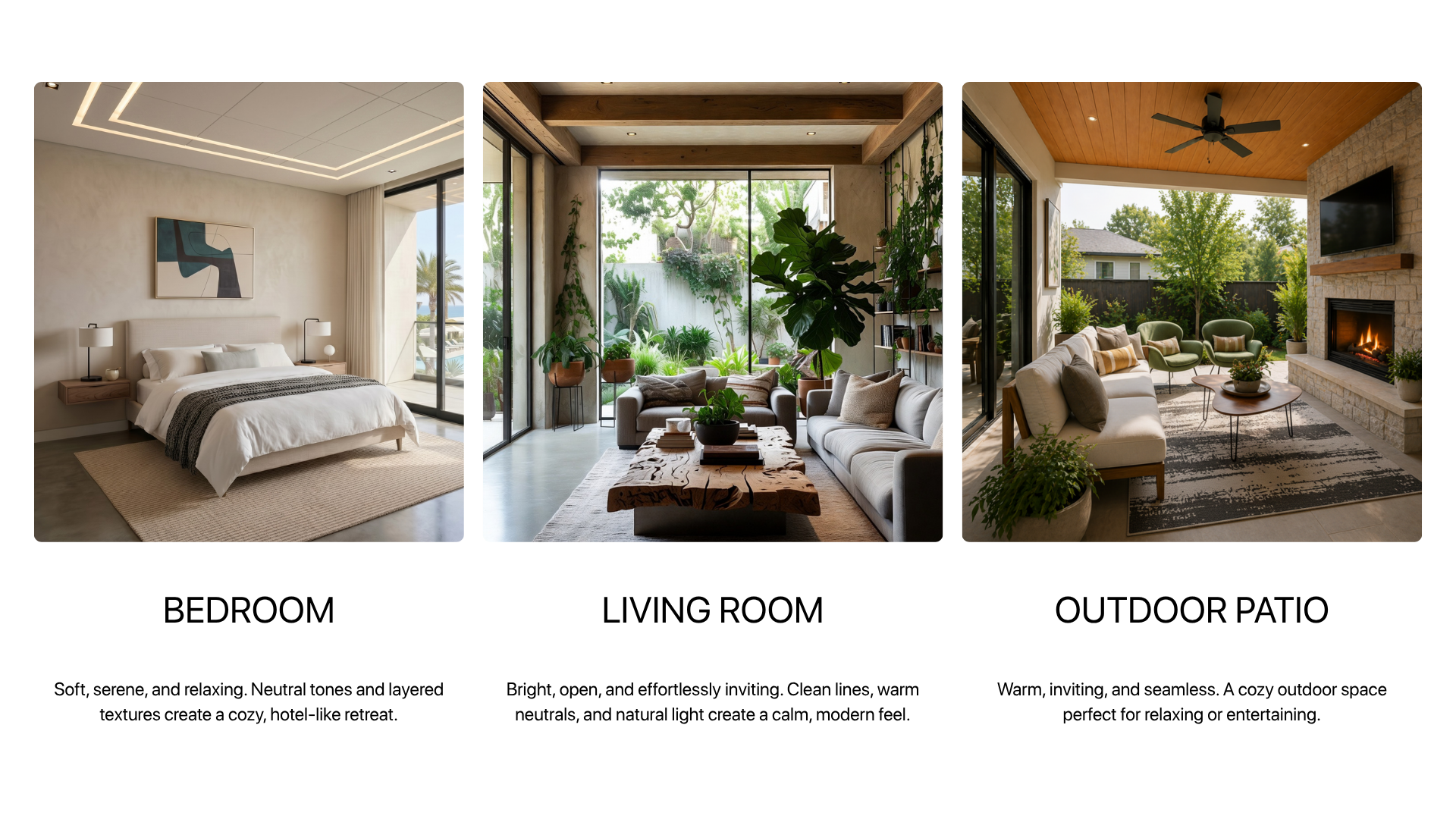
Where DesignSense fits on cost
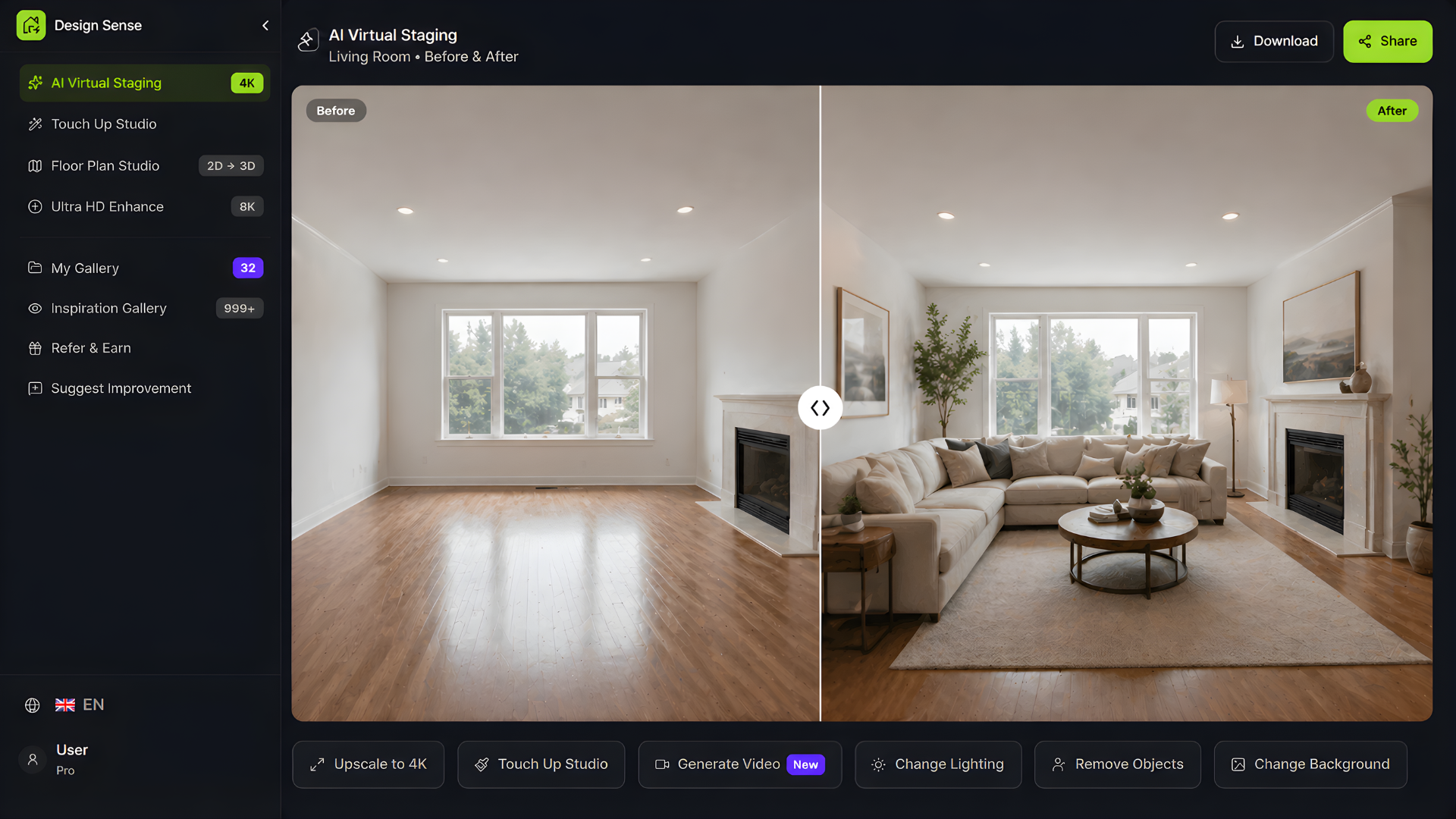
DesignSense is strongest when the goal is to reach a usable listing decision quickly from a real room photo.
That changes the cost conversation slightly. Instead of asking only "What is the price per image?" the better question becomes "How quickly can we test a few credible directions and keep only the one worth polishing?"
That workflow usually looks like this:
- Start with the real room photo
- Test a few realistic staging directions
- Reject anything that does not fit the room or price point
- Keep one final direction
- Sharpen only the approved output if needed
If the chosen image needs a cleaner final finish, use the AI upscaler after the decision is made instead of spending time polishing every draft.
When the cheapest option gets expensive
Low headline pricing can still produce a high total bill if the workflow is sloppy. That usually happens when:
- Weak source photos force extra revisions
- Too many rooms are staged without a clear purpose
- The team uses staging to solve a pricing or positioning problem instead of a photo problem
- Generated images are polished before anyone agrees on the final direction
The cheapest useful staging workflow is usually the one with the fewest unnecessary images, not the lowest advertised number.
How to budget more accurately
A simple 2026 budgeting approach is:
- Identify the 3 to 5 images that matter most
- Decide whether your workflow is occasional, volume-based, or subscription-worthy
- Check turnaround fees before comparing vendors
- Account for revision policy, not just sticker price
- Keep a small buffer for one extra room or one extra revision cycle
If you are still early in the process, the easiest way to pressure-test the workflow is to try one room in the free trial before committing to a larger batch.
FAQ
How much does virtual staging cost per image in 2026?
As of April 2026, common public pricing examples include roughly $16 to $24 per image on pay-per-image service models, while some AI tools include virtual staging inside monthly or annual subscriptions instead of charging per image.
Is virtual staging cheaper than traditional staging?
Usually yes. Traditional staging often costs hundreds or thousands of dollars per home, while virtual staging is typically purchased per image or through a software subscription. The tradeoff is that buyers will still see the actual unstaged home in person.
How many photos should I virtually stage?
Usually only the highest-impact rooms. For many listings, that means three to five images rather than the whole photo set. Budget follows room priority more than it follows the raw number of available photos.
Should agents choose pay-per-image or subscription pricing?
Pay per image usually fits occasional use. Subscription pricing makes more sense when the team stages often or also needs redesign, editing, or upscale workflows around the same listing assets.
Final thought
Virtual staging cost in 2026 is not one number. It is a pricing model choice plus a workflow choice.
The teams that spend well are usually the teams that stage fewer rooms, make decisions faster, and treat staging as a listing-clarity tool rather than as an excuse to generate endless variations.
Turn one room photo into a clearer next step.
Use the free trial to turn one room photo into a staging direction that is easier to review, approve, and publish.