What this article says in 30 seconds
- Virtual staging ROI should be measured against the listing problem it solves
- The strongest use cases are vacant rooms that need scale context and visual warmth
- Agents should prioritize a few high-impact rooms instead of staging every photo
Use DesignSense for this workflow when you need to:
- Agents deciding whether virtual staging is worth using
- Sellers comparing staging options
- Listing teams prioritizing photo improvements
Virtual staging ROI is not only about whether a staged image looks attractive. It is about whether the image solves a real listing problem: buyers cannot understand the empty room, sellers need a clearer marketing plan, or the agent needs stronger photos without the cost and logistics of physical staging.
The best way to think about ROI is practical. If virtual staging makes an important listing photo clearer, faster, and easier to publish while staying accurate, it can be worth using. If it only decorates a room buyers already understand, the return is weaker. For cost context, see virtual staging cost in 2026.
The short answer
Virtual staging ROI improves when:
- The room is vacant or hard to interpret
- Furniture helps buyers understand scale
- The listing timeline is tight
- Physical staging is too expensive or impractical
- The agent stages only the highest-impact rooms
- The final image stays realistic and disclosure-aware
ROI is weaker when staging does not change buyer understanding or when the image creates trust risk.
Start with the listing problem
Before staging, ask what problem the image needs to solve. Good reasons to use virtual staging:
- A vacant living room feels cold
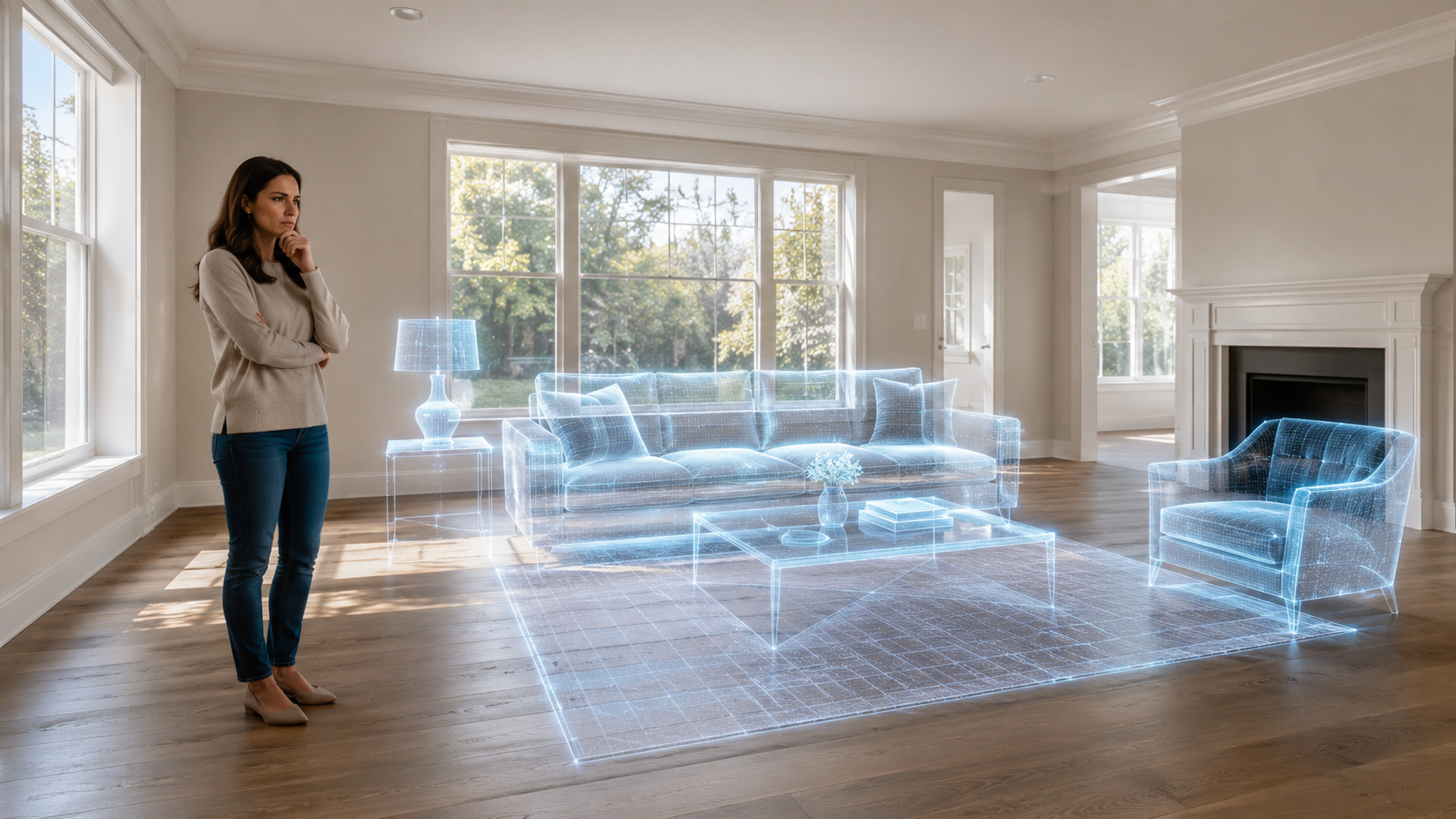
- A bedroom looks smaller without furniture
- An open-plan space is hard to interpret
- A dining area needs scale context
- A bonus room needs a clear use case
- A new construction room lacks warmth
Weak reasons:
- Every room needs to look decorated
- The agent wants more images without a strategy
- The property has bigger preparation issues
- The staged image would hide a condition concern
ROI starts with selecting the right rooms.
Compare cost avoided and value created
Virtual staging can create value in two ways. First, it can avoid some costs and delays associated with physical staging:
- Furniture rental
- Moving coordination
- Scheduling
- Access constraints
- Staging only for photos
- Removing items after the listing
Second, it can improve the usefulness of listing photos:
- Better room comprehension
- More inviting presentation
- Clearer scale
- Stronger seller marketing materials
- Faster approval of the listing plan
Do not measure virtual staging only against the cheapest option. Measure it against the listing friction it removes.
Prioritize a few rooms
Staging every photo is rarely the strongest ROI move. Most listings have a small number of images that carry the buyer's first impression. Start with:
- Main living room
- Primary bedroom
- Dining area
- Home office
- Flexible loft or bonus room
- Empty new construction spaces
For more detail, read best rooms to virtually stage first in a listing. If a room already photographs well and buyers can understand it easily, virtual staging may not add enough value.
Where DesignSense fits
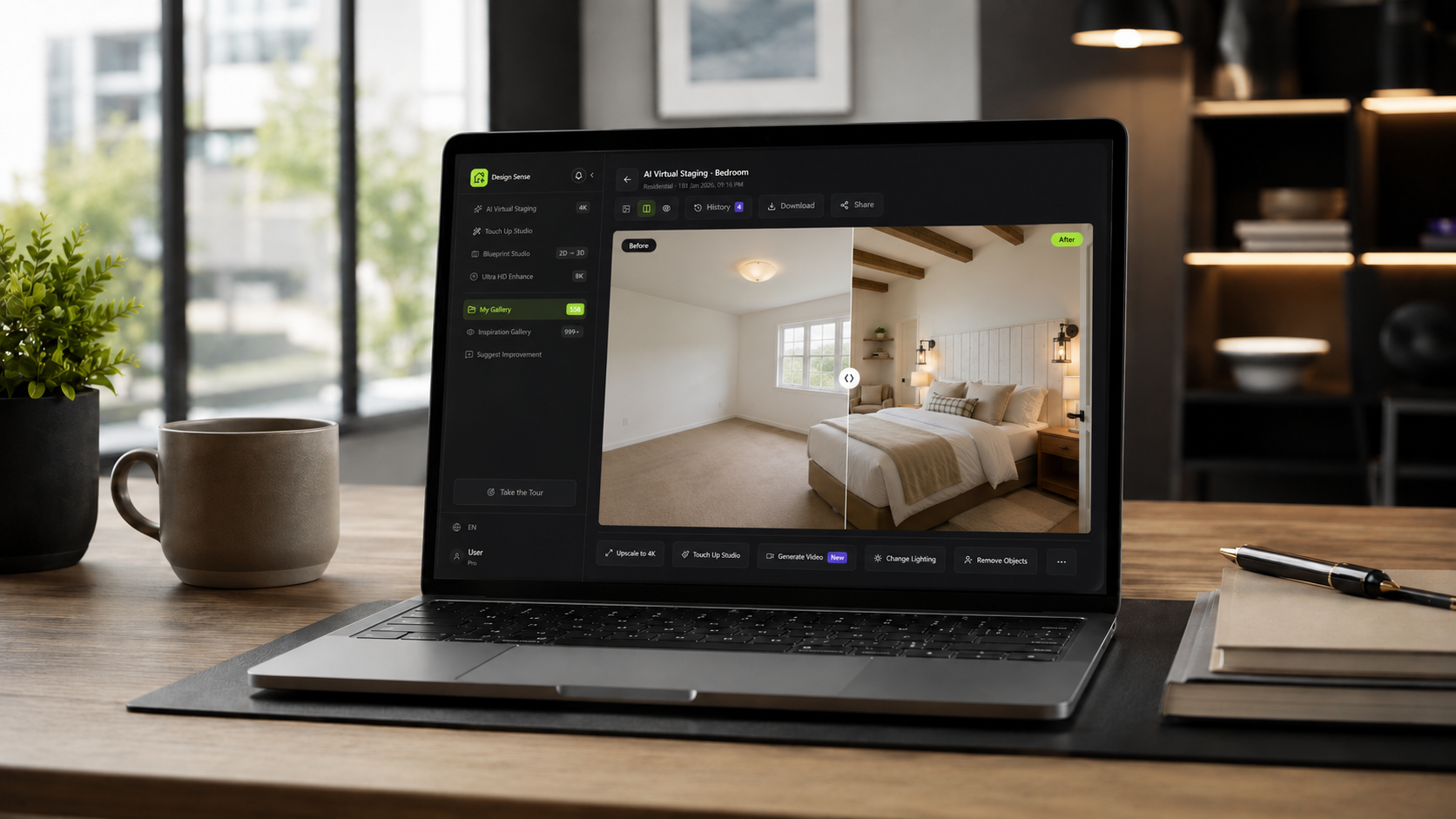
DesignSense helps listing teams create virtual staging concepts from real room photos, then review the output before publishing.
A practical ROI-focused workflow:
- Select the photos that create the most buyer uncertainty.
- Choose one goal for each image: scale, warmth, room use, or listing polish.
- Generate a realistic staged option in DesignSense.
- Compare the output to the original room.
- Reject images that distort the property.
- Use staged images only where they improve clarity.
- Follow MLS, brokerage, and platform disclosure rules.
Turn one room photo into a clearer next step.
Upload a room photo, test one or two believable directions, and get to a publishable listing visual faster.
For source-photo preparation, use how to prepare listing photos for AI virtual staging before generating staged options.

What to measure
Agents can review ROI with practical signals rather than inflated promises. Consider:
- Did the staged photo make the room easier to understand?
- Did the seller approve the visual direction faster?
- Did the listing package feel more complete?
- Did the staging avoid a physical staging delay?
- Did the image preserve buyer trust?
- Did the staged room support the broader marketing strategy?
If the answer is yes, virtual staging likely added useful value.
What virtual staging cannot fix
Virtual staging does not solve every listing problem. It cannot fix:
- Incorrect pricing
- Poor property condition
- Weak market demand
- Bad photography
- Missing disclosures
- Major repairs
- A room that needs physical preparation before photos
It should support listing presentation, not carry the whole sales strategy.
Disclosure affects ROI
Disclosure is part of ROI because trust is part of listing performance. If a staged image creates confusion or complaint risk, the return can disappear quickly. Before publishing:
- Confirm local MLS rules
- Keep original photos available
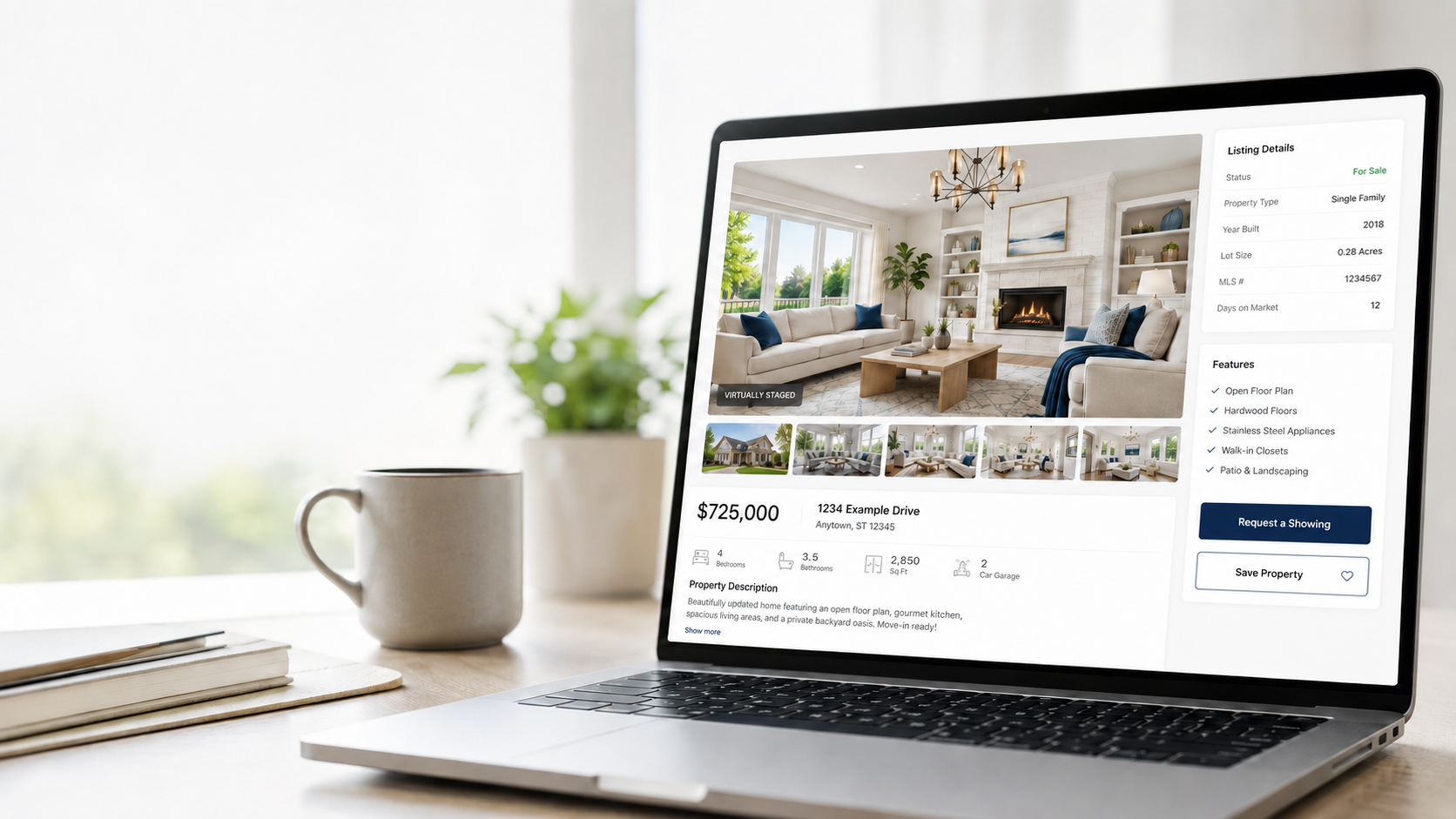
- Label virtually staged images where required
- Avoid changing property facts
- Preserve room size, windows, doors, and fixtures
For common concerns, see common objections to virtual staging.
FAQ
Is virtual staging worth it?
It can be worth it when a staged image helps buyers understand a vacant or confusing room and avoids heavier staging logistics.
How many rooms should I virtually stage?
Start with the rooms that affect buyer understanding most. For many listings, that means a few high-impact rooms rather than every image.
Does virtual staging improve listing photos?
It can improve listing photos when furniture and decor add scale, warmth, and context while preserving the real property.
Can virtual staging replace pricing strategy?
No. Virtual staging supports presentation. Pricing, property condition, market demand, and agent strategy still matter.
Final recommendation
Use virtual staging when it solves a clear listing-photo problem. Prioritize the rooms that need context, keep the output realistic, and measure ROI by whether the image improves clarity without creating trust risk.
When you want to improve a vacant listing photo, create virtual staging in DesignSense and focus on the image that will help buyers understand the property fastest.
Turn one room photo into a clearer next step.
Use the free trial to turn one room photo into a staging direction that is easier to review, approve, and publish.