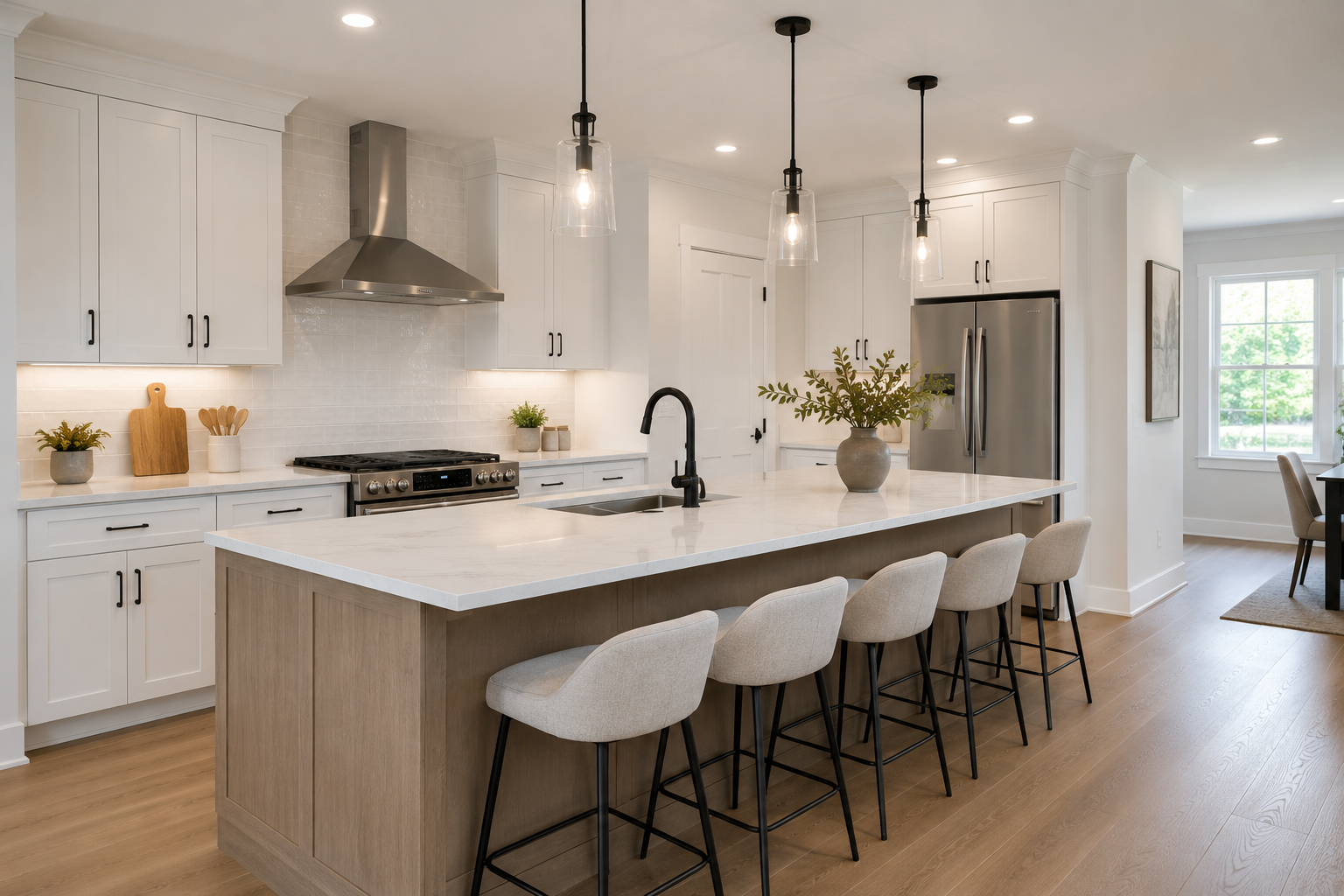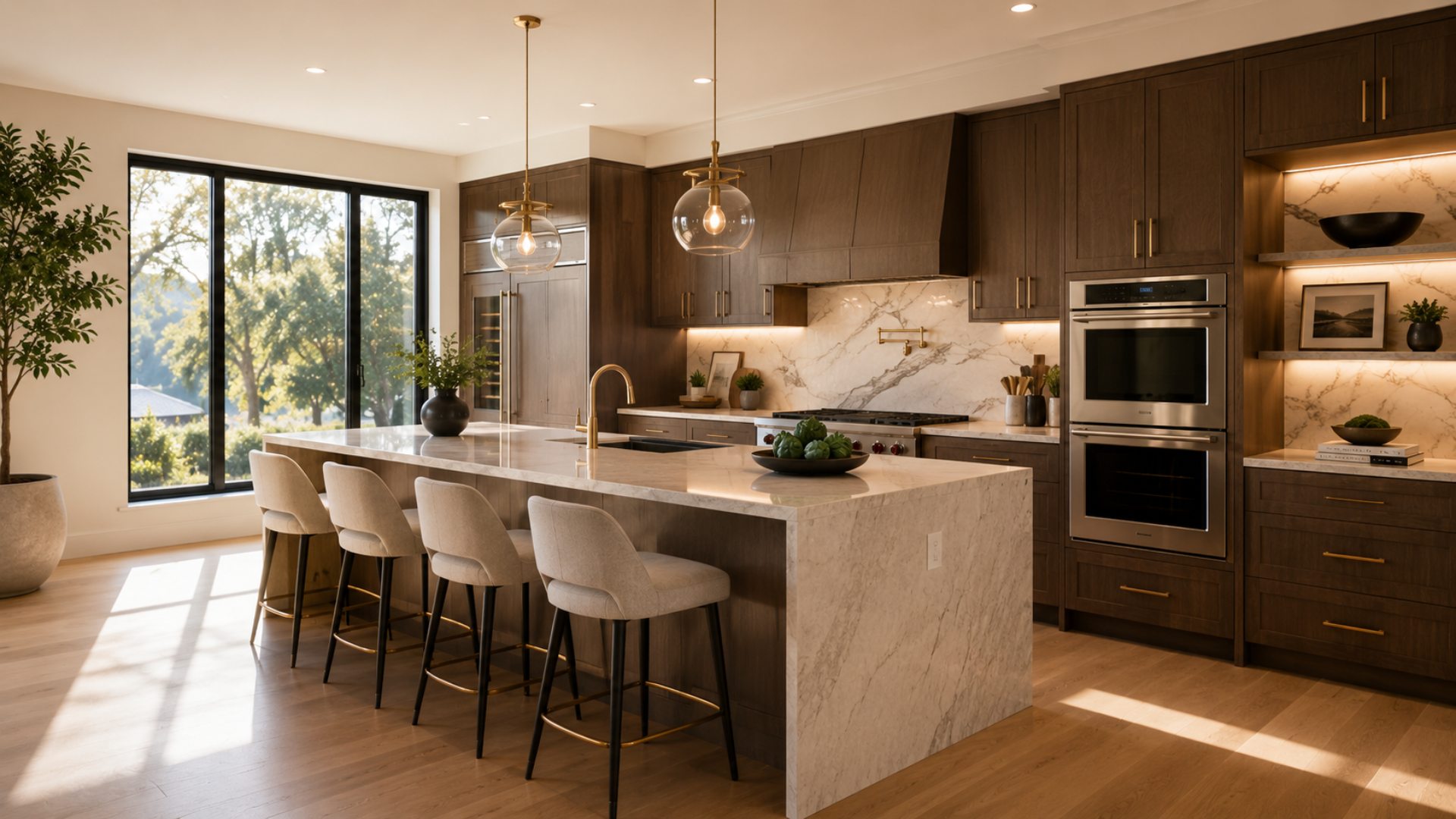
What this article says in 30 seconds
- Luxury virtual staging needs stricter realism than everyday listing staging
- AI staging is useful for visual direction and select rooms but may not replace physical staging
- DesignSense works best when agents use it to test credible premium directions from real room photos
Use DesignSense for this workflow when you need to:
- Agents preparing luxury listings before final marketing decisions
- Teams comparing premium room directions quickly
- Sellers who need selective visual clarity without staging every room physically
Virtual staging for luxury listings can be useful, but the standard is higher. Premium buyers often compare the online gallery against the in-person experience closely, so the staged image has to feel credible, restrained, and aligned with the property.
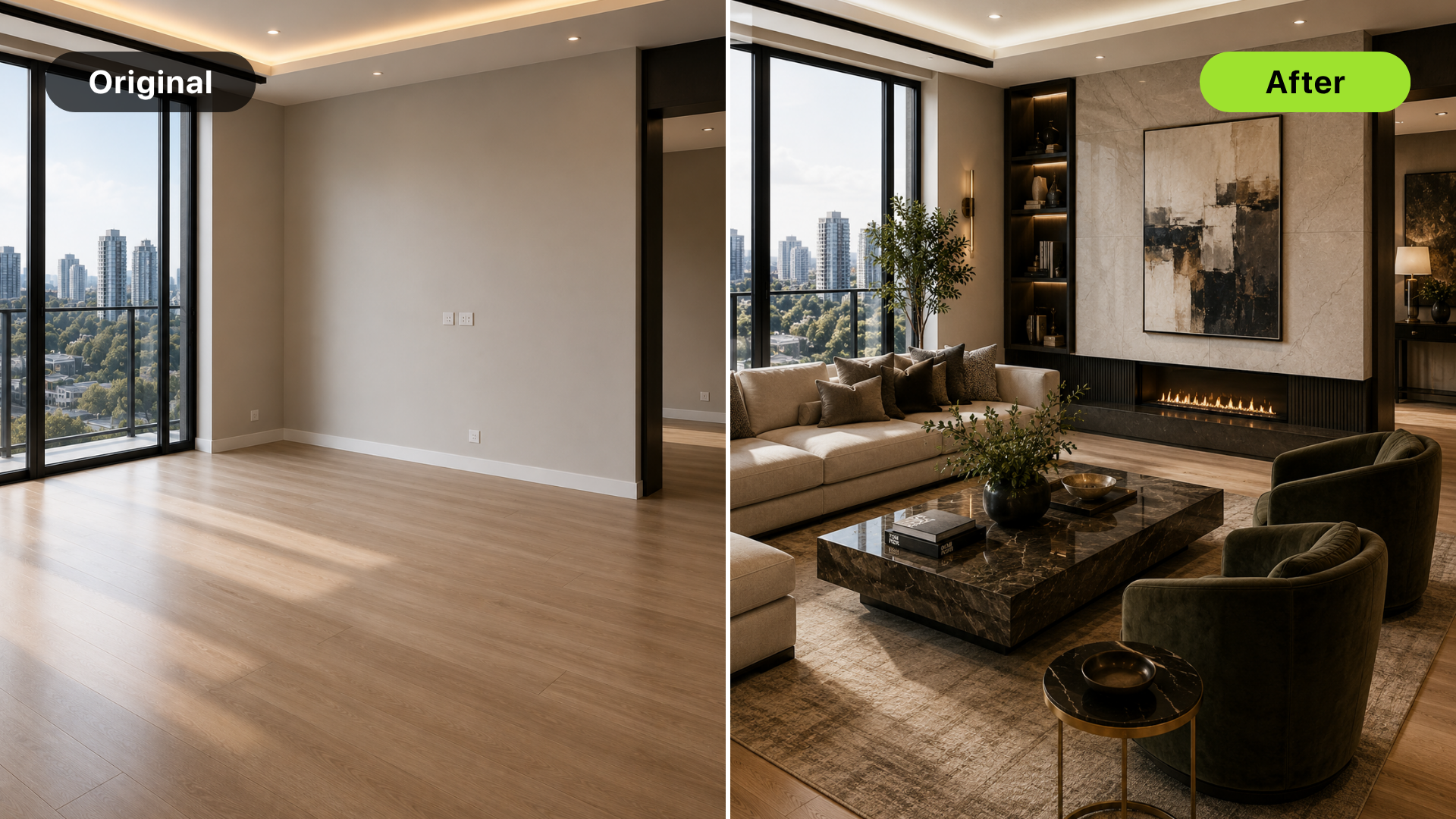
AI staging should not make a luxury home look more impressive than it is. It should help the listing team test a visual direction, clarify an empty room, or support a selective marketing image before making heavier production decisions. For a general comparison of staging options, read virtual staging vs traditional staging.
The short answer
Use virtual staging for luxury listings when:
- One or two vacant rooms need visual clarity
- The team wants to test design direction before production
- Physical staging is not practical for every room
- The image can stay realistic and easy to disclose
Use traditional staging when the physical showing experience has to carry the sale or when buyers expect the online gallery to match the home exactly.
Why luxury staging needs more restraint
Luxury buyers are often evaluating details:
- Material quality
- Architecture
- Light
- Proportions
- View corridors
- Craftsmanship
- Flow between rooms
Over-staging can distract from those details. A dramatic AI design can make the listing feel less trustworthy if it competes with the actual property. For premium listings, the best virtual staging often looks quiet. It supports the room instead of dominating it.
Stage only the rooms that need help
Luxury listings rarely need every room virtually staged. Good candidates include:
- Vacant living rooms
- Large bedrooms that need scale context
- Empty guest suites
- Awkward bonus rooms
- Lower-level media or flex spaces
- Secondary rooms that need buyer imagination
Do not stage rooms that already show architecture, finishes, or view quality clearly. In some luxury listings, an empty room with strong light and materials may be more compelling than a digitally furnished version.
Match the property's price point and architecture
Style fit matters more in luxury marketing. Review whether the staging matches:
- Architecture
- Finish level
- Location
- Likely buyer
- Listing price point
- Seller and brokerage brand
Generic staging can make a premium property feel less special. Overly trendy staging can date the image quickly. The strongest direction usually feels elevated but not loud. If you are working from an original room photo, use how to get realistic AI virtual staging results as the quality-control checklist.
Be careful with expectation gaps
The biggest luxury-listing risk is the gap between the screen and the showing. If the staged image makes the room feel warmer, larger, brighter, or more furnished than the in-person experience, buyers may feel the listing overpromised.
That does not mean virtual staging should be avoided. It means the team should:
- Keep furniture scale honest
- Avoid changing finishes or views
- Preserve the original photo
- Label staged images clearly
- Consider physical staging for hero spaces
- Use AI staging selectively for secondary rooms
Disclosure and realism matter together. A label helps, but it does not fix an image that feels misleading.
A DesignSense workflow for luxury listings
Turn one room photo into a clearer next step.
Upload a room photo, test one or two believable directions, and get to a publishable listing visual faster.
Use this workflow for premium properties:
- Identify the rooms where staging adds clarity without distracting from architecture.
- Upload the strongest real room photo.
- Generate restrained premium staging directions.
- Compare scale, light, and finish quality against the original image.
- Reject outputs that feel generic, oversized, or misleading.
- Save the original photo.
- Decide whether physical staging is needed for key showing spaces.
- Add disclosure according to MLS and brokerage rules.
DesignSense is useful here because it helps the team test direction quickly before committing to a more expensive physical or hybrid staging plan.
When physical staging still wins
Physical staging is often stronger when:
- The property relies heavily on open houses
- The room needs emotional impact in person
- Architecture is hard to appreciate empty
- Seller expectations are high
- The listing price supports a premium presentation budget
Many luxury listings benefit from a hybrid approach: physical staging for hero spaces and virtual staging or AI concepting for secondary rooms, early direction, or marketing tests.
Common luxury staging mistakes
Avoid these mistakes:
- Making the room look larger than it is
- Using furniture that does not match the price point
- Hiding architectural details behind decor
- Changing views, finishes, or lighting fixtures
- Treating virtual staging as a full replacement for premium presentation
- Skipping disclosure because the image looks polished
Luxury marketing depends on trust. The image has to feel as credible as it is attractive.
FAQ
Is virtual staging appropriate for luxury listings?
Yes, when used selectively. It is most useful for vacant or secondary spaces where staging clarifies function without replacing the premium in-person experience.
Can AI staging replace physical staging for luxury homes?
Sometimes for marketing images, but not always. Physical staging is still stronger when the showing experience needs to match the listing gallery closely.
Which luxury rooms should be virtually staged?
Start with vacant living areas, large bedrooms, guest suites, or flex spaces that need scale and purpose. Skip rooms where architecture, finishes, or views already carry the image.
What makes luxury virtual staging look fake?
Wrong furniture scale, generic styling, changed finishes, exaggerated lighting, and decor that does not match the property's architecture or price point.
Final recommendation
Use luxury virtual staging as a selective decision tool, not a shortcut. Keep the design restrained, preserve what makes the property premium, and use physical staging when the showing experience needs to carry the sale.
When you want to test a premium direction from a real room photo, try a luxury room in DesignSense and compare the result against the actual space before publishing.
Turn one room photo into a clearer next step.
Use the free trial to turn one room photo into a staging direction that is easier to review, approve, and publish.