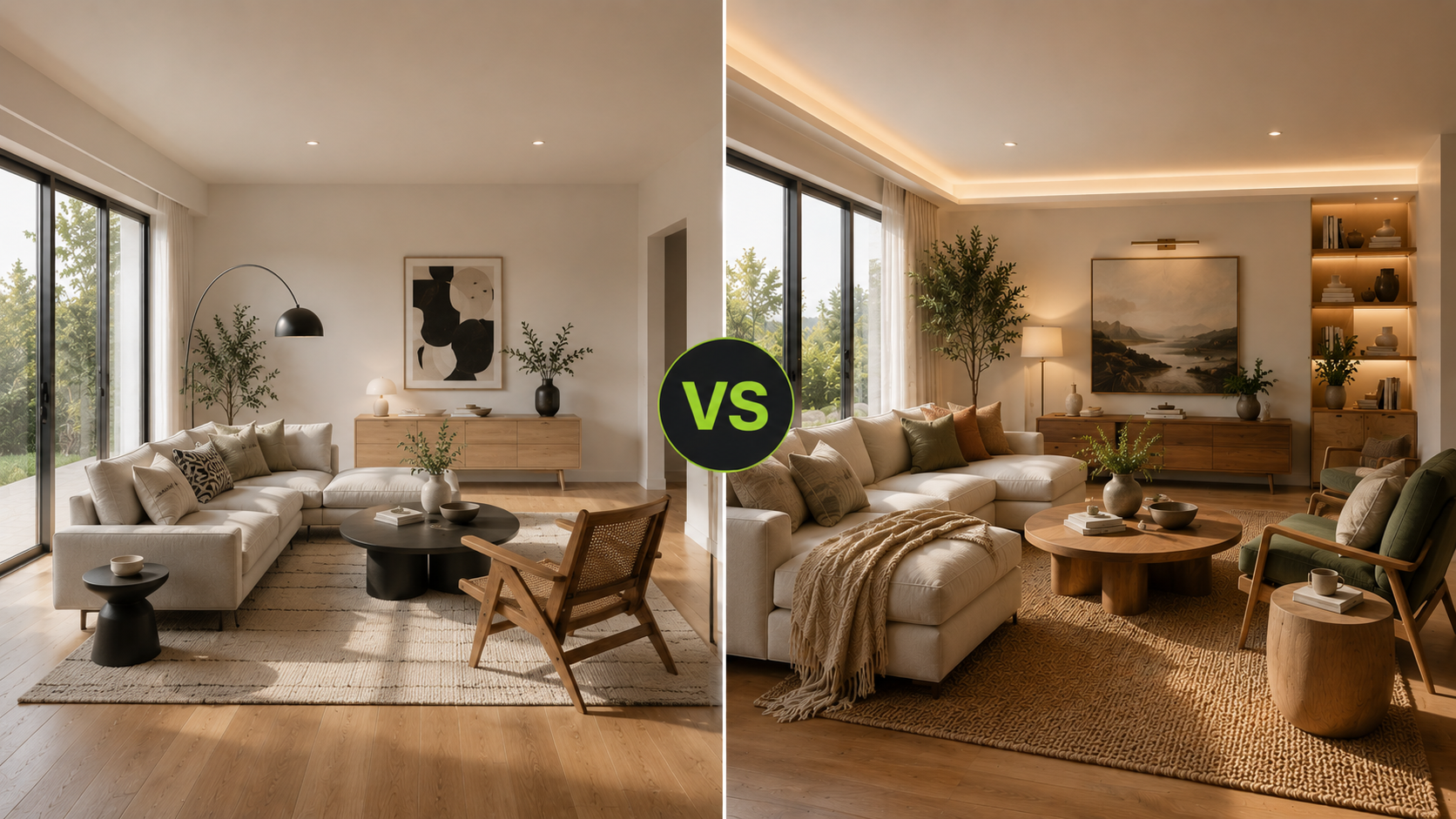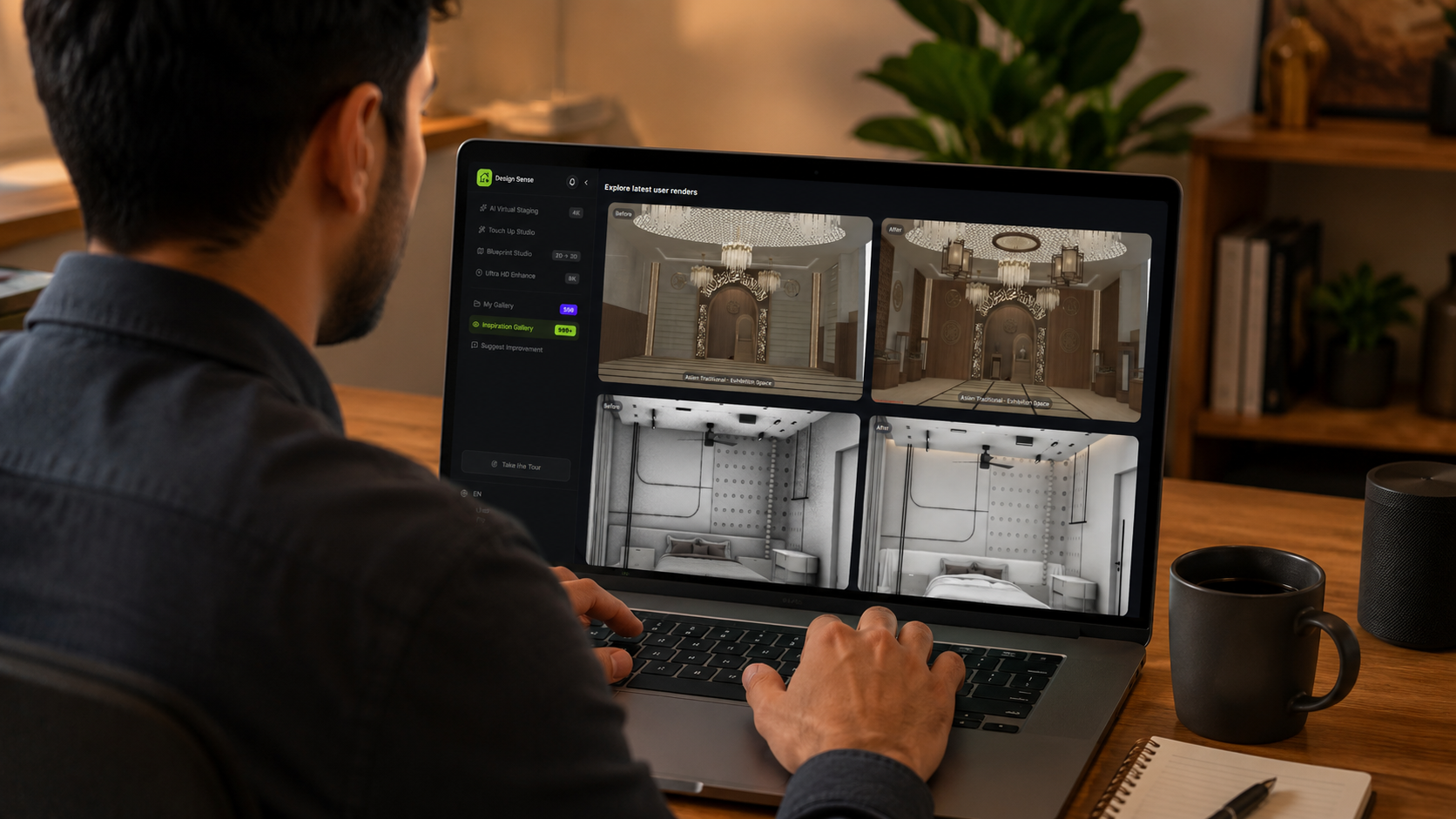
What this article says in 30 seconds
- Evaluate AI virtual staging tools by realism workflow speed review control and listing-photo quality
- The right tool should start from real room photos and support human approval before publication
- DesignSense is strongest when teams need a fast practical staging loop rather than a complex design project
Use DesignSense for this workflow when you need to:
- Agents comparing AI virtual staging workflows
- Brokerages setting standards for listing-photo tools
- marketing teams choosing a practical staging process
To evaluate AI virtual staging tools, focus on the workflow that happens after the image looks good: realism review, source-photo control, speed, image quality, disclosure workflow, and whether the final output can be trusted in a live listing.
A tool that creates dramatic images is not automatically the right tool for real estate. Listing teams need staged visuals that make rooms easier to understand without creating buyer confusion. If you are still learning the category, start with what AI virtual staging is.
The short answer
Evaluate AI virtual staging tools by asking:
- Does it start from a real room photo?
- Does the furniture scale look believable?
- Can your team create several realistic directions quickly?
- Does the output stay close to the actual property?
- Is the final image sharp enough for listing use?
- Can the team review before publishing?
- Does the workflow fit your disclosure process?
- Does the pricing make sense for your listing volume?
The best tool is not the one with the flashiest examples. It is the one your team can use repeatedly without slowing listing prep or weakening buyer trust.
Check realism first
Realism is the most important evaluation point. Review whether the tool handles:
- Furniture scale
- Floor contact
- Wall and window alignment
- Lighting direction
- Shadows
- Room perspective
- Style fit for the property
If the staged image looks attractive but the furniture could not fit in the real room, the tool is not helping the listing workflow. Use how to get realistic AI virtual staging results as a review checklist.
Test the whole workflow, not one image
Do not evaluate a tool from one polished sample. Test the workflow with a real listing photo:
- Upload a vacant or dated room
- Generate two or three realistic options
- Reject any misleading versions
- Choose the clearest result
- Export or prepare the final image
- Confirm it fits your disclosure process
This shows whether the tool can support actual listing production, not just demo-quality output.
Look for review control
Real estate teams need control before publication. A useful AI staging tool should make it easy to:
- Compare outputs
- Reject weak versions
- Preserve the original image
- Choose a realistic style
- Avoid over-editing
- Decide when to upscale the final image
DesignSense fits best when the team wants a fast decision loop from real room photo to approved staging direction. It is not meant to remove human judgment from the listing process.
Evaluate image quality and finishing
The staged image has to hold up in listing galleries, portal previews, and client review. Check whether:
- Edges look natural
- Furniture is not blurry
- The room still looks like a listing photo
- The image is not over-smoothed
- The output can be sharpened after approval
If the tool creates a good concept but weak final image quality, your team may need a finishing step. In DesignSense workflows, use the AI upscaler after the staging direction is approved.
Check disclosure and compliance fit
No AI staging tool should be treated as your compliance department. The tool can produce the image. Your brokerage, MLS, platform, and local rules decide how that image should be labeled, sequenced, or disclosed.
When evaluating tools, ask whether the workflow makes it easy to:
- Save the original image
- Know which staged output came from which source photo
- Export the final image cleanly
- Add labels or captions before upload
- Reject edits that change permanent property features
Turn one room photo into a clearer next step.
Upload one room photo, test a few directions quickly, and keep the option that is easiest to present or ship.
For the disclosure side, see MLS rules and disclosure for virtual staging.
Decide what kind of team you are
The right tool depends on the team. Solo agents usually need:
- Speed
- Simplicity
- Low friction
- Believable outputs
- Easy final-image handling
Listing teams usually need:
- Repeatable workflow
- Review steps
- Consistent style
- Room-priority standards
- Cleaner handoff to MLS upload
Brokerages usually need:
- Policy alignment
- Predictable output quality
- Disclosure workflow
- Training simplicity
- Reduced risk of misleading edits
Use the tool that fits the process you actually run.
A practical evaluation checklist
Before choosing a tool, test it against this checklist:
- Upload three real listing photos.
- Include at least one vacant room and one awkward or compact room.
- Generate multiple directions for each.
- Compare furniture scale against the original photo.
- Review whether style matches the price point.
- Export the best result.
- Confirm the final image is sharp enough.
- Confirm your team can label and disclose the image before publishing.
If the tool passes this workflow, it is more likely to help in real listing production.

FAQ
What is the most important feature in an AI virtual staging tool?
Realistic output from real room photos. Speed matters, but realism and review control matter more for listing use.
Should I choose the cheapest AI staging tool?
Not automatically. A cheap tool that creates unrealistic or hard-to-review images can cost more time than it saves.
Does an AI staging tool handle MLS disclosure?
Usually no. Treat disclosure as an agent, brokerage, and MLS workflow. The tool creates the image, but your team handles labeling and publishing.
Is DesignSense best for agents or designers?
DesignSense is a strong fit for agents and listing teams who need fast, realistic staging decisions from actual room photos. Designers may also use it for concepts, but listing workflows need stricter review.
Final recommendation
Evaluate AI virtual staging tools by the full listing workflow, not the demo image. The right tool should help your team stage real rooms quickly, review output honestly, and publish only the visuals that buyers can trust.
When you are ready to compare a real room photo, evaluate DesignSense with a free trial and use the result in your own staging checklist.
Turn one room photo into a clearer next step.
Use DesignSense to move from room photo to a clearer concept without waiting on a slower manual workflow.