What this article says in 30 seconds
- AI room redesign is for planning or visualizing changes to a space
- Virtual staging is for presenting a property more clearly in listing photos
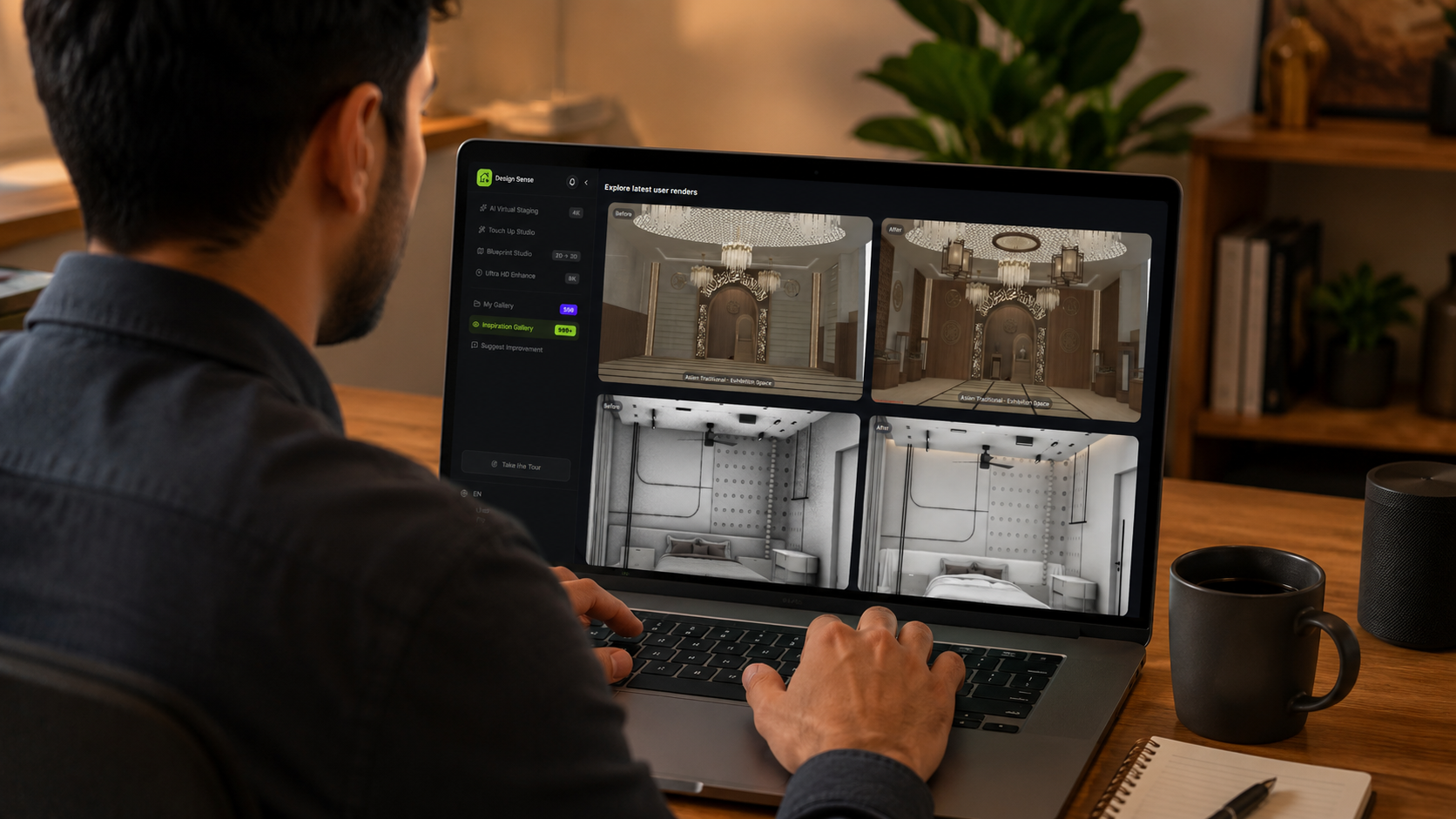
- DesignSense supports both workflows when the input is a real room photo and the output is reviewed for accuracy
Use DesignSense for this workflow when you need to:
- Agents deciding between staging and redesign visuals
- Homeowners comparing update ideas
- Designers and remodelers explaining early concepts
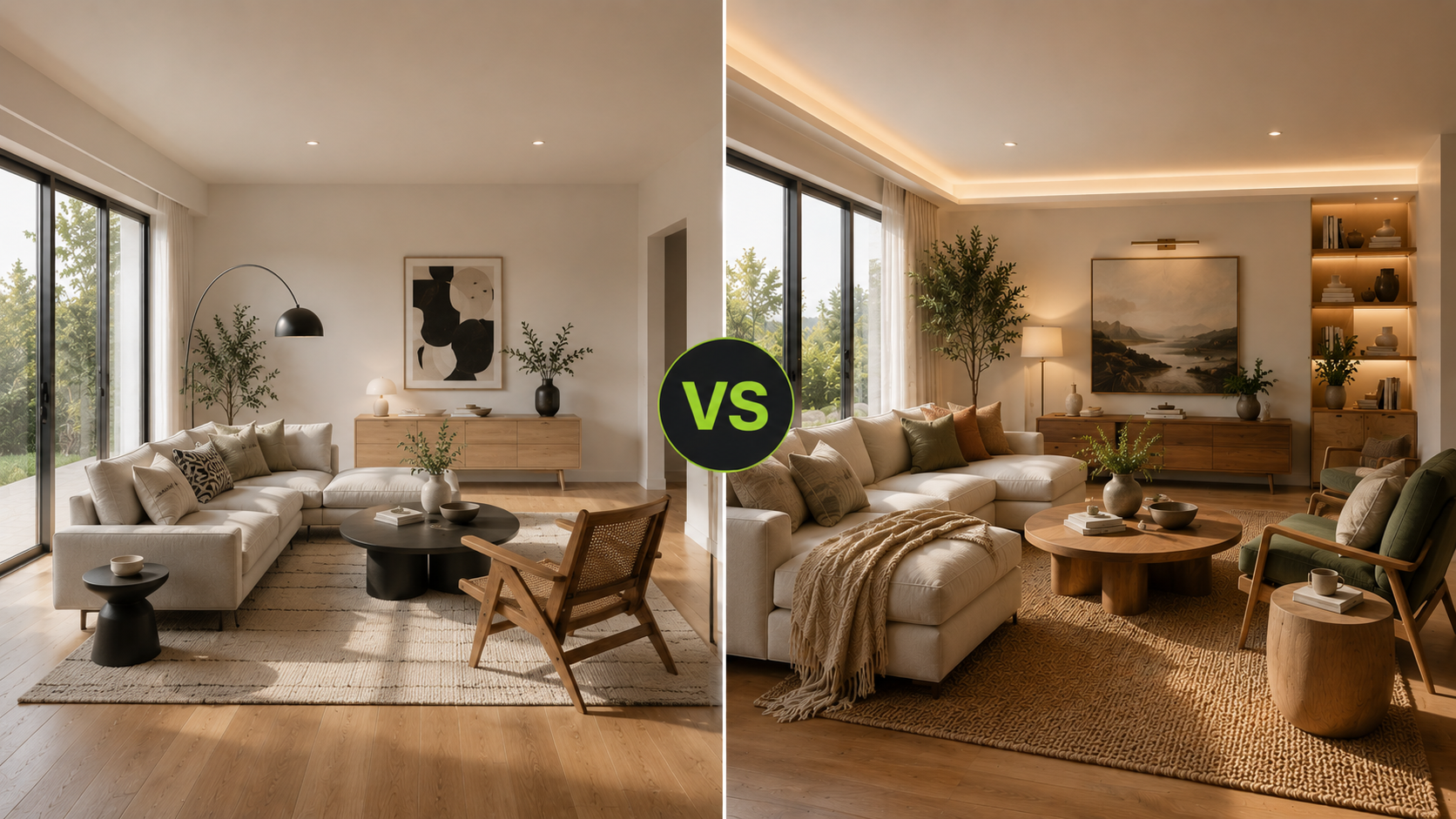
AI room redesign and virtual staging both use images to make a space easier to understand, but they are not the same workflow. AI room redesign helps plan or visualize changes. Virtual staging helps market a property by furnishing or styling listing photos.
The practical question is simple: are you trying to decide what to do with the room, or are you trying to present the room to buyers or renters? If the goal is planning, use room redesign. If the goal is listing presentation, use virtual staging. For a deeper introduction to staging, start with what is AI virtual staging. For remodel planning, read how to use AI for room redesign and renovation visualization.
The short answer
Use AI room redesign when you need to:
- Compare design directions
- Preview a room update
- Explore furniture, finishes, or color ideas
- Discuss a renovation before committing
- Help a homeowner or client choose a direction
Use virtual staging when you need to:
- Furnish an empty listing photo
- Make a vacant room easier to understand
- Show scale and layout for buyers
- Improve listing presentation
- Support real estate marketing with clear disclosure
Both workflows need review. Neither should be used to misrepresent the real space.
What AI room redesign is for
AI room redesign is a planning and concepting workflow. It is useful when the room exists, but the owner, designer, or project team wants to see possible changes. Examples:
- A homeowner wants to compare modern and warm traditional living room directions.
- A remodeler wants to show a bathroom refresh concept before detailed planning.
- A designer wants early client feedback before investing more time.
- A seller wants to preview whether a room update would make the home feel more current.
The output is a concept. It helps people react, discuss, and choose a direction.
What virtual staging is for
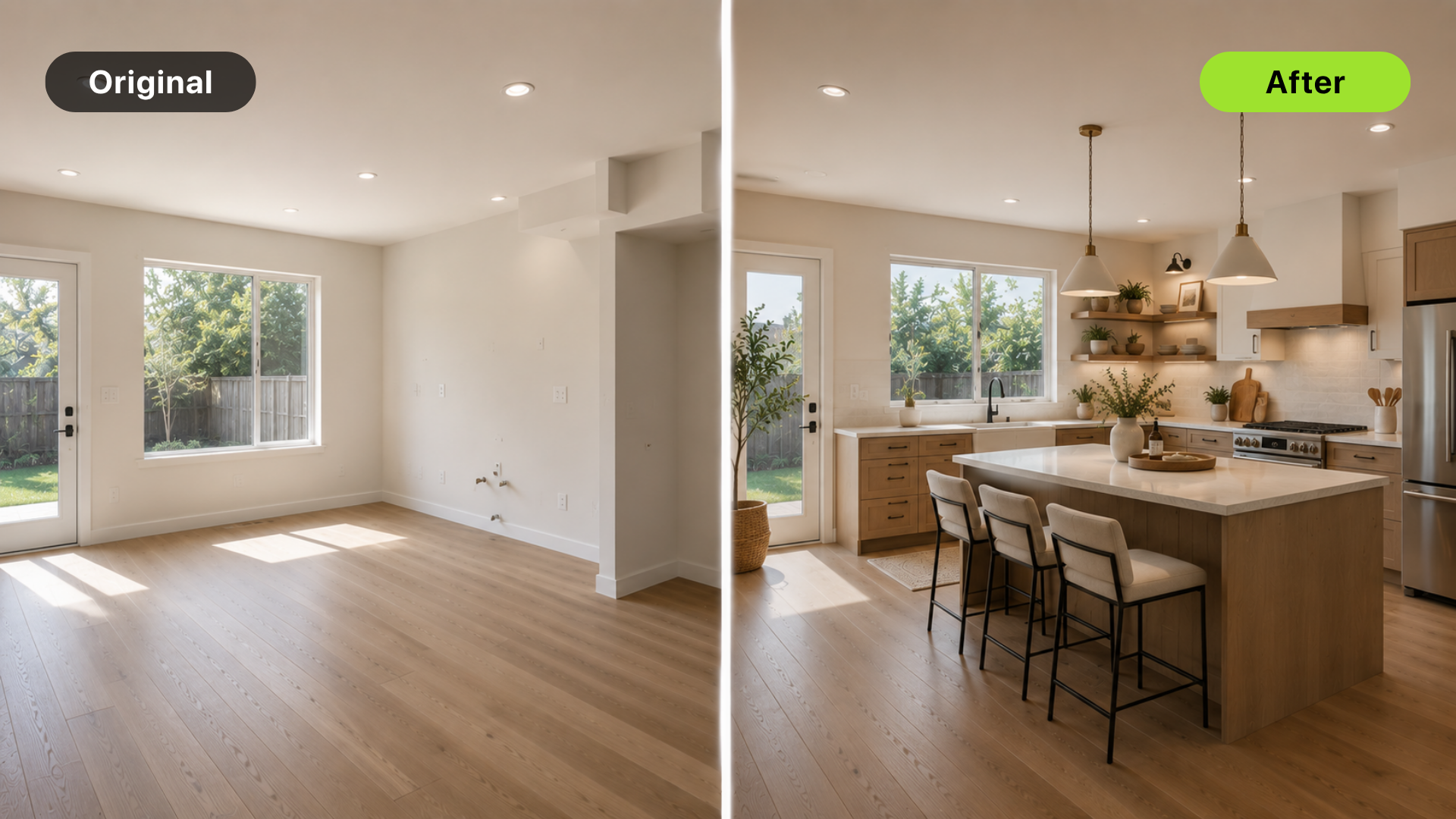
Virtual staging is a listing-marketing workflow. It is most useful when a room is empty, underfurnished, or difficult for buyers to interpret from photos. Examples:
- An empty living room needs furniture to show scale.
- A vacant bedroom needs a more inviting listing photo.
- A condo needs buyers to understand how the compact layout works.
- A new construction room needs context before furniture arrives.
The output is usually used in a listing, marketing packet, or sales conversation. Because buyers may rely on the image, accuracy and disclosure matter. Review MLS rules and disclosure for virtual staging before publishing staged listing photos.
The main difference
AI room redesign asks:
- What could this room become?
- Which direction should we choose?
- What visual idea should we discuss next?
Virtual staging asks:
- How can this listing photo communicate the room better?
- How can buyers understand scale and use?
- What furniture or styling makes the existing room easier to imagine?
Room redesign is decision support. Virtual staging is presentation support.
Where DesignSense fits
DesignSense supports both workflows from a real room photo.
For AI room redesign:
- Upload the current room photo.
- Choose a style or redesign goal.
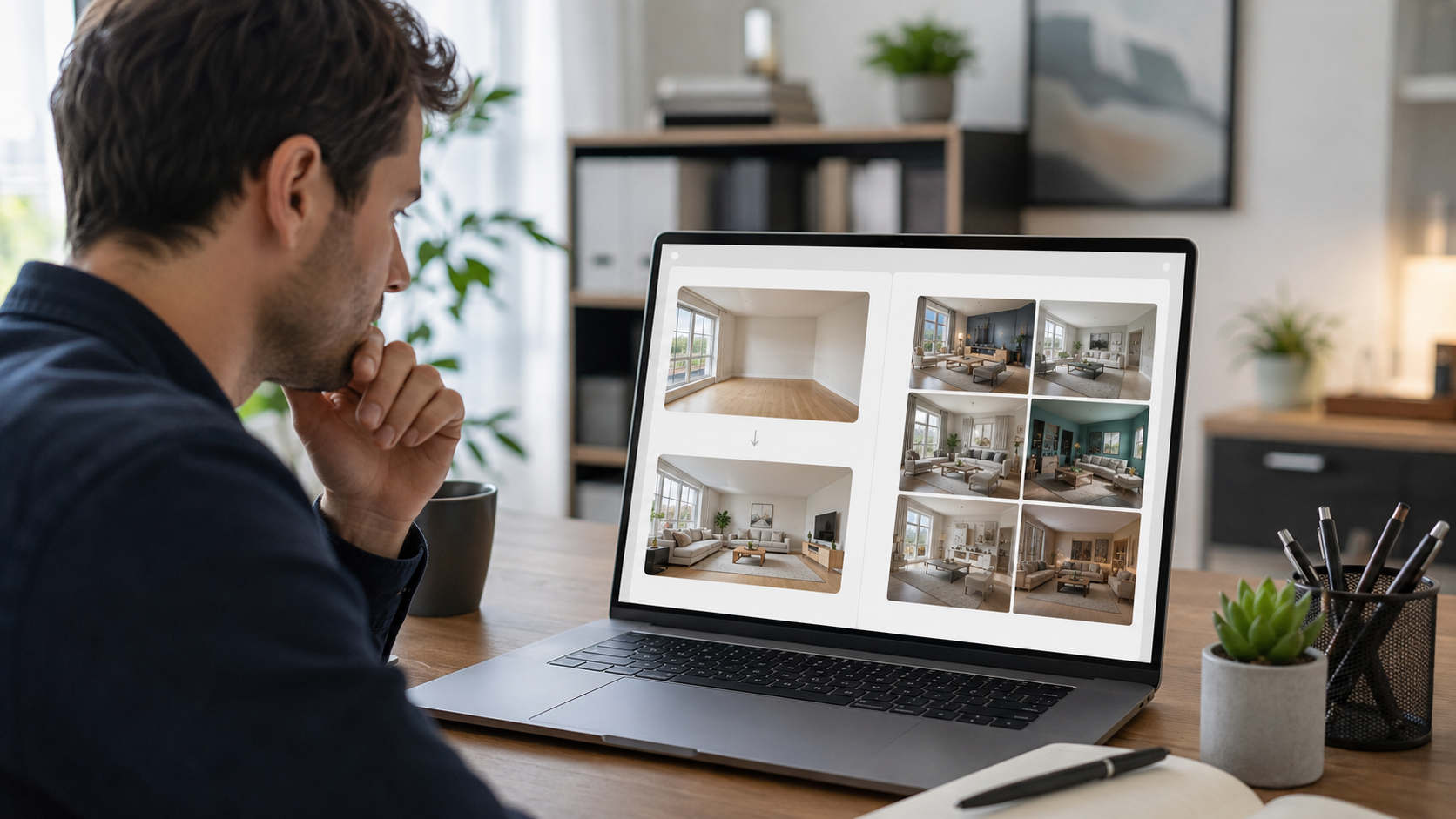
- Generate a few concept directions.
- Reject anything that ignores room constraints.
- Use the strongest image to guide the next design conversation.
For virtual staging:
- Upload the listing photo.
- Keep the room structure accurate.
- Add furniture and decor that fit the property.
- Review for realism and disclosure needs.
- Use the final image to support the listing presentation.
Turn one room photo into a clearer next step.
Upload one room photo, test a few directions quickly, and keep the option that is easiest to present or ship.
If you need interior concept generation, use the DesignSense render workflow. If a final image needs sharper presentation, use the AI upscaler after choosing the best result.
Best fit by audience
Real estate agents
Use virtual staging when the goal is to market a listing. Use room redesign only when you are discussing possible seller improvements before photos or helping a client imagine an update.
Homeowners
Use room redesign when you are deciding what to change. Use virtual staging if you are preparing a property for sale and need listing photos to communicate an empty room better.
Interior designers
Use room redesign for early concepting and client alignment. Virtual staging may be useful for real estate clients, but it is less relevant for detailed design development.
Contractors and trades
Use room redesign or renovation visualization for early client conversations. Do not use either workflow as a technical plan or quote.
Airbnb hosts and rental owners
Use room redesign to plan upgrades. Use virtual staging carefully if you need to show how an unfurnished or future unit could be arranged, and make sure the image does not misrepresent the stay.
Common mistakes
Avoid these mistakes:
- Using a room redesign image as if it were a finished renovation
- Using virtual staging to hide real property conditions
- Changing windows, walls, views, or layout in a listing image
- Choosing a workflow based on image style instead of business goal
- Publishing altered listing photos without disclosure review
- Asking one image to serve planning, marketing, and technical approval at once
The cleaner approach is to choose the workflow based on the decision you need to make.
FAQ
Is AI room redesign the same as virtual staging?
No. AI room redesign is for planning changes to a space. Virtual staging is for presenting a property photo, usually for listing or marketing purposes.
Which is better for real estate listings?
Virtual staging is usually better for listing photos because it focuses on furnishing and presentation while preserving the property.
Which is better for remodeling?
AI room redesign is better for remodeling conversations because it helps compare possible updates before detailed design or construction planning.
Can DesignSense do both?
Yes. DesignSense can support room redesign and virtual staging workflows from real room photos. The right workflow depends on whether the goal is planning or presentation.
Final recommendation
Choose AI room redesign when the next decision is about what to change. Choose virtual staging when the next decision is how to present an existing listing photo.
When you are ready to test both workflows, choose a workflow in DesignSense and keep the output aligned with the real room and the real use case.
Turn one room photo into a clearer next step.
Use DesignSense to move from room photo to a clearer concept without waiting on a slower manual workflow.