What this article says in 30 seconds
- Vacant rooms are usually the cleanest fit for AI virtual staging
- Occupied rooms need more careful review because furniture removal and replacement can change what buyers expect
- DesignSense works best when the team chooses the right room type before generating variations
Use DesignSense for this workflow when you need to:
- Agents deciding whether to stage occupied or vacant rooms
- Listing teams reviewing furniture removal or replacement workflows
- Brokerages setting clearer AI staging boundaries
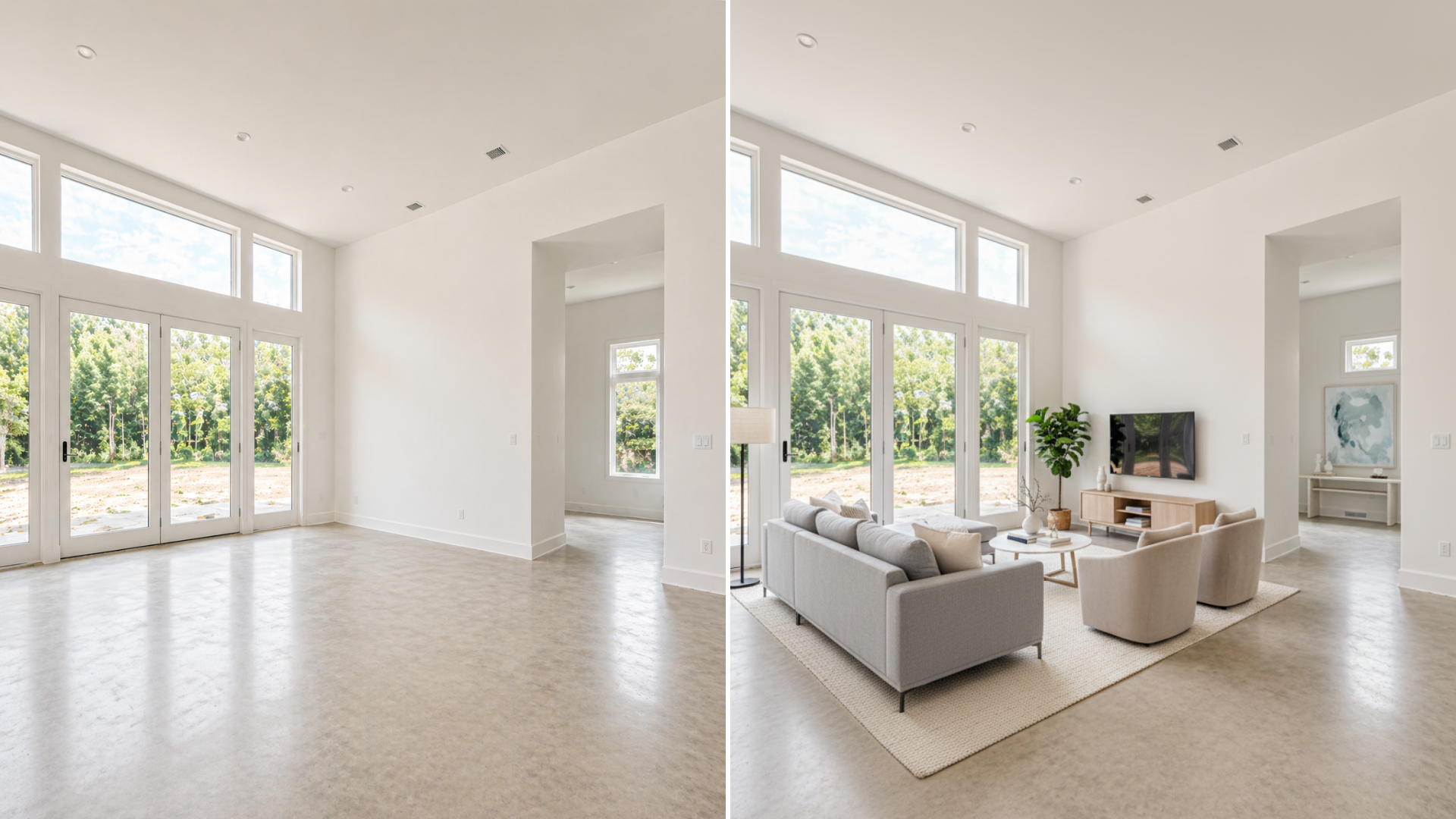
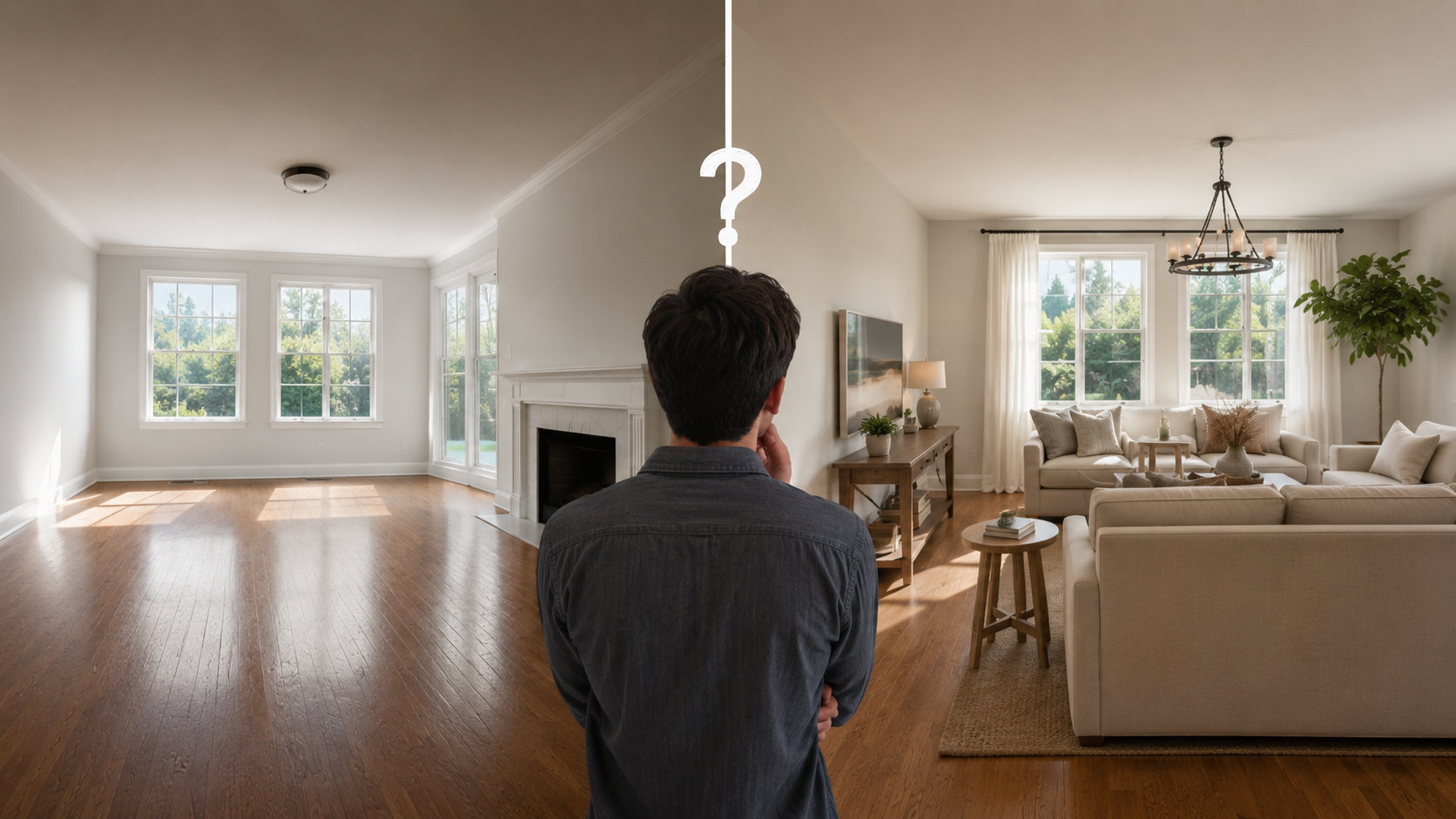
Vacant rooms are usually easier to virtually stage because the AI starts with a clean view of the room. Occupied rooms can work too, but they need more careful review because removing or replacing furniture changes what buyers will compare against the real showing.
The decision is not whether occupied or vacant rooms are universally better. The decision is which room type will create a clearer, more honest listing photo with the least review risk. For source-photo preparation, use how to prepare listing photos for AI virtual staging as the companion checklist.
The short answer
Choose vacant-room virtual staging when:
- The room is empty
- The layout is visible
- Buyers need furniture scale
- The listing needs a warmer gallery quickly
Choose occupied-room AI staging only when:
- The existing furniture hurts the online presentation
- The room can be edited without hiding important conditions
- The staged result will be clearly labeled
- The team can compare the output against the real room before publishing
When in doubt, vacant rooms are simpler. Occupied rooms need more judgment.
Why vacant rooms are usually easier
Vacant rooms give AI staging a cleaner input. The room geometry is easier to read because the floor, walls, doors, and windows are visible. Furniture can be added without first removing existing objects. The review process is also more straightforward because the final image is clearly staged from an empty room.
Vacant-room staging is a strong fit when:
- The property feels cold online
- The room purpose is unclear
- The room appears smaller without furniture scale
- The listing needs to launch quickly
- Traditional staging is too slow or expensive
The main risk is over-staging. If the furniture makes the room feel larger or more luxurious than the actual property supports, the image can lose credibility.
Where occupied-room staging gets tricky
Occupied rooms are more nuanced because the original photo already contains furniture, decor, and seller belongings. AI may be used to:
- Remove clutter
- Replace furniture
- Neutralize style
- Show a cleaner layout
- Make the room feel more market-ready
Those can be useful workflows, but they create more review questions. Did the edit hide a floor issue? Did it remove a fixture? Did it change the apparent room size? Would the buyer be surprised during a showing? If the answer might be yes, the image needs more caution.
Decide whether the furniture is the real problem
Before staging an occupied room, ask what problem you are solving. If the room is:
- Cluttered
- Dark
- Poorly photographed
- Filled with oversized furniture
- Styled in a way that distracts from the property
AI staging may help, but a better source photo may help more. Sometimes the right move is to clean, declutter, and reshoot instead of replacing the room digitally. If the existing furniture is acceptable and the room already reads clearly, do not stage it just because the tool can.
Disclosure matters more with occupied edits
Occupied-room edits can be easier for buyers to misunderstand because the staged version may look like the current property condition. If AI removes furniture, changes decor, replaces objects, or makes the room materially different, treat the image as altered media. Confirm your MLS and brokerage disclosure process before publishing.
Turn one room photo into a clearer next step.
Upload a room photo, test one or two believable directions, and get to a publishable listing visual faster.
For the compliance workflow, read MLS rules and disclosure for virtual staging. The practical buyer-trust rule is simple: if the buyer would notice the difference during a showing, label the image clearly.
A DesignSense decision workflow
Use this workflow before choosing occupied or vacant staging:
- Start with the real room photo.
- Decide whether the problem is vacancy, clutter, style, or photo quality.
- For vacant rooms, test one or two realistic furniture directions.
- For occupied rooms, decide whether reshooting would solve the issue more honestly.
- Reject outputs that hide condition, change scale, or remove important features.
- Save the original photo.
- Add disclosure or original-photo sequencing based on MLS rules.
- Upscale only the final approved image if it needs sharper publication quality.
This keeps DesignSense in the right role: faster visual decision-making from a real room photo, with human review before publication.
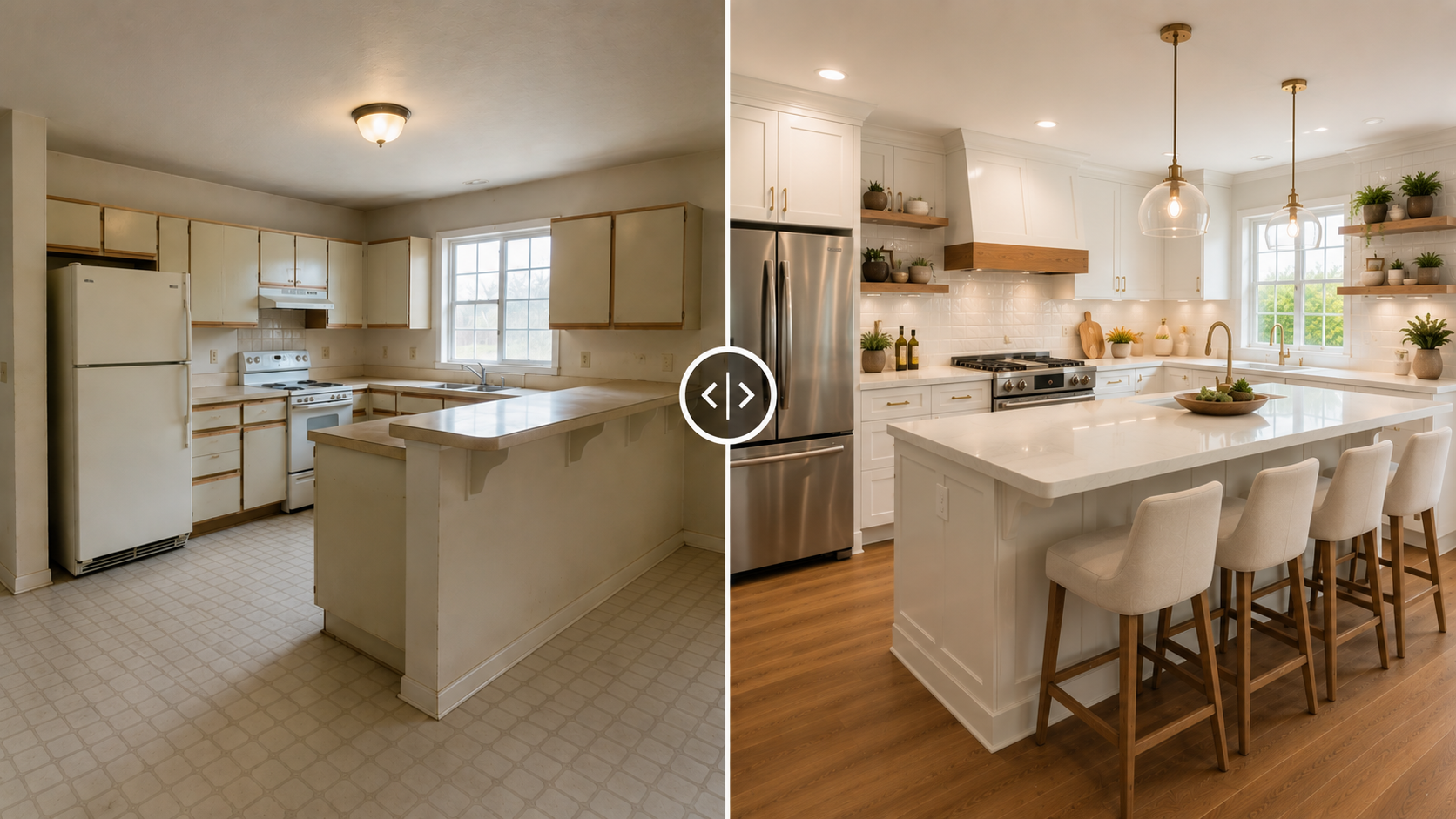
When to use each approach
- Use vacant-room staging when the room is empty and buyers need help understanding function, scale, or warmth.
- Use occupied-room staging when the existing furniture creates a presentation problem but the edit can stay honest and easy to disclose.
- Use no staging when the room already photographs clearly or when the edit would hide something buyers need to evaluate.
- Use traditional staging or seller prep when the in-person showing experience matters more than the online image. This is especially common for higher-end listings where the physical room must match the listing gallery closely.
Common mistakes
Avoid these mistakes when choosing between occupied and vacant rooms:
- Replacing furniture just to chase a trend
- Removing objects that hide real property conditions
- Staging an occupied room without saving the original photo
- Using AI because reshooting feels inconvenient
- Publishing an occupied-room edit without disclosure review
- Making the online room look much better than the showing room
Virtual staging should make the listing easier to understand. It should not create a gap between the screen and the showing.
FAQ
Is vacant-room virtual staging better than occupied-room staging?
It is usually simpler and cleaner, but not always better. Vacant rooms are easier inputs. Occupied rooms can work when the existing furniture distracts from the property and the final image is reviewed carefully.
Can AI remove furniture from an occupied room?
It can, but the final image should be reviewed closely. Furniture removal may change what buyers think they will see, so disclosure and original-photo retention matter.
Should I stage an occupied room that already looks good?
Usually no. If the room already photographs clearly and supports the listing, staging may add review work without improving buyer understanding.
What is the safest occupied-room workflow?
Clean and reshoot first when possible. If AI staging is still useful, preserve the original, keep the edit realistic, and label the altered image according to your MLS and brokerage rules.
Final recommendation
Use vacant-room staging when the room needs clarity. Use occupied-room staging only when it solves a real presentation problem without hiding the property.
DesignSense can help you compare realistic options quickly. The final publishing decision should still come from an agent or listing team that understands the actual room.
Turn one room photo into a clearer next step.
Use the free trial to turn one room photo into a staging direction that is easier to review, approve, and publish.