What this article says in 30 seconds
- DesignSense helps shorten the gap between a vague client brief and a discussable room direction
- AI is most useful before detailed design work starts
- Curated concept options create better client conversations than unfiltered generations
Use DesignSense for this workflow when you need to:
- Early-stage concept alignment before a full design package
- Designers translating vague client taste into visible directions
- Studios that want faster client yes-no feedback loops
Client work slows down when the first presentation is too vague. Designers know this already. If the concept board does not land, the project turns into a long loop of corrections, clarifications, and misaligned expectations.
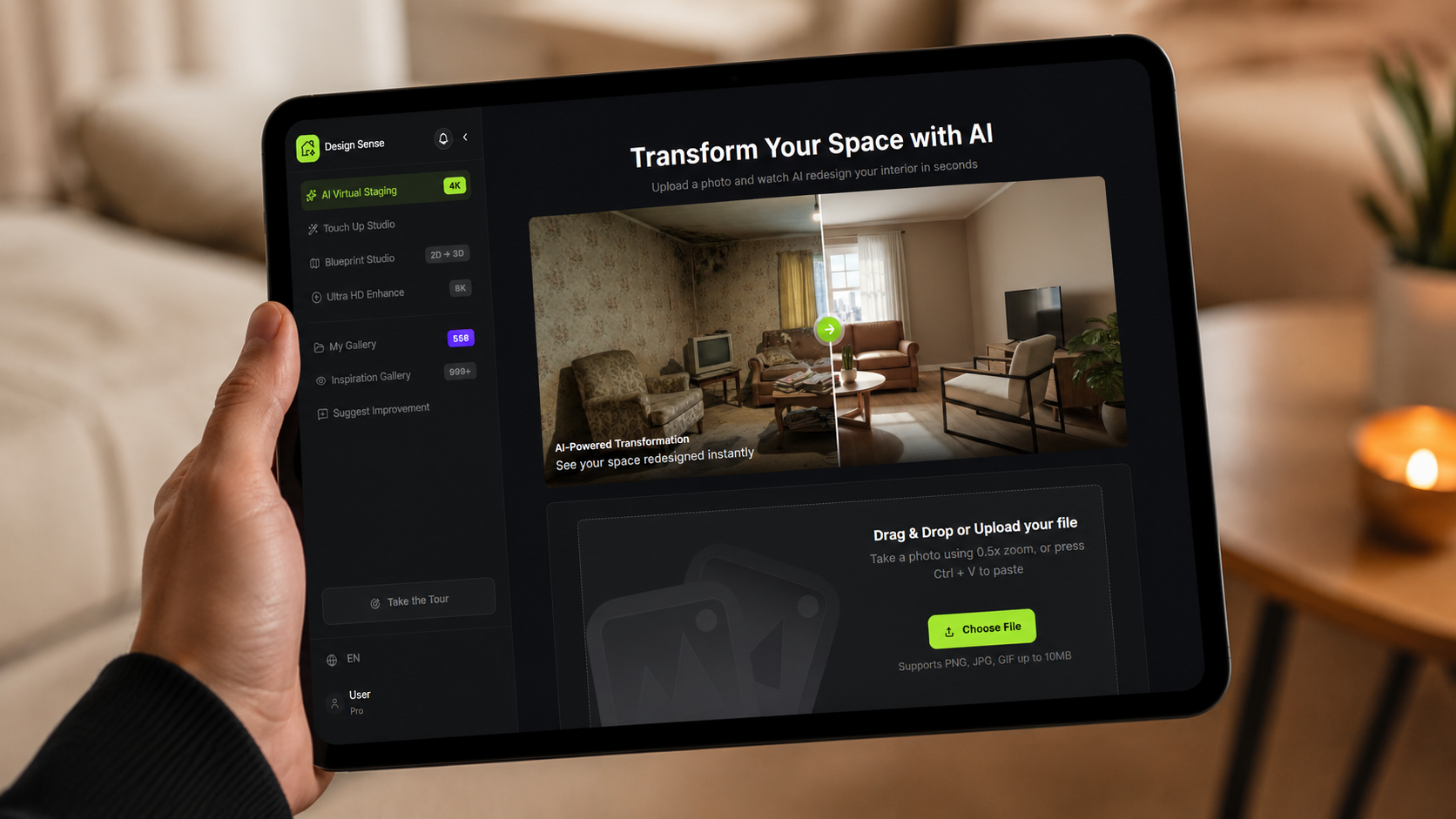
AI interior design tools are useful here because they help designers make the abstract more visible earlier in the process. If the goal is to turn one room photo into a faster client conversation, DesignSense works best when the team starts from the real room and narrows quickly instead of generating endless variants.
The real value is speed to alignment
AI does not replace a designer's judgment. What it does well is reduce the time between a brief and a visual direction that a client can actually react to.
That matters because clients rarely respond well to language alone. They respond to examples, contrasts, and options they can compare.
Where designers gain time
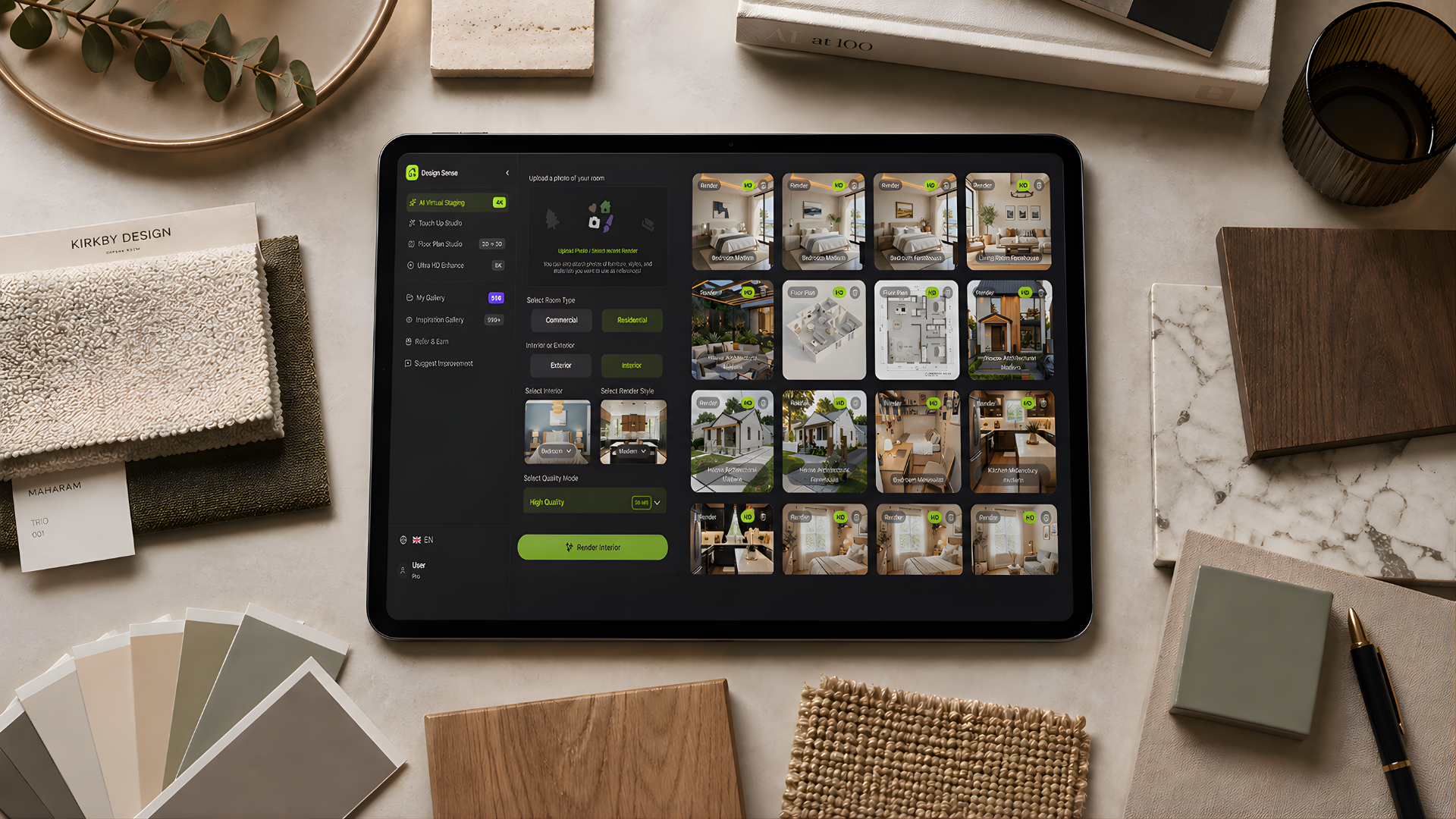
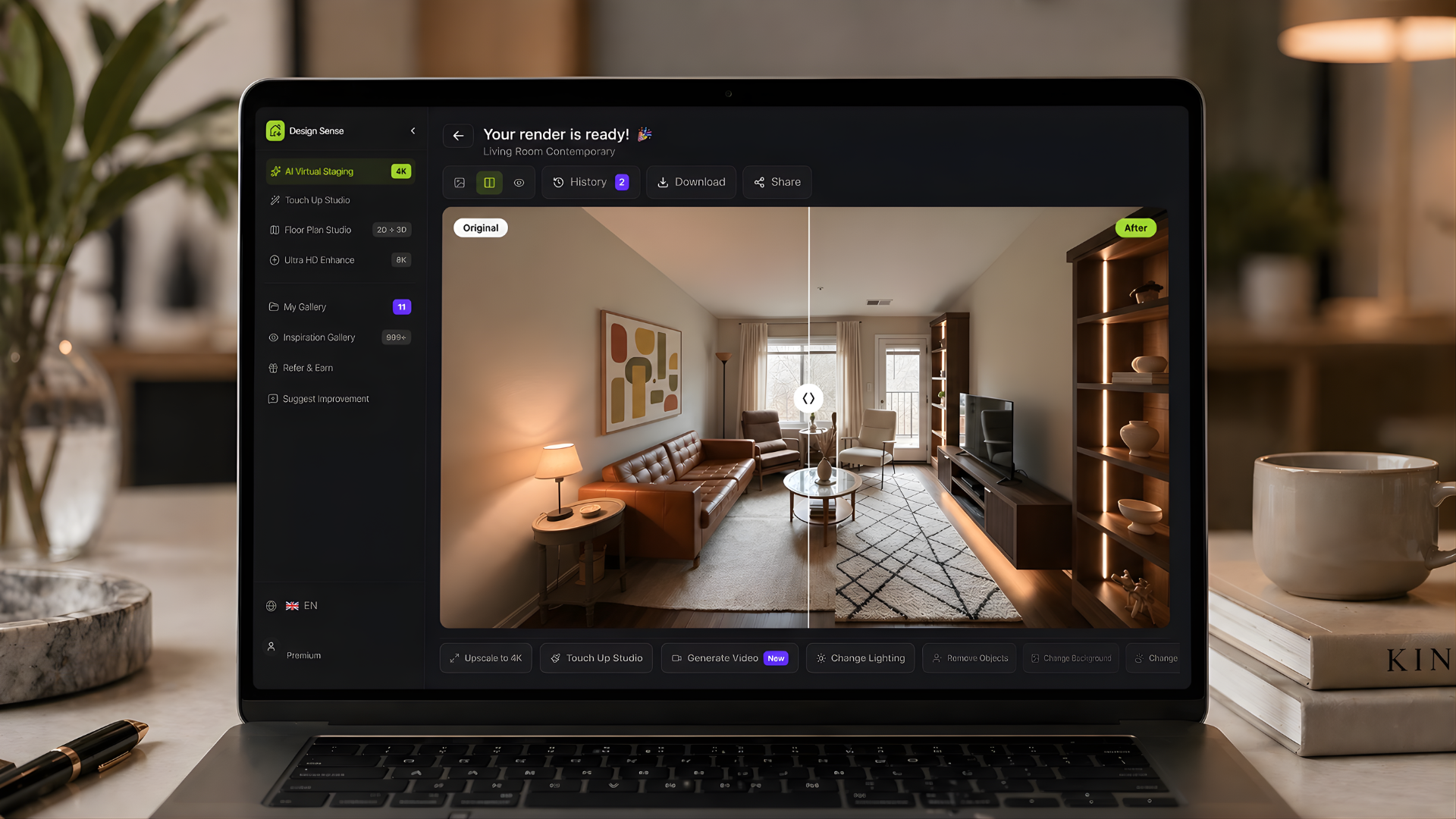
DesignSense can help at the concept stage by turning a client room photo or reference direction into multiple design options quickly.
- Test contrasting styles before building a full presentation
- Translate vague requests into visible room directions
- Create polished early options for mood and tone discussions
- Compare lighting, furniture, and decor choices without manual redraws
- Get to a stronger client yes faster
For DesignSense users, the strength is not just speed. It is the ability to move from one client photo or one style reference into a small set of presentation-ready directions that can be discussed immediately. For the actual output step, it helps to pair that concept pass with the render workflow rather than treating AI as a replacement for the full presentation package.
Use AI before the detailed work, not after
The strongest use case is early-stage exploration. Instead of investing hours in a single polished route that may miss the mark, designers can quickly show a few credible directions and learn what the client actually wants.
That is especially helpful when clients say things like:
- "I want it modern but warm"
- "I like luxury, but not too formal"
- "I want it brighter"
- "I do not know what style I like yet"
These are valid signals, but they are not design instructions. AI helps turn them into something concrete enough to discuss.
A lightweight concept workflow
Here is a practical process that works well:
- Start with the client room photo or floor plan reference
- Generate two to four clearly different design directions
- Narrow to one based on client reaction
- Use the selected direction to guide the full design package
This shortens the fuzzy middle stage where projects often lose momentum.
It also gives smaller studios a repeatable pre-presentation workflow that feels more intentional than collecting mood-board fragments with no room context. If you want to test that process with your own room photos, start the free trial and keep the first pass focused on just two or three distinct directions.
Better presentations with less friction
A concept presentation does not need twenty variants. It needs a few strong options with clear differences. Use AI outputs to support:
Turn one room photo into a clearer next step.
Upload one room photo, test a few directions quickly, and keep the option that is easiest to present or ship.
- Concept kickoff meetings
- Revision check-ins
- Style alignment workshops
- Remote client communication
When the visual references are stronger, the conversation becomes more productive.
What to watch out for
Speed is useful only if the designer stays selective. Do not present everything the tool generates. Curate. Good AI-assisted presentation work still depends on:
- Choosing the right room image
- Selecting styles that fit the brief
- Editing down weak options
- Explaining why a direction works
The tool accelerates exploration. The designer still defines quality.
That distinction matters. DesignSense can accelerate concept exploration, but the presentation only becomes credible when the designer edits, narrows, and frames the outputs around the client brief. The same discipline shows up in adjacent staging work, especially in virtual staging for real estate, where realism matters more than novelty.
Why this matters commercially
Faster concept alignment usually reduces avoidable revision rounds and gives clients a clearer basis for feedback. The exact commercial impact depends on project type, fee model, and how tightly the team curates the first set of options.
That is especially valuable for freelancers and studios who need to move quickly while still showing a premium process. If the concept phase consistently leads into production work, it is also worth setting client expectations early around package scope and delivery boundaries.
FAQ
How many AI options should a designer show a client?
Usually two to four is enough. More than that often creates noise instead of clarity, especially when the directions are not clearly separated by mood, palette, or furnishing logic.
Can AI replace a designer's concept presentation?
No. It can speed up the exploratory stage, but a credible presentation still depends on curation, narrative, and professional judgment. Use AI to sharpen the options, not to remove the designer from the process.
When should a designer polish the final image quality?
After the client reacts to the direction, not before. Once the concept is approved, use a finishing step such as the DesignSense upscaler if the output needs sharper presentation quality.
Final thought
Interior designers do not need AI to make decisions for them. They need it to make early decisions easier to test and communicate.
Used that way, AI becomes a practical client workflow tool, not a gimmick. It helps designers show stronger options sooner and spend more of their real effort on the parts of the project that need human expertise most.
Turn one room photo into a clearer next step.
Use DesignSense to move from room photo to a clearer concept without waiting on a slower manual workflow.