What this article says in 30 seconds
- AI bathroom remodel visualization is strongest for finish and style comparison before renovation spend
- Bathroom concepts must be reviewed against plumbing layout dimensions ventilation and code constraints
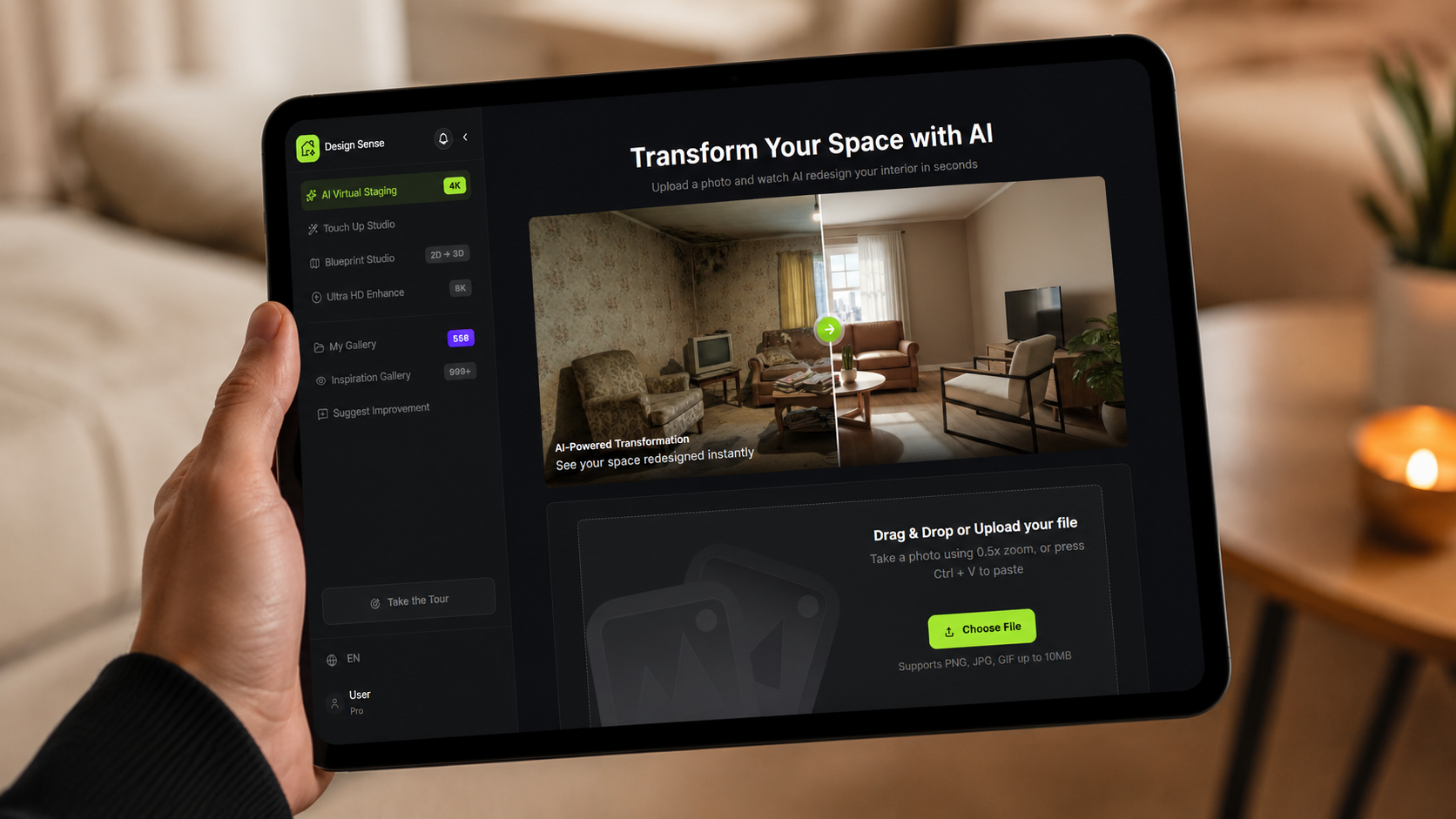
- DesignSense helps teams compare visual directions from a real bathroom photo
Use DesignSense for this workflow when you need to:
- Homeowners comparing bathroom remodel styles
- Designers preparing early bathroom concepts
- Renovation teams aligning clients before detailed planning
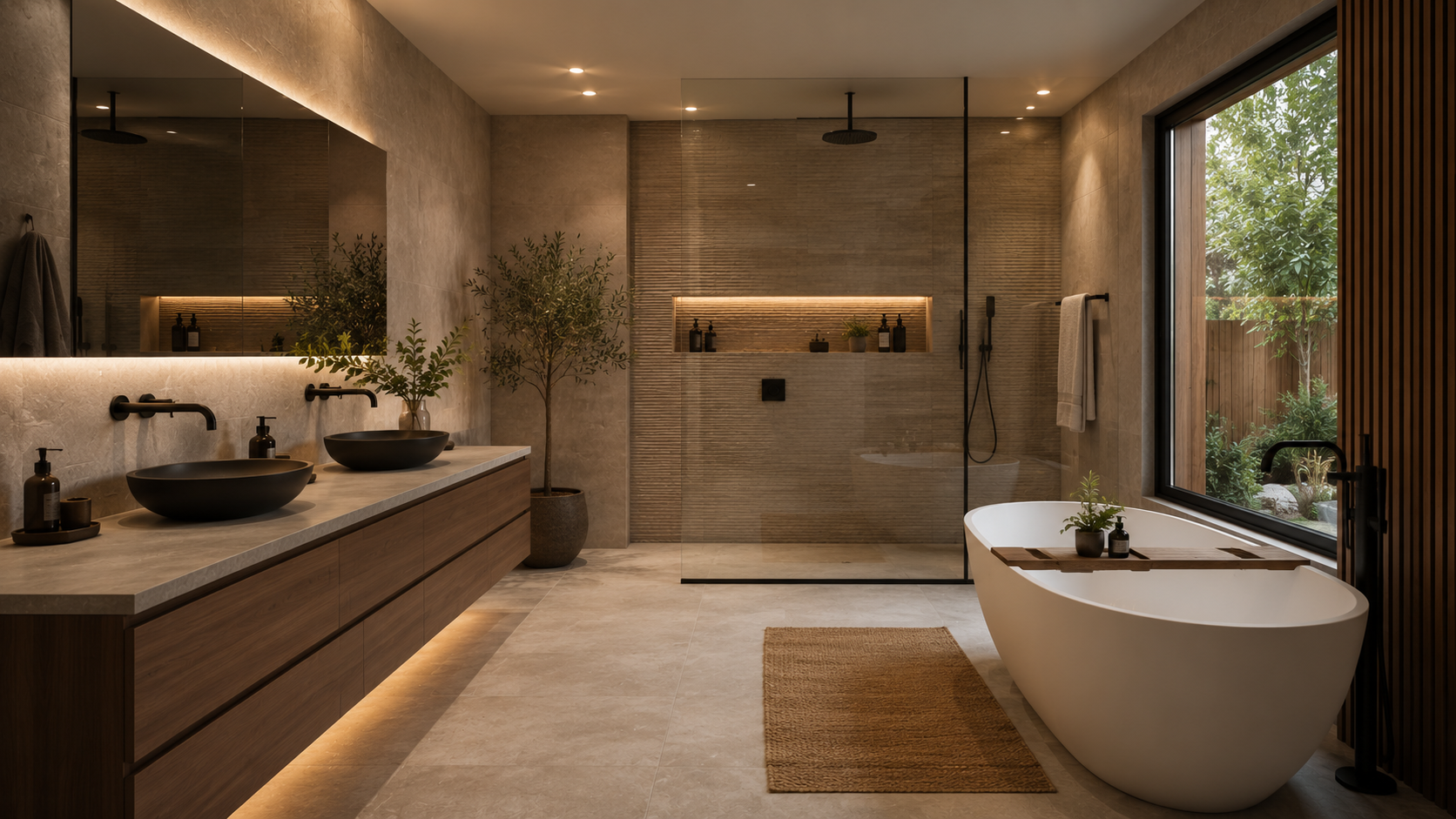
Bathroom remodel visualization with AI helps homeowners, designers, and renovation teams compare style and finish directions before committing to materials or contractor scope. It can turn a real bathroom photo into a few visual possibilities quickly.
The important limitation is that bathrooms are technical rooms. Plumbing, ventilation, waterproofing, electrical, clearances, and code constraints still need professional review. Use AI to choose the direction, not to replace the renovation plan. For the broader workflow, see how to use AI for room redesign and renovation visualization.
The short answer
Use AI bathroom visualization to compare:
- Tile direction
- Vanity style
- Color palette
- Lighting mood
- Mirror and fixture look
- Modern vs classic design direction
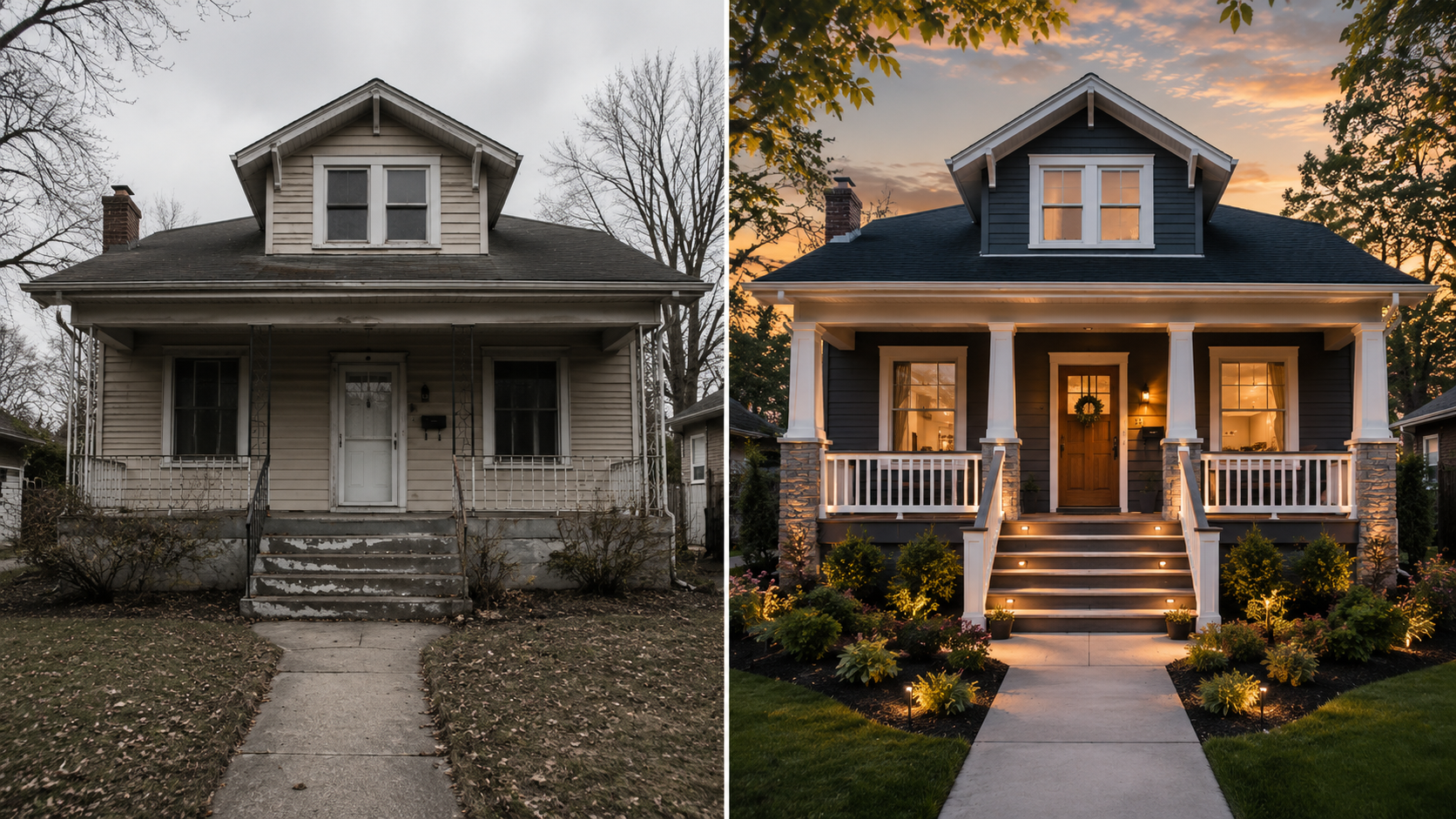
- Before-and-after remodel concepts
Do not use it as the final source for plumbing, waterproofing, electrical, permits, or exact material quantities.
Start with the real bathroom photo
A bathroom is small, so the input photo needs to show the room clearly. Use a photo that shows:
- Vanity
- Shower or tub
- Floor
- Walls
- Mirror
- Lighting
- Window or ventilation context
- Door or circulation area when possible
If the bathroom is too cropped, the AI concept may make assumptions that are not useful. A wider, level photo gives the output more room context.
Decide what you are testing
Before generating concepts, choose the decision you need to make. Examples:
- Light vs dark tile
- Modern vs warm traditional
- Floating vanity vs furniture-style vanity
- Simple refresh vs full remodel look
- Spa-like direction vs practical resale direction
The clearer the question, the easier it is to choose the right output. If you ask AI to change everything at once, the concept may look impressive but become harder to act on.
Where DesignSense helps
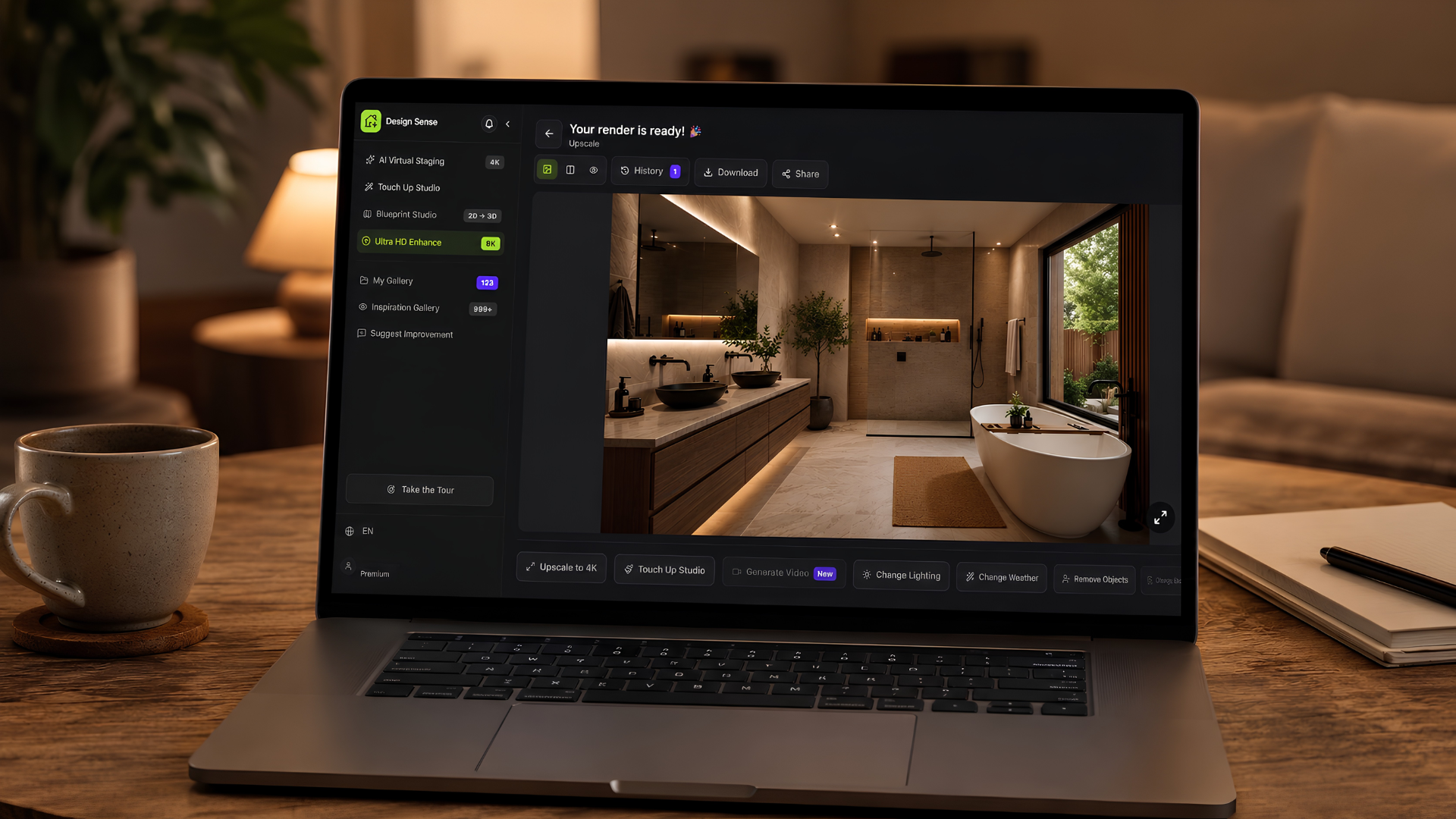
DesignSense is useful for early bathroom concepting from the real room photo. A practical workflow:
- Upload the current bathroom photo.
- Choose a design goal: brighter, modern, warmer, spa-like, resale-ready, or premium.
- Generate two to four directions.
- Reject concepts that ignore plumbing, room size, or fixture placement.
- Choose the visual direction that feels practical.
- Use the selected image for designer, contractor, or homeowner discussion.
If the concept becomes part of a presentation, use the AI upscaler only after the direction is chosen.
Review layout realism
Bathroom concepts can fail when they ignore layout constraints. Check whether:
Turn one room photo into a clearer next step.
Upload one room photo, test a few directions quickly, and keep the option that is easiest to present or ship.
- The toilet location still makes sense
- The shower or tub footprint is realistic
- The vanity does not block circulation
- Mirrors and lights align naturally
- Windows and doors remain accurate
- The concept respects the room size
If the AI image creates a larger bathroom than the real one, reject it. A useful concept should help you imagine the remodel within the actual space.
Use finish ideas carefully
AI can quickly test finishes, but finish decisions still need real-world review. Before acting on a concept, check:
- Tile availability
- Slip resistance
- Maintenance
- Lighting temperature
- Water exposure
- Budget
- Installation complexity
A finish can look beautiful in a concept and still be wrong for the real bathroom.
Common mistakes
Avoid these mistakes:
- Treating the image like a contractor scope
- Moving plumbing without review
- Choosing tile from a concept without sourcing it
- Ignoring ventilation and lighting
- Using a concept that changes the room size
- Generating too many options without narrowing
Use AI to make the direction visible, then use professionals to make the remodel real.
FAQ
Can AI help visualize a bathroom remodel?
Yes. AI can help compare visual directions from a real bathroom photo, especially for finishes, style, and before-and-after ideas.
Can AI plan plumbing changes?
No. Plumbing changes need professional review. AI concepts can start the conversation, but they should not be treated as technical plans.
How many bathroom concepts should I generate?
Start with two to four. Choose a direction before refining details.
Is bathroom remodel visualization useful for resale?
Yes, when it helps a seller, agent, or homeowner compare a practical refresh direction. The concept should stay realistic and not overpromise the actual property.
Final recommendation
Use AI bathroom remodel visualization to compare direction before money is committed. Keep the concept grounded in the real room, review layout constraints, and bring in professional guidance before construction.
When you have a bathroom photo ready, visualize a bathroom in DesignSense and choose the concept that makes the next decision clearer.
Turn one room photo into a clearer next step.
Use DesignSense to move from room photo to a clearer concept without waiting on a slower manual workflow.