What this article says in 30 seconds
- AI room redesign is useful for comparing visual directions before spending
- Homeowners should start with a clear photo of the real room
- DesignSense works best as an early decision tool and not as a construction document
Use DesignSense for this workflow when you need to:
- Homeowners comparing room update ideas
- People planning furniture paint or finish changes
- Sellers previewing light room improvements before listing
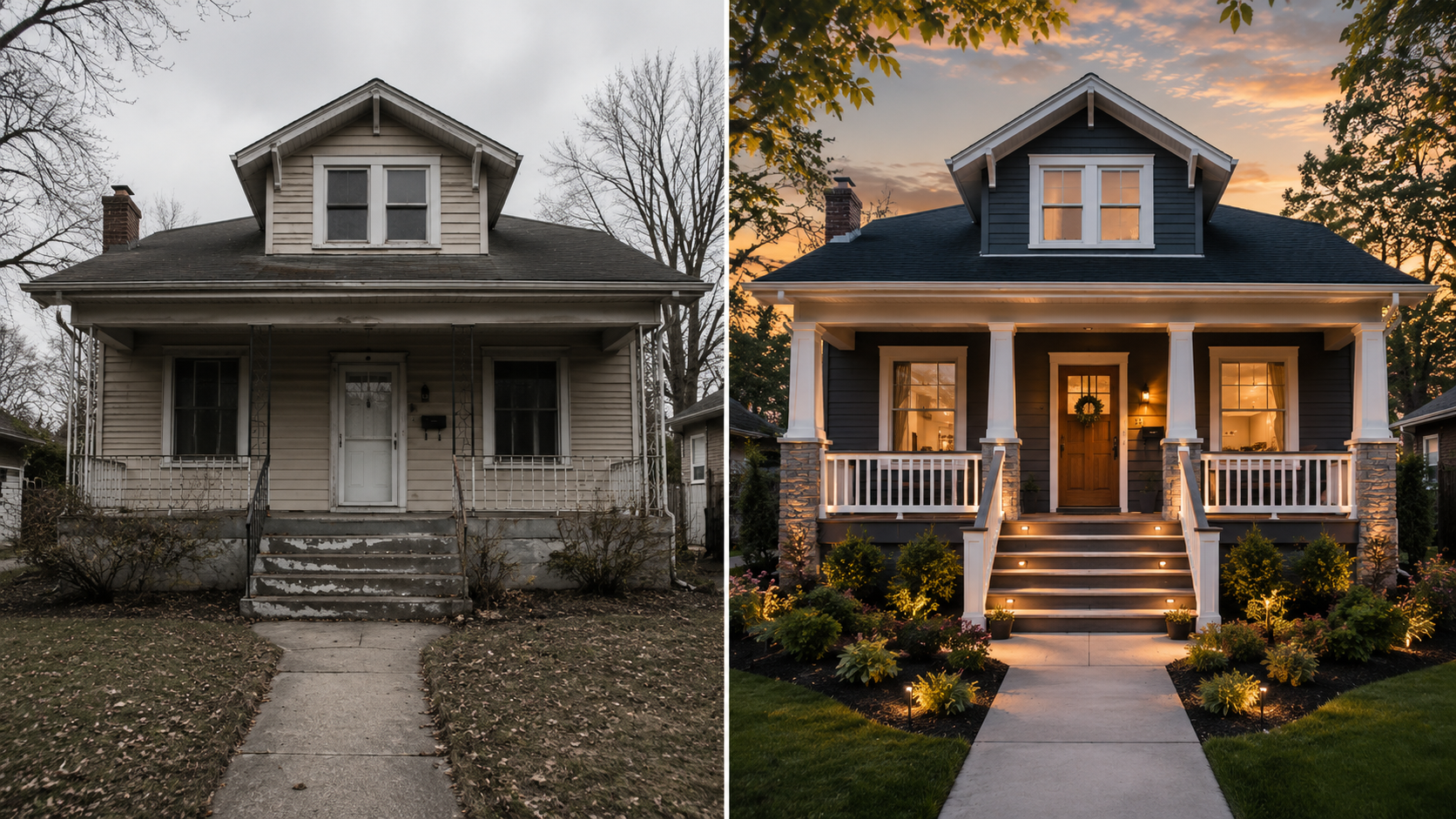
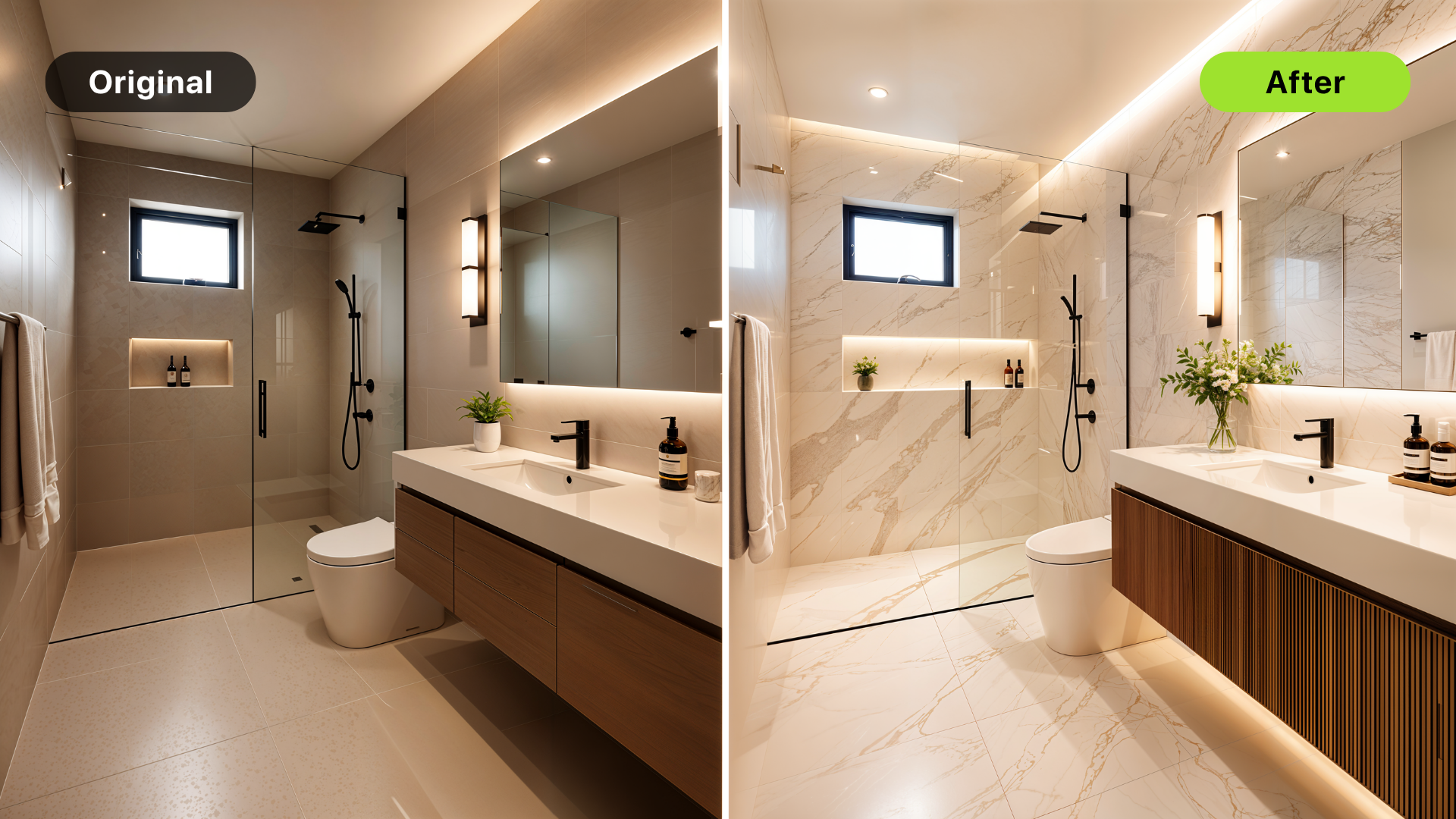
AI room redesign gives homeowners a faster way to see what a room could become before buying furniture, choosing paint, or starting a remodel. The best use is practical: upload a real room photo, compare a few believable directions, and decide what is worth pursuing.
It is not a substitute for a contractor, designer, or permit plan. It is a visual decision tool. If you are still choosing between warm modern, brighter neutral, resale-ready, or a more premium look, AI can make those options visible enough to discuss. For the broader remodel workflow, start with how to use AI for room redesign and renovation visualization.
The short answer
Homeowners should use AI room redesign when they need to:
- Compare design directions
- Preview a room refresh
- Test furniture and color ideas
- Align family members before spending
- Prepare for a designer or contractor conversation
- Decide whether a bigger remodel is worth exploring
Do not use AI room redesign as the final source for measurements, construction details, code, permits, or material quantities.
Start with one real room and one decision
AI redesign works better when the input is specific. Choose one room and one decision you need to make. Good examples:
- Should this living room feel brighter or warmer?
- Is the kitchen better with a lighter cabinet direction?
- Should the bedroom feel more minimal or more layered?
- Is this room worth updating before we sell?
- Would new furniture change the feel enough, or does the room need renovation?
Avoid asking for every possible change at once. A concept that changes layout, lighting, furniture, materials, and architecture in one pass may look exciting, but it can be hard to act on.
Use a clear photo of the actual room
The source photo should show the real constraints of the space. That includes walls, windows, doors, flooring, built-ins, ceiling height, and enough of the room to understand scale. Before uploading, check that the photo is:
- Level
- Well lit
- Wide enough to show the room shape
- Not heavily filtered
- Not blocked by clutter that hides important structure
You do not need a perfect professional photo. You do need a photo that lets the AI see the actual room.
Where DesignSense fits
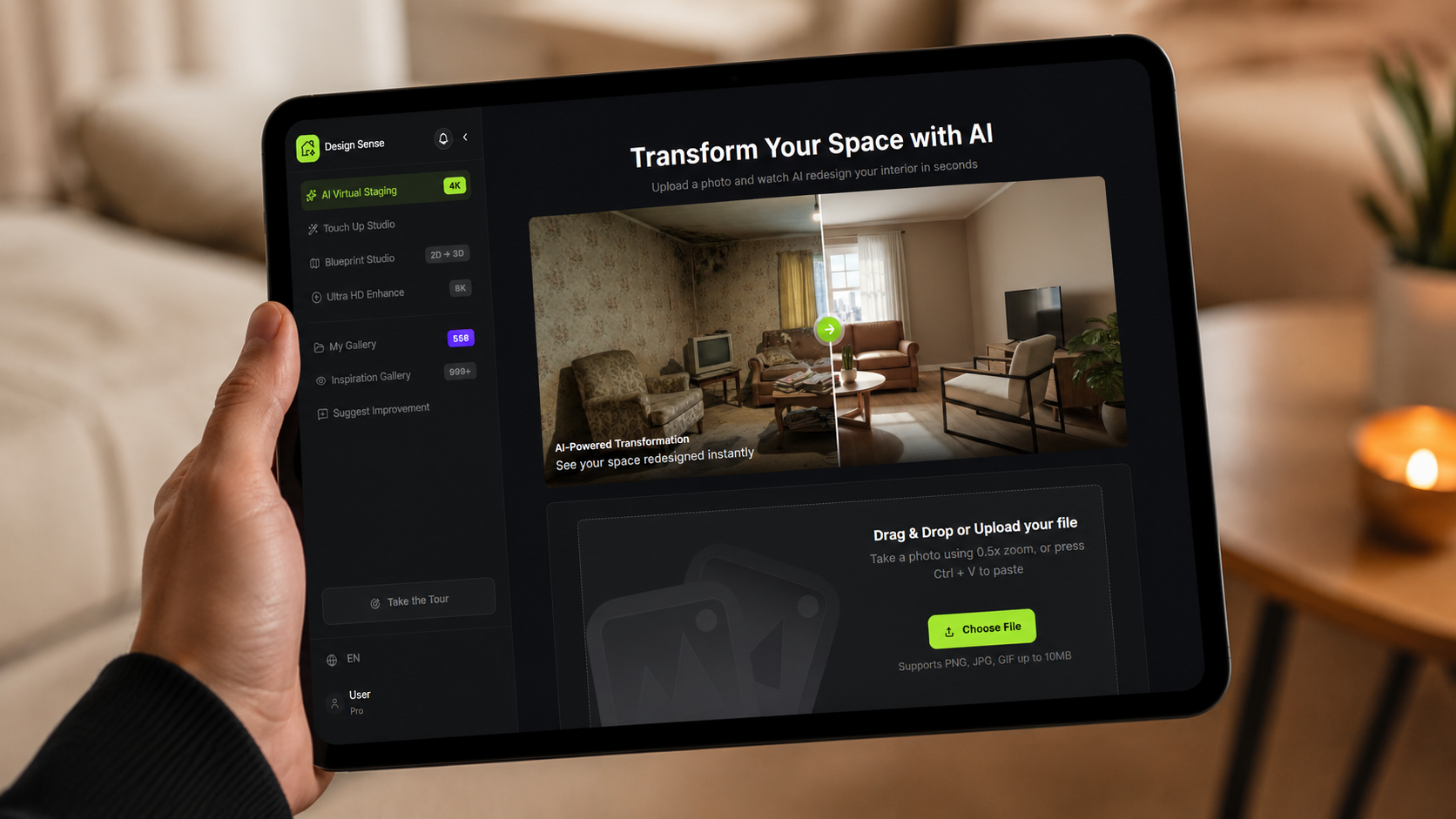
DesignSense is strongest when a homeowner has a real room photo and wants to compare design directions quickly. A simple workflow looks like this:
- Upload the room photo.
- Choose the room type and broad style direction.
- Generate a few options.
- Reject any concept that changes the room unrealistically.
- Pick the direction that answers the decision.
- Use that direction for shopping, designer review, contractor discussion, or a more detailed plan.
If the goal is an interior concept image, the DesignSense render workflow is the most relevant product path. If the selected concept needs a cleaner presentation image, use the AI upscaler after you choose the direction.
Best homeowner use cases
AI room redesign is especially useful for decisions that are visual but not yet technical.
Furniture and decor direction
If the layout works but the room feels dated, AI can help compare new furniture scale, color palette, rug direction, lighting mood, and styling.
Paint and finish direction
Turn one room photo into a clearer next step.
Upload one room photo, test a few directions quickly, and keep the option that is easiest to present or ship.
AI can help you preview whether a room should go lighter, warmer, moodier, cleaner, or more premium before you start sampling colors and materials.
Pre-listing improvement ideas
If you plan to sell, AI can help you decide whether a room needs staging, light styling, or a more noticeable refresh. For listing-specific staging decisions, compare this with best rooms to virtually stage first in a listing.
Early remodel conversations
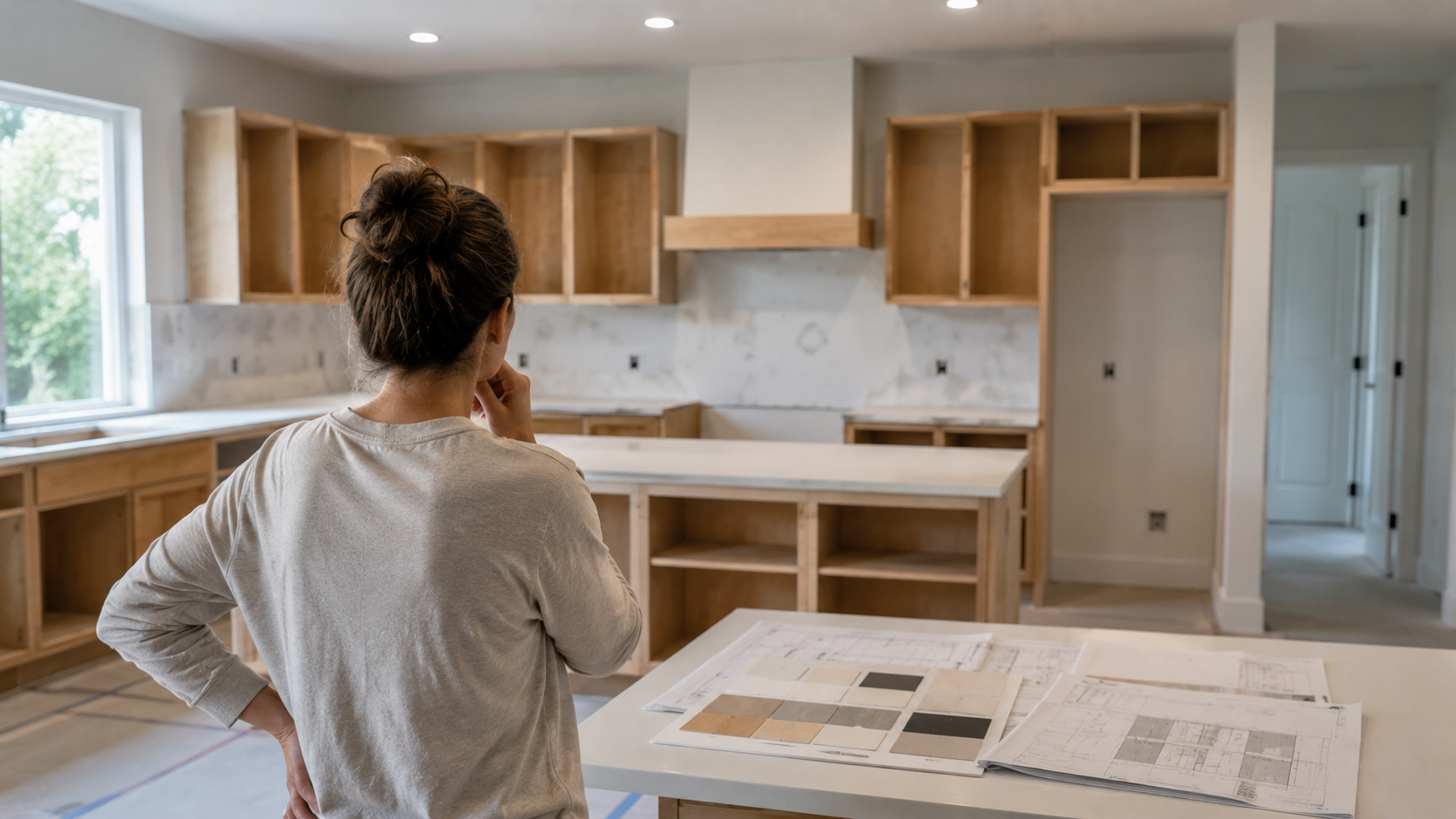
Before paying for detailed design work, AI can help homeowners explain what they like and dislike. That can make the first professional conversation more concrete.
What to review before acting on an AI concept
Before buying materials or hiring work based on a concept, review:
- Whether the room dimensions still feel realistic
- Whether doors and windows stayed in the right place
- Whether furniture scale makes sense
- Whether finishes are available and practical
- Whether the budget matches the visual direction
- Whether a designer or contractor needs to validate the plan
The concept should make the next step clearer. It should not pretend the project is already solved.
Common mistakes
Homeowners often get weaker results when they:
- Upload a cropped or dark photo
- Ask for too many changes at once
- Choose the most dramatic output instead of the most practical one
- Treat a concept as a shopping list
- Ignore scale, lighting, and room constraints
- Skip professional review for technical work
The better workflow is simple: generate, compare, narrow, then validate.
FAQ
Can AI redesign my room from a photo?
Yes. AI can create room redesign concepts from a real room photo. The output is best for visual direction, not technical planning.
Is AI room redesign good for homeowners?
Yes, especially when a homeowner needs to compare styles, colors, furniture direction, or light remodel ideas before spending money.
Can I use AI room redesign before hiring a designer?
Yes. It can help you clarify preferences and bring more concrete examples into the first design conversation.
Should I rely on AI for renovation decisions?
Use AI for visual direction, then rely on qualified professionals for measurements, construction details, code, permits, and cost.
Final recommendation
Use AI room redesign when you need to see options before committing. Start with a real room photo, keep the scope specific, and choose the concept that makes the next decision easier.
When you are ready to test a room, try home redesign in DesignSense and compare practical directions before spending on the project.
Turn one room photo into a clearer next step.
Use DesignSense to move from room photo to a clearer concept without waiting on a slower manual workflow.