What this article says in 30 seconds
- AI exterior design is strongest for curb appeal direction and before-and-after comparison
- Exterior concepts should preserve the real structure roofline windows doors and site constraints
- DesignSense helps teams test visual directions before committing to paint landscaping or renovation spend
Use DesignSense for this workflow when you need to:
- Homeowners comparing curb appeal ideas
- Agents preparing exterior listing concepts
- Renovation teams discussing exterior direction early
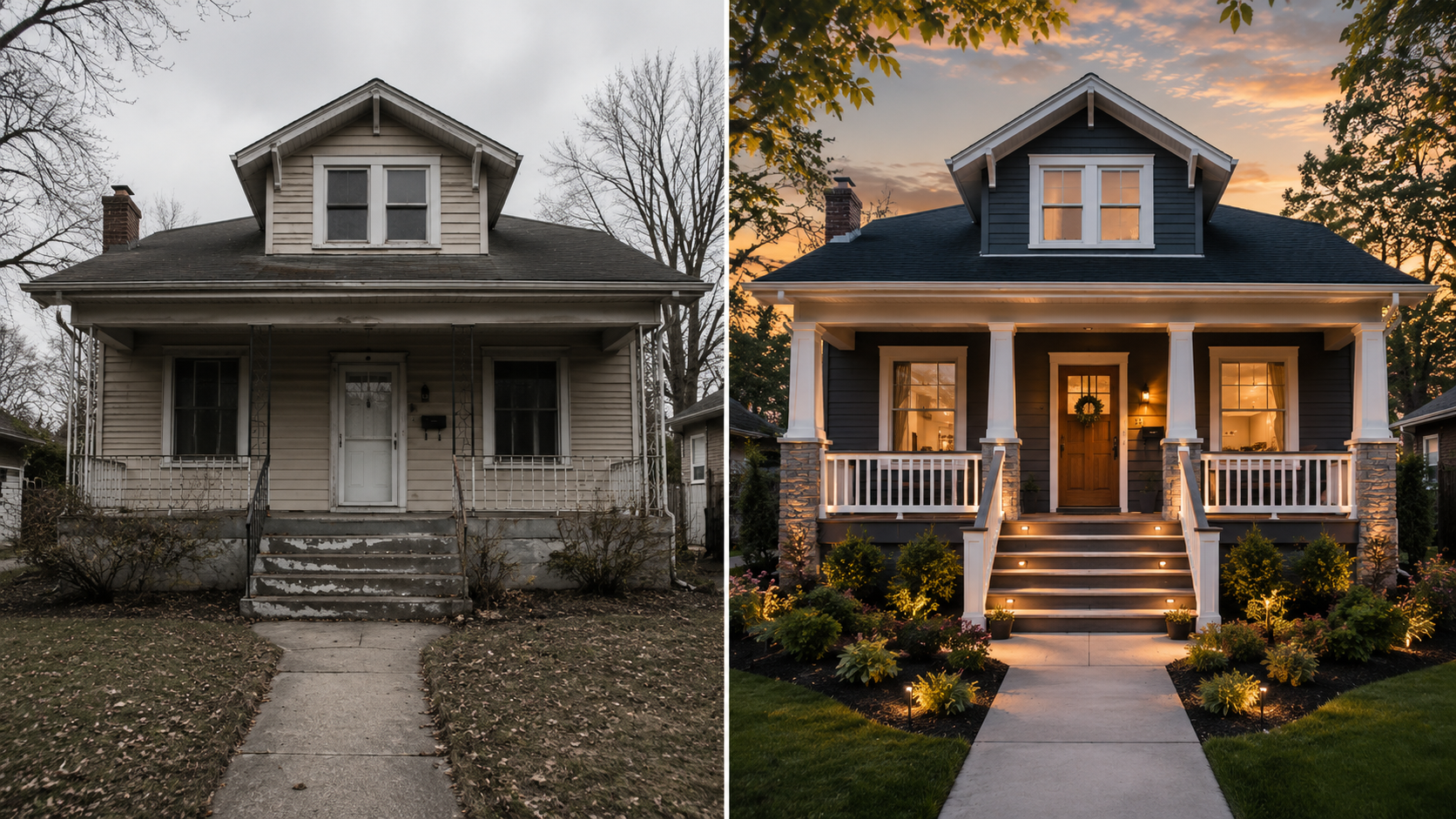
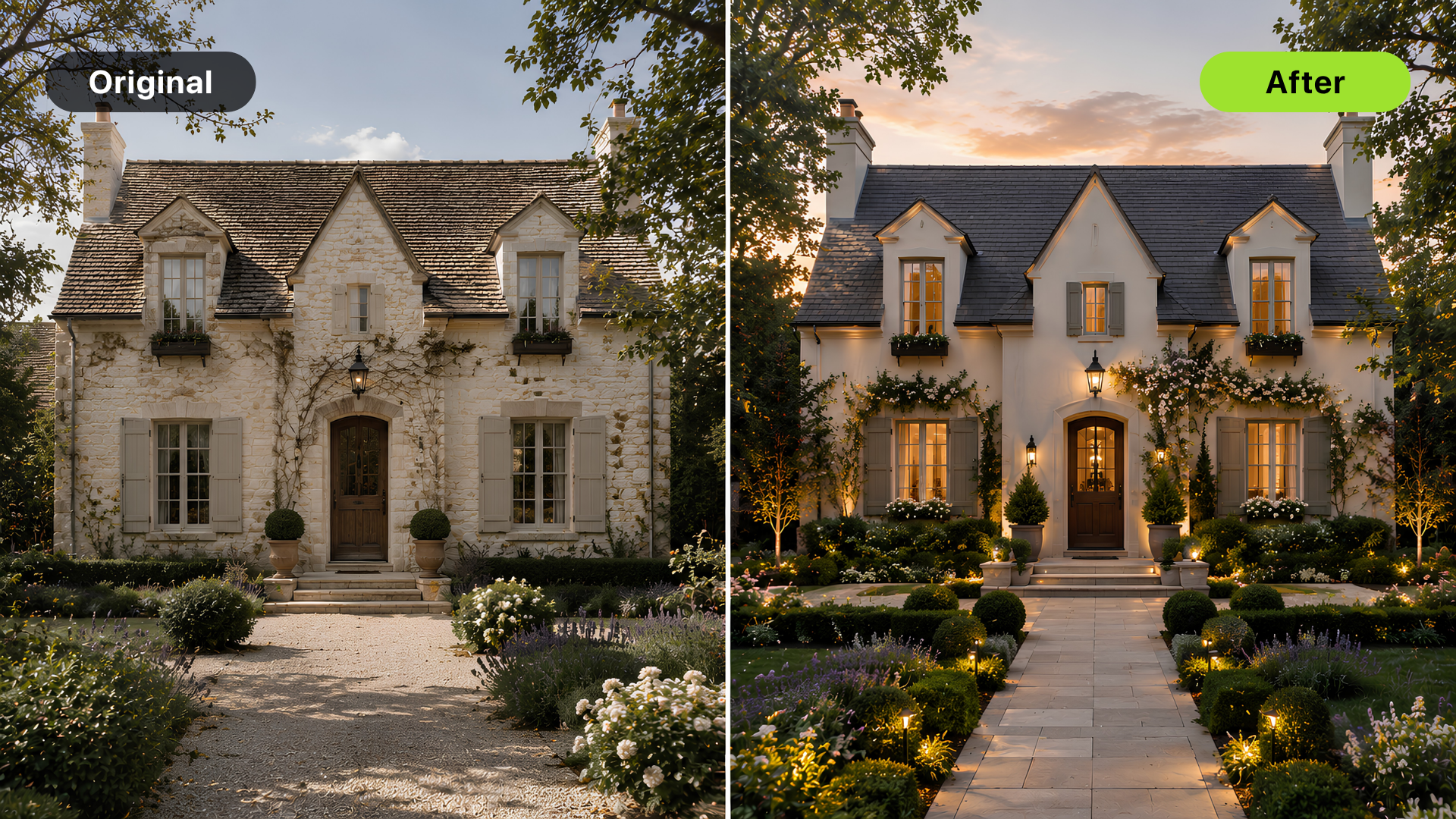
AI exterior design before-and-after images help homeowners, agents, and renovation teams compare curb appeal ideas before spending on paint, landscaping, materials, or a full design package.
The best exterior concepts stay close to the real property. They can test color, trim, landscaping mood, lighting, or a cleaner presentation, but they should not quietly change rooflines, window placement, driveway shape, views, or site conditions. For broader remodel concepting, read how to use AI for room redesign and renovation visualization.
The short answer
Use AI exterior design before-and-after images when you need to:
- Compare curb appeal ideas
- Test paint or trim direction
- Visualize a cleaner front entry
- Explore landscaping mood
- Support an early renovation conversation
- Prepare a seller or homeowner for design decisions
Do not use AI exterior images as construction documents or as a way to misrepresent a property in a listing.
Start with an honest exterior photo
The source image matters. Use a clear, straight photo that shows the actual exterior condition. Good exterior inputs show:
- Full front elevation
- Roofline
- Windows and doors
- Driveway or walkway
- Landscaping context
- Major materials
- Enough sky and ground for context
Avoid photos that crop off the roof, hide the side yard, or use heavy filters. If the source photo distorts the home, the before-and-after comparison will be less useful.
What AI exterior design can help test
AI exterior visualization is useful for early decisions like:
- Paint color direction
- Trim contrast
- Front door color
- Porch styling
- Landscape mood
- Lighting feel
- Modern vs traditional curb appeal
- Cleaner real estate presentation
These ideas are visual. They help the team decide what direction is worth exploring further. If the change affects structure, drainage, code, roof work, electrical, or permanent construction, the AI image should become a conversation starter, not the plan.
Keep the structure real
Exterior concepts become risky when they change what the property actually is. Avoid changing:
- Roof shape
- Window placement
- Door size
- Lot slope
- Driveway location
- Neighboring structures
- Views
- Permanent facade proportions
Changing those details may make the image more dramatic, but it also makes the concept less trustworthy. For real estate use, the image should not promise a property that buyers will not see.
Where DesignSense fits
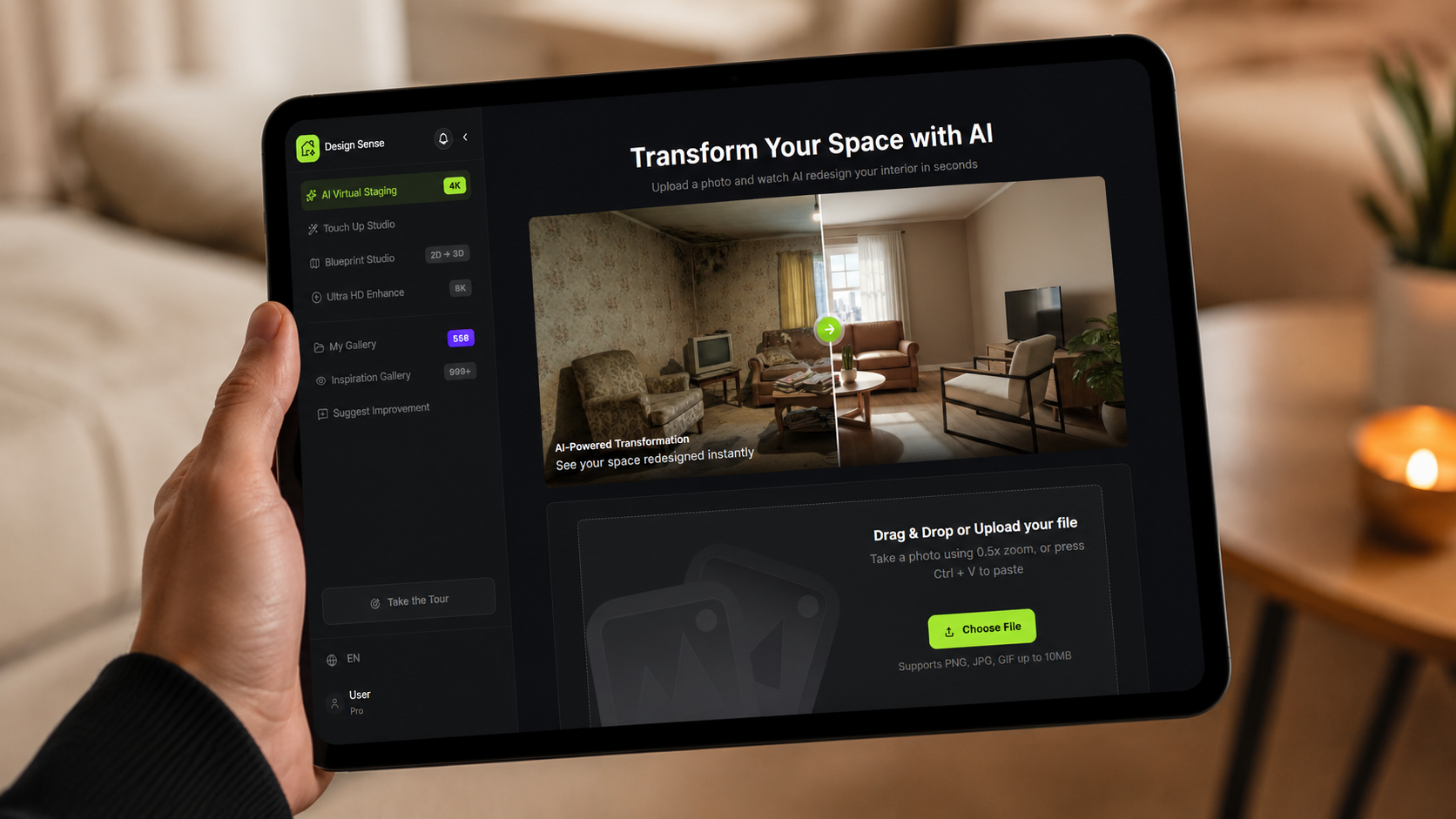
DesignSense is useful when you want to test exterior direction from a real property photo and compare a few believable options.
A practical workflow:
- Upload the exterior photo.
- Choose one goal: warmer curb appeal, modern refresh, cleaner landscaping, or seller-prep concept.
- Generate a few restrained options.
- Reject concepts that change structure or site conditions.
- Choose the direction that feels practical and aligned with the property.
- Use the result for design discussion, seller review, or early renovation planning.
Turn one room photo into a clearer next step.
Upload one room photo, test a few directions quickly, and keep the option that is easiest to present or ship.
If the final concept needs to be sharper for presentation, use the AI upscaler after the direction is selected.
Real estate use needs extra caution
Exterior images carry buyer-expectation risk. A changed facade, view, lawn, or driveway can mislead quickly. For listings, use AI exterior concepts carefully:
- Label altered images where required
- Preserve the original photo
- Avoid changing real property conditions
- Do not hide damage or deferred maintenance
- Confirm brokerage or MLS rules before publishing
If the image is used only for seller planning or renovation discussion, it still needs clear framing so nobody confuses it with the current property.
Common mistakes
Avoid these mistakes:
- Making the home look structurally different
- Changing the landscape beyond realistic scope
- Removing visible property conditions
- Using a fantasy exterior style unrelated to the neighborhood
- Polishing a concept before deciding whether it is practical
- Using the after image in a listing without disclosure review
The stronger approach is restrained: keep the property recognizable and improve the visual direction.
FAQ
Can AI create exterior before-and-after images?
Yes. AI can generate exterior design concepts from a real home photo, which can help with curb appeal and renovation direction.
Can I use AI exterior images in a real estate listing?
Only with caution. The image should not misrepresent current property condition, and disclosure rules may apply. Confirm brokerage, MLS, and platform requirements first.
What exterior changes are safest to visualize?
Paint, trim, door color, simple landscaping mood, and styling are usually safer than structural changes.
Is AI exterior design a construction plan?
No. It is a visual concept. Construction decisions still need professional review, specifications, and sometimes permits.
Final recommendation
Use AI exterior design before-and-after concepts to compare curb appeal directions, not to invent a different property.
When you have a clear exterior photo, try exterior concepts in DesignSense and keep the final direction grounded in the real home.
Turn one room photo into a clearer next step.
Use DesignSense to move from room photo to a clearer concept without waiting on a slower manual workflow.