

01
Upload your image
Add a room photo, inspiration image, fabric sample, tile, furniture, or decor reference.
Upload a room photo, inspiration image, fabric, tile, or furniture photo to extract a cohesive color palette with HEX and RGB values. Turn any image into practical paint, decor, and accent color ideas. Free, instant, and no signup required.
Add a room photo, inspiration image, fabric, tile, furniture, or material reference to generate a color palette with HEX and RGB values.
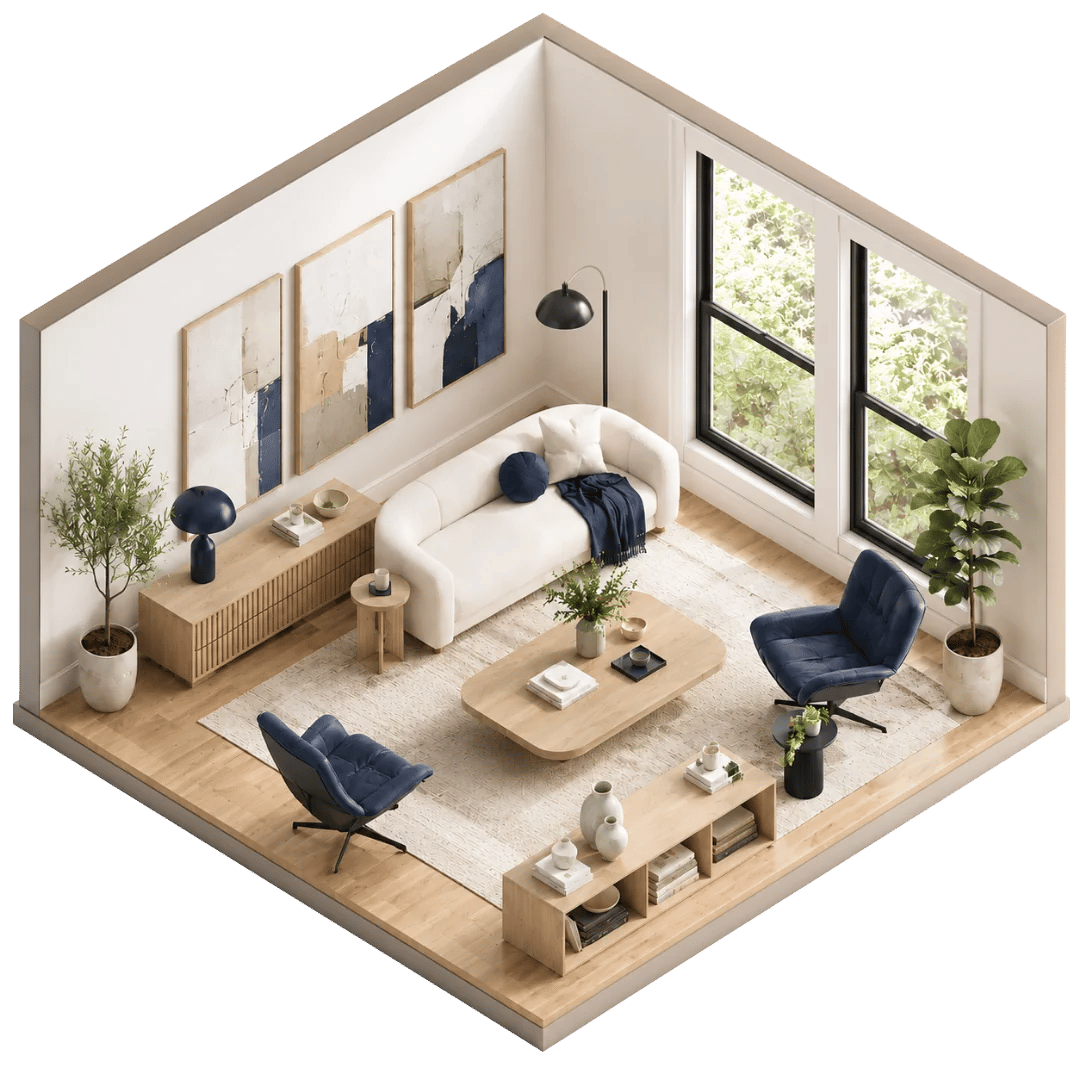
A photo palette can be beautiful, but colors change when they move from a small swatch to a real wall, sofa, cabinet, rug, or curtain. Lighting, flooring, furniture, and room size can make the same color feel warmer, cooler, darker, or more intense. Upload a photo of your space and use DesignSense AI to preview how a similar palette could look in your actual room before you buy paint, furniture, fabric, or decor.
See These Colors in My RoomA photo can contain hundreds of colors. Shadows, highlights, camera exposure, filters, reflections, and screen brightness can all change what you see. A wall that looks soft beige in one corner may look gray, yellow, or almost white in another.
That is why useful photo color extraction needs to look for dominant, repeatable colors instead of one random pixel. The goal is not to promise an exact paint formula from a digital image. The goal is to give you a practical palette direction you can save, compare, and test in the real room.
This paint color from photo tool extracts usable HEX and RGB values from your image, organizes them into interior design roles, and helps you move from inspiration photo to a palette you can actually plan around.
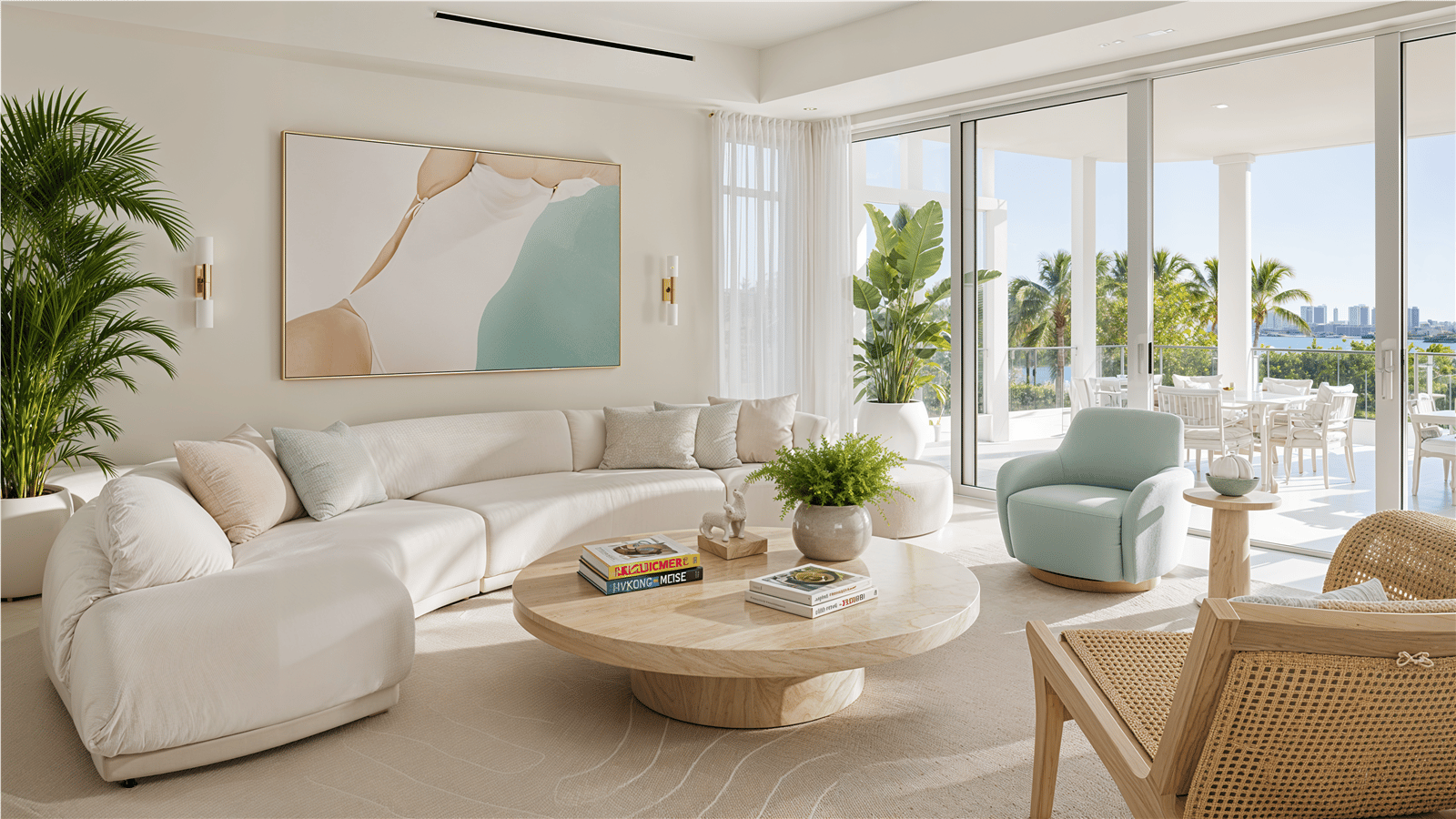
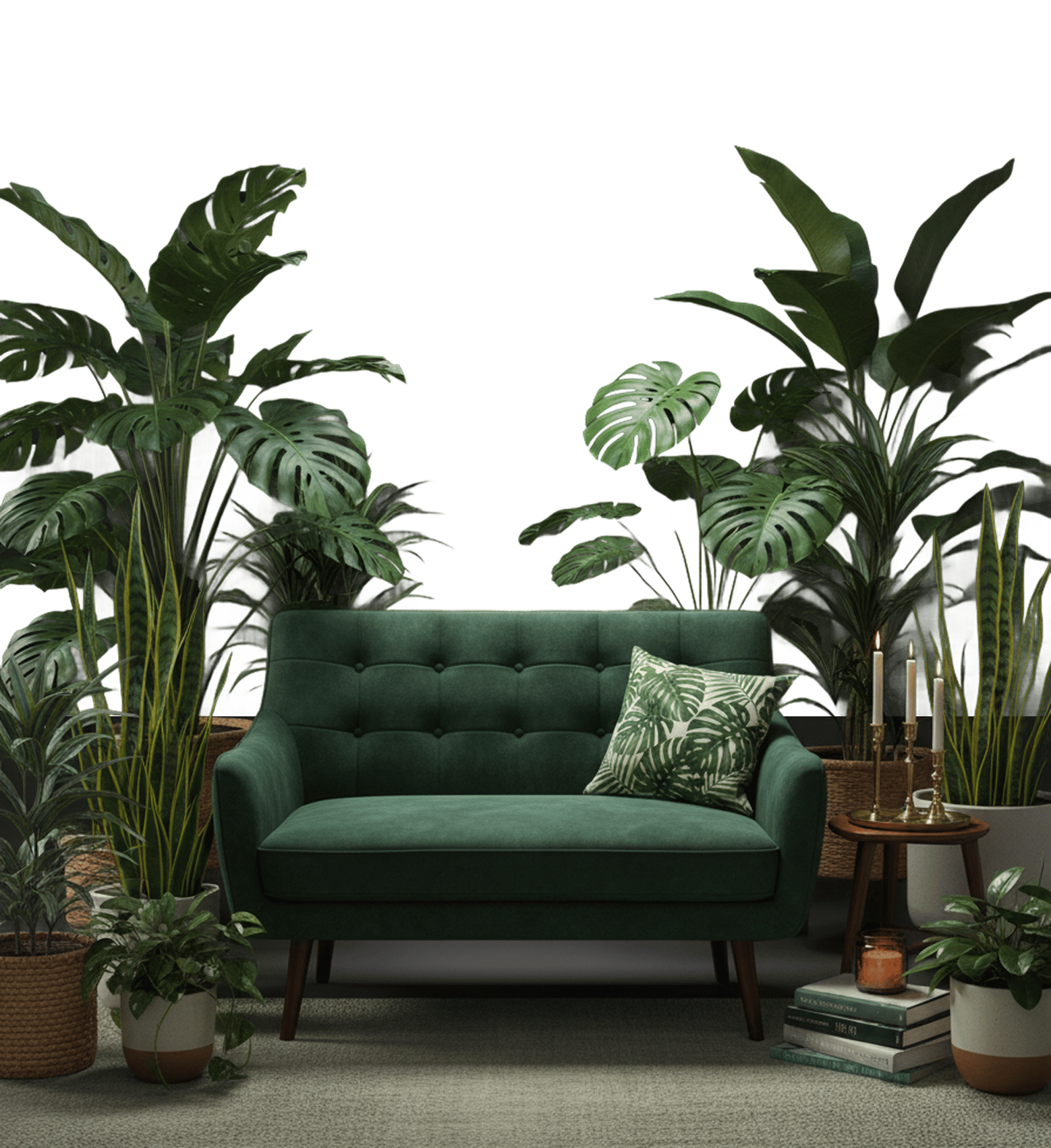
Add a room photo, inspiration image, fabric sample, tile, furniture, or decor reference.
Tell us whether you want wall paint ideas, a full room palette, decor matching, cabinet colors, or accent colors.
Instantly receive a set of color swatches with HEX/RGB values and suggested roles for walls, furniture, accents, trim, or decor.
Instead of saving photos and guessing which colors are inside them, extract a practical palette you can reference while choosing paint, textiles, furniture, cabinets, art, or decor.
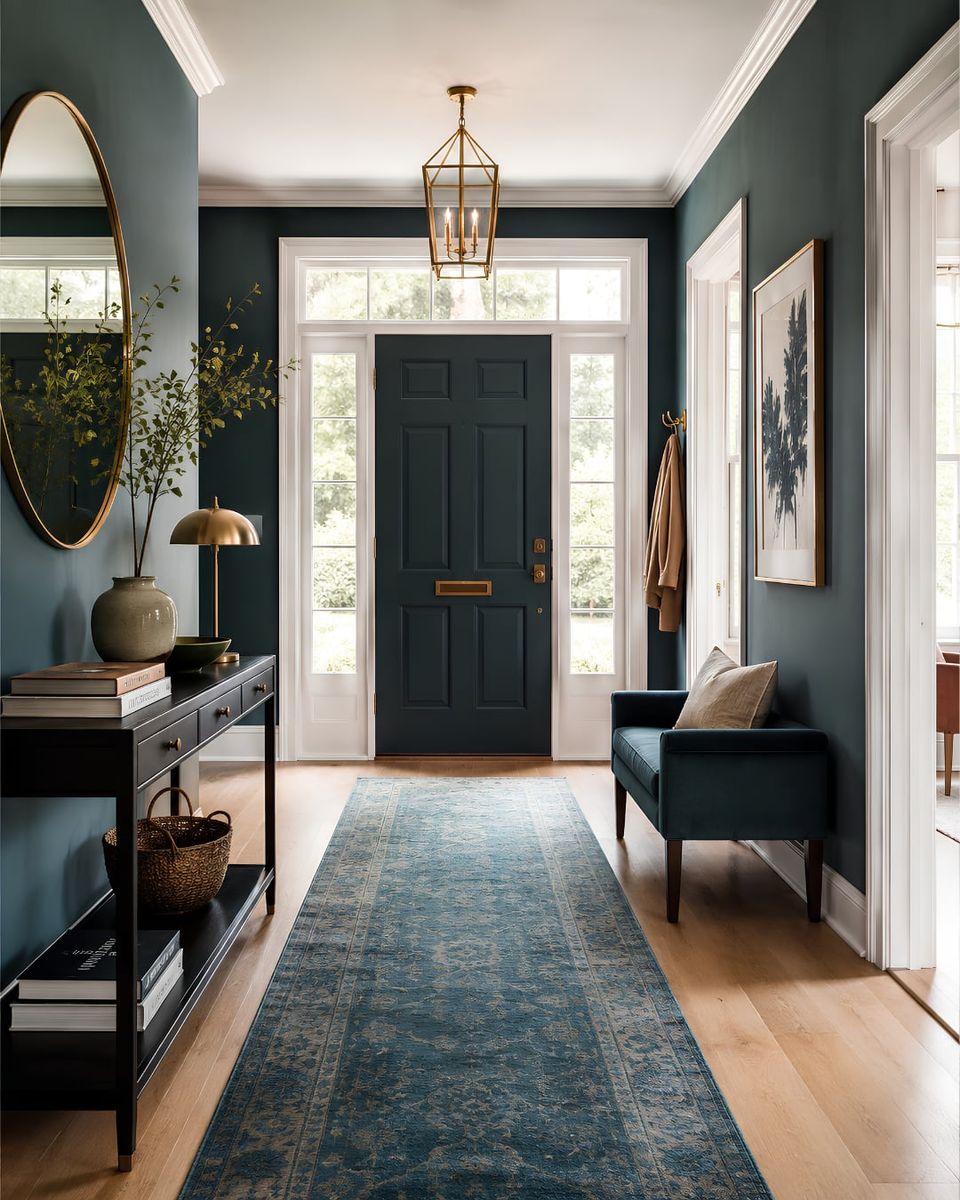
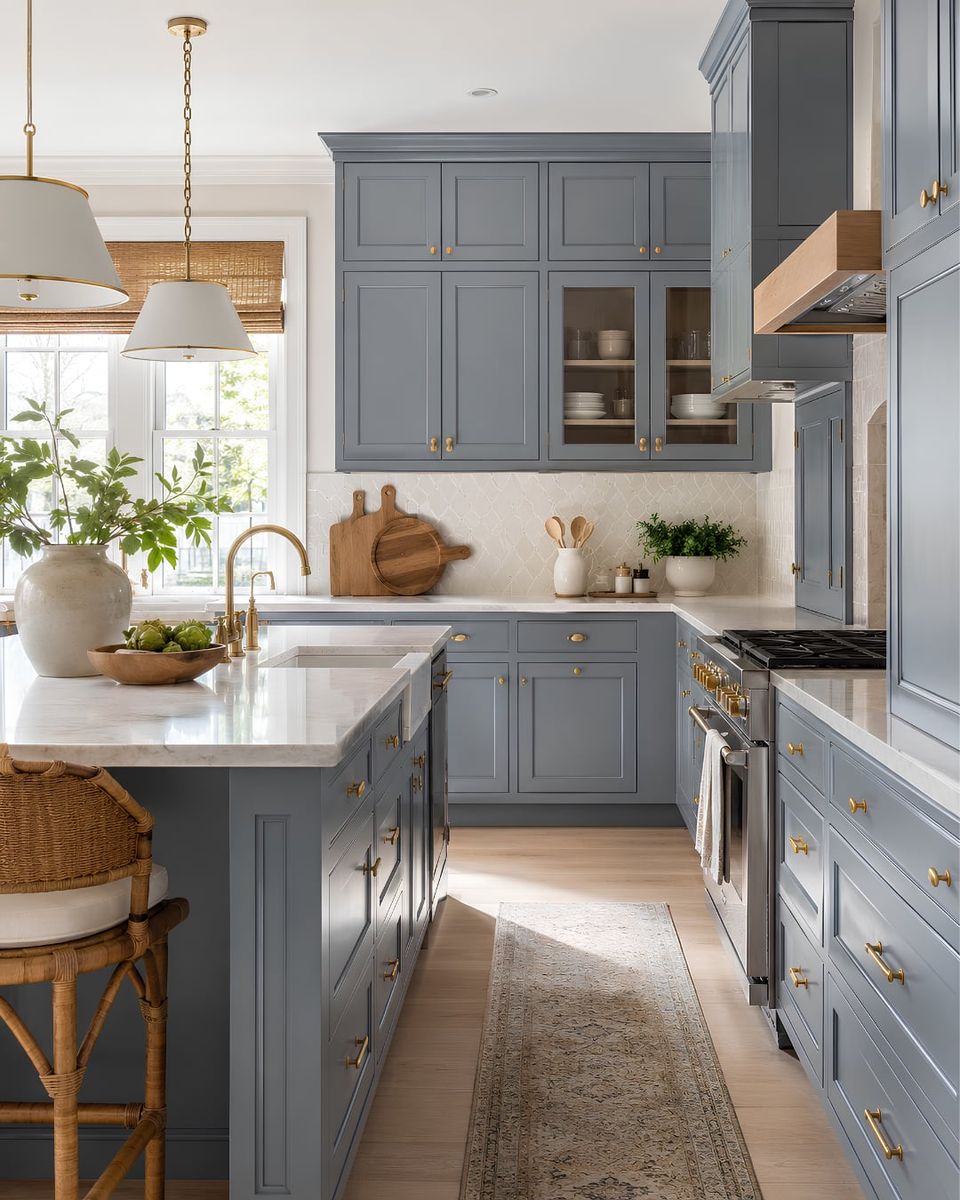
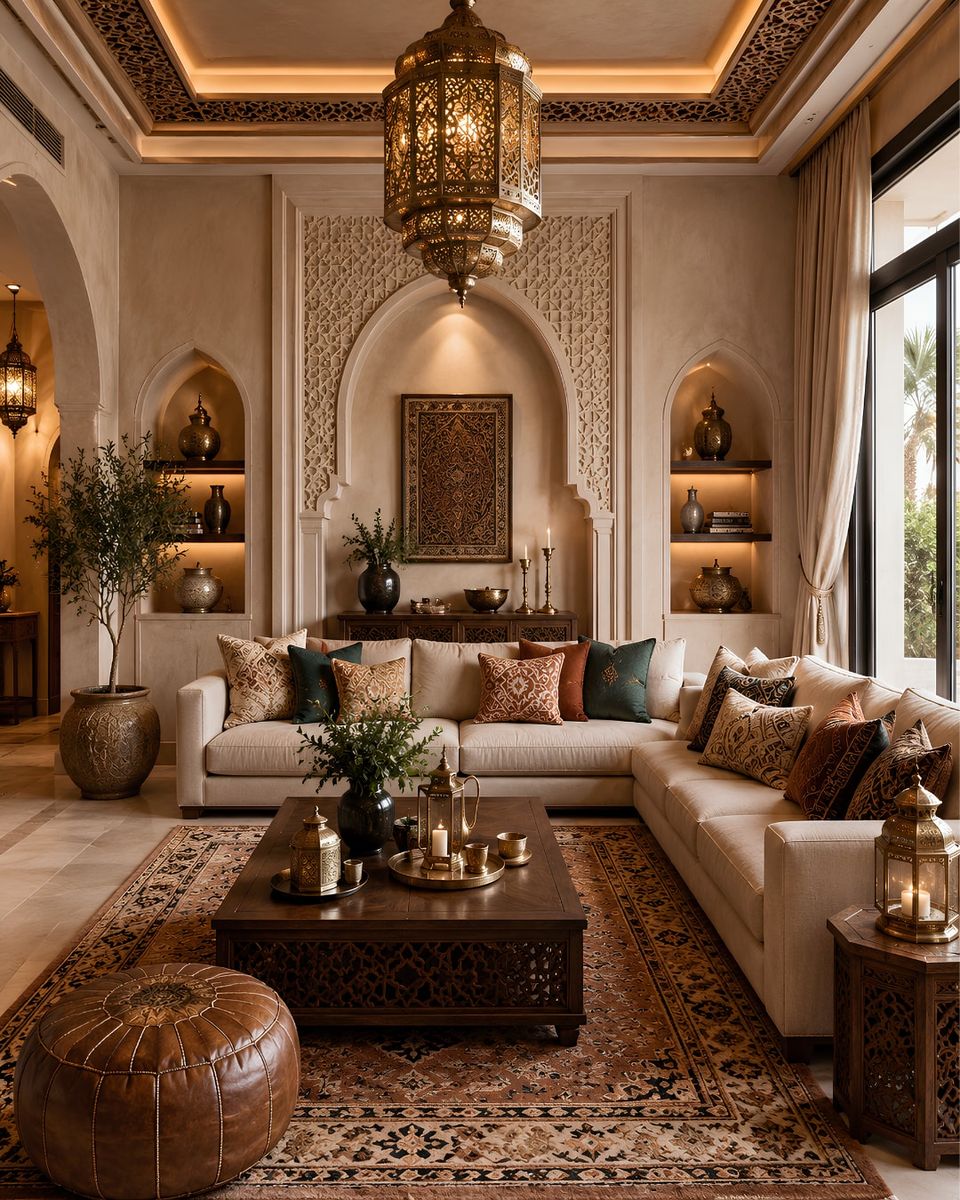
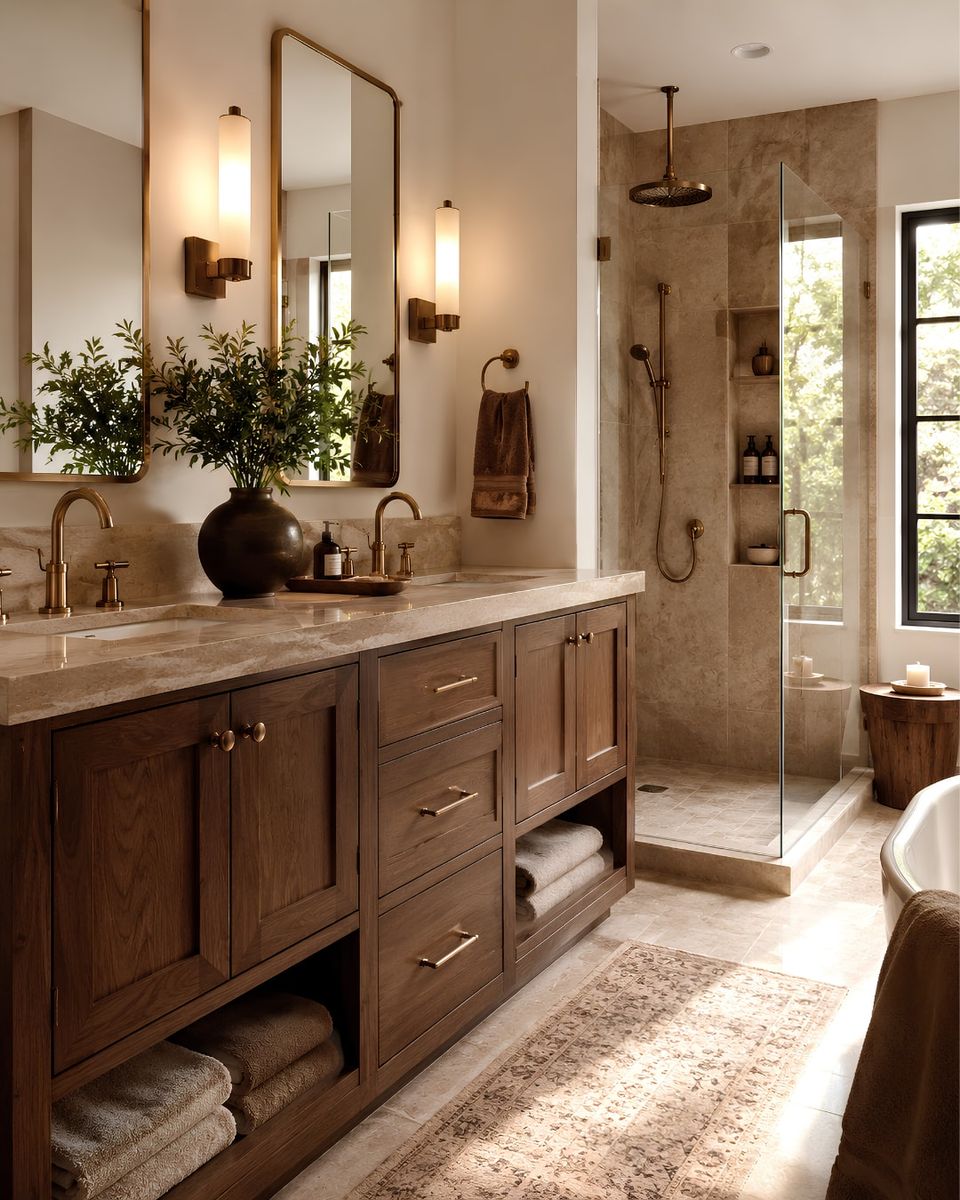
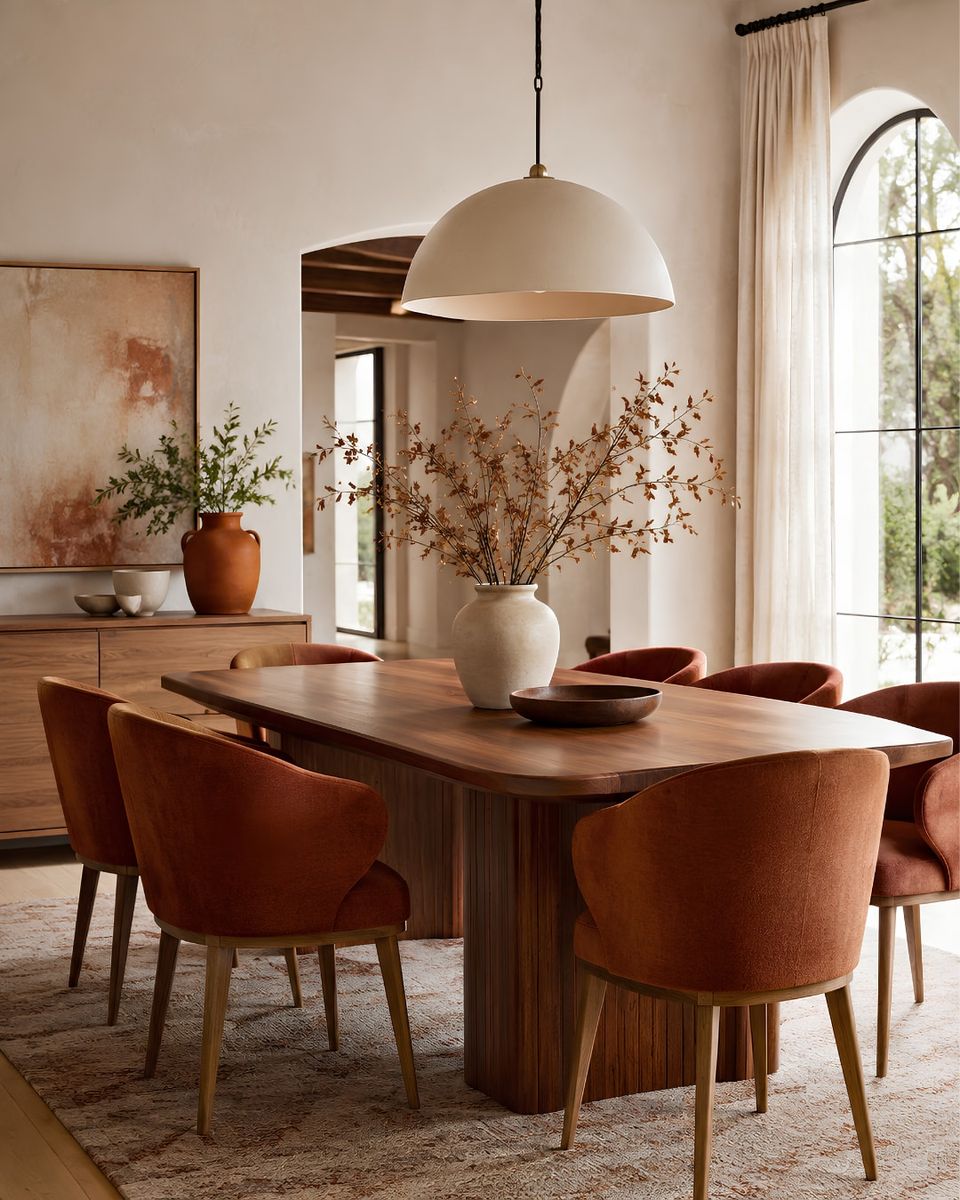
Descriptions like warm beige or soft green can mean many different things. HEX and RGB values give you a clearer digital reference for matching colors, organizing mood boards, and sharing palettes with designers, contractors, or clients.
Use DesignSense AI to visualize your palette direction with your actual lighting, flooring, furniture, and layout before buying paint or decor.
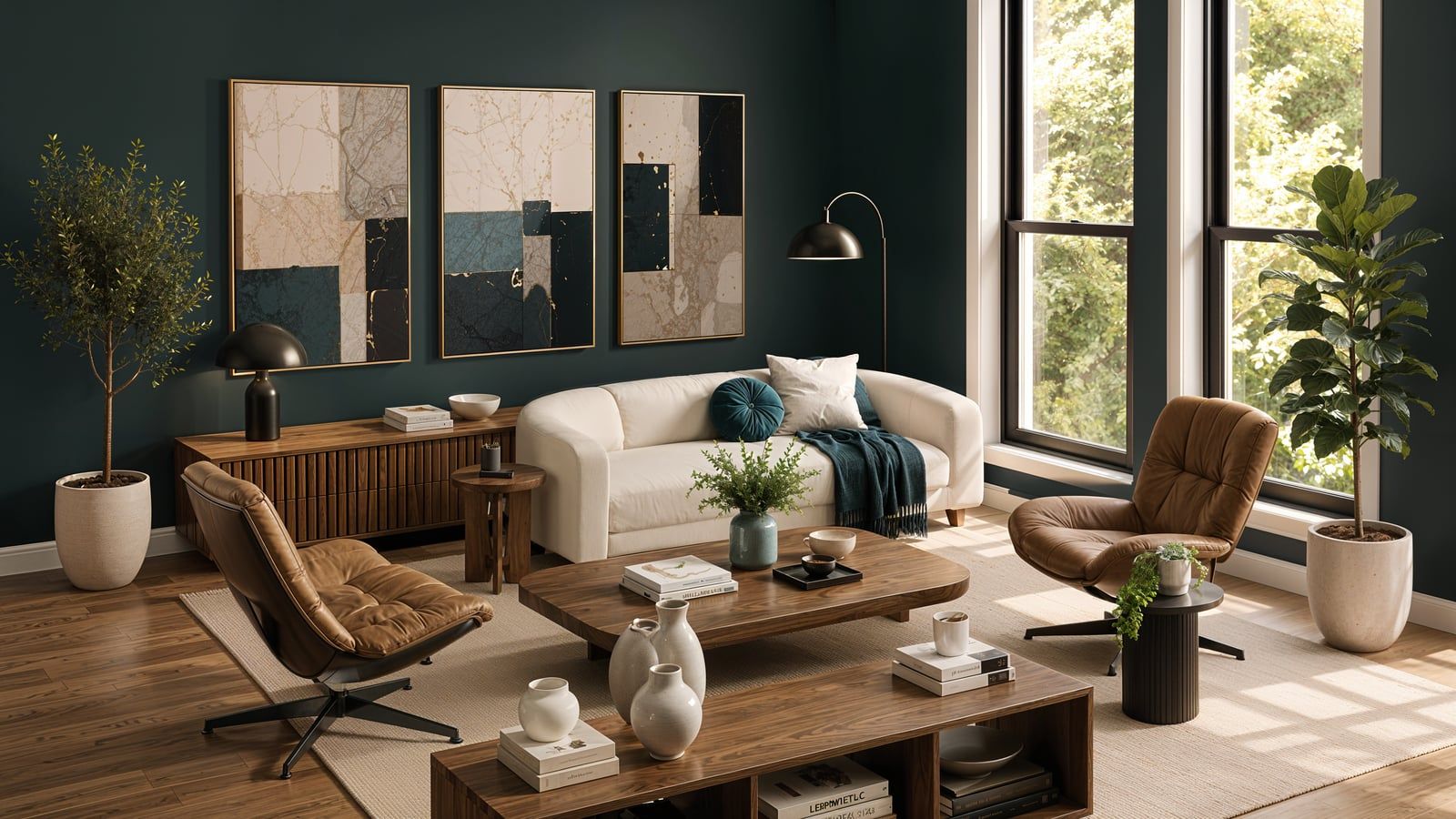
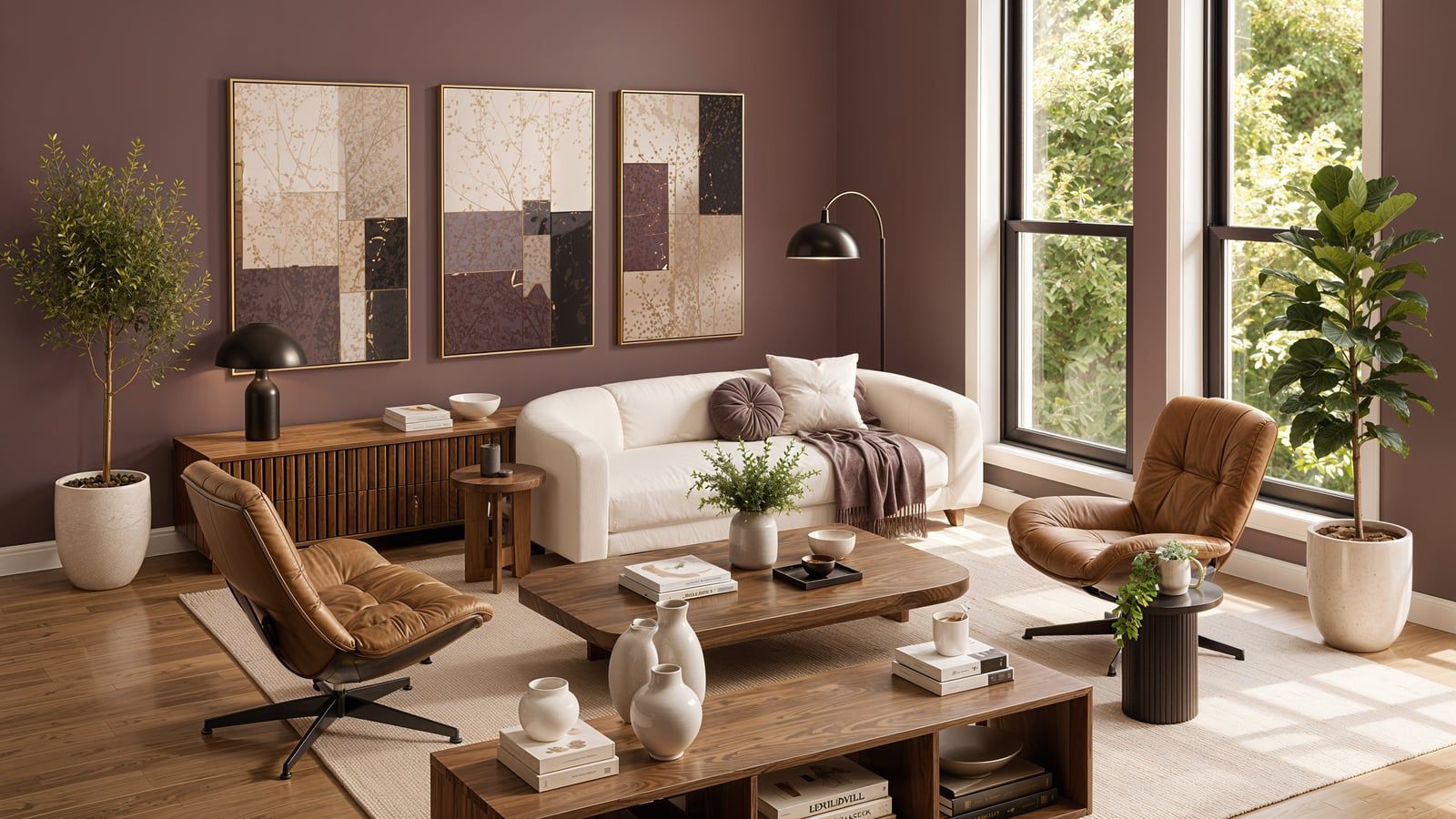
The paint color from photo tool is just the start. Here's what else can help you plan the room:
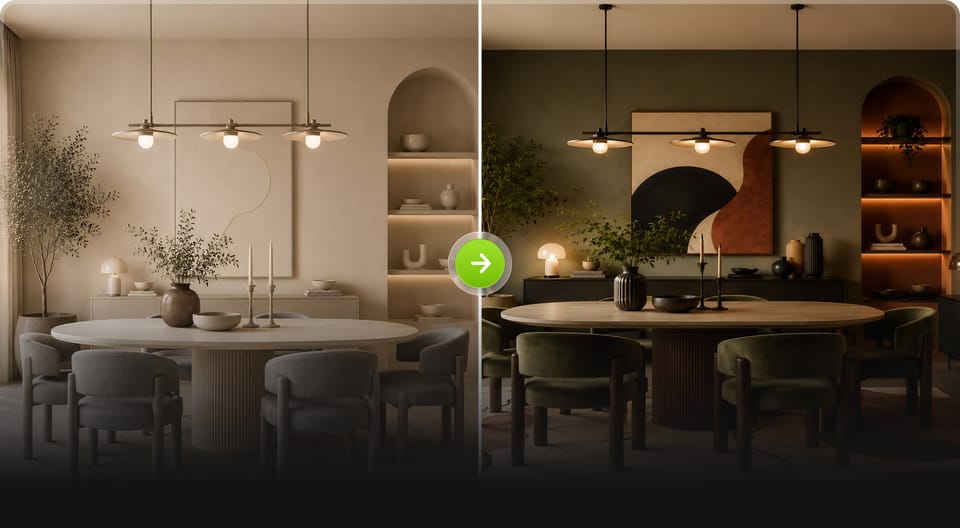
Generate balanced color palettes for any interior style
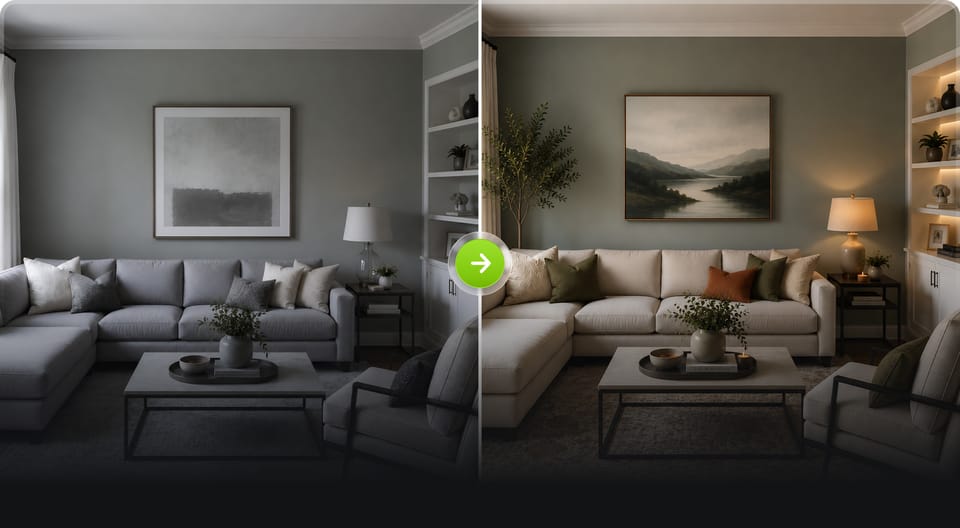
Identify warm, cool, or neutral paint undertones
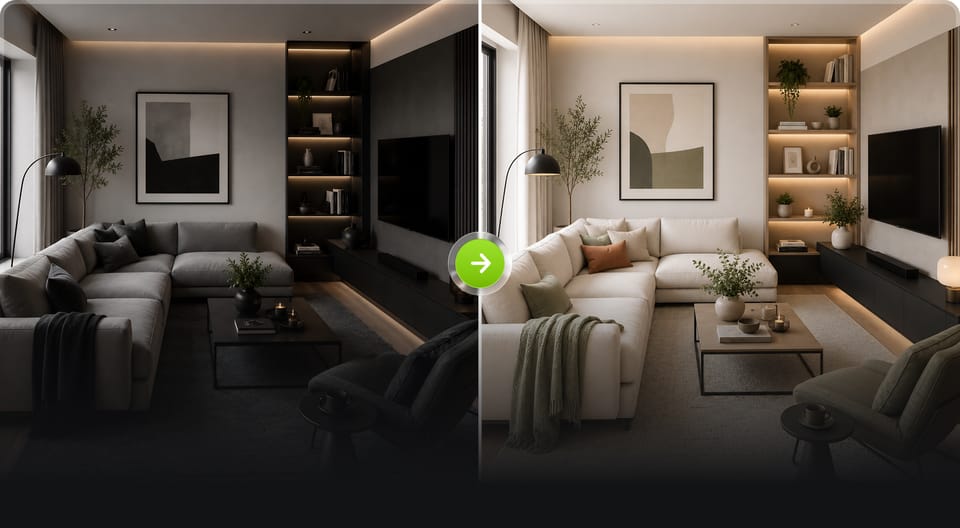
Create balanced room color proportions instantly
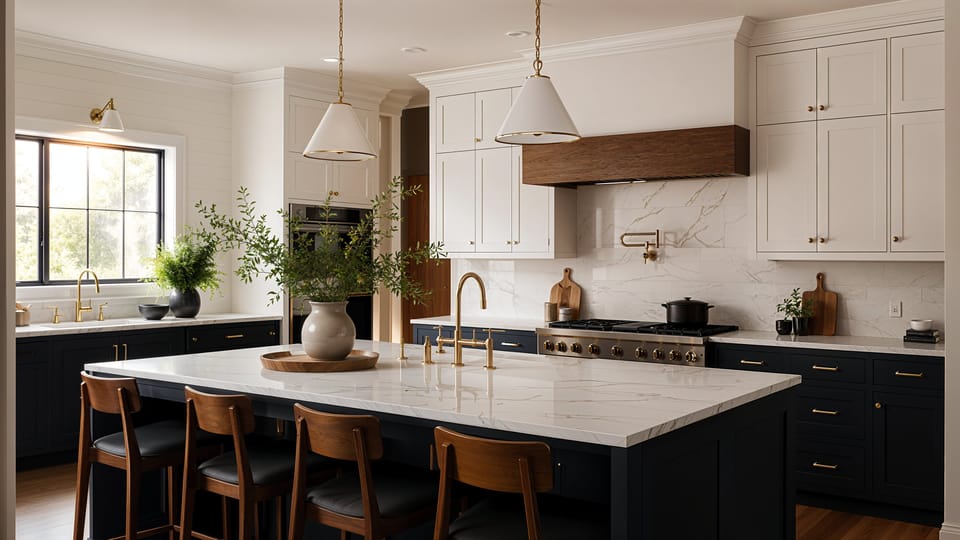
Visualize room transformations and redesign concepts instantly
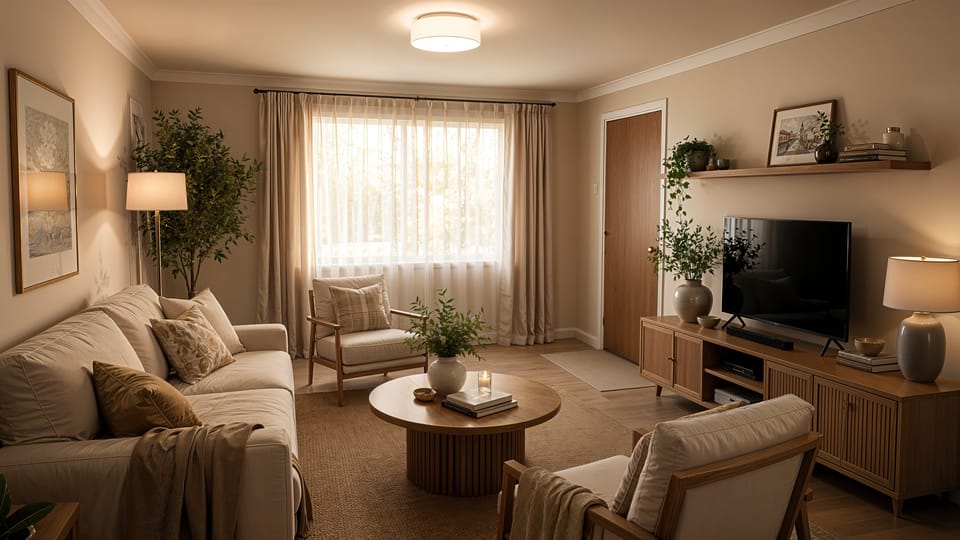
Plan renovations with photorealistic AI home redesign concepts
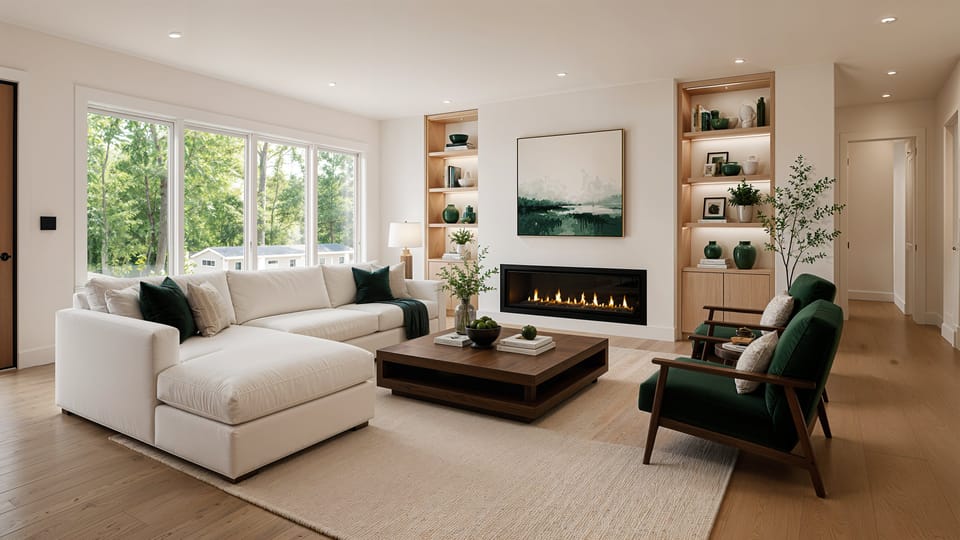
Help clients visualize renovations before project approval
Harness the power of artificial intelligence to Redefine
Interior Aesthetics and Functionality
