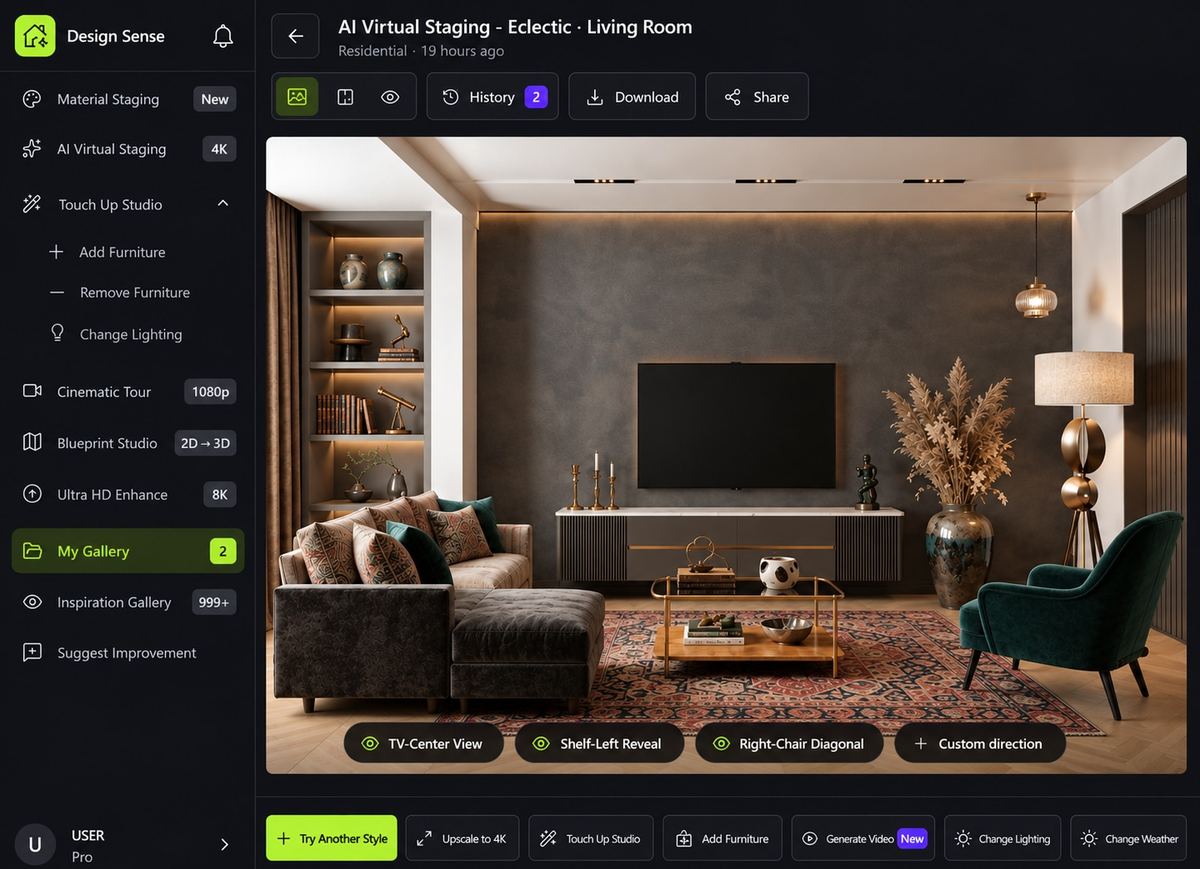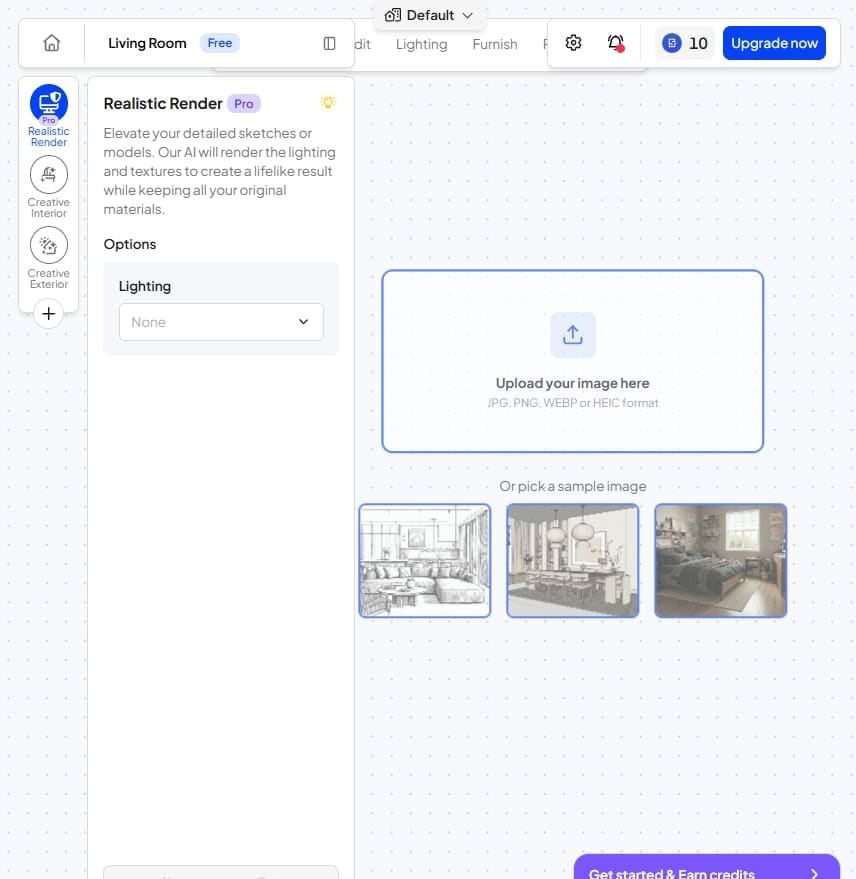
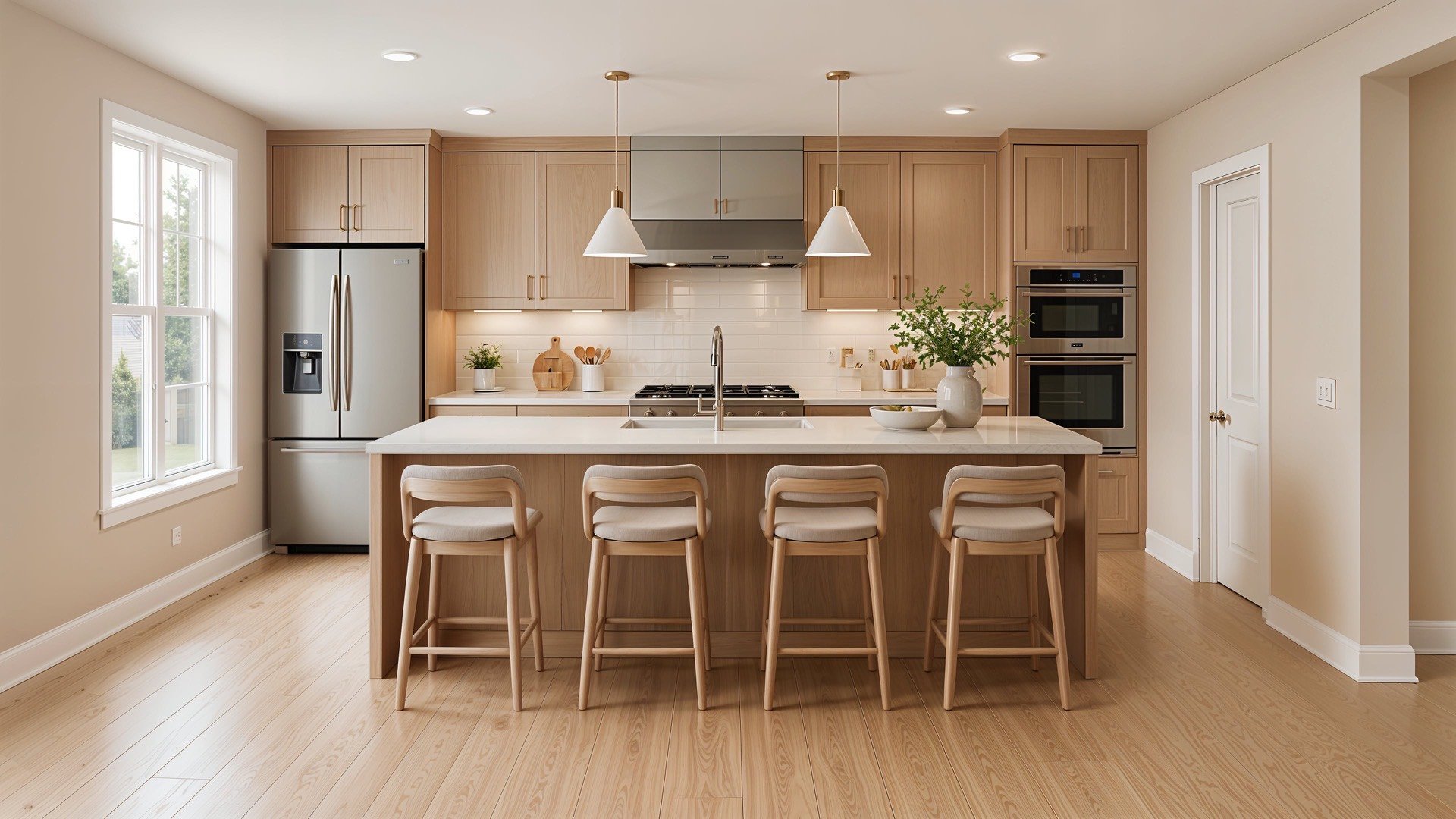


Your render quality shouldn't depend onhow many credits you're willing to spend

Spacely AI charges 2 credits for a Fast render, 8 for Standard, and 10 for Pro — every single generation. DesignSense AI gives you a streamlined workflow where your first render is free, quality isn't tiered by credit cost, and precision refine tools let you change one element without re-rolling the whole room. UHD and 8K output included.

No credit card to start · First render free · 32+ designer styles

DesignSense
ModernKitchen
Spacely AI
ModernKitchen
Precision refine tools
Interiors / exteriors / gardens
UHD + 8K upscale
Video walkthroughs
Free to start, no credit wall

The render isn't the problem. The credit bill for getting it right is.

Spacely AI has a broad toolkit and genuinely useful features. But every time you generate at Pro quality, that's 10 credits. Every time you want to adjust one thing and re-generate, that's another 10.

Why do I pay more credits just to get a better render?

Spacely AI's render quality is tied directly to how many credits you spend per generation: Fast at 2 credits, Standard at 8, Pro at 10. Every generation at the quality level you actually want costs more. DesignSense doesn't penalise you for wanting good output — UHD rendering is a plan feature, not a per-generation surcharge.


It takes longer to set up the generation than to brief a junior designer

Before Spacely AI generates a single render, you configure: prompt or preset mode, project type, room type, style, reference image, lighting, render quality tier, and AI creativity level. That's up to 9 steps before you see a result.

Every retry charges me again.

When one furniture choice or lighting call is off, Spacely sends you back through the setup and into another paid re-roll. DesignSense keeps the first render free and lets you refine one element without paying for the whole room again.

One lets you refine.
One makes you re-configure and pay again.
Both start with a photo and a style. The gap opens the moment that first render isn't perfect.

DesignSense

Upload your photo

Room, exterior, sketch, or floor plan — start instantly, no card.

Render in your style

Pick HD render + fine-tune with unlimited 3D drafts — no credit wait.

Refine the one thing

Swap furniture, fix lighting, remove clutter — structure stays intact.

Finish in UHD / 8K

Upscale for print, decks, and listings (Pro/Max).

Add a walkthrough

Turn the still into a cinematic video to wow the client.

DesignSense
VS
Spacely AI

Upload your photo

Choose a source image or take a photo.

Render in your style

Room type, mode, style and select quality.

Hit the credit wall

Out of credits? Upgrade with the Starter plan.

Generate the render

Get your HD result.

No 8K, no video on entry

Output tops out at HD; video is Expert tier only.

Spacely AI

The Honest Comparison:
Feature by Feature

Where each tool genuinely wins — including the things Spacely does that we don't.

DesignSense
Recommended
Spacely AI
Precision refine toolkit
5 purpose-built tools
(furniture, material, lighting, exterior, landscaping)
Built tools
Structure-preserving edits
Re-generates the image
Max output resolution
+
upscale
4K only
AI video walkthroughs
From Pro
Floor plan & sketch-to-render
Iterate without a credit wall
Unlimited Renders
Credit based
Free to start without a card
1 freerender
10 credits
Furniture & decor shopping links
Coming soon
Starting price
$19.99/mo
(very first plan, billed monthly)
$12.75/mo
200 credits

See the difference for yourself

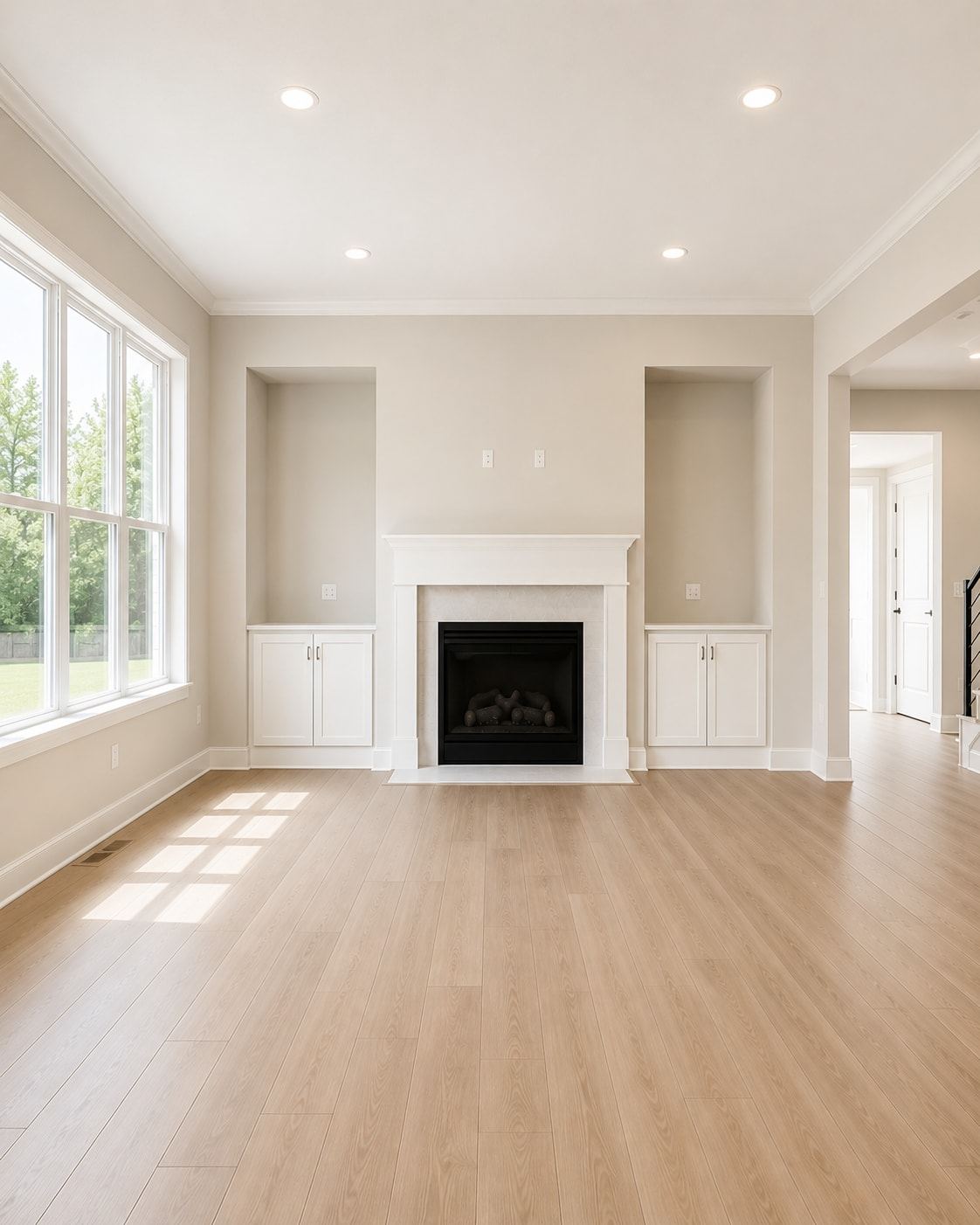
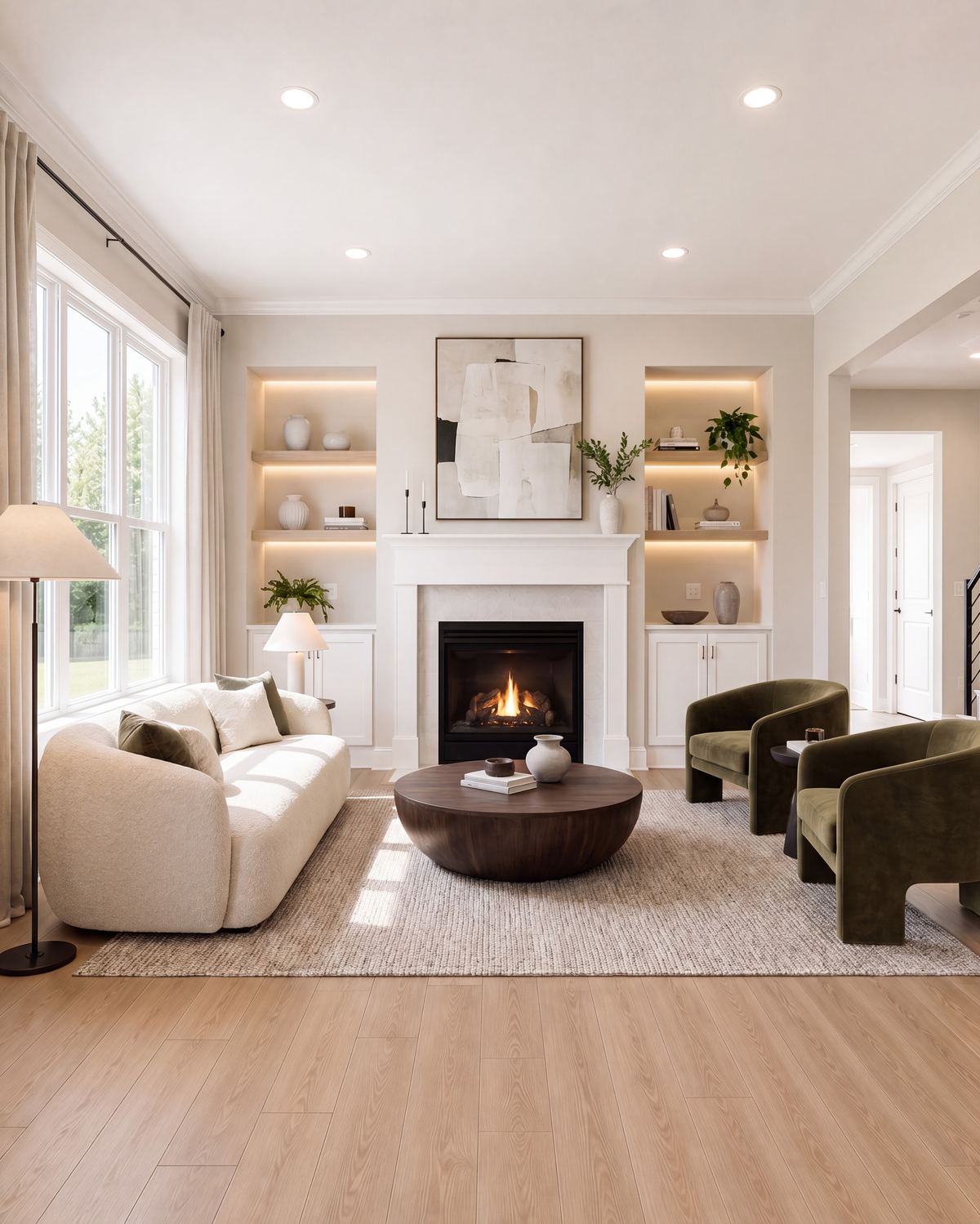
Same input photo. Same style prompt. One result you can refine and present. One you have to re-roll.

Source living room photo

Upload Your Image

Living Room · Modern

DesignSense living room result

DesignSense AI Result

Living Room · Modern

Spacely AI living room result

SpacelyAI Result

Living Room · Modern

Edit like a designer,not a slot machine

Five purpose-built tools that change exactly what you mean to — and nothing you didn't.

Gallery-grade 8K
— not a credit tier decision

Spacely AI ties resolution to your plan — 4K download is only available on the Studio and Business plans at $38.25/mo and $102/mo respectively. Even then, there is no 8K output on any plan. DesignSense renders in UHD natively and upscales to true 8K as a plan feature — no per-render credit surcharge, no quality tier decision before you generate. Crisp at large-format print, client decks, and listing hero shots.

UHD rendering with rich texture and accurate lighting

Upscale up to 8K with adjustable creativity (Premium)

Presentation-ready for clients, print, and listings

DesignSense

Hand clients a walkthrough,not just a still.

Spacely AI has no video walkthrough feature. DesignSense turns any render into a smooth cinematic walkthrough — before-and-after transitions and fly-through video — so clients experience the space rather than imagine it. Included from the Pro plan, no separate tool or extra configuration required.

Frequently Asked Questions

Two main differences: quality model and refine capability. Spacely AI charges 2, 8, or 10 credits per generation depending on quality — meaning every iteration at Pro level is expensive. DesignSense doesn't tie quality to a per-render credit cost. Spacely also has no structure-preserving refine tools — if you want to change one element, you re-configure and re-generate. DesignSense's refine tools let you change exactly what you mean to, without touching the rest of the room.

Spacely AI has genuine depth — tools like Multi-View Render, Generate Angles, Image to Lineart, Lighting Transfer, and Style Transfer cover specialised use cases that DesignSense doesn't currently match with dedicated features. If those specific capabilities are central to your workflow, Spacely is genuinely strong there. Where DesignSense wins is in the core loop: faster first render, precise element-level refinement without re-generation, higher resolution ceiling, and integrated video walkthroughs — none of which Spacely offers.

On Spacely AI's Starter plan at $12.75/mo, you get 200 credits per month. A single Pro-quality render costs 10 credits — meaning your monthly allowance covers roughly 20 Pro renders before you run out. If a client wants to see three iterations of one room at Pro quality, that's 30 credits gone. DesignSense's plan-level quality model means you're not watching your credit balance determine how good your next render looks.

Yes. DesignSense covers interiors, exteriors, gardens, and floor plans within the same unified workflow. Spacely AI also covers these — via its Exterior AI Render and Creative Landscape tools — so this is a feature match rather than a gap.

Yes. DesignSense accepts sketches and floor plans as input. Spacely AI also supports this via its Interior AI Render and Exterior AI Render tools — again a feature match. The difference is in what happens after that first render: DesignSense gives you precision refine tools; Spacely AI sends you back through the full configuration flow.

Yes. All paid plans include watermark-free downloads and a commercial license. On Spacely AI, commercial use and watermark-free downloads are only available on the Studio plan at $38.25/mo and above — not on the Starter plan.

Elevate Interior Design with AI

Harness the power of artificial intelligence to Redefine
Interior Aesthetics and Functionality

Midcentury modern
Modern
Tropical
Rustic
Tribal
Cyberpunk
Japanese Design
Biophilic
Art deco
Coastal
Bohemian
Scandinavian
Industrial
Vintage
Baroque
Farmhouse
Minimalist
Gaming Room
Art deco
Halloween
Ski Chalet
Sketch
Scandinavian
Modern
Minimalist