
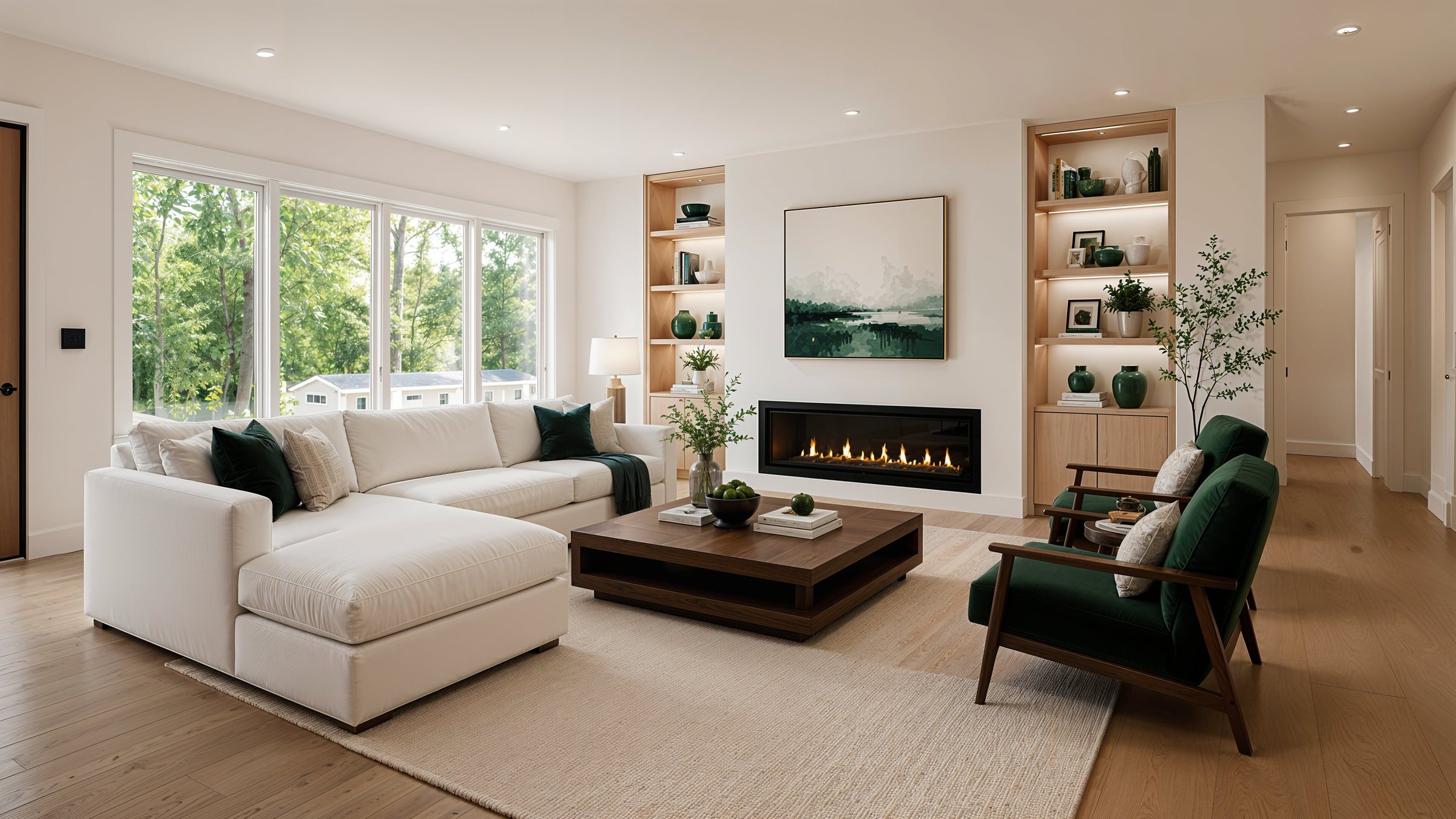
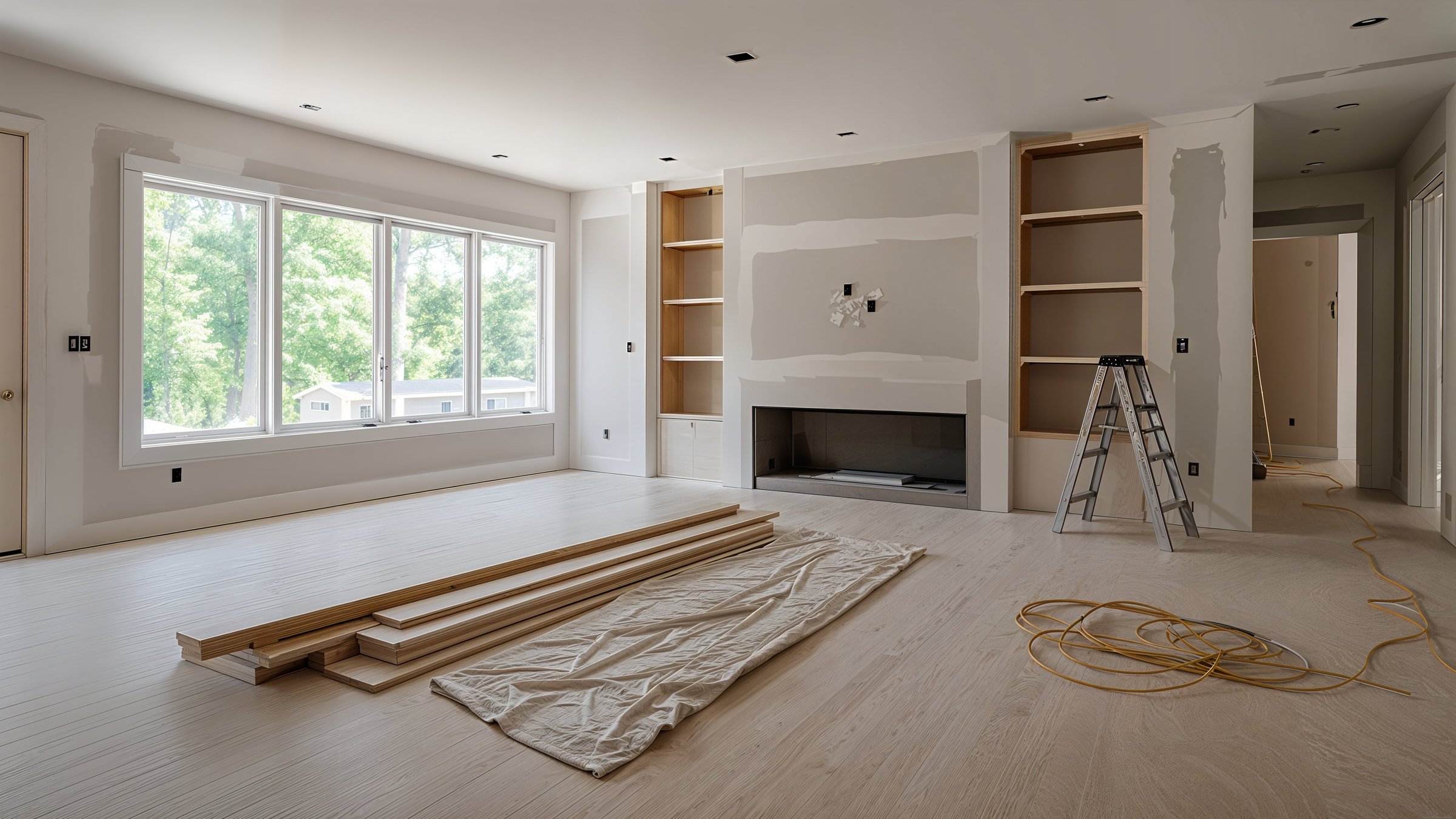


失標問題 當您的提案看起來與其他承包商的報價相同時,就會出現投標失敗問題。 DesignSense AI 可協助承包商在客戶的實際住宅中對已完成的專案進行逼真的渲染,從而脫穎而出。
AI重塑軟體透過展示而不是講述來贏得更多競標
停止與紙面上看起來相同的承包商進行價格競爭。在客戶簽署任何東西之前,使用 DesignSense AI 向客戶準確展示其完工空間的外觀。渲染證明您的報價合理,消除範圍爭議,並將標準作業轉變為高級升級。
視覺化您的空間
獲得即時、客戶端就緒的渲染。無需信用卡。
你的報價和他們的想像之間的差距正在讓你失去工作

範圍爭議問題 當客戶批准他們無法完全可視化的工作時,範圍爭議問題就開始了。預先顯示準確的最終結果有助於減少變更單、誤解和專案中期爭議。

錯過的追加銷售問題 當客戶看不到高階升級的價值時,錯過追加銷售問題會讓承包商損失數千美元。可視化客戶家中的高端飾面、櫥櫃和固定裝置,可以更輕鬆地進行追加銷售,並增加專案價值,而無需硬性銷售。
了解頂級承包商如何使用虛擬改造 關閉交易
彌合您的提案與客戶的想像之間的差距。瀏覽這些轉換,了解我們的承包商視覺化工具如何使您的估價變為現實。
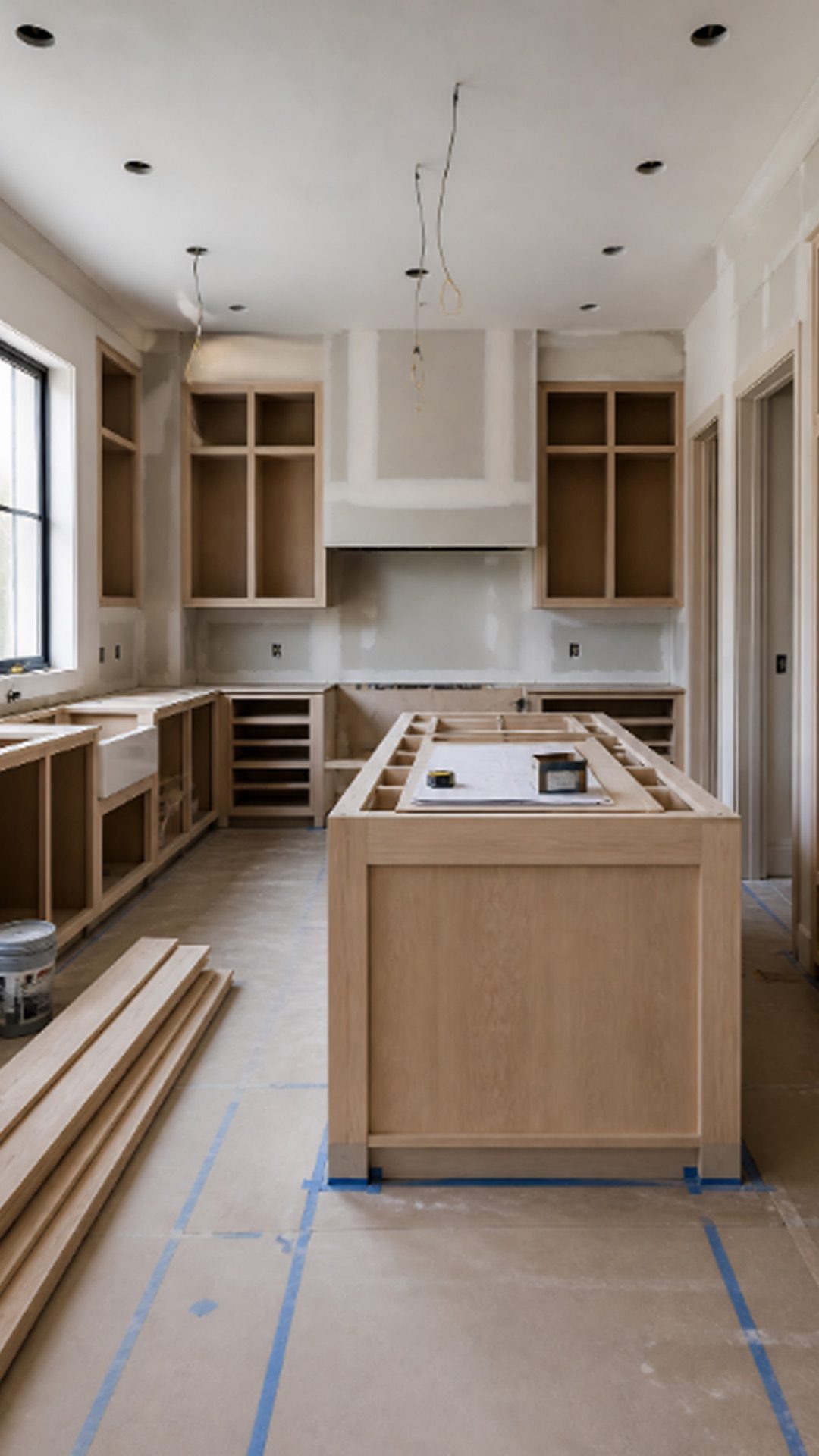
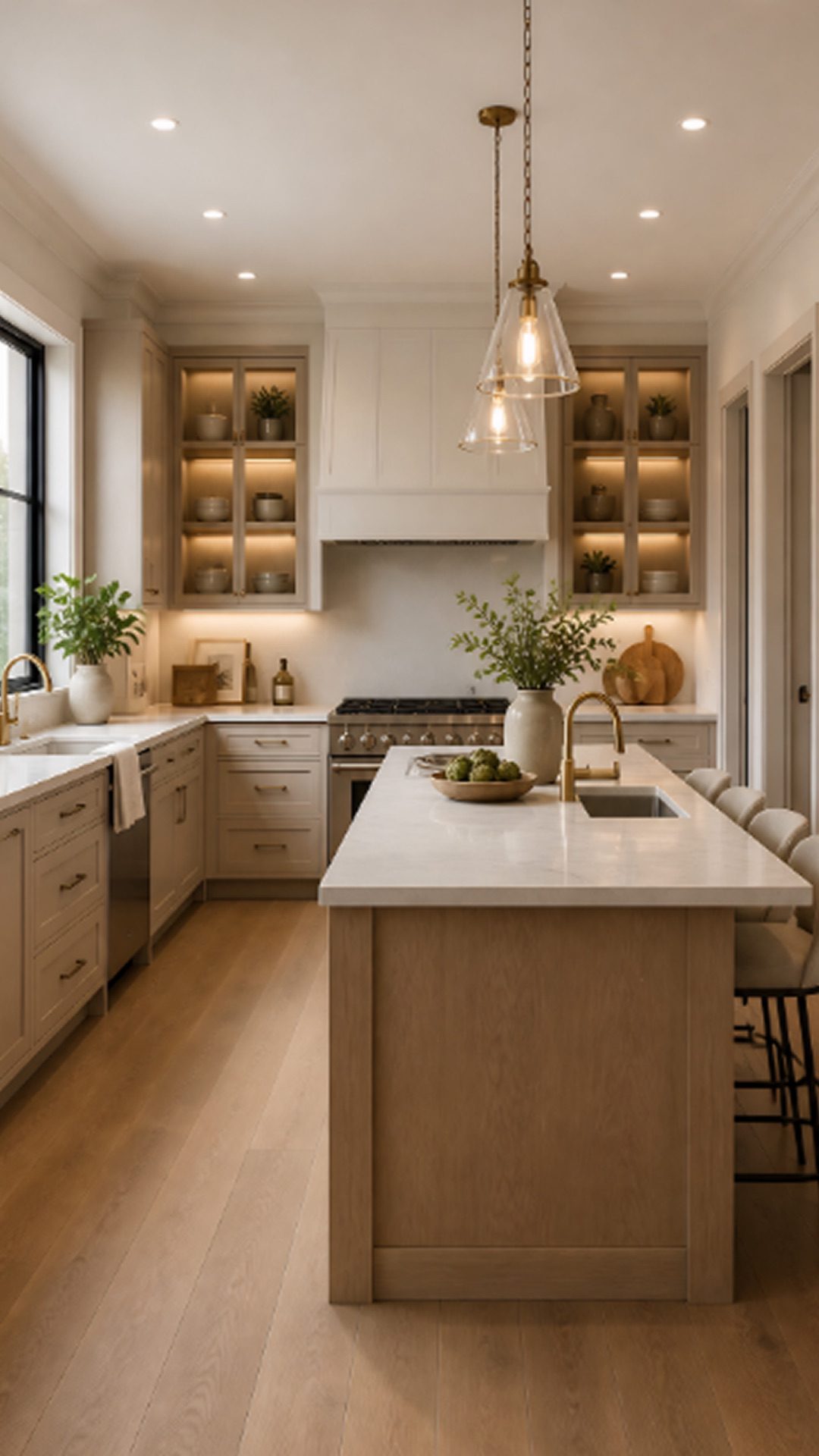

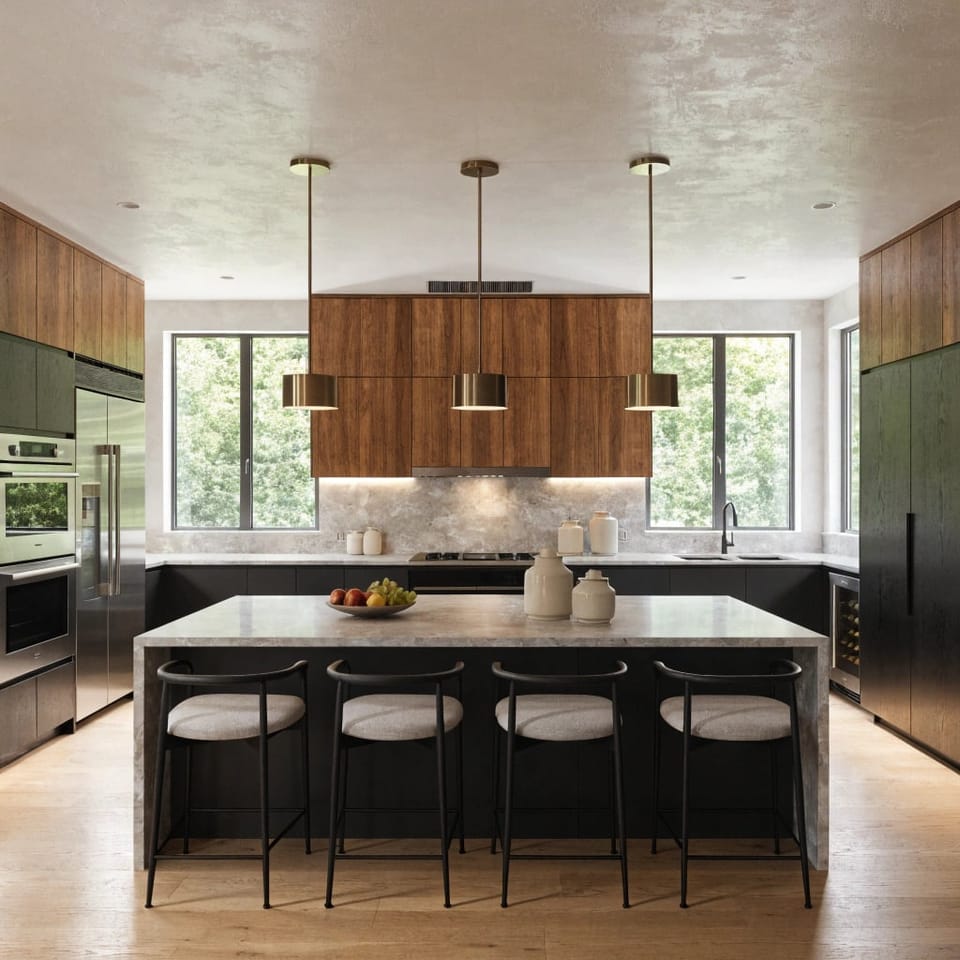
示範中期到夢想廚房
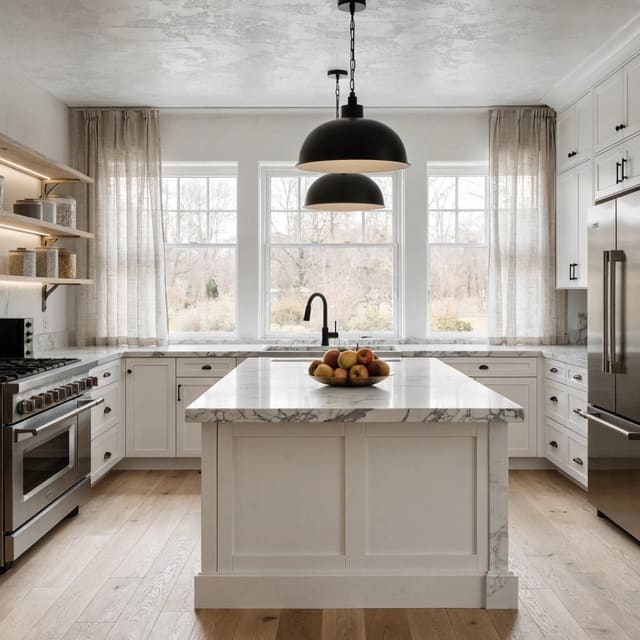
將凌亂的拆除過程中的照片轉換為原始的成品廚房渲染圖,向客戶準確地展示他們的錢花在了哪裡。
讓圖畫栩栩如生
不要只交出色樣。立即產生外部改造,以便房主可以在實際房屋上直觀地看到新的壁板或油漆顏色。
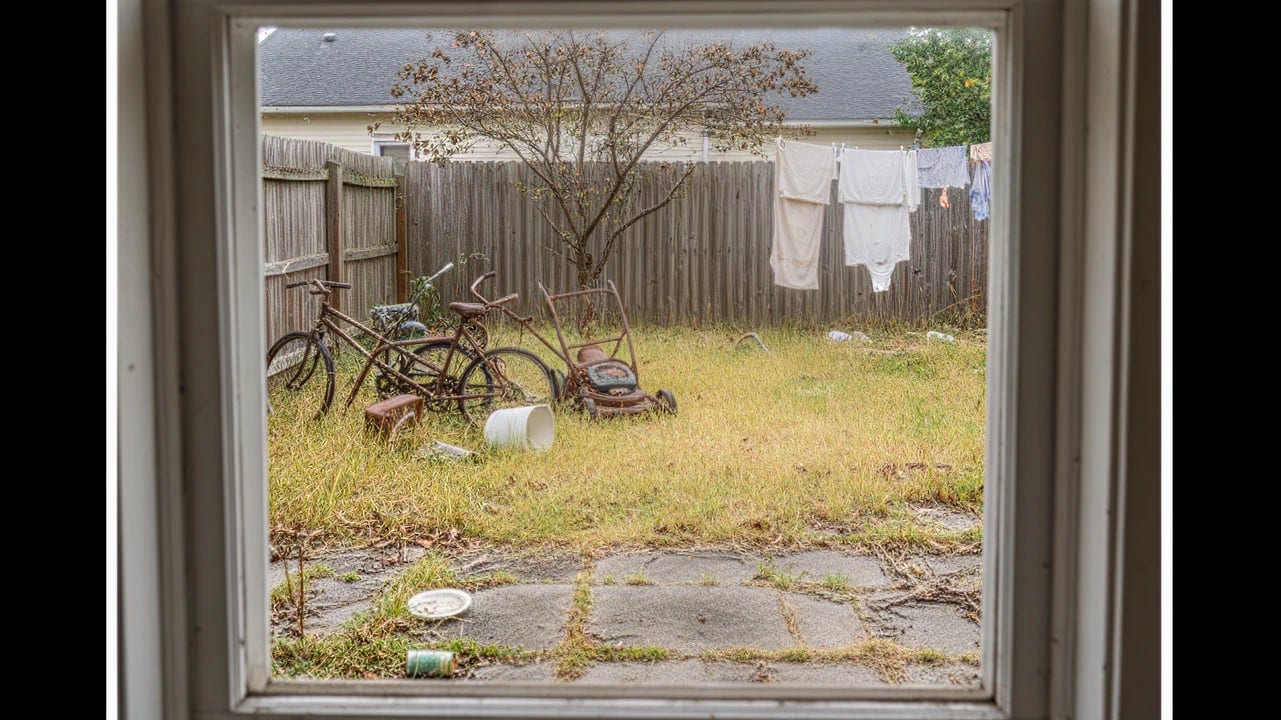
泥土場到戶外綠洲
將貧瘠或凌亂的後院的照片變成鬱鬱蔥蔥、風景優美的露台設計,以附加到您的硬景觀報價中。
內臟浴缸到豪華水療中心
將基本廚房升級為高端烹飪空間。
產生客戶就緒的概念 3 個簡單步驟
01
在工作現場拍照
使用智慧型手機拍攝客戶目前房間、外部甚至部分拆除空間的照片。
02
應用程式升級
從我們豐富的室內和室外設計風格庫中進行選擇,立即應用新材料、櫥櫃、地板和油漆。
03
附上您的估算
下載高解析度渲染並將其包含在您的出價中,以便客戶在報價接受之前可以完美地視覺化改造。

上傳您的照片

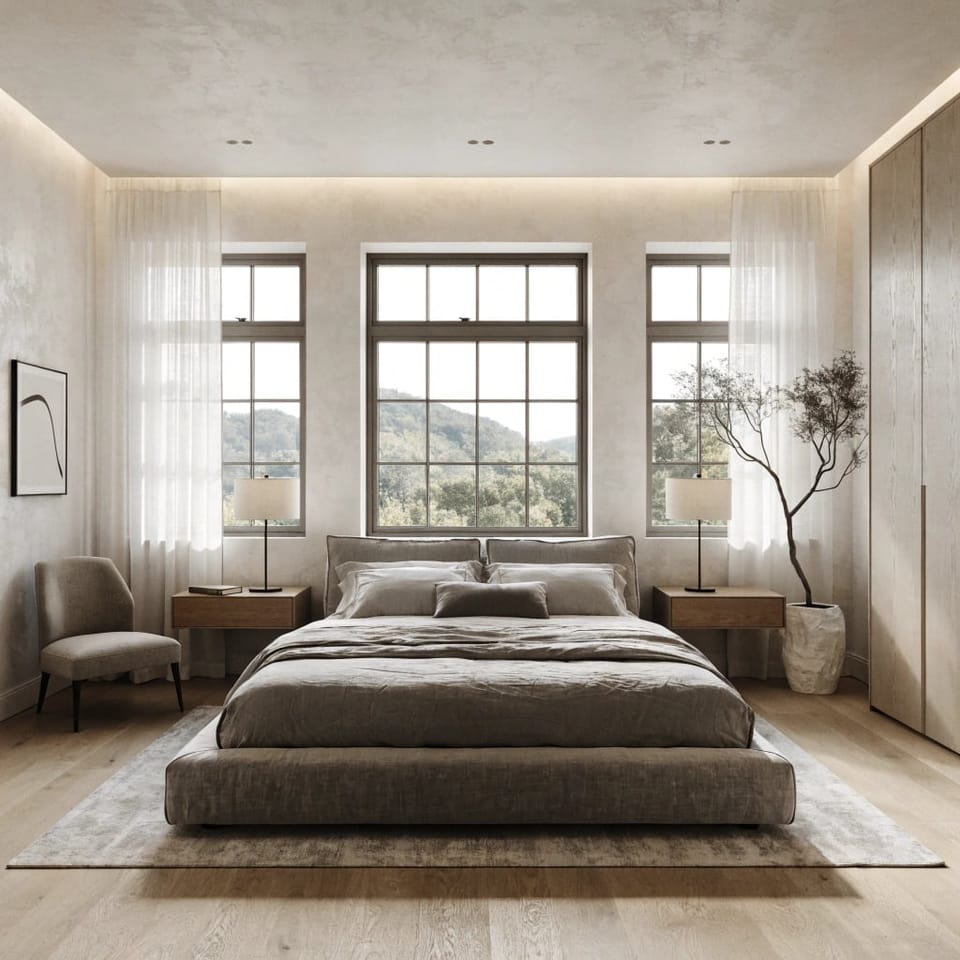
極簡
現代
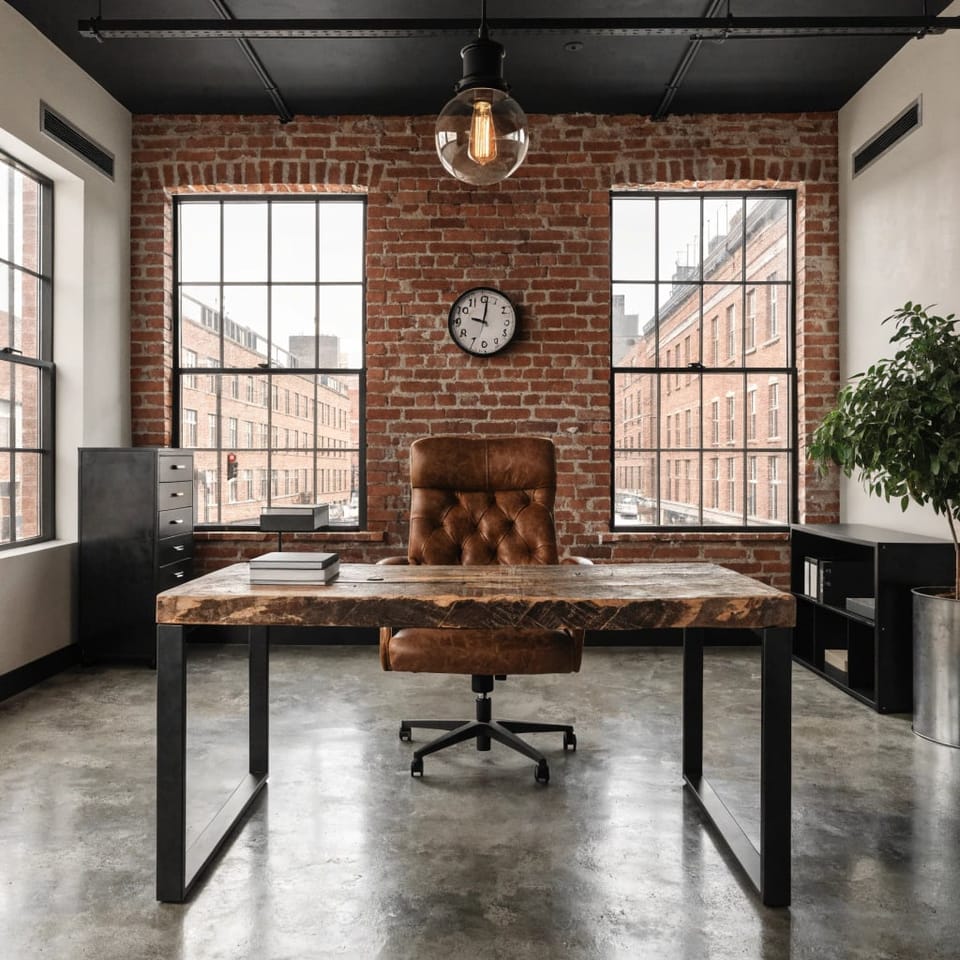
工業級
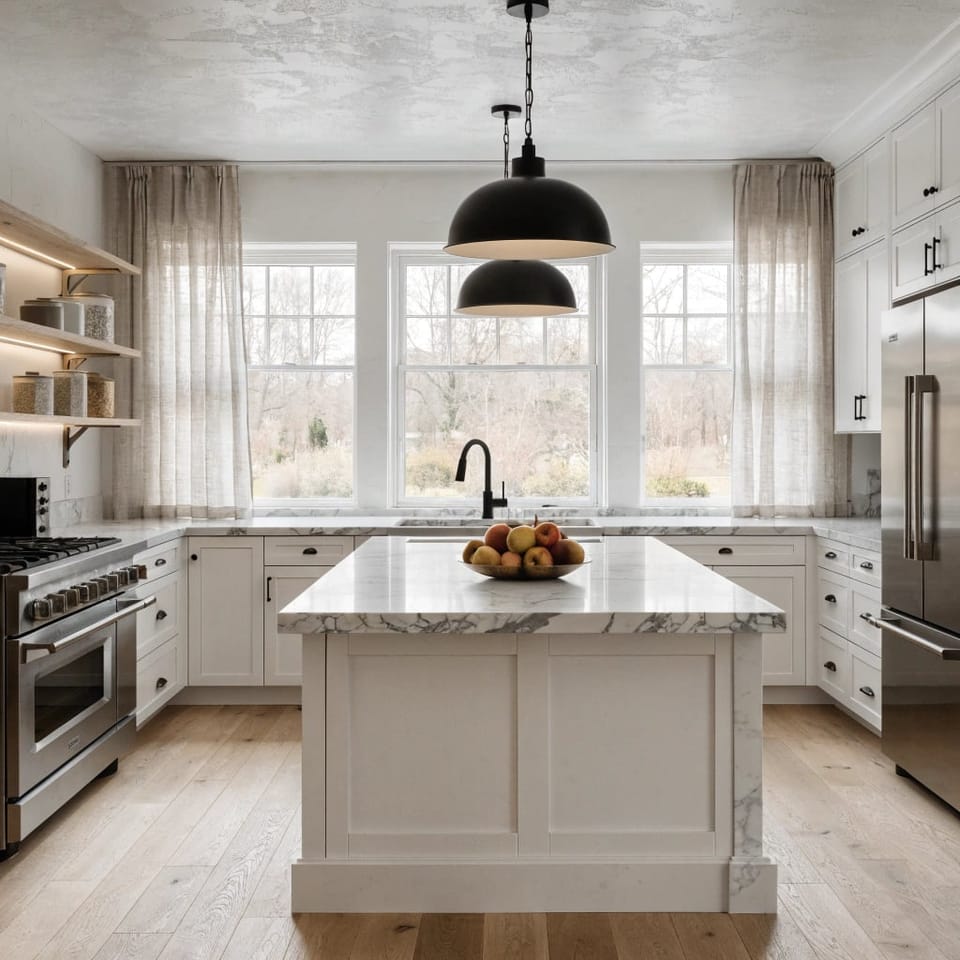
斯堪的納維亞
 商用
商用
 內飾
內飾渲染次數

1234

將靈感化為現實
選擇最適合你需求的方案
每年 省 25%
專業版
非常適合房主和 DIY 設計師
$14.99/月
高級版
適合專業人士、機構與高頻使用者
最受歡迎
$44.99/月便宜 $30
最受歡迎
$44.99/月便宜 $30
SD 算圖快速概念探索無限無限無限

HD 渲染虛擬佈置、重新設計、情緒板1004004 倍4004 倍

4K 渲染印刷級細節294 倍94 倍

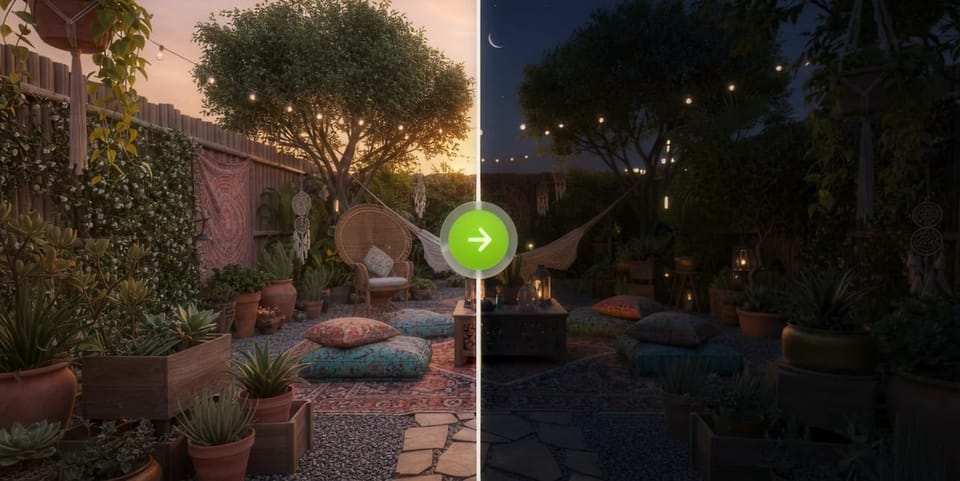
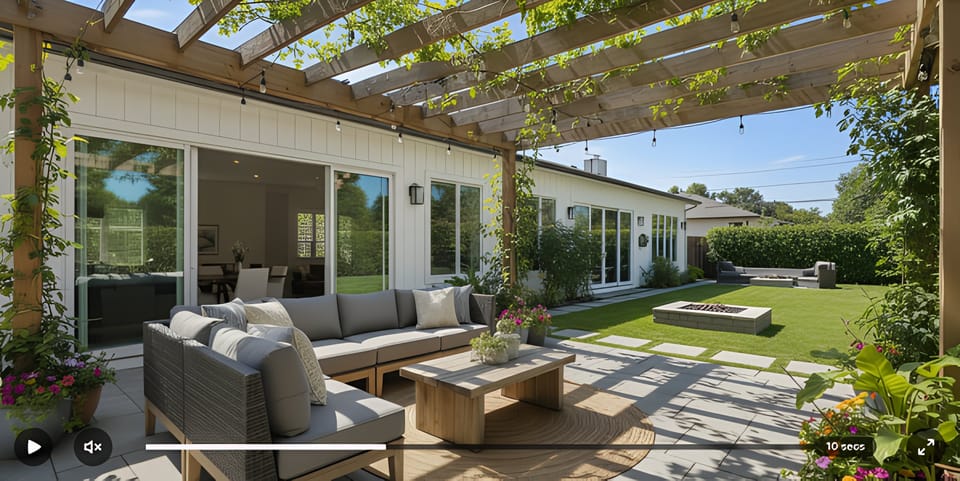
電影感漫遊前後對比轉場1720p55


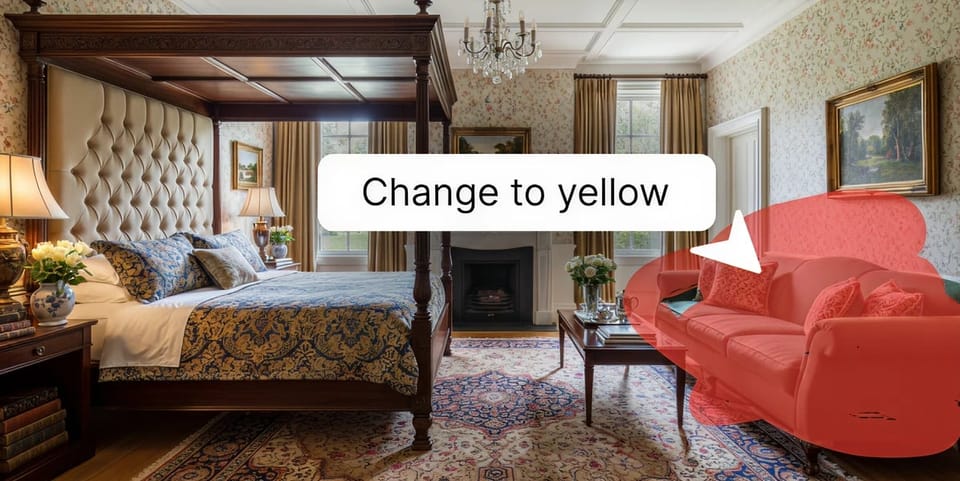
AI 局部重繪替換家具、裝置與材質

32+ 種設計風格現代、波西米亞、工業、日式混搭等

2D 平面圖與草圖的虛擬佈置支援住宅或商業方案的室內與室外設計

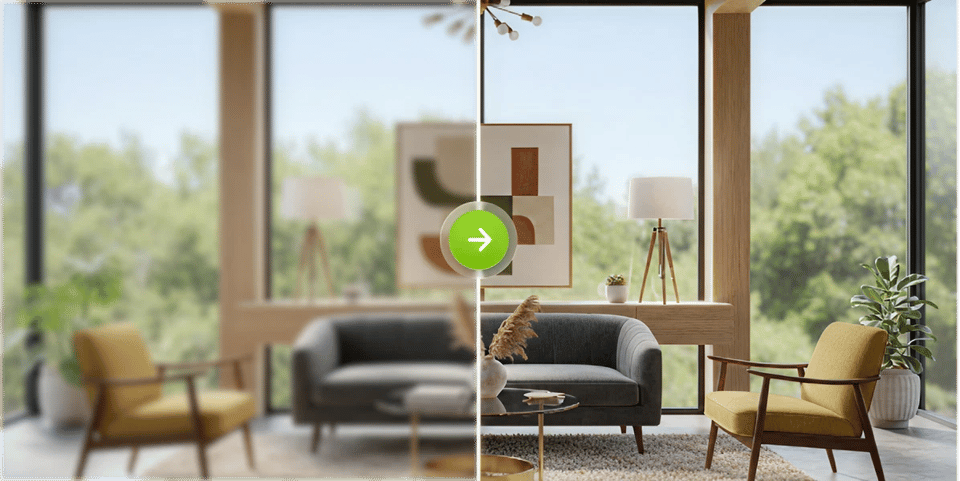
AI 放大客戶與列印就緒渲染匯出,最高 8K

優先渲染佇列跳過排隊,更快完成渲染

一個工具,涵蓋每個空間。 貫穿每個設計階段。
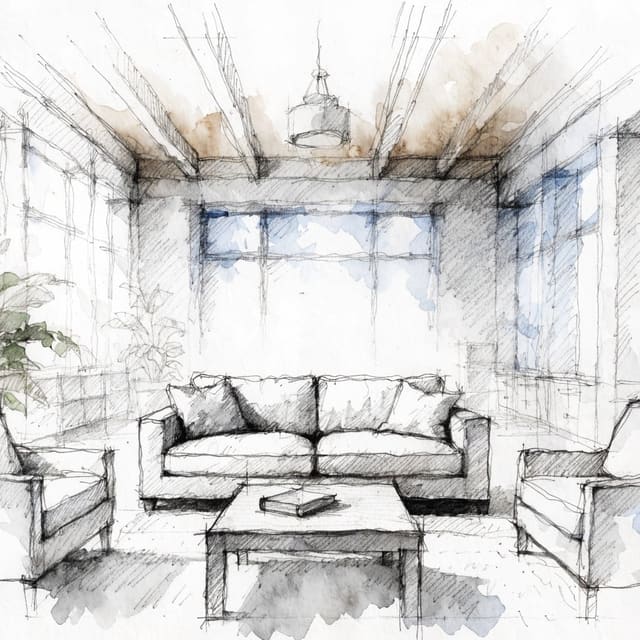
DesignSense AI 不只處理客廳,也涵蓋各類空間與完整設計工作流程。
常見 問題
AI 房間重設工具會利用人工智慧,將你現有空間的照片即時轉換為擬真級室內設計概念。你只要上傳照片、選擇風格,AI 就能在幾秒內生成完整重設後的房間版本。DesignSense AI 支援室內、室外、平面配置圖與手繪草圖,是目前對屋主與專業人士都非常實用且靈活的 AI 室內設計工具之一。
AI 房間重設會先分析你上傳照片中的空間結構、光線與格局,再套用你選擇的風格,生成擬真級渲染圖。DesignSense 採用智慧型 image rendering virtual staging engine,可在幾秒內輸出 HD 與 4K 品質成果。你可以產生多種風格版本,使用 Touch Up Studio 調整家具或燈光等局部元素,或把成果升級成 ultra-high-definition 畫質。
DesignSense AI 提供 AI 室內設計工具的免費試用。Pro 功能可解鎖更高品質的渲染效果與更多客製化選項。
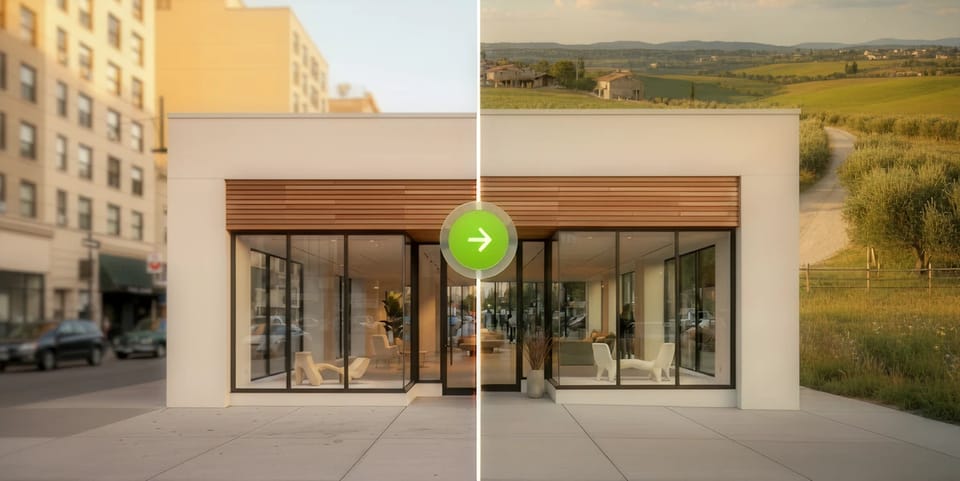
DesignSense AI 幾乎適用於任何空間:客廳、臥室、廚房、浴室、居家辦公室,以及花園、露台與建築外觀等戶外區域。它也支援商業空間,包括零售店、辦公室與 hospitality 場所。你甚至可以上傳平面配置圖或手繪草圖,查看其完整渲染成擬真房間設計的效果。
成果達到擬真級水準,能準確呈現真實材質、光線條件、家具比例與表面紋理。DesignSense 採用最新客製 virtual staging engine 驅動的 HD 渲染,並提供 UHD 4K 輸出,帶來更豐富的細節。成果細緻到足以用於裝修規劃、客戶提案與房地產物件照片製作。
可以,而且這正是最常見的使用情境之一。屋主會在正式裝修前,利用 DesignSense AI 預覽不同風格,先看見成果再做決定,避免昂貴的錯誤。房仲人員會用它來做 virtual staging,室內設計師則會用它快速產出多套概念方案,用於向客戶提案。
不需要。你不必具備設計技能或軟體知識。DesignSense AI 同時適合零基礎新手與設計專業人士,你只要上傳空間照片並選擇風格,剩下的設計工作都交給 AI,幾秒內就能看到成果。
可以。你可以為同一張房間圖片生成不限數量的風格變化,並排比較。當你在不同風格之間猶豫時,這個功能特別實用,例如比較 Modern 與 Japandi 客廳,再決定是否真的要改造空間。
提升室內設計水平 與人工智慧
運用人工智慧重新定義室內美學與機能

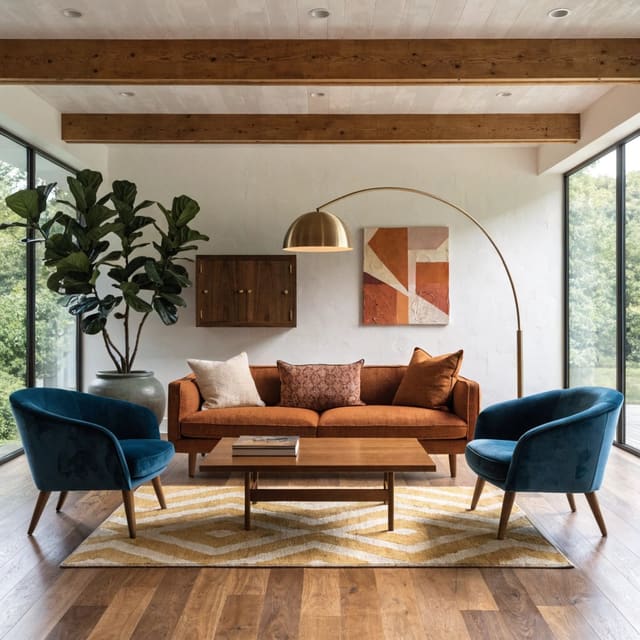
中世紀現代
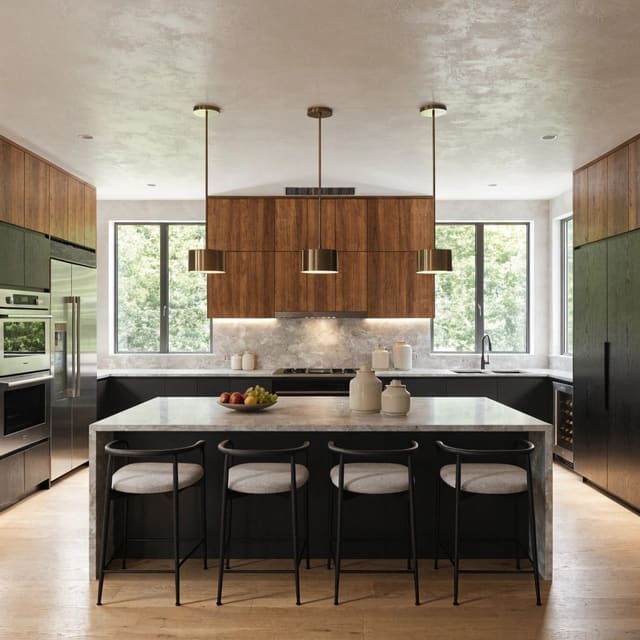
現代
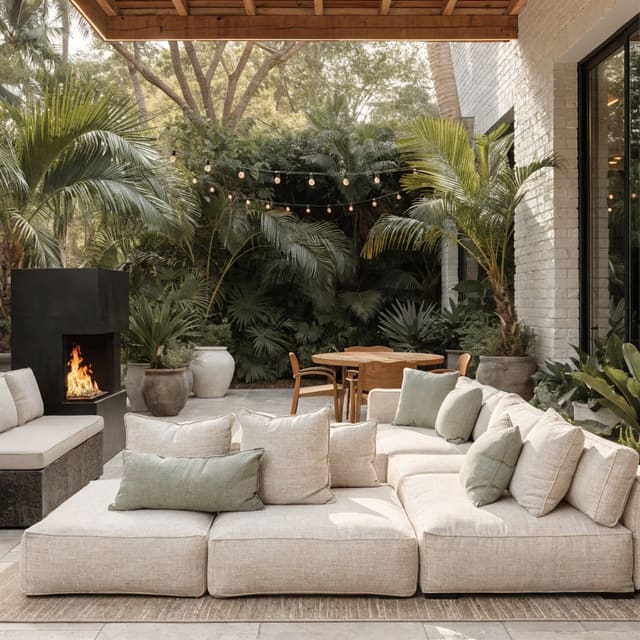
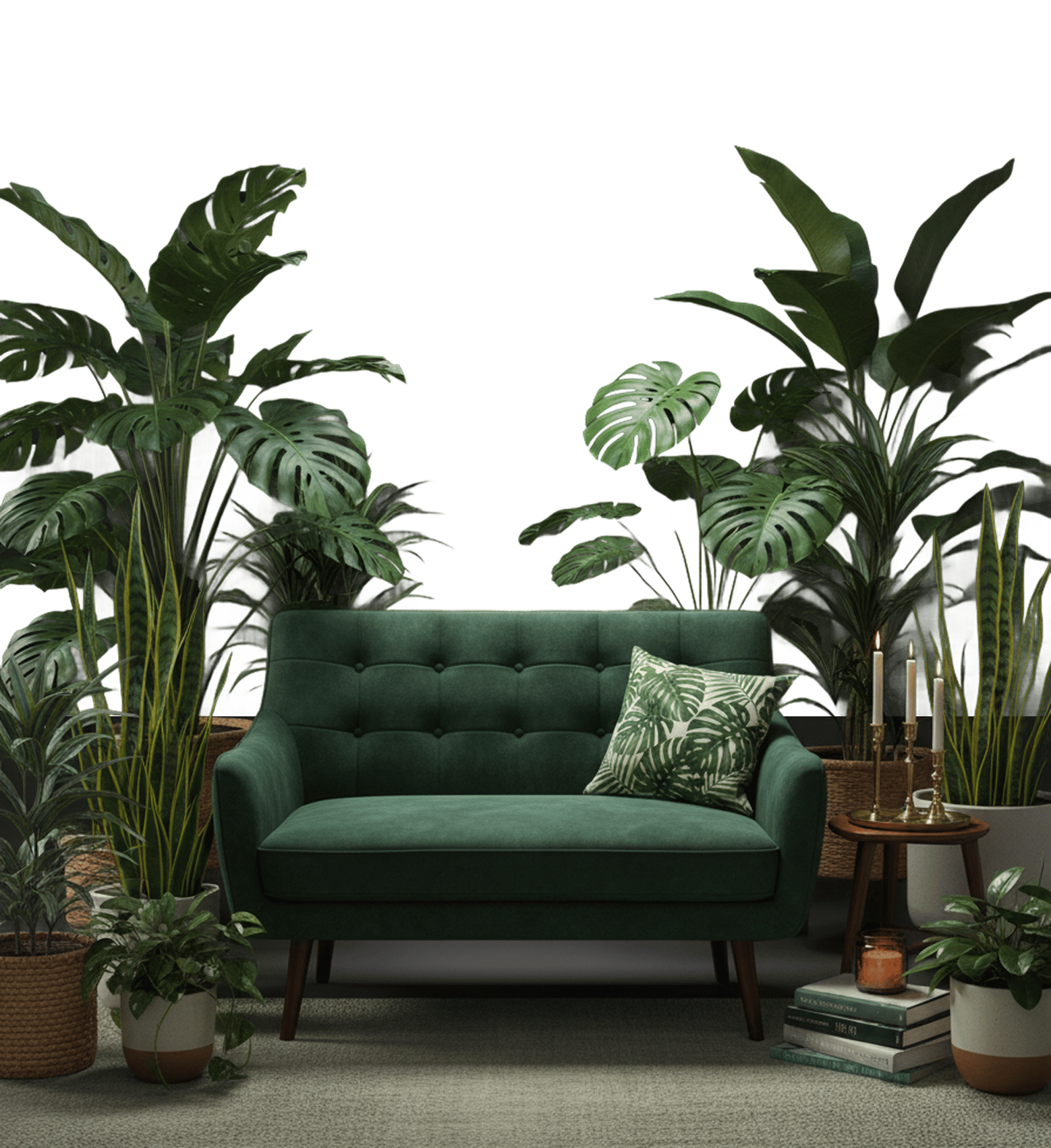
熱帶
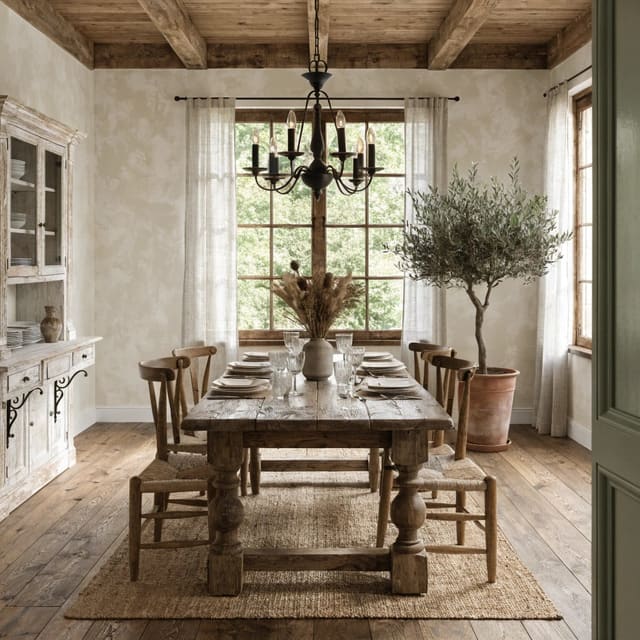
鄉村自然
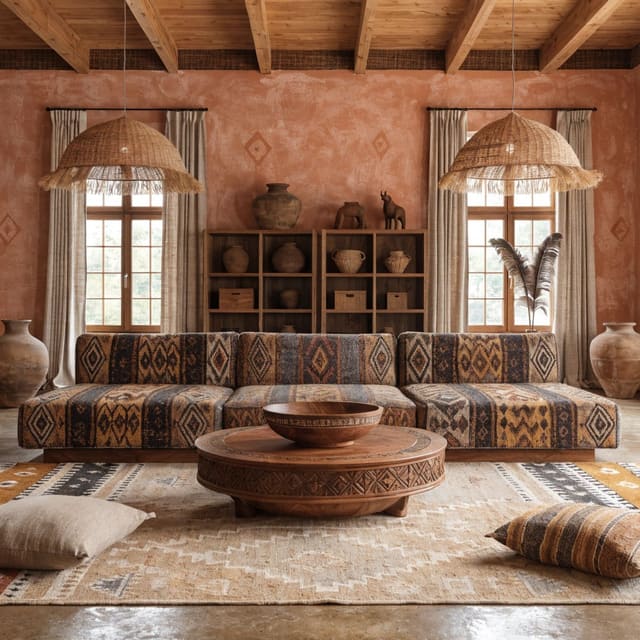
部落風
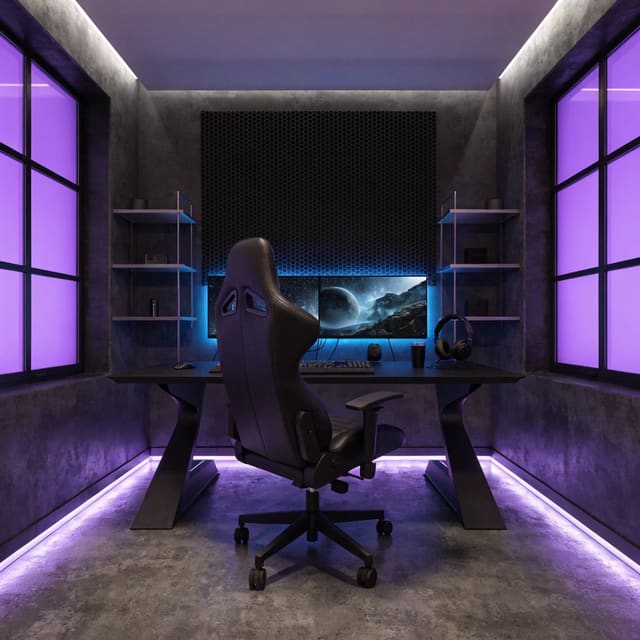
賽博龐克
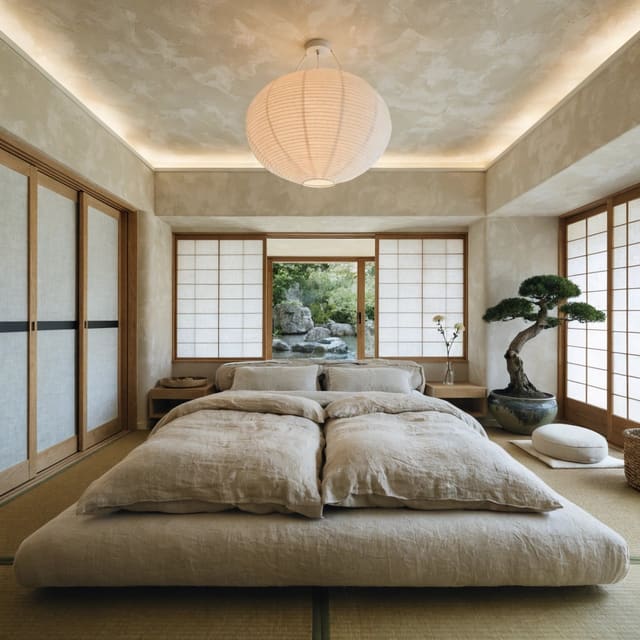
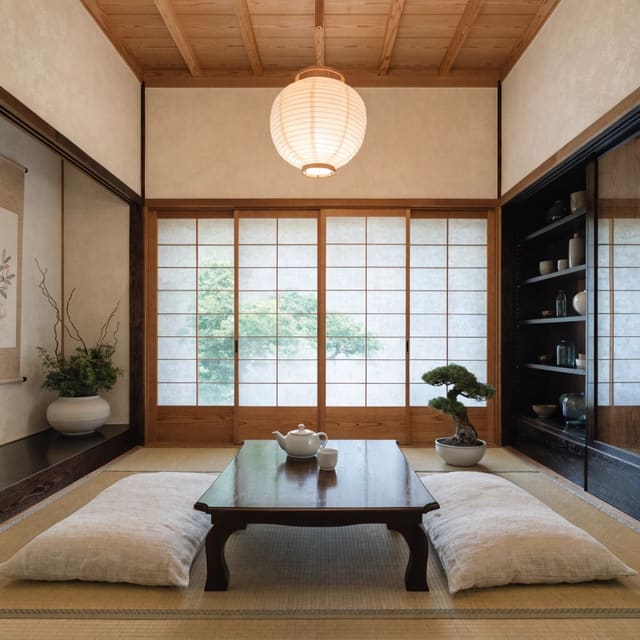
日式設計
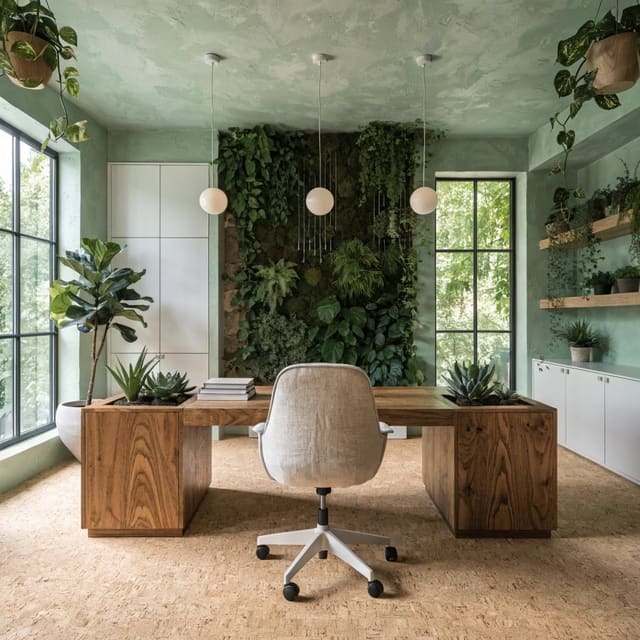
親自然
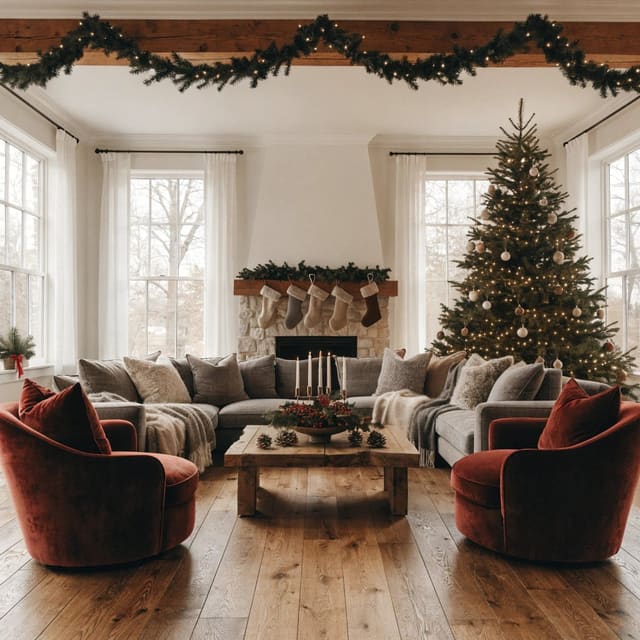
裝飾藝術
海岸
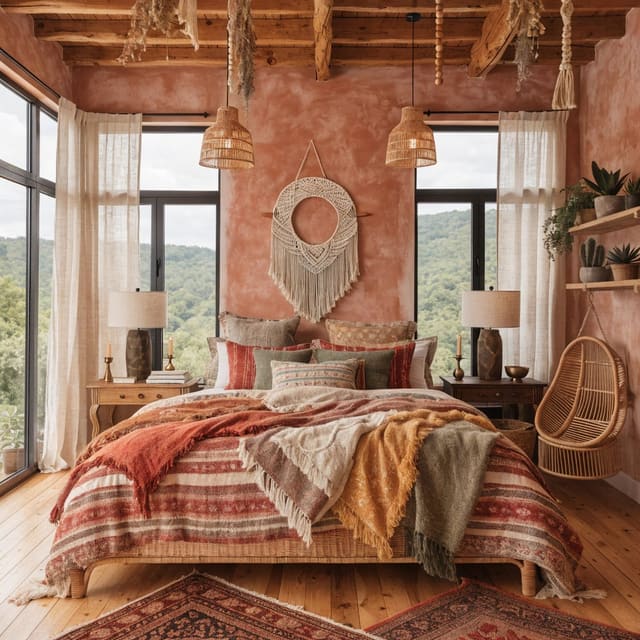
波西米亞
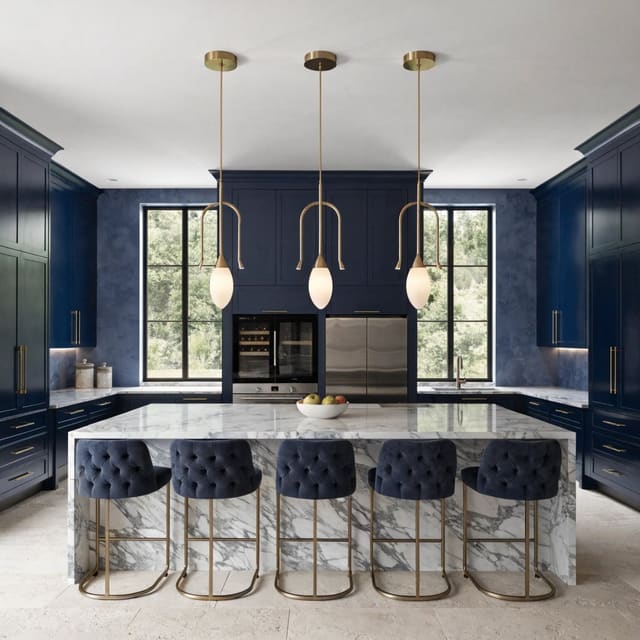
北歐
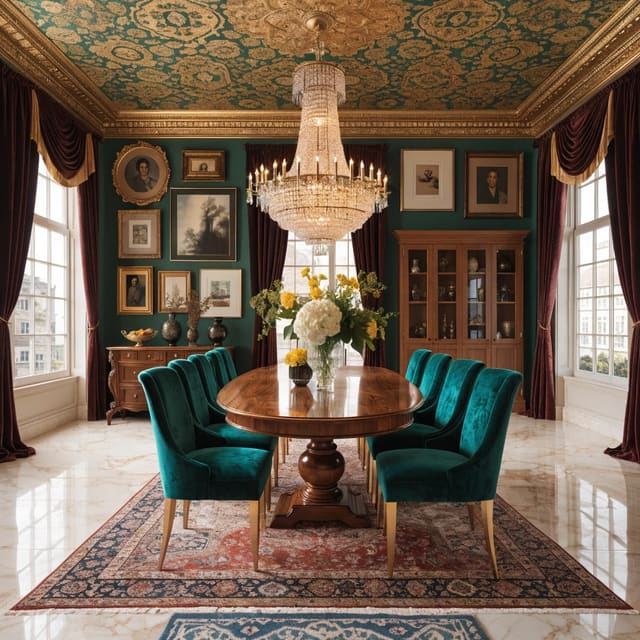
工業風格
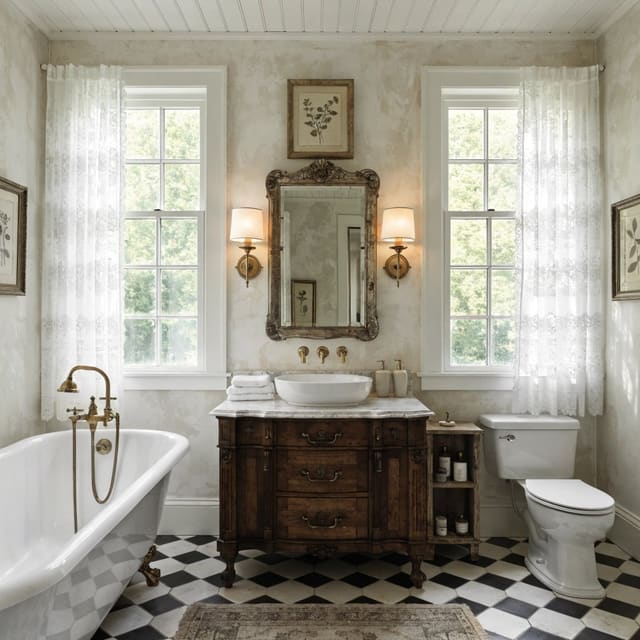
復古
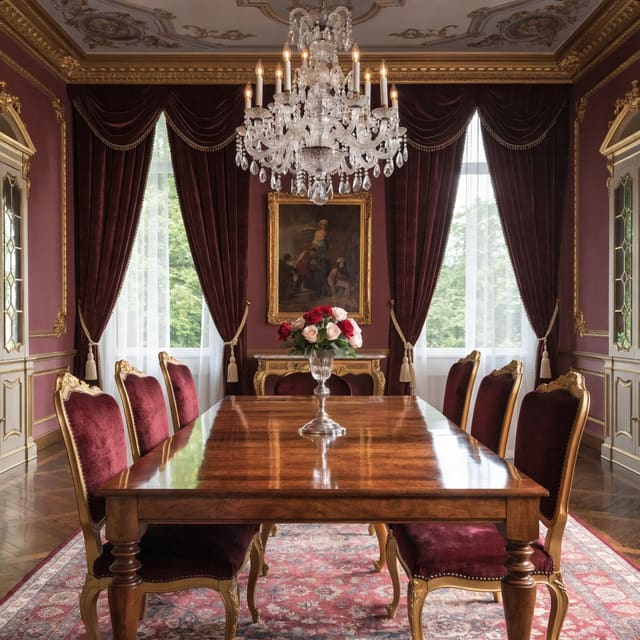
巴洛克
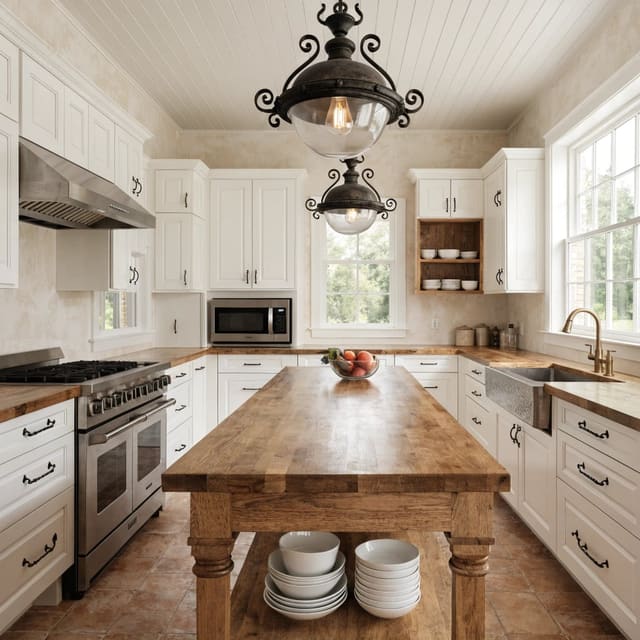
農舍風
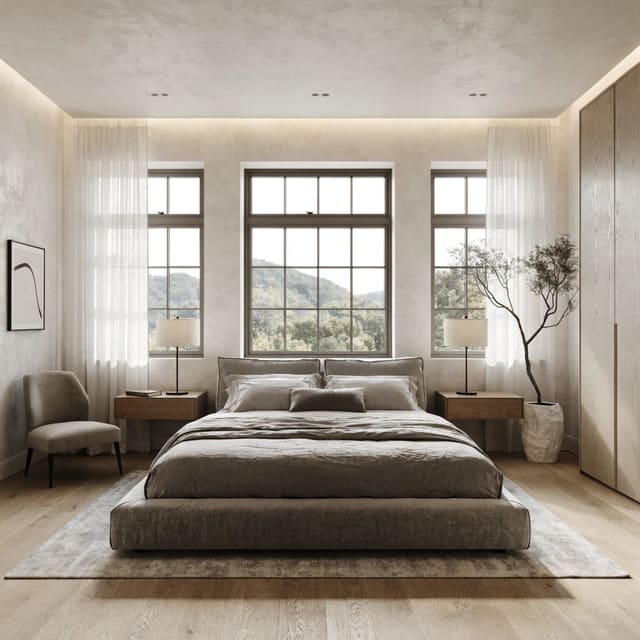
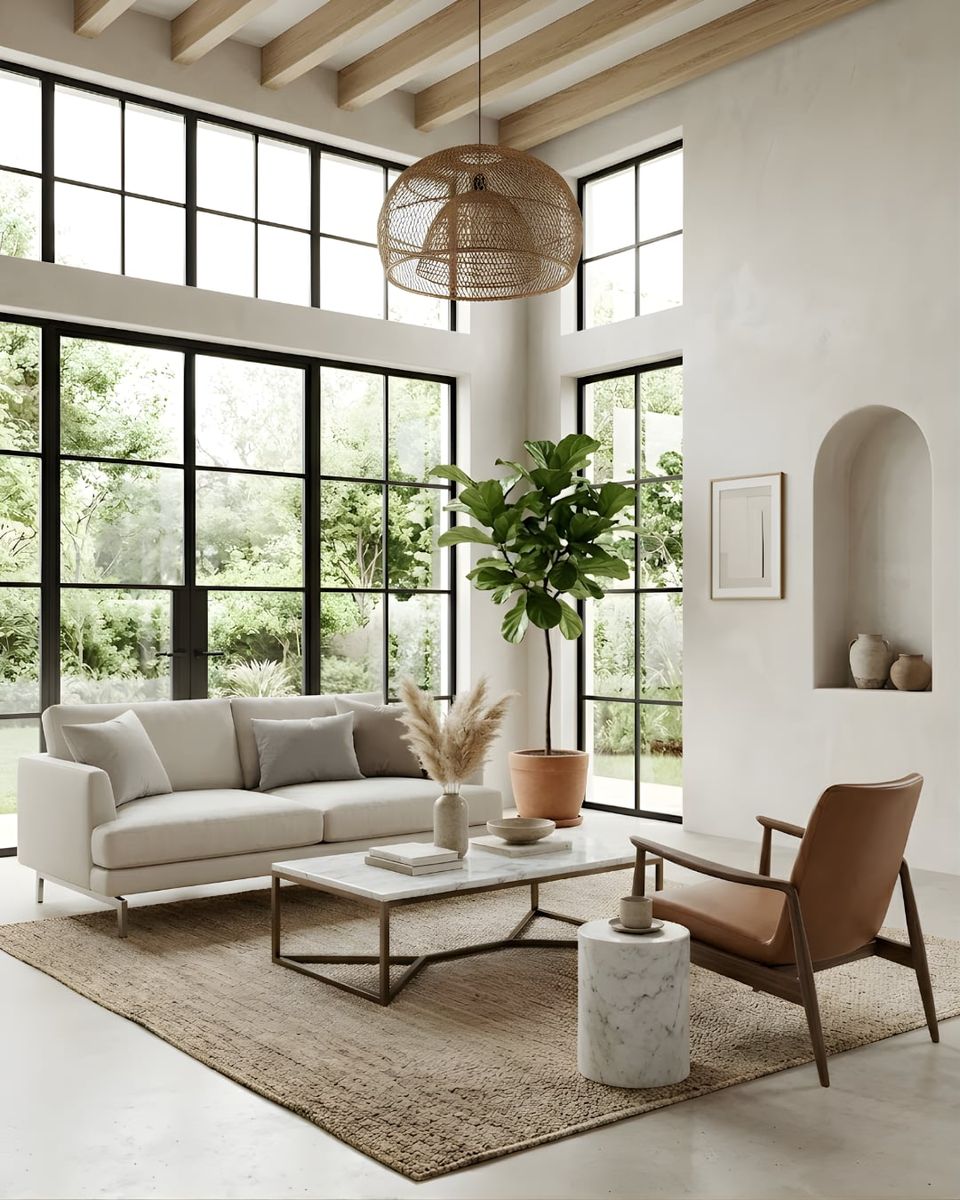
極簡
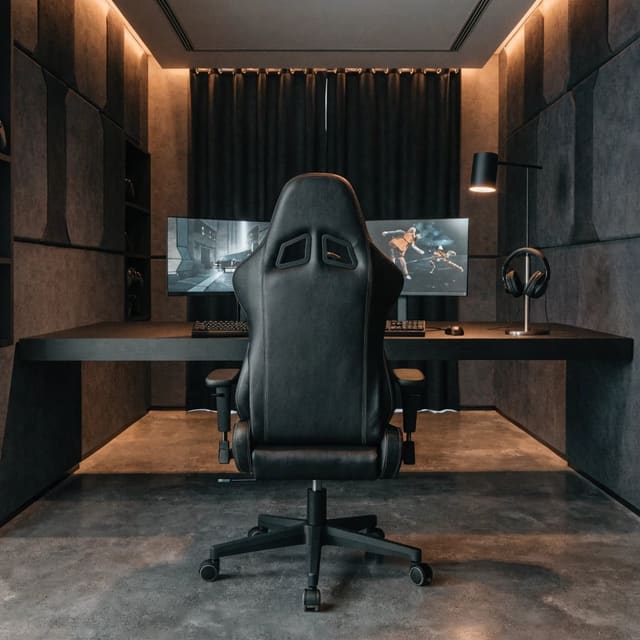
電競房
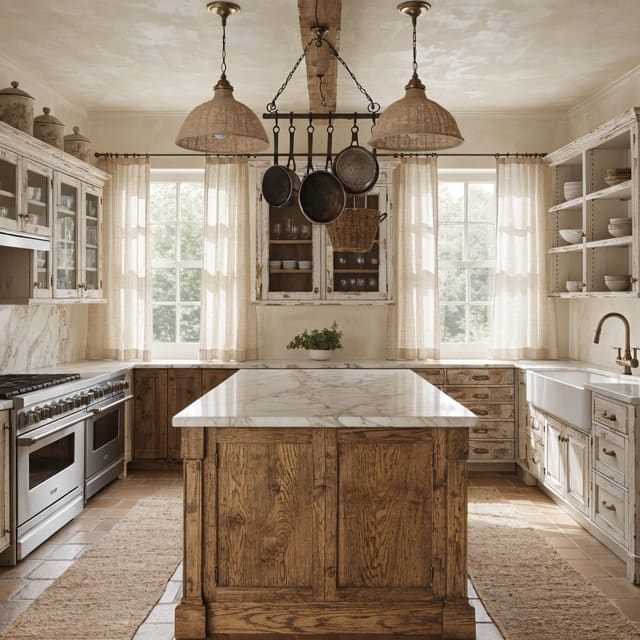
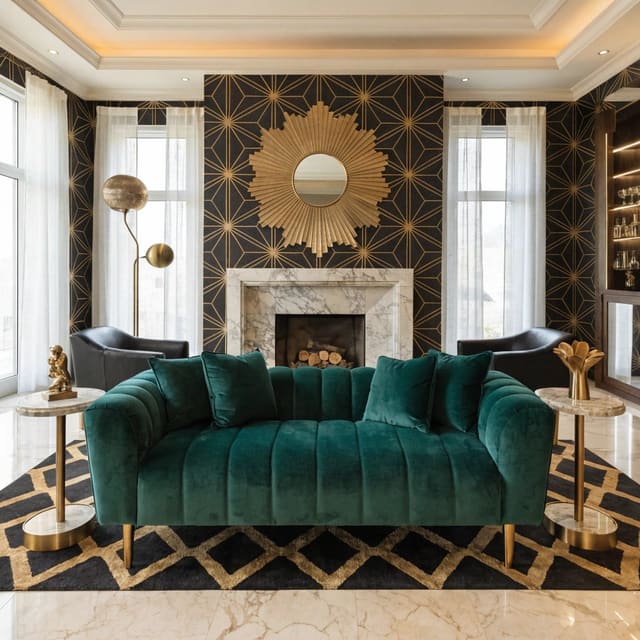
裝飾藝術
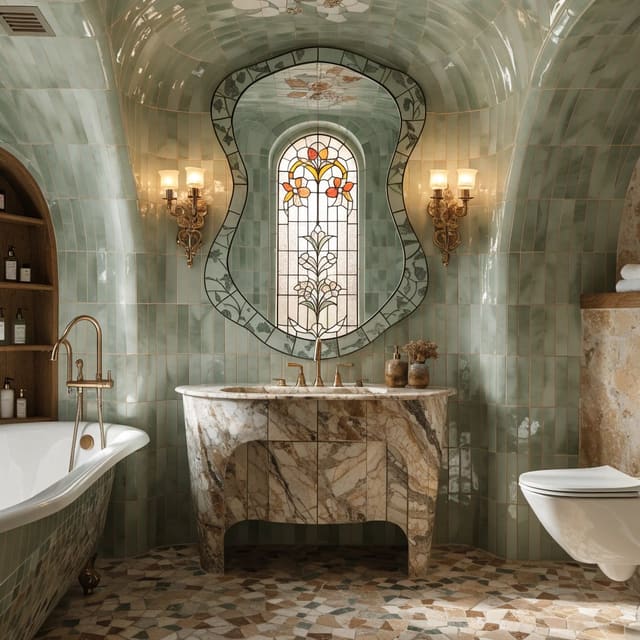
萬聖節
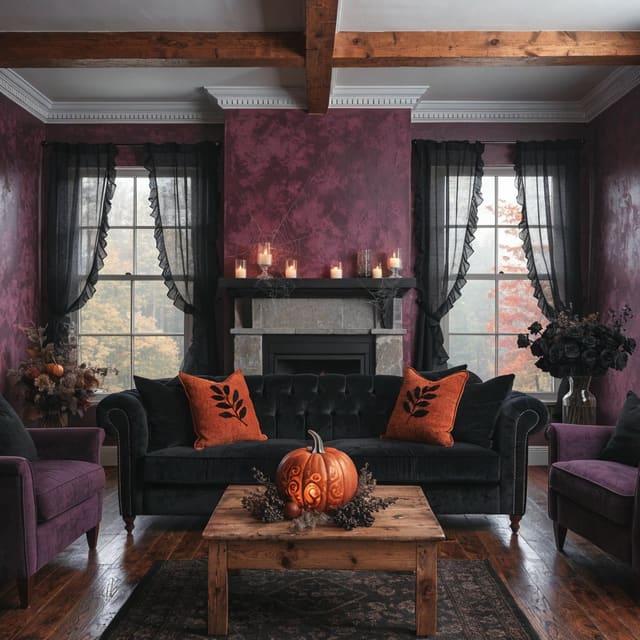
滑雪木屋
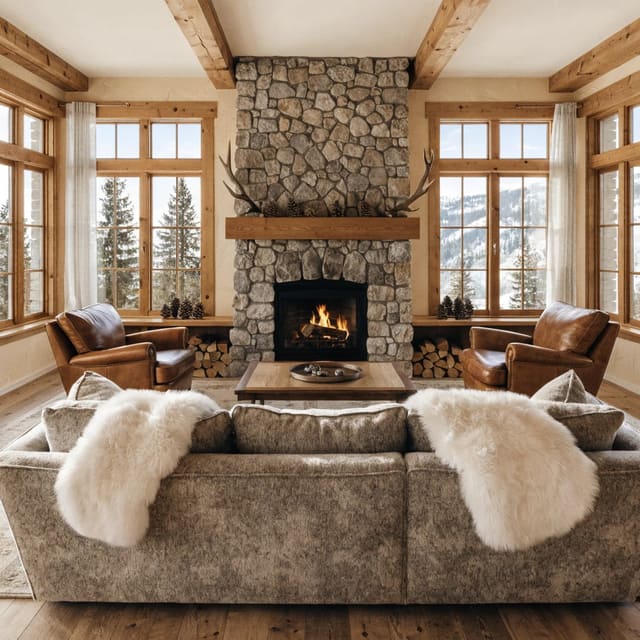
草圖風
北歐
現代
極簡